Quick answer
Use SimXPro 4040 corner brackets to join 40x40 aluminium profiles at 90-degree angles in your sim rig. Slide them into the T-slots, align with the profile ends, and tighten the included bolts for a clean, rigid connection.
Why corner brackets instead of gussets or plates
Corner brackets fit inside the profile's T-slot, keeping the outside of your rig clean and free of protruding hardware. This makes mounting accessories like seats or pedal decks easier because you have uninterrupted slot access. Gusset plates or angle brackets attach externally and can block slots you might need later.
Choosing the right corner bracket for 4040 profiles
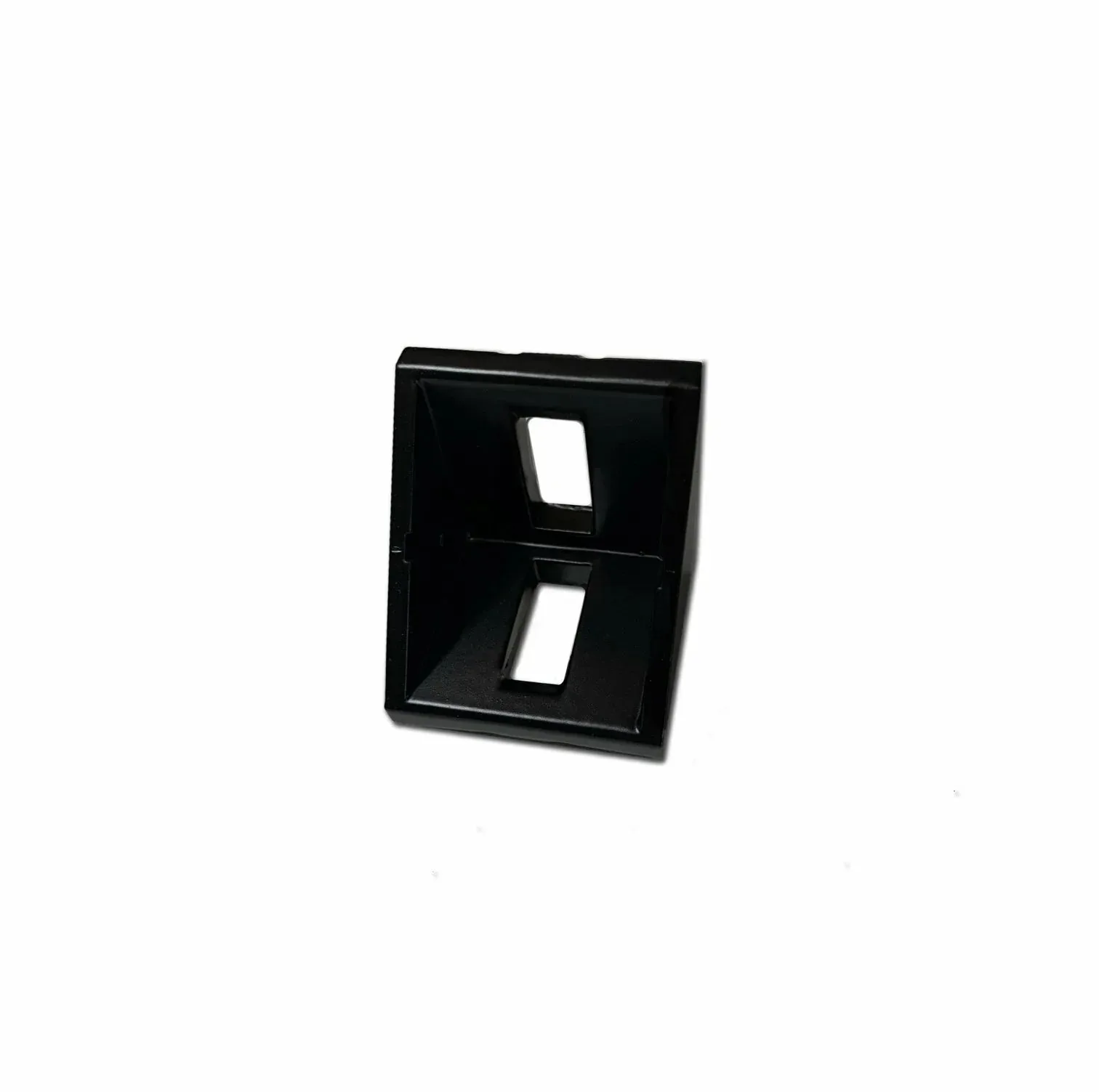
The SimXPro 4x Corner Bracket - 4040 Aluminium Black is specifically designed for 40x40 profiles. Its black anodized finish matches most rig builds and resists corrosion. Each bracket comes with the necessary bolts and T-nuts, so you don't need to source extra hardware. If you're using a different profile size like 40120, you'll need the corresponding bracket variant.
How to install SimXPro 4040 corner brackets
- 1. Prepare the profile ends: Cut your 40x40 aluminium profiles to the desired lengths and deburr the cut ends with a file or deburring tool. Smooth edges prevent the bracket from binding during insertion and ensure a flush joint. A rough cut edge can stop the bracket from sliding fully into the slot.
- 2. Insert the T-nuts and bolts: Place the supplied T-nuts into the T-slot of one profile, then thread the bolts through the corner bracket holes and into the T-nuts. Leave the bolts loose enough to allow the bracket to slide. Do not tighten yet — the bracket needs to move to align with the second profile.
- 3. Position the bracket at the joint: Slide the corner bracket along the slot until its inner face is flush with the end of the profile. Hold the second profile against the bracket's other leg, ensuring both profiles are square. Use a carpenter's square to verify the 90-degree angle before tightening.
- 4. Tighten all bolts evenly: Tighten the bolts in a crisscross pattern using a hex key. Apply firm torque but stop as soon as the bracket feels solid — overtightening can strip the T-nut or deform the slot. If a bolt spins freely, the T-nut may have rotated; back it out and reinsert it straight.
- 5. Repeat for remaining corners: Install brackets on all required joints in your rig frame. For critical load points like the wheel deck base or pedal plate, use two brackets per joint for extra rigidity. One bracket per corner is sufficient for most rigs, but doubling up at high-stress joints reduces flex.
Product facts
-
SimXPro 4x Corner Bracket - 4040 Aluminium Black: SimXPro 4x Corner Bracket 4040 Aluminium Black is designed for sim racing cockpit builds, helping you create a clean, practical and reliable racing simulator setup. This bracket is purpose-built for 40x40 profiles, so you get a precise fit without modifying the bracket or the profile.
SimXPro 4x Corner Bracket - 4040 Aluminium Black


