Quick answer
Mount the V mount plate to your camera cage or light yoke first, attach the battery, then connect power and test before you balance the rig. Keep cables strain-relieved and match the plate's voltage and connector to your camera or LED light. A plate is only as good as its mounting points, so check thread depth and payload before you tighten anything down.
What a V mount plate actually does
A V mount plate is a locking interface that holds a V mount battery and passes its power to your camera, monitor, or LED light. Plates come in several forms: camera-cage plates, light-yoke plates, and rod-mounted plates. The plate itself does not create power; it secures the battery and provides the output connectors or cabling path. That means your first decision is mechanical, not electrical: where can the plate live so the battery does not foul the rig or shift the center of gravity?
Check voltage and connector before you buy
V mount batteries commonly output 14.4V nominal, but cameras and LED lights may expect a regulated input, a specific barrel size, or a D-tap connection. Read the input label on your camera or light and compare it to the plate and battery output. If the label is missing or unclear, treat that as a decision limitation and contact the manufacturer before powering up. A voltage mismatch can damage gear, and a loose barrel connector can cause intermittent shutdowns mid-take.
How V mount compares with NP-F for small rigs
NP-F batteries are lighter and cheaper, which suits monitors, small LED panels, and compact mirrorless rigs. V mount batteries carry more capacity and higher output, so they make more sense for cinema cameras, high-output LED lights, and long shoot days. The tradeoff is weight and bulk: a V mount plate and battery can add noticeable mass, so gimbal and handheld setups may still favor NP-F. Choose V mount when runtime and output matter more than saving grams.
Step-by-step V mount plate setup
- 1. Mount the plate to a solid point: Attach the V mount plate to your camera cage, light yoke, or rod system using the correct screws. Check that screws do not protrude into the camera body or light housing. Common mistake: over-tightening into a shallow thread and stripping the cage. Stop when the plate is snug.
- 2. Attach the V mount battery and lock it: Slide the battery onto the plate until the latch clicks, then give it a gentle tug to confirm it is seated. Some plates have a release lever that must be fully engaged. Checkpoint: if the battery rocks or the latch feels soft, reseat it before powering anything.
- 3. Connect power with strain relief: Run the output cable from the plate or battery to your camera or LED light. Leave a small service loop and secure the cable to the rig with a clamp or tie so the connector is not bearing the weight. Common mistake: letting the cable hang free, which wears the connector and causes dropouts.
- 4. Power on and test before balancing: Turn on the camera or light and confirm stable power. Watch for flickering, warning icons, or a light that will not reach full output, which can indicate a voltage or connector mismatch. If anything flickers, power down and recheck the voltage and connector before continuing.
- 5. Balance and secure the rig: Adjust the plate position or add counterweight so the rig balances on your shoulder, gimbal, or tripod head. Recheck that all screws and latches are still tight after balancing. Checkpoint: a balanced rig reduces strain on the mount and makes handheld work safer.
- 6. Plan battery swaps and cable routing: Decide where spare batteries and cables live on the rig. Route power so a battery change does not require dismantling the camera or light. Common mistake: burying the plate behind accessories, which turns a 30-second swap into a five-minute rebuild.
Product facts
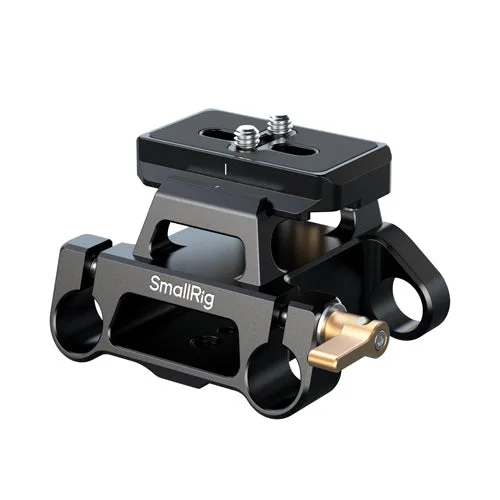
- SmallRig Arca-Type Mount Plate Kit with 15mm Dual Rod Clamp: SmallRig Arca-Type Mount Plate Kit with 15mm Dual Rod Clamp combines an Arca-type mounting plate with a dual rod clamp for 15mm rods. Useful when you want to add a plate to a rod-based rig without a separate rod clamp, keeping the build compact.
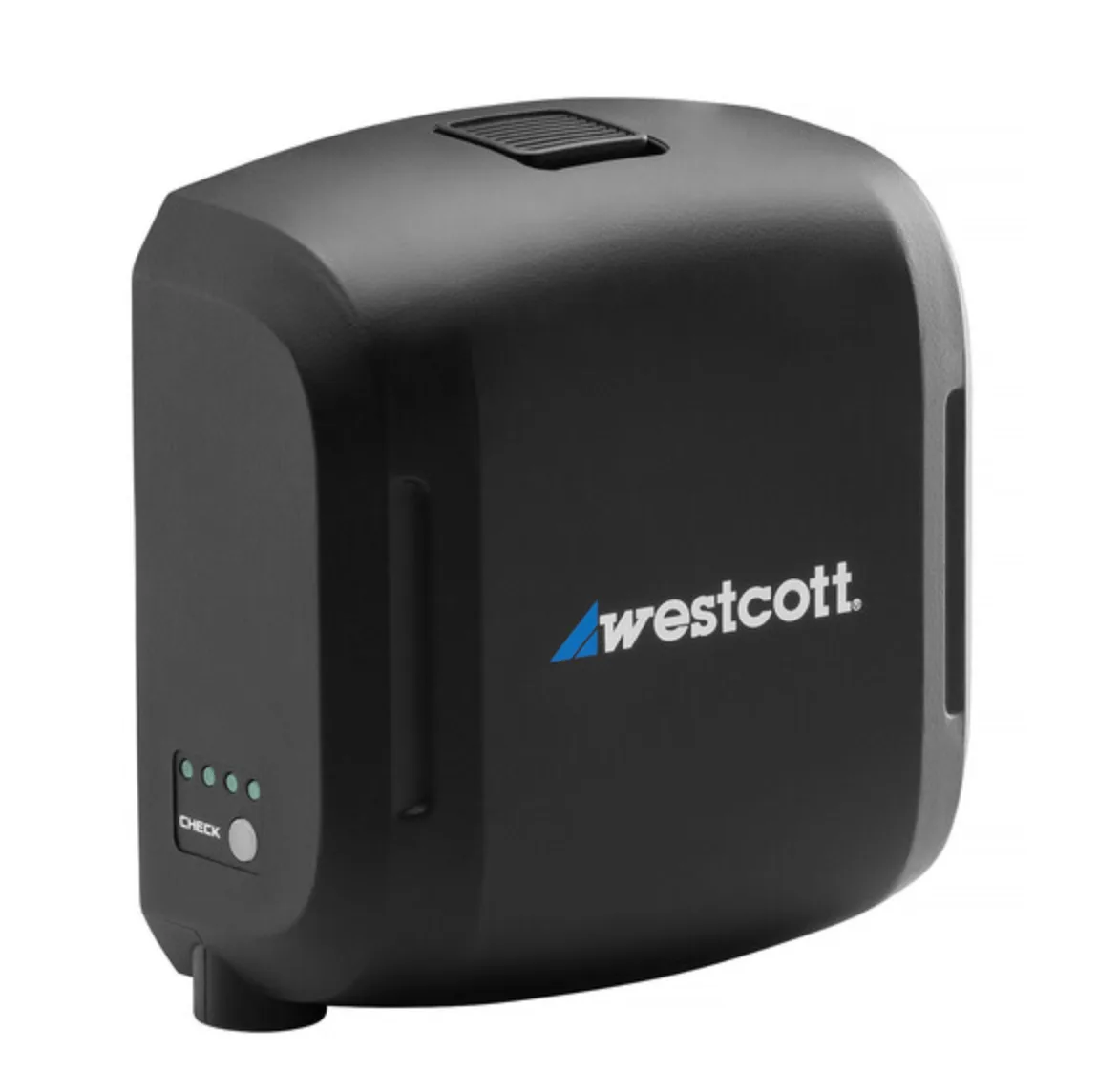
- Westcott FJ Pro AC/DC Battery & Power Adapter for FJ800 & FJ400 II Strobes: Westcott FJ Pro AC/DC Battery & Power Adapter is designed for use with FJ800 and FJ400 II strobes and provides an AC/DC power and battery solution. A reminder that not every light runs on V mount; check whether your light uses a dedicated power adapter before planning a plate-based power path.
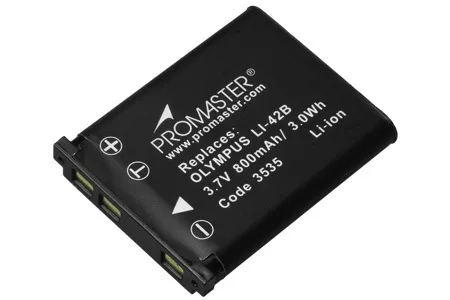
- Promaster LI-40/42B Lithium Ion Battery for Olympus: ProMaster LI-40/42B Lithium Ion Battery for Olympus is a replacement battery manufactured to meet or exceed the equipment manufacturer's specifications. Small camera batteries still matter as backup or hot-swap power for cameras that cannot take V mount directly.