Quick answer
For long exposure video, set your variable ND filter to the lowest stop that lets you keep your shutter at 1/50 (for 24fps) and your aperture wide open, then fine-tune diffusion to taste.
Why a variable ND beats fixed filters for video
When you're shooting video, the scene brightness changes as you pan or as clouds pass. A variable ND filter lets you adjust exposure in seconds without changing your shutter speed or aperture, which keeps motion blur consistent and depth of field stable.
The Urth ND2–400 + Ethereal ¼ Black Mist Filter Plus combines adjustable neutral density (1–8.6 stops) with a ¼ strength diffusion. That means you can control exposure and add a soft filmic glow in one step, without stacking filters.
Step-by-step setup for long exposure video
- Set your camera to manual: Switch to manual mode, choose your frame rate (e.g., 24fps), and set shutter speed to double the frame rate (1/50). Keep ISO at its base value. This ensures natural motion blur. Double-check that shutter speed is locked—many cameras reset it when you change modes.
- Mount the variable ND filter: Screw the Urth ND2–400 + Ethereal ¼ Black Mist Filter Plus onto your lens. Make sure it's snug but not over-tightened, so you can rotate the ring smoothly. Check for vignetting at wider focal lengths—if you see dark corners, zoom in slightly or reduce the filter strength.
- Set aperture for depth of field: Choose your desired aperture (e.g., f/2.8 for shallow depth of field). This is your creative choice, but keep it wide enough to let in light—the ND filter will handle the rest. If your scene is very bright and you're at the minimum ND strength, stop down slightly rather than raising shutter speed.
- Adjust the ND strength: Rotate the filter ring to increase or decrease light reduction until your exposure meter reads correctly. Start at the lowest strength and increase until the exposure is balanced. Watch for the 'X' pattern (cross-hatch) that appears at extreme settings—stay below the maximum to avoid uneven exposure.
- Use the diffusion for cinematic glow: The ¼ strength black mist diffusion softens highlights and reduces contrast. Keep it on for a filmic look, or turn it off (if you have a non-diffusion ND) for a cleaner image. Review your footage on a monitor—diffusion can hide sharpness, so decide if you want that aesthetic for the whole clip.
- Record a test clip: Shoot 10 seconds of a moving subject (like water or traffic) and review it. Check that motion blur is smooth and exposure is consistent across the clip. If the clip flickers, your shutter speed may be off—re-check it and ensure your camera is set to a fixed shutter, not auto.
The filter that makes it easier
-
ND2–400 + Ethereal ¼ Black Mist Filter Plus: Adjustable 1–8.6 stop light reduction with ¼ strength diffusion. You can dial in the exact exposure for long video clips and soften highlights at the same time, without carrying extra filters.
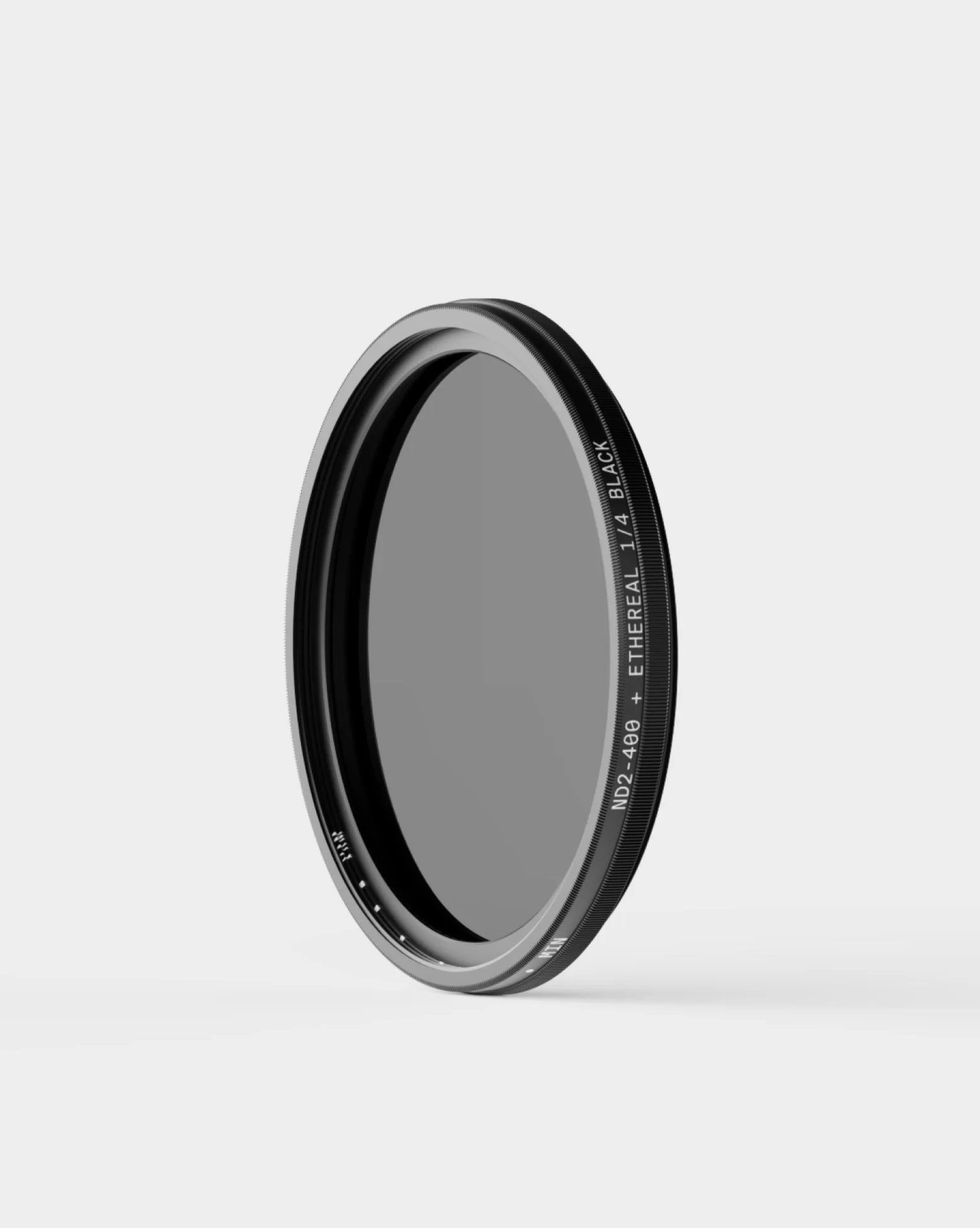
ND2–400 + Ethereal ¼ Black Mist Filter Plus


