Quick answer
Lightroom presets change color, tone, and light with one click inside Lightroom, while Photoshop actions run a recorded sequence of edits like retouching or film-style effects. Most beginners should start with a preset collection for everyday color and add actions only when a photo needs layered retouching or a specific creative look.
How do Lightroom presets actually work?
A preset is a saved set of slider values. When you click it, Lightroom applies those values to your photo's white balance, exposure, color mix, tone curve, and other settings. You can then adjust any slider without losing the preset's starting point. Because presets are non-destructive, your original raw file stays untouched, and you can reset or try a different preset at any time.
What are Photoshop actions, and when do you need them?
An action is a recorded series of steps in Photoshop: it might add a curve layer, apply a color lookup, sharpen, and add grain in a set order. Actions are ideal for multi-step edits that would be tedious to repeat, such as a film-emulation look or a portrait retouch workflow. They work on pixel layers, so they suit photos that need compositing, skin cleanup, or texture work rather than global color changes.
Can you use presets and actions on the same photo?
Yes, and many photographers do. A common order is to start in Lightroom with a preset for color and light, export to Photoshop, then run an action for retouching or a stylistic finish. Keep the raw file as your master, do global color in Lightroom first, and save actions for local or layered work. This avoids stacking heavy edits that are hard to undo.
Why do presets look different on your photos?
Presets react to what is already in the file. A preset built for warm, earthy tones will look different on a cool, underexposed image than on a bright, neutral one. Camera profile, white balance, and lens also shift the result. The fix is not to abandon the preset but to correct exposure and white balance first, then apply the preset and fine-tune opacity or individual sliders.
Do you need both Lightroom and Photoshop?
Not necessarily. If your editing is mostly color, tone, and consistency across sessions, Lightroom presets cover it. If you retouch skin, remove objects, or build layered composites, Photoshop actions save real time. Many beginners start with presets, then add actions when a specific job demands them. Choose based on the edits you actually repeat, not on what sounds more advanced.
Beginner FAQ: quick answers
What is the difference between a preset and an action?
A preset stores Lightroom slider values for color and light; an action records Photoshop steps like layers, curves, and retouching. Presets are for global adjustments, actions for layered or repetitive edits. Start with a preset for color, add an action only when the edit needs layers.
Can I use presets in Photoshop?
No. Presets are Lightroom-specific. In Photoshop you use actions, or you can apply a camera raw filter manually. The two tools live in different apps and are not interchangeable. Match the tool to the app you are editing in.
How many presets should a beginner buy?
One versatile collection is enough to learn on. A set built around a consistent look, like warm earthy tones or clean natural color, teaches you how sliders interact better than a large mixed bundle. Pick one collection, edit 20 photos, then decide what is missing.
Do presets work on phone photos?
Yes, if you import them into Lightroom mobile. The same preset will look slightly different because phone files have less dynamic range, so adjust exposure and white balance before applying it. Correct light first, then apply the preset.
Why does a preset look bad on my photo?
Usually because the starting exposure or white balance is off, or the scene's color is very different from what the preset was built for. Fix the base image, then lower the preset's intensity or tweak individual sliders. Presets are a starting point, not a final render.
Should I learn presets or actions first?
Learn presets first. They are faster to apply, easier to undo, and cover the color and tone work most photos need. Add actions once you hit edits that require layers or retouching. Presets for speed, actions for depth.
Presets and actions worth knowing
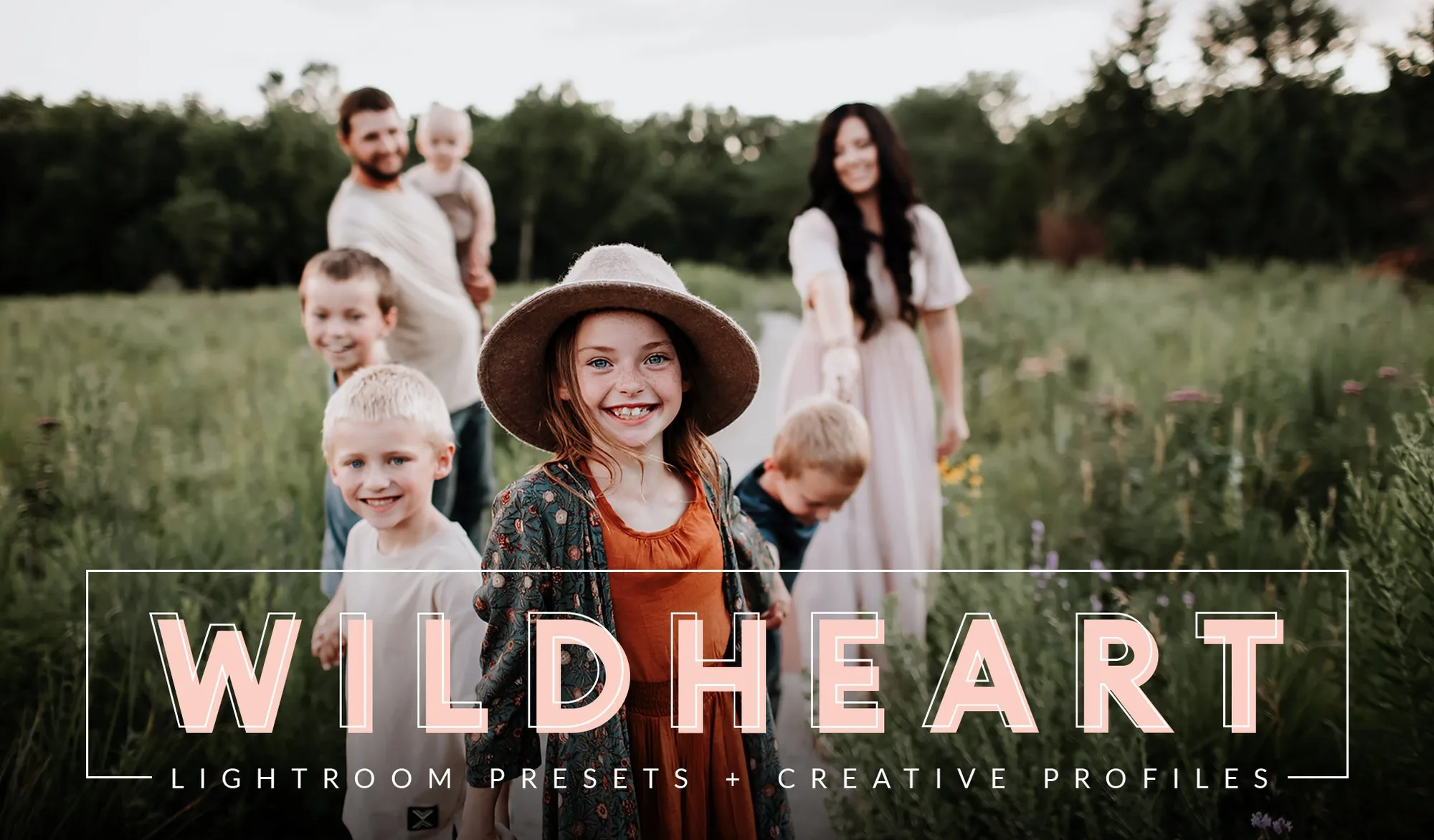
- WILDHEART Evolution Preset Collection: WILDHEART Evolution Preset Collection is a Lightroom preset and profile collection designed for rich color, warm earthy tones, soft highlights, and luminous skin tones. A good first preset set if you want a signature warm look that stays consistent across a full session.
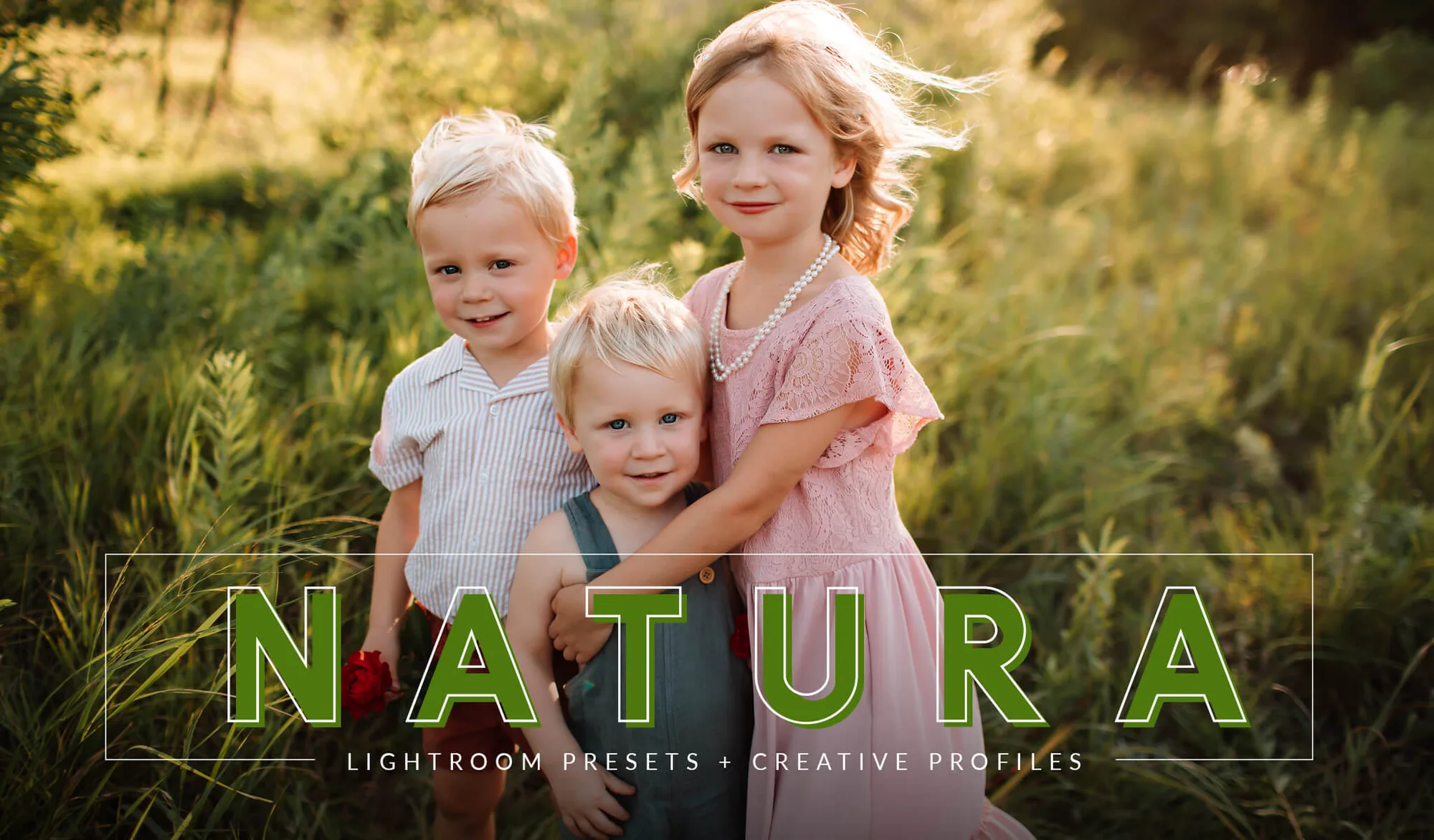
- NATURA Evolution AI Preset Collection: NATURA Evolution AI Preset Collection is a Lightroom preset and profile collection built for clean, timeless edits that enhance natural light and organic tones without overpowering the image. Better suited to photographers who want subtle, true-to-life color rather than a heavy stylized grade.
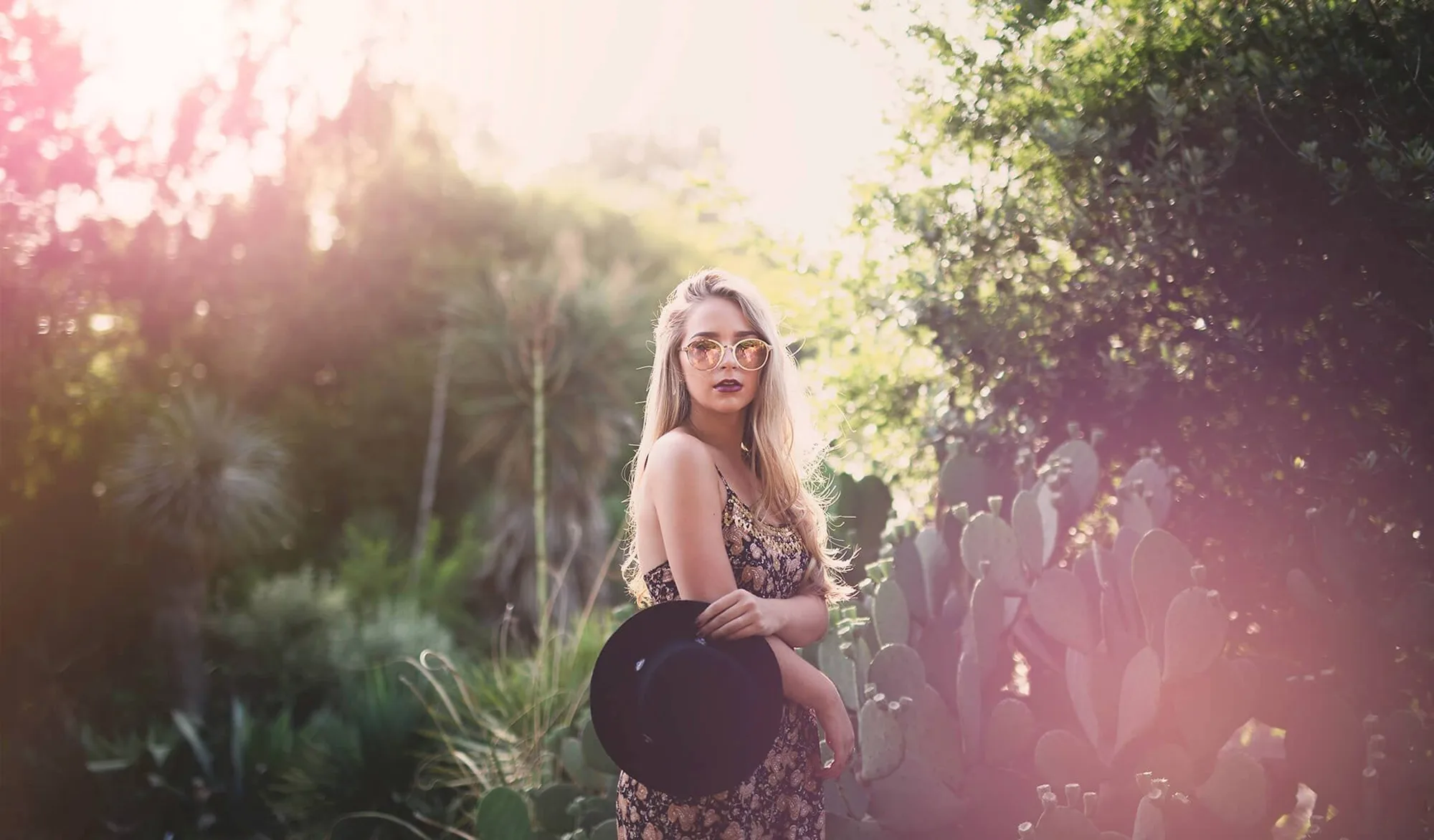
- FILM Photoshop Actions Collection: FILM Photoshop Actions Collection is a set of Photoshop actions that emulate the soft, romantic look of classic film stock in one click. Useful when you want a film-style finish that involves layered steps, which is where actions outperform presets.