Quick answer
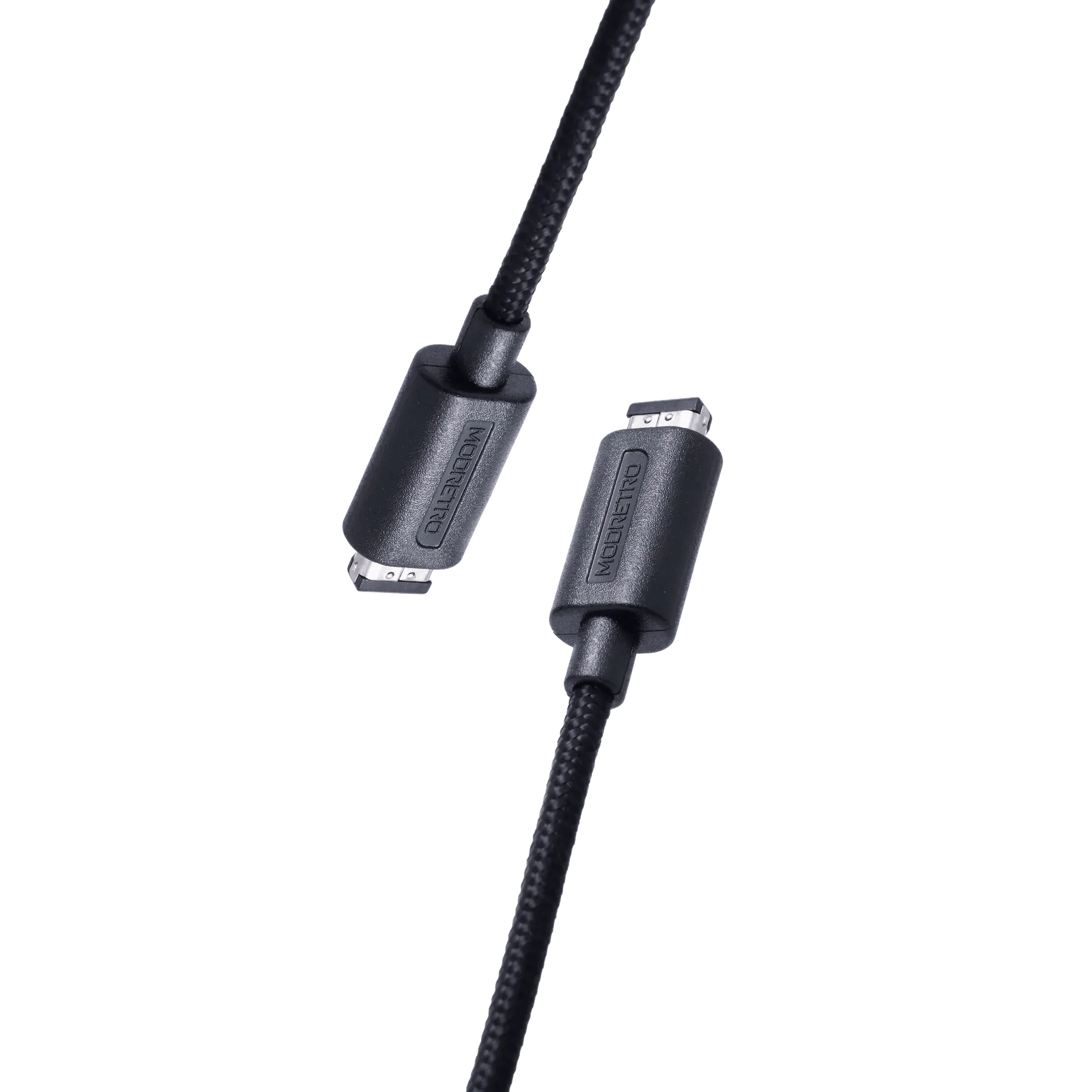
To set up multiplayer on your Chromatic, plug the ModRetro Link Cable into the link ports of two consoles, power both on, and launch a compatible game. The 6.5-foot cable gives you enough room to sit side by side without feeling cramped.
What You Need Before Starting
You need two Chromatic handhelds, one ModRetro Link Cable, and two copies of a game that supports link-cable multiplayer. The cable is 6.5 feet long, so you can sit comfortably apart. No Wi-Fi or internet connection is required—this is pure wired head-to-head action.
Choosing the Right Game
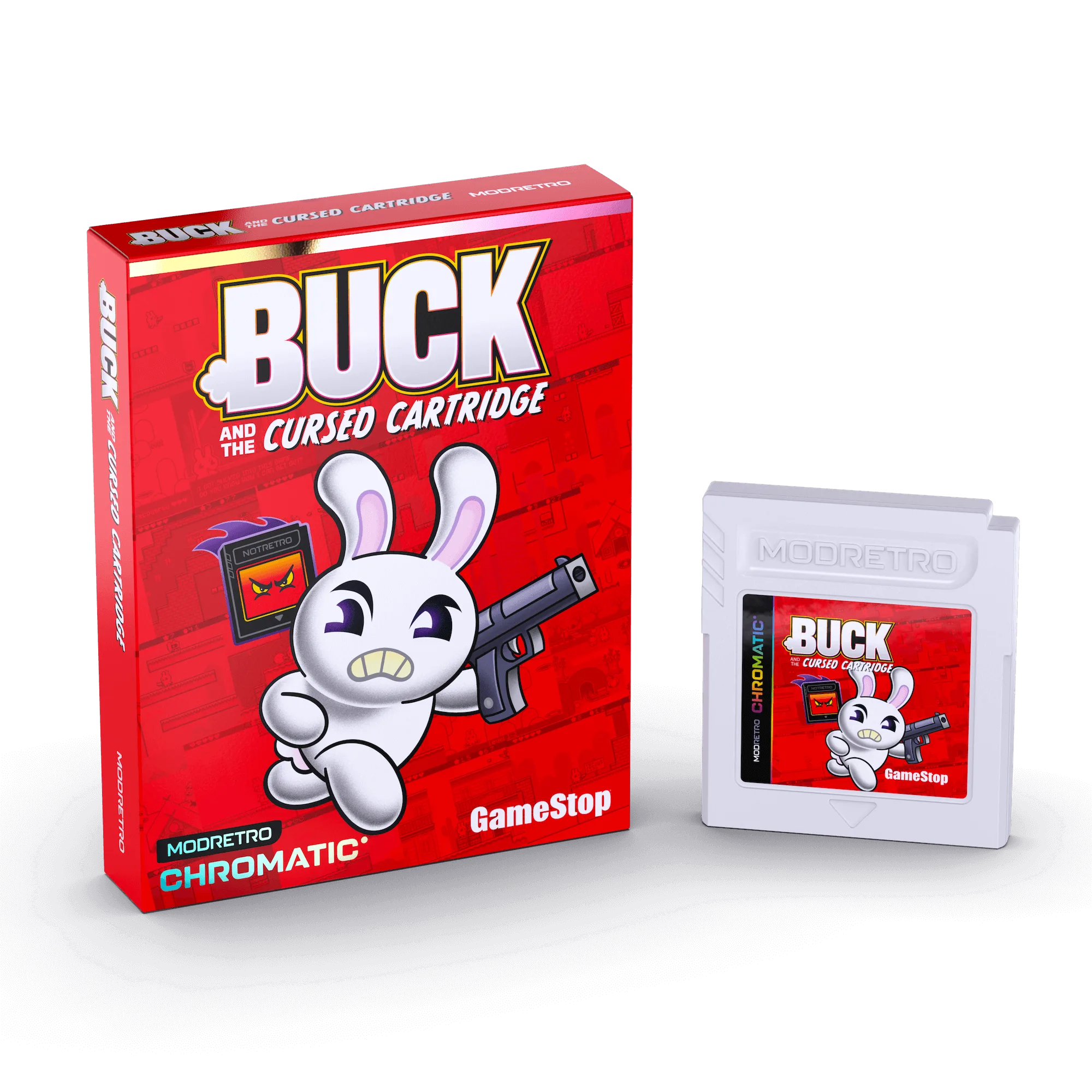
Not every Chromatic game supports link-cable multiplayer. Titles like Buck and the Cursed Cartridge or Sabrina: Zapped! are single-player experiences. Check the game’s description or packaging for link-cable support before you plan a session. The link cable works with any game that includes a multiplayer mode using the link port.
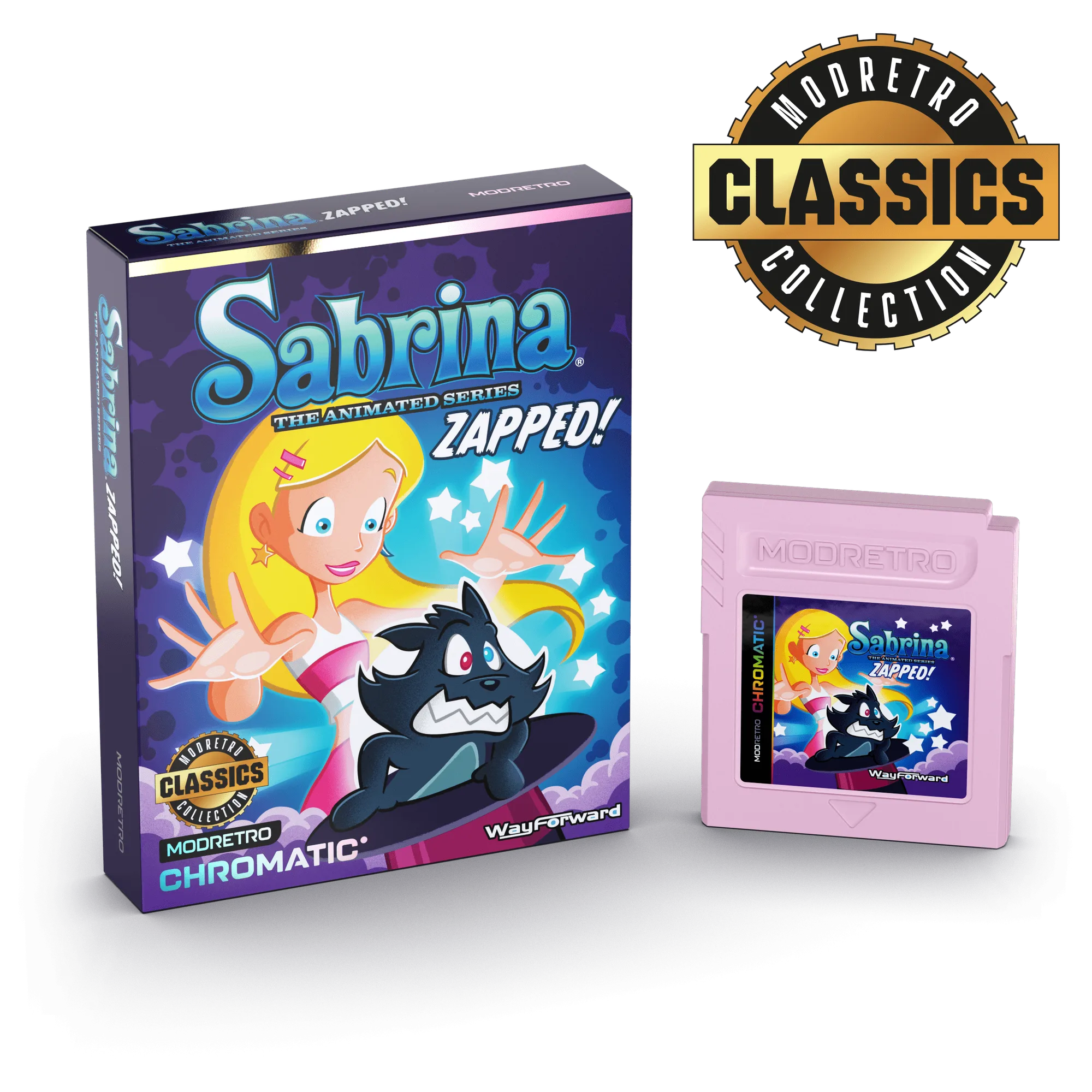
Sabrina: Zapped!
Step-by-Step Link Cable Setup
- Step 1: Power off both Chromatics: Always turn off both consoles before connecting the link cable. Plugging or unplugging while powered on can cause glitches or corrupt save data. Checkpoint: Both screens are off before you insert the cable.
- Step 2: Insert the cable into each console’s link port: The link port is on the top edge of the Chromatic. Push the connector in firmly until it clicks. The cable is symmetrical, so either end works on either console. Common mistake: Forcing the connector upside down. It only fits one way—align the tab with the port notch.
- Step 3: Power on both consoles: Turn each Chromatic on using the power switch. Wait for the boot screen to appear before launching a game. If one console doesn’t turn on, check the cable connection. Checkpoint: Both screens show the main menu before proceeding.
- Step 4: Launch a compatible multiplayer game on both consoles: Insert the game cartridge into each Chromatic and select the multiplayer or link mode from the title screen. Follow on-screen prompts to connect. The cable handles all data transfer automatically. Common mistake: Starting a single-player mode instead of link mode. Look for a 'Link Battle' or 'Multiplayer' option in the menu.
- Step 5: Confirm the connection and play: Once both consoles show a 'Connected' or 'Ready' message, you’re good to go. If you don’t see a connection, restart both consoles and try again. The 6.5-foot cable gives you room to reposition without unplugging. Next step: Enjoy head-to-head gameplay. No Wi-Fi, no lag, just retro multiplayer.
Gear You Need
- Link Cable: The ModRetro Link Cable connects two Chromatics for multiplayer gameplay on supported titles. Just power on, plug in, and let the head-to-head action begin. 6.5 feet long. Room to Play. Link and Battle–no Wi-Fi needed. The 6.5-foot length gives you enough slack to sit side by side or across a small table without pulling the consoles. No Wi-Fi means zero lag and no setup beyond plugging in.