Quick answer
A Litter-Robot weight sensor measures the load on the base and keeps the globe from cycling while a cat is inside. Treat any weight reading as a safety input, not a scale: if it looks wrong, pause automatic cycling, check the surface under the unit, and confirm the tray and base are seated correctly before trusting it again.
Most Litter-Robot cat safety questions come down to one worry: how does the unit know a cat is inside before it starts turning? The weight sensor is the first line of that answer, and it works alongside other checks, not instead of them.
Below are the questions owners ask most often, answered one at a time. Where a specification is not published for a model, this guide says so rather than guessing.
How does a Litter-Robot weight sensor actually work?
The base measures how much weight is resting on it. When that reading rises enough to indicate a cat has entered, the unit holds off on starting a clean cycle. When the cat leaves and the weight returns to its baseline, the cycle can proceed on its normal schedule.
That baseline matters. The unit is comparing current load against the resting weight of the litter, waste drawer contents, and the globe itself. Change any of those, such as adding a full bag of litter, and the baseline shifts with them.
On models with SmartScale, the same readings are used for weight tracking over time. That is a convenience feature built on the safety input, not a separate scale bolted on.
- Let the unit sit undisturbed for a few minutes after setup so it can settle on a baseline.
- Add litter before you expect accurate tracking, not after.
Is the weight sensor the only thing keeping my cat safe?
No, and it is worth being clear about that. Weight detection is one layer. The globe also uses entry detection and cycle interruption logic so that a cat stepping in mid-cycle stops the rotation.
The practical takeaway is that a weight sensor problem is a reason to stop automatic cycling, not a reason to assume the unit is unsafe in every situation. You can switch to manual cycling until you have sorted out the reading.
If you have a very light cat or kitten, ask the manufacturer about the minimum detection weight for your specific model before relying on automatic cycles. That figure is not the same across every unit and should not be assumed.
- Use manual cycle mode while you investigate any odd weight behavior.
- Keep the unit on a firm, level surface so the base is not rocking or bridging.
Why does my Litter-Robot show a weight when no cat is inside?
A phantom reading usually means something is pressing on or lifting the base. Carpet is the most common culprit: a soft or uneven surface lets the base settle unevenly, so the load is distributed in a way the unit does not expect.
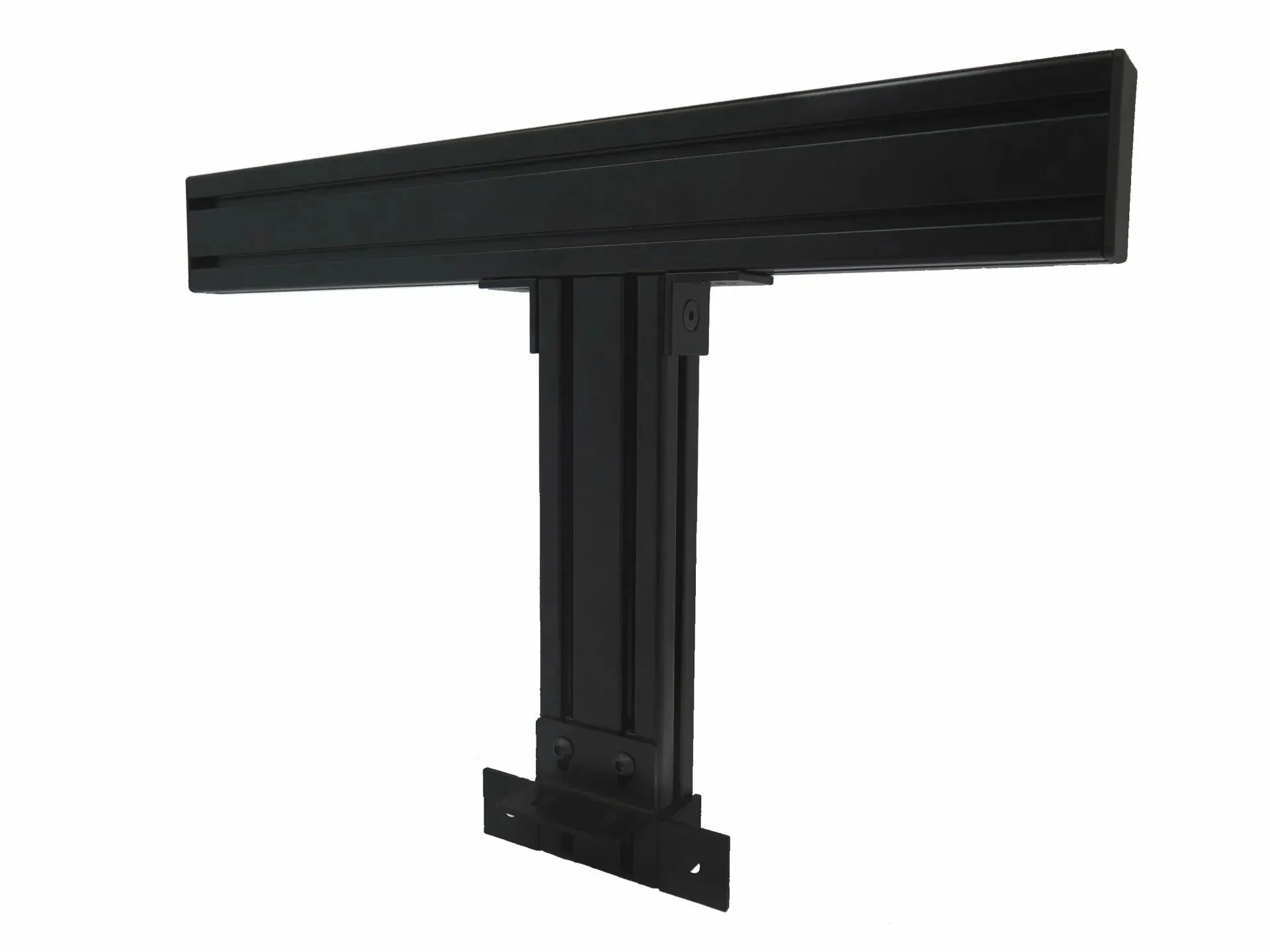
If your Litter-Robot 4 sits on carpet or an uneven floor, the Litter-Robot 4 Carpet Tray improves the accuracy of SmartScale weight readings. It is not required for the unit to function, so treat it as a fix for a specific symptom rather than a mandatory add-on.
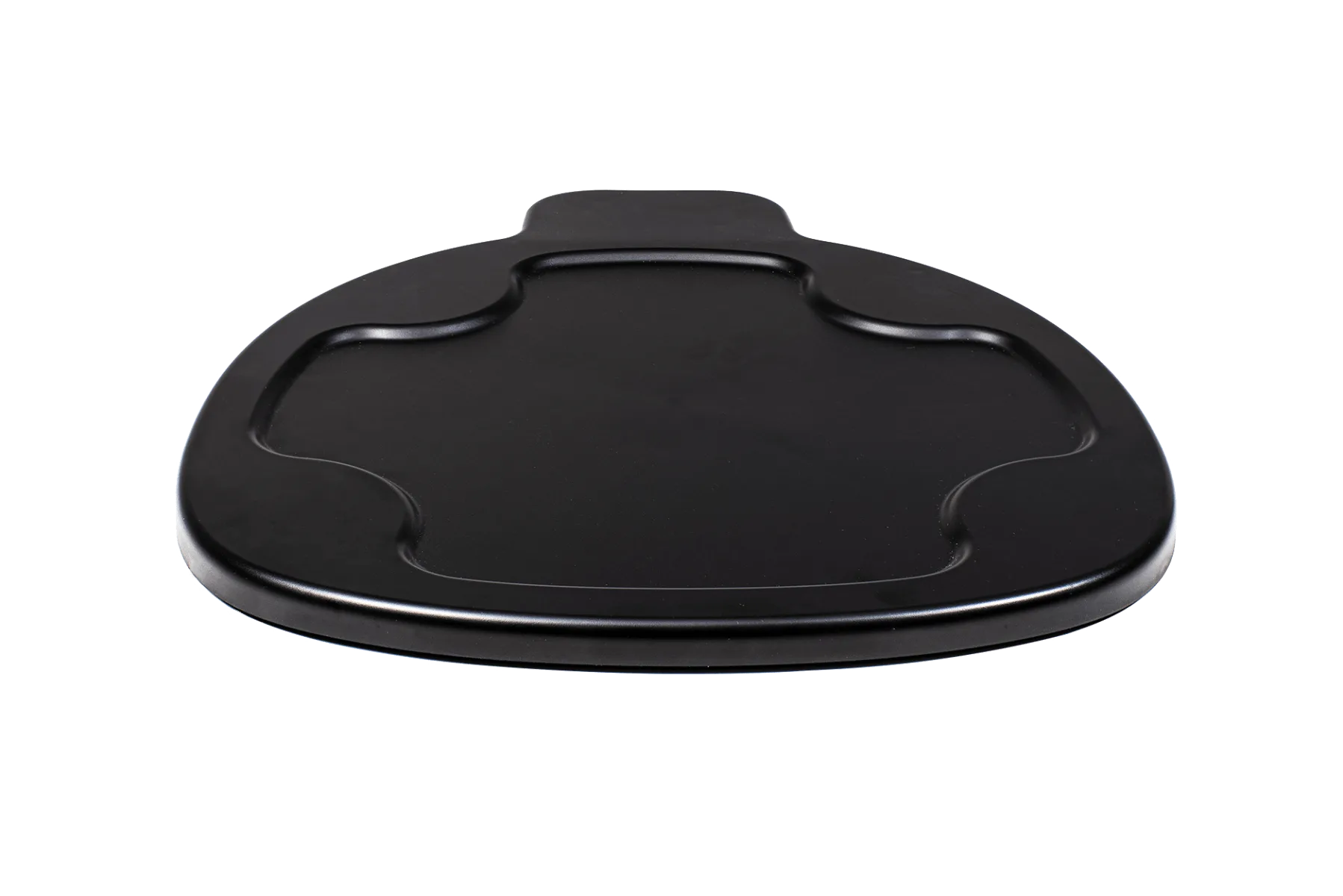
Litter-Robot 4 Carpet Tray
Also check that the waste drawer is fully seated, nothing is wedged under the base, and the unit is not resting against a wall or cabinet in a way that shifts weight.
- Move the unit to a hard, level floor temporarily to see whether the phantom reading disappears.
- Re-seat the drawer and globe, then let the baseline reset before judging the reading.
Does a heavier cat or a multi-cat home affect readings?
A heavier cat simply produces a larger change from baseline, which is easier for the unit to register. The harder case is multiple cats of very different sizes sharing one unit, because the readings jump around and individual weight tracking becomes less clean.
For multi-cat homes, the Litter-Robot 5 Pro is built around that problem, using dual AI-powered cameras, WasteID, and smart insights to help you understand your cats individually. That is a different approach to identification than weight alone.
If you only need the safety behavior and not per-cat tracking, a single well-placed unit on a level surface will still pause correctly for any cat that steps in.
- Give each cat a clear approach path so two cats are less likely to enter at once.
- If readings look chaotic, review them at the same time each day rather than in real time.
What should I check if the sensor seems unreliable?
Work from the floor up. Surface first, then seating, then litter level, then the app. Most unreliable readings trace back to the unit not sitting flat or something pressing on the base.
Next, confirm the litter is at the recommended level. An overfilled globe adds weight the unit has to account for, and an underfilled one changes the baseline in the other direction.
If the reading is still wrong after those checks, stop relying on automatic cycles and contact support. A sensor you cannot trust is a maintenance issue, not something to work around indefinitely.
- Photograph the app reading next to the actual litter level so support can see the mismatch.
- Note the floor type and whether a tray is in use before you call.
Weight sensor safety checklist
Surface check
Confirm the unit sits flat on a hard floor. On carpet or an uneven surface, use the Litter-Robot 4 Carpet Tray to improve SmartScale accuracy on Litter-Robot 4. If the phantom reading disappears on a hard floor, the surface was the problem.
Baseline check
Fill litter to the recommended level, seat the drawer fully, and let the unit rest undisturbed so it can settle on a new baseline. Recheck the reading only after the baseline has had time to reset.
Light-cat check
For kittens or unusually small cats, confirm the minimum detection weight for your specific model with the manufacturer rather than assuming a figure. Until you have that answer, use manual cycling when you are not home to watch.
Escalation check
If readings stay wrong after surface, seating, and litter checks, stop automatic cycling and contact support with photos of the app reading and the litter level. An untrustworthy sensor is a repair issue, not a workaround.
Products that affect weight readings and cat safety
- Litter-Robot 4 Carpet Tray: The Litter-Robot 4 Carpet Tray improves the accuracy of SmartScale weight readings when Litter-Robot 4 sits on carpet or uneven surfaces. It is not required for Litter-Robot 4 to function. If your unit reports weights when no cat is inside and it sits on carpet, this is the targeted fix. Skip it if your unit is already on a hard, level floor.
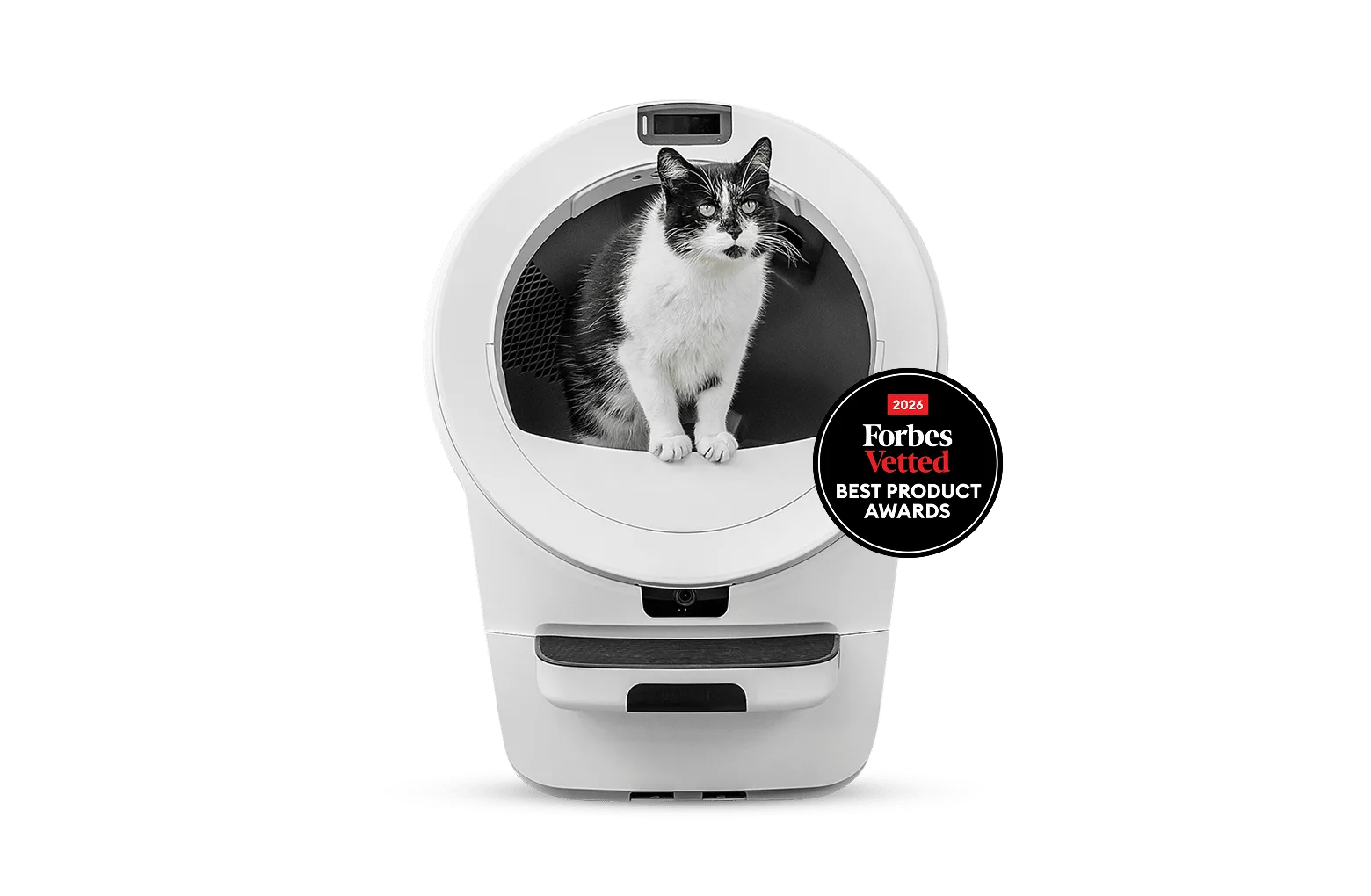
- Litter-Robot® 5 Pro: The new Litter-Robot 5 Pro is the insightful self-cleaning litter box designed to help you understand your cat like never before, with dual AI-powered cameras, WasteID, and smart insights. In multi-cat homes where weight alone cannot tell cats apart, camera-based identification and insights give you a clearer picture than a single weight number.
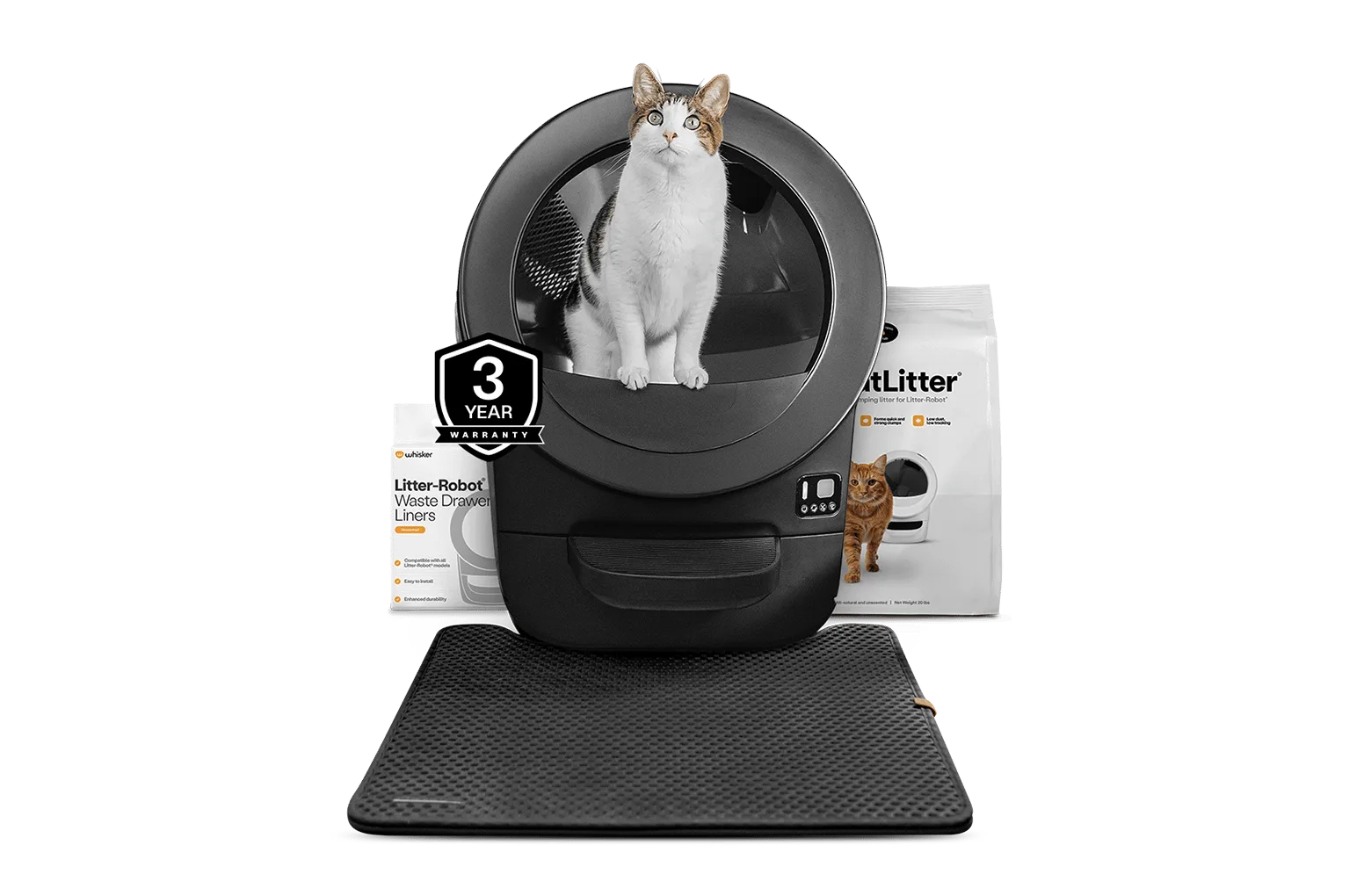
- https://litter-robotejh.com/products/lre-strtr-bundle-831df3abbc37089cf2ebe903-2572414Litter-Robot® EVO Starter Bundle: Litter-Robot EVO is the most streamlined, compact Litter-Robot, and the bundle includes the highly-rated Litter-Robot accessories needed to make the most out of your automatic litter box. A compact footprint fits tighter spaces, but a smaller unit still needs a flat, stable surface for weight detection to behave predictably.
Weight sensing is a safety input first and a tracking feature second. Keep the unit level, keep the litter at the right level, and treat any reading you cannot explain as a reason to pause automatic cycles until it is sorted.