Quick answer
Use a meal planner as your weekly decision page and a recipe card box as your permanent idea library. Write only the dinners you will actually cook on the planner, pull the matching recipe cards for that week, and shop from those cards. This splits planning into two jobs: choosing meals and finding recipes. Beginners should start with five dinners, not seven, and add nights out or leftovers as fixed slots.
Most meal planning fails because it mixes two different tasks: deciding what to eat and finding the recipe when you are already hungry. Separating them fixes most of the problem. The planner handles the week; the recipe cards handle the recipes.
This guide walks through a system you can set up in one sitting and maintain in about fifteen minutes a week. It works whether you cook for one or for a family, and it does not require an app.
Set up the two halves of the system
You need one place to plan the week and one place to store recipes. A meal planner pad or notebook handles the first job because it gives you a dated page for each week. A recipe card box handles the second because it keeps every recipe in the same format and size.
Do not try to store recipes in the planner itself. Planners get thrown away or flipped past; recipe cards are meant to be kept. Keeping them separate means you can reuse a favorite recipe for years without rewriting it.
- Keep the planner on the counter or fridge where you actually see it.
- Keep the recipe box near where you cook, not in a drawer across the kitchen.
Fill the recipe box before you plan anything
A planner with no recipes behind it becomes a wish list. Before your first planning session, write out the meals you already cook from memory. Aim for ten to fifteen cards. These are your reliable dinners, not aspirational projects.
Write each card the same way: title at the top, servings, ingredients with amounts, then steps. If a recipe comes from a website, copy it by hand onto a card. The act of writing forces you to read the steps, which is how you catch the ones that take two hours.
- Note the cooking time on every card so you can sort quick meals from long ones.
- If you never cook it, do not card it yet.
Plan the week in one short session
Pick a fixed time each week, such as Sunday evening or Friday morning, and plan the following seven days. Start by marking the nights you will not cook: takeout, leftovers, dinner with family. Those are fixed slots, not failures.
Then fill the remaining nights from your recipe cards. Pull the actual cards for the week and set them in a small stack. This is the checkpoint that matters: if the card is not in the stack, the meal is not really planned.
- Five planned dinners is a realistic target for most households.
- Check the week's calendar before choosing meals, not after.
Build the shopping list from the cards, not from memory
Go through the stack of cards and write down what you need. Group the list the way your store is laid out: produce, dairy, pantry, meat. This is faster than reorganizing a list at the store and it reduces the mid-aisle guessing.
Check what you already have before you leave. Pantry staples like oil, salt, and rice rarely need rebuying, and listing them every week makes the list longer and less trustworthy.
- Keep a running list during the week so you do not forget a specific ingredient.
- If two meals share an ingredient, buy once and note both uses on the planner.
Review and adjust at the end of the week
At the end of the week, look at what actually happened. Meals you skipped usually point to a scheduling problem, not a recipe problem. Move them to next week or drop them from the rotation.
Meals that worked go back in the box with a small note: doubled well, kids liked it, too much prep for a weeknight. Those notes are what turn a box of cards into a system that improves over time.
- Do not rewrite cards that worked; just add a note.
- Retire cards you have skipped three times in a row.
The weekly routine, step by step
- Write ten to fifteen recipe cards first: Start with meals you already cook from memory. Include servings, ingredients, and steps in the same order on every card. Checkpoint: if the box has fewer than ten cards, planning will stall.
- Mark non-cooking nights on the planner: Fill in takeout, leftovers, and family dinners before choosing any recipes. These are fixed slots. Common mistake: planning seven cooked dinners and abandoning the plan by Wednesday.
- Choose meals from the cards and pull them: Pick five dinners, then physically remove those cards and stack them together for the week. Checkpoint: a meal without its card in the stack is not planned.
- Write the shopping list from the card stack: Go card by card and list what you need, grouped by store section. Check the pantry before you go. Common mistake: shopping from memory and buying duplicates you already own.
- Review the week and note what worked: Return cards to the box with a short note about timing, portions, or family reaction. Next step: retire any card skipped three weeks in a row.
Products that support the system
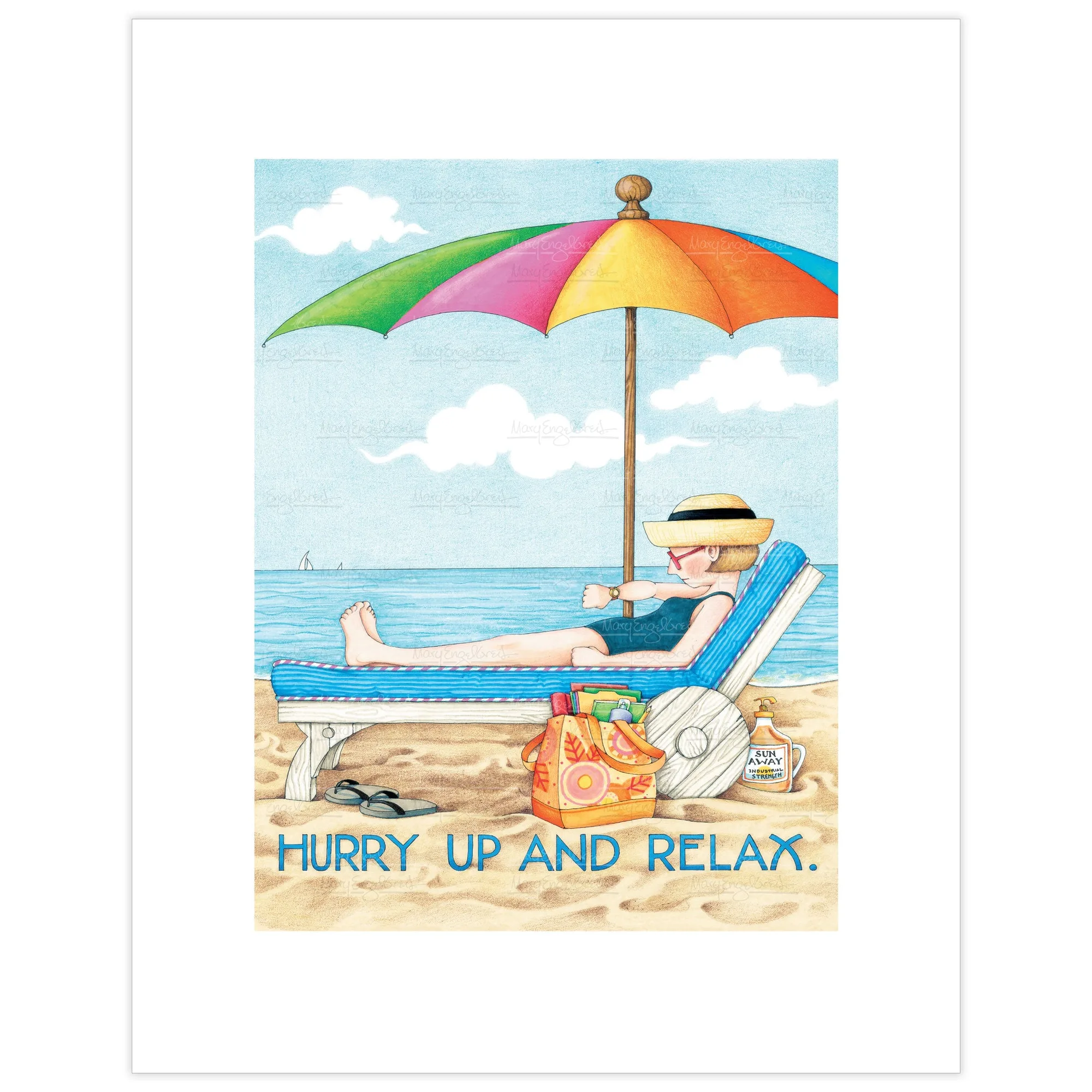
- Hurry Up and Relax Fine Art Print: Printed on high-quality, textured paper in standard frame sizes, reads "Hurry Up and Relax," and is available with Mary's signature. A small print near the planning spot is a reminder that the point of the system is a calmer week, not a perfect one.
- Hi Honey I'm Home! Fine Art Print: Reads "Hi, honey, I'm home!" and is printed on high-quality paper in standard frame sizes, available with Mary's signature. A good fit for an entryway or kitchen wall, where the planner and recipe box usually live.
A meal planner and a recipe card box do different jobs, and that is exactly why they work together. Set up the box once, plan five dinners a week, and shop from the cards you pulled. The system gets easier every week you keep it.