Quick answer
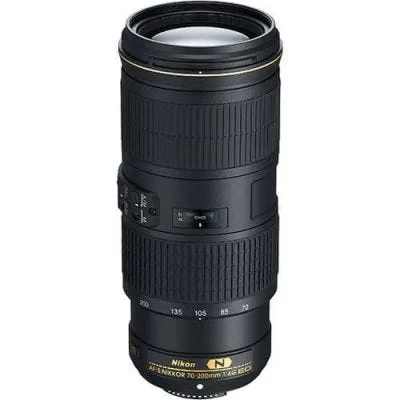
Treat the Nikon AF-S 70-200mm f/4G ED VR as a balanced, handholdable telephoto: support the lens with your left hand, keep VR on for stills, and use a fast shutter speed for action. This guide walks through setup, handling, VR and focus choices, and a simple care routine so the lens performs consistently.
Before you shoot: mount, balance, and baseline settings
Attach the lens to a Nikon F-mount body, then set the camera to a mode that lets you control shutter speed and aperture. For most daylight work, start at f/4 to f/5.6, ISO 100–400, and a shutter speed of at least 1/500 sec for moving subjects. If you use a tripod, turn VR off; for handheld stills, leave it on. These baselines give you a clean starting point before you adjust for the scene.
Check that the lens is fully seated and the mount is locked. A common mistake is mounting the lens while the camera is powered on, which can cause communication errors. Power off first, then attach and twist until you hear the click.
Handling and support for sharp telephoto images
Cradle the lens barrel with your left hand under the zoom ring, and keep your elbows close to your body. This reduces fatigue and micro-shake during long handheld sessions. When you zoom, support the lens with your left hand while turning the ring; avoid zooming with only your right hand, which shifts your balance and can blur the shot.
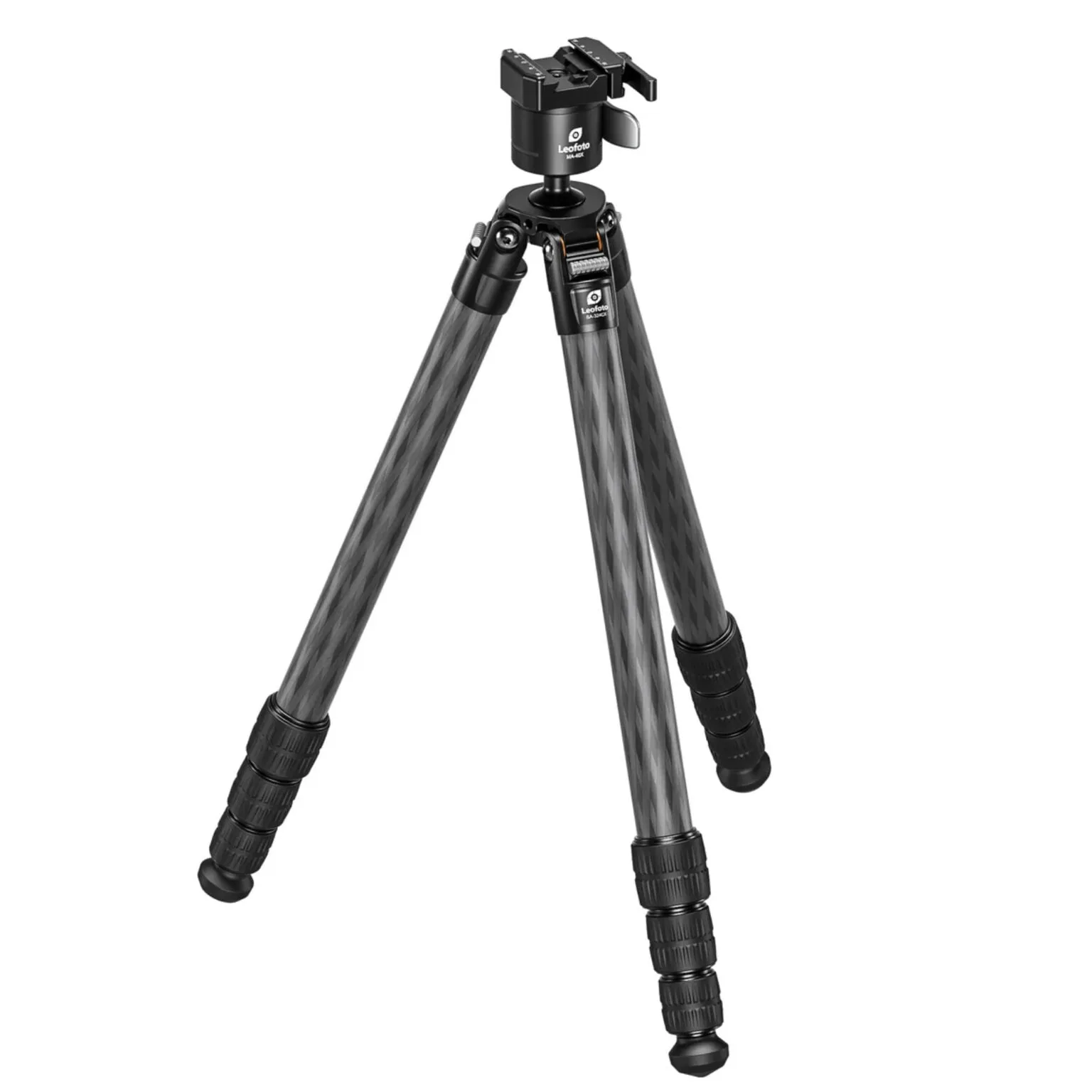
If you are using a tripod, mount the lens via its tripod collar rather than the camera body. That distributes weight and reduces strain on the mount. A common mistake is leaving VR on while the lens is locked down on a tripod, which can introduce blur; switch VR off for tripod work.
Choosing VR and focus settings for the situation
The lens includes Nikon VR (Vibration Reduction) image stabilization, rated for 4.0 stops of blur-free handheld shooting. For static subjects, use VR Normal. For panning shots—such as a runner moving across the frame—switch to VR Active if your body supports it, or turn VR off and rely on a faster shutter speed. For fast action, use continuous autofocus and a shutter speed of 1/1000 sec or faster.
A common mistake is leaving VR on for every shot. When you are already at a high shutter speed or using a tripod, VR can be unnecessary and may even work against you. Match the setting to the shooting condition.
A simple care and storage routine
After each outing, use a blower to remove loose dust from the lens barrel and front element, then wipe the glass with a microfiber cloth. Avoid liquid cleaners unless the lens is marked as weather-sealed; the supplied catalog information does not list weather sealing for this lens, so treat it as a fair-weather tool and protect it from rain and heavy dust.
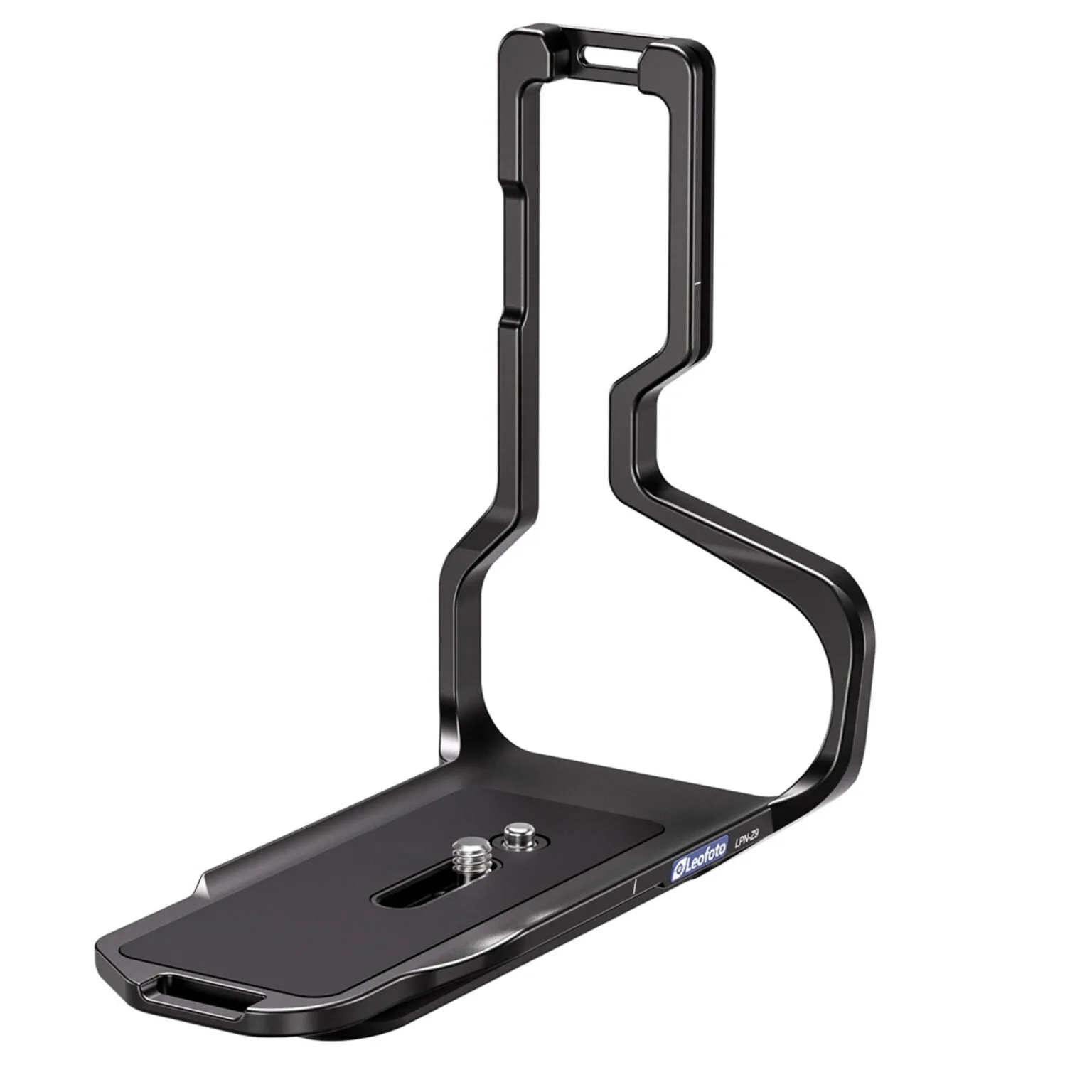
Store the lens with the hood reversed and the caps on in a padded case. If you use an L-bracket on your camera, check that it does not interfere with the lens mount or tripod collar. A common mistake is storing the lens in a bag without padding, which can lead to impact damage or dust ingress.
Step-by-step telephoto workflow
- Mount the lens with the camera off: Power down your Nikon body, align the lens marks, and rotate until it clicks. This prevents electronic communication errors and ensures a solid connection. Checkpoint: the lens should feel locked with no play.
- Set baseline exposure and VR: Start at f/4, ISO 100–400, and 1/500 sec or faster for action. Turn VR on for handheld stills and off for tripod use. Checkpoint: confirm VR switch position before you raise the camera.
- Support the lens correctly: Cradle the barrel with your left hand under the zoom ring, keep elbows in, and zoom with your left hand while your right hand stays on the camera. Checkpoint: if your left arm tires quickly, you are likely holding the lens too far forward.
- Match VR mode to the subject: Use VR Normal for static subjects, VR Active for panning if available, and turn VR off for fast action where you can maintain a high shutter speed. Checkpoint: if you see inconsistent sharpness, try turning VR off and increasing shutter speed.
- Clean and store after shooting: Blow off dust, wipe glass with a microfiber cloth, reverse the hood, and place the lens in a padded case. Avoid liquid cleaners unless the lens is weather-sealed. Checkpoint: never store the lens with a wet cloth or in a damp bag.
Product facts
- Nikon AF-S 70-200mm f/4G ED VR Telephoto Lens: Nikon AF-S 70-200mm f/4G ED VR telephoto lens with Nikon VR image stabilization providing 4.0 stops of blur-free handheld shooting. The 4-stop VR rating means you can handhold at slower shutter speeds in low light, which is useful for events and travel when a tripod is not practical.
- Leofoto LPN-Z9 L-Bracket for Nikon Z9: Leofoto LPN-Z9 L-Bracket for Nikon Z9 is milled from 6061-T6 aluminum and weighs 152g. If you use a Nikon Z9 with this lens, the lightweight L-bracket adds stability for tripod shooting without adding much bulk, and it is designed for a seamless fit.