Quick answer
If you need to remember things, use a notepad. If you need to remember things by a certain day, use a planner. Most people who plan their weeks should start with a planner and keep a small notepad beside it for stray thoughts, because a planner without a capture space fills up with scribbled lists that break your layout.
What each tool is actually built to do
A planner is date-led: its pages assume a week, a month, or a day, and its value comes from the fact that unfinished items roll forward where you can see them. A notepad is page-led: no dates, no structure, just space you fill in whatever order you like. That single difference decides most of the notepad vs planner question, because it changes what you can trust each book to do.
The planner vs notebook difference matters here too. A notebook is usually a bound book of blank or ruled pages you keep for a longer stretch, while a notepad is often a smaller pad you tear sheets from or carry loose. If you are weighing a bound notebook against a planner, you are really choosing between a record and a schedule.
Where a notepad wins
Notepads are unbeatable for speed. Meeting notes, phone numbers, a grocery list, a rough sketch of a layout idea: none of that needs a date attached, and forcing it into a planner's daily box makes the page messy. A notepad also survives being torn up, carried in a pocket, or used by someone else at the table, which is why it remains the default tool for lists and quick capture.
If you are looking for the best notepad for lists, prioritize paper that takes ink without ghosting, a size you will actually carry, and a binding that lets you remove a page without wrecking the rest. Those three factors matter more than cover design.
Where a planner wins
A planner's advantage is commitment. Putting a task on Tuesday at 10 a.m. forces a decision that a floating list never does, and the weekly or monthly spread makes overload visible before it becomes a problem. This is why daily planning tools tend to be planners rather than pads: the date is doing part of the work for you.
Planners also accumulate context. Looking back at last month shows what actually happened, not just what you intended, which is hard to reconstruct from a stack of loose notepad sheets. If you review your weeks or report on your time, that record is the point.
The hybrid setup that solves most conflicts
Instead of choosing one, give the notepad and the planner different jobs. The notepad is inbox: everything lands there first, unstructured and fast. The planner is the decision layer: once a day or once a week, you move anything with a date or a deadline into the planner and cross it off the pad. Nothing gets planned twice, and nothing gets lost because the pad is checked on a schedule.
This split is also why many people who ask 'do i need a notepad and planner' end up with both but use them very differently. The pad handles volume; the planner handles priority.
Choosing by work style
For notepad or planner for work, look at how your tasks arrive. If work comes to you as messages, tickets, or quick requests that you act on immediately, a notepad next to the keyboard will earn its place. If work comes as projects with dates, dependencies, and reviews, a planner with a weekly spread will save you more time than any pad.
If your role mixes both, start with a planner for the week and a small pad for capture. Add a second tool only when the first one is genuinely full.
Notepad vs planner: the trade-offs
- Speed vs structure: A notepad captures a thought in seconds but gives you no way to see when it will happen. A planner takes longer to set up but shows the week at a glance. Choose speed only if you have a separate review habit; otherwise the planner's structure pays for itself.
- Portability vs record: Small pads travel easily and can be torn apart, while planners are usually kept in one place and read as a continuous record. If you need history, keep the planner; if you need to hand a note to someone, keep the pad.
- Cost vs commitment: Printable planner tabs and sticker sets are inexpensive add-ons that extend a planner you already own, whereas a notepad is a standalone purchase with no setup. Upgrade the planner you have with tabs or stickers before buying a second system.
Products that fit each role
- Antique Floral: Notebook: The Antique Floral Notebook has a forest-green cover with gold-foil floral artwork and comes in Size and Paper type options. A dated planner handles scheduling, but a notebook like this works as the long-form companion for reflective writing and daily planning notes that do not belong in a calendar grid.
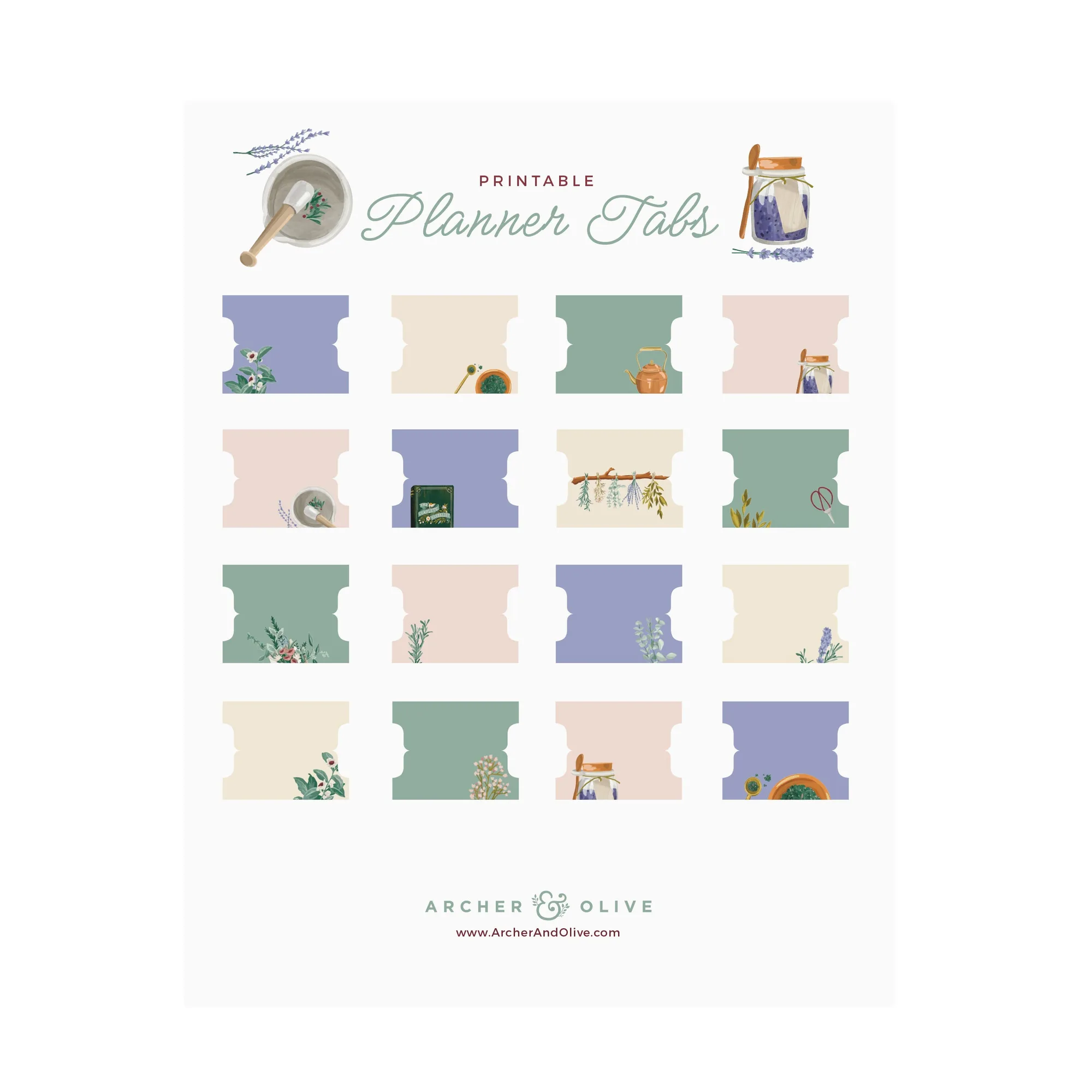
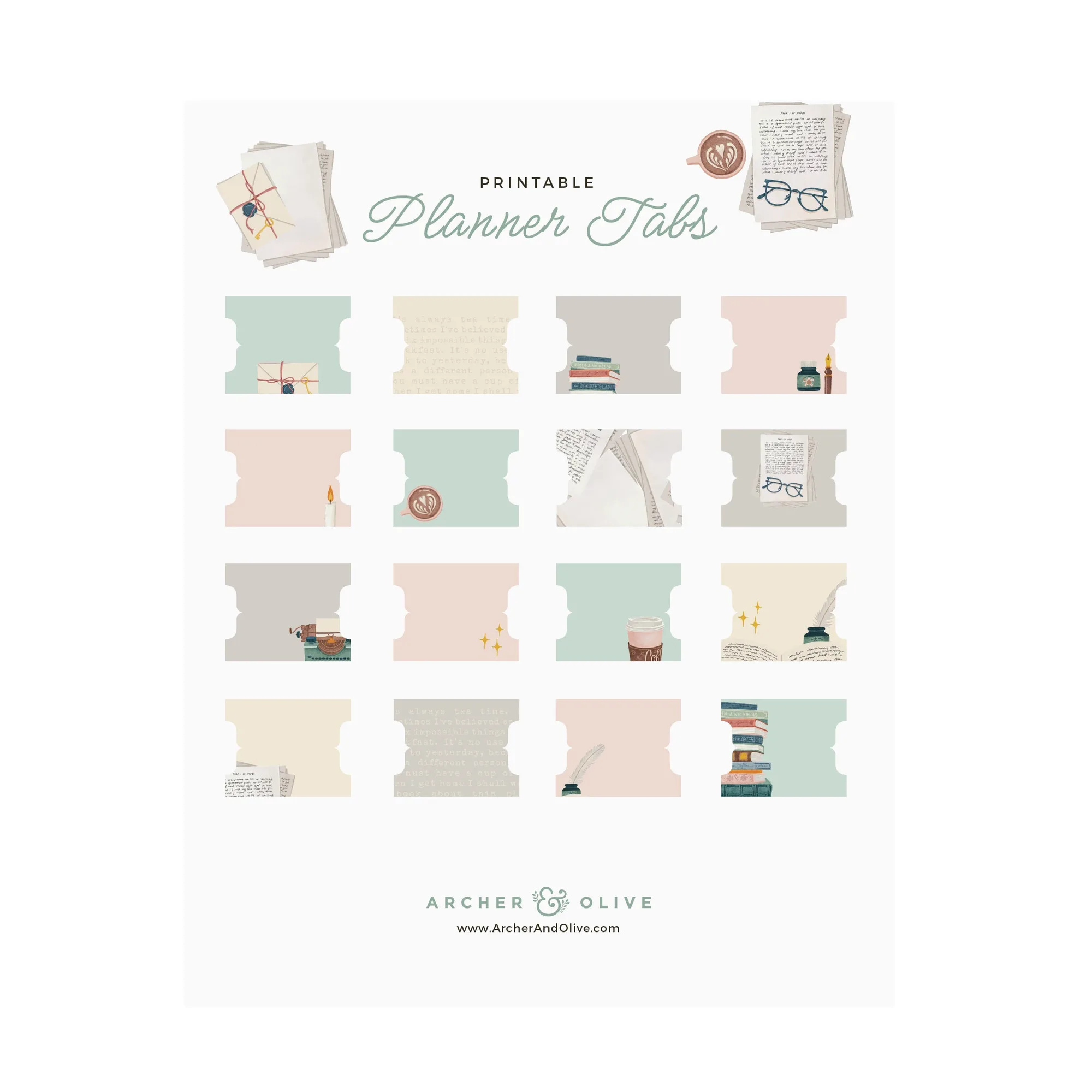
- Printable Planner Tabs: Fairy House: Printable Planner Tabs: Fairy House is a downloadable set of tab dividers with fairy house, floral, mushroom, and butterfly scenes, available by Title option. If you keep both a notepad and a planner, tabs let you mark sections inside the planner so capture pages and dated spreads do not get confused.
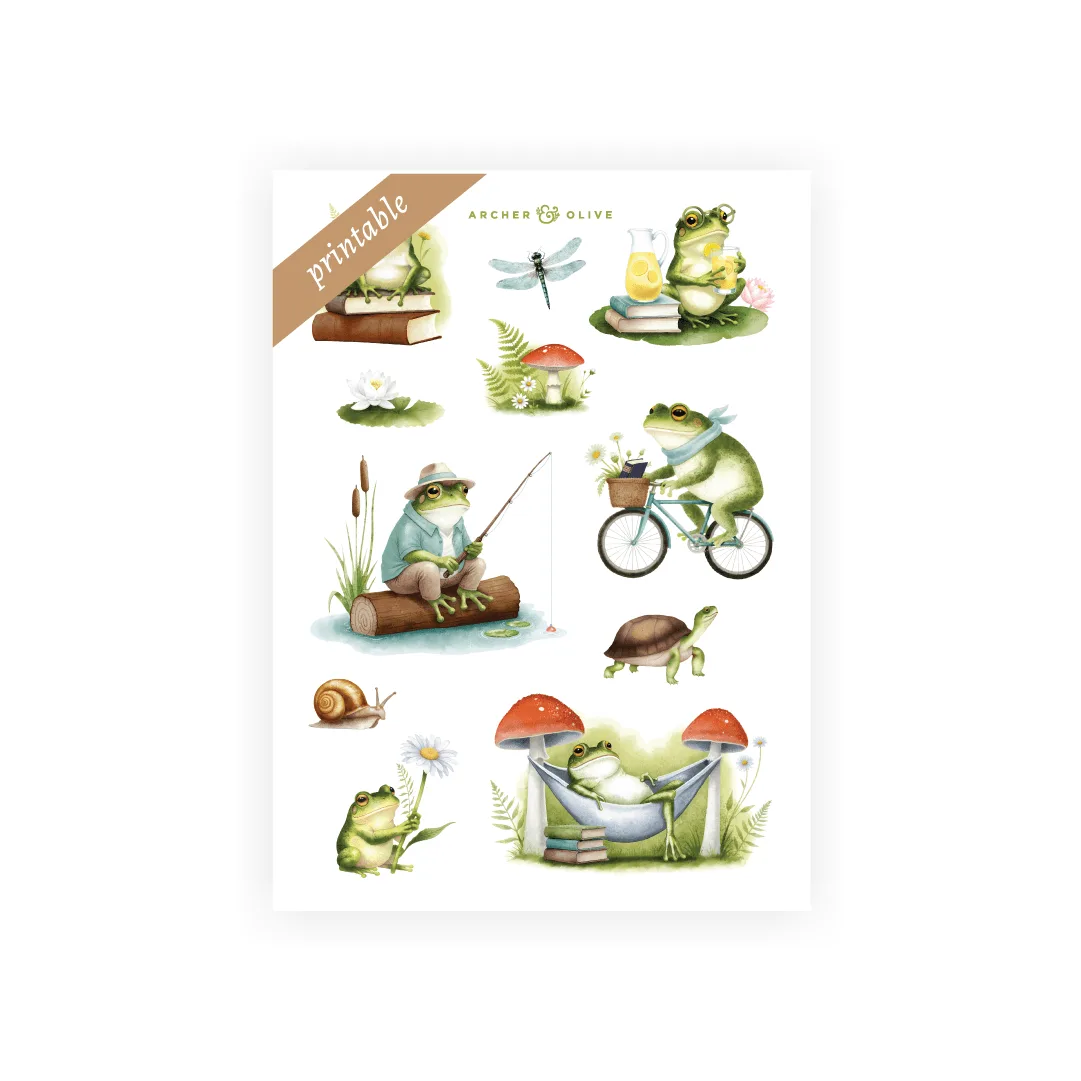
- Storybook Theme Stickers: Storybook Theme Stickers are hand-illustrated designs on deluxe matte paper, with 2 sheets per set, and are described as useful for setting up monthly or weekly planner pages. Stickers are a low-effort way to mark recurring weekly anchors in a planner, which is exactly the structure a plain notepad cannot provide.
Which should you buy?
Best for
- People who plan their week and need tasks tied to specific days
- Anyone whose work arrives as projects with deadlines and reviews
- Planner users who want to keep capture pages separate from dated spreads
Not for
- People who only need quick lists and never schedule anything
- Anyone who has tried dated planners and stopped opening them
- Situations where a single pad is enough and a second book would go unused