Quick answer
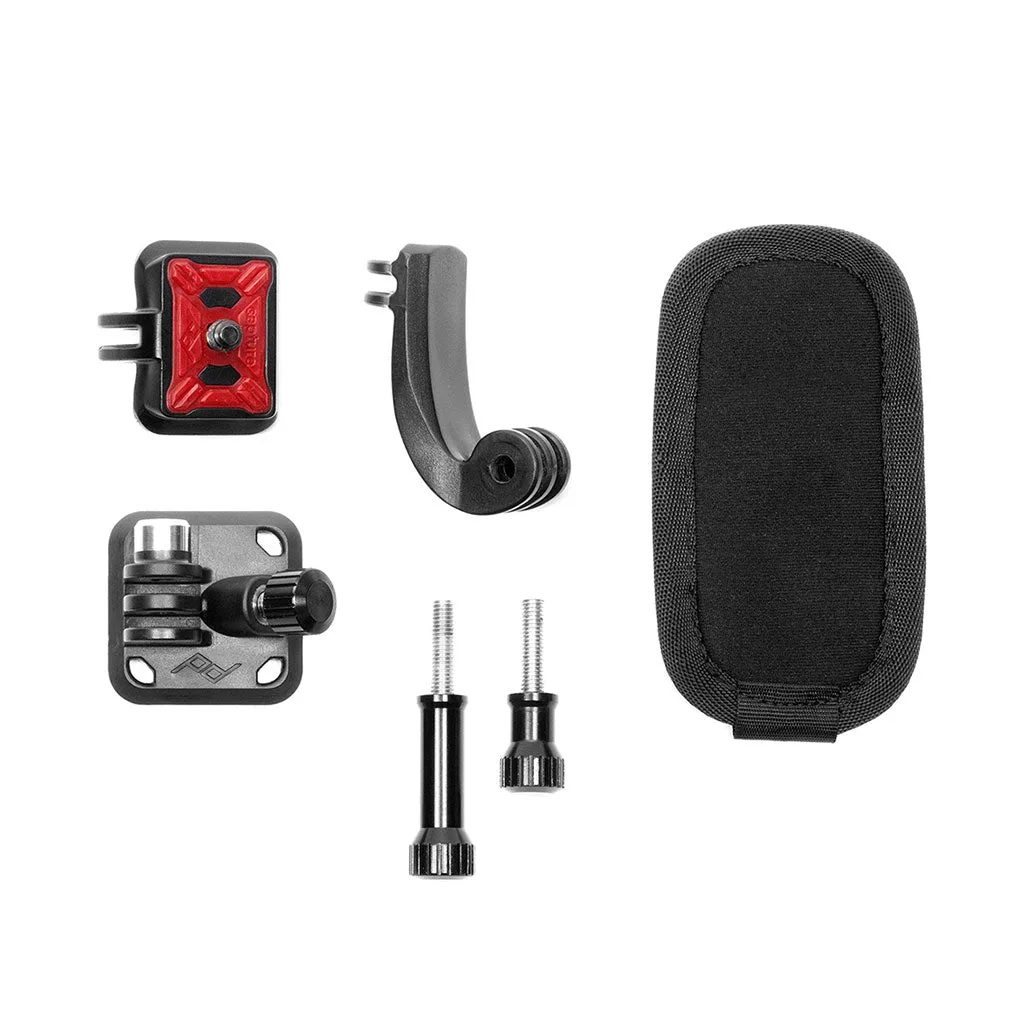
To set up the P.O.V. Kit for hands-free phone mounting, you need a Capture Camera Clip (sold separately) and a GoPro adapter. The kit turns your Capture Clip into a stable mount for action cameras, but it is not a phone mount by itself. For phones, use a dedicated phone mount or a Mobile Wallet with a magnetic attachment. If you are mounting a GoPro, attach the P.O.V. Kit to the Capture Clip, secure the clip to a strap or belt, and check that the camera is level before filming.
What the P.O.V. Kit actually does
The P.O.V. Kit is a GoPro adapter that works with any Capture Camera Clip. It does not include the Capture Clip, so you need that separately. Once combined, the kit lets you mount a GoPro or other action camera on a backpack strap, belt, or any strap-like object. The result is a rigid, stable mount that keeps your camera pointed where you are looking. This is useful for hands-free filming, but it is not designed for phones. If you want to mount a phone, look for a phone-specific solution such as a Mobile Wallet with a magnetic mount or a dedicated phone clamp.
Step-by-step P.O.V. Kit setup
Follow these steps in order to avoid a loose mount or a crooked shot. Each step includes a checkpoint so you can confirm you are ready to move on.
Phone mounting tips if you adapt the setup
The P.O.V. Kit is built for action cameras, not phones. If you try to use a phone with a Capture Clip, you need a phone-specific adapter or a case with a built-in mount. Peak Design does not list a phone adapter for the P.O.V. Kit, so check compatibility before you buy. For a phone-only setup, consider a Mobile Wallet that magnetically attaches to your phone and can be used with a magnetic mount. Always test the hold with a gentle shake before you trust it with your device.
Common compatibility questions
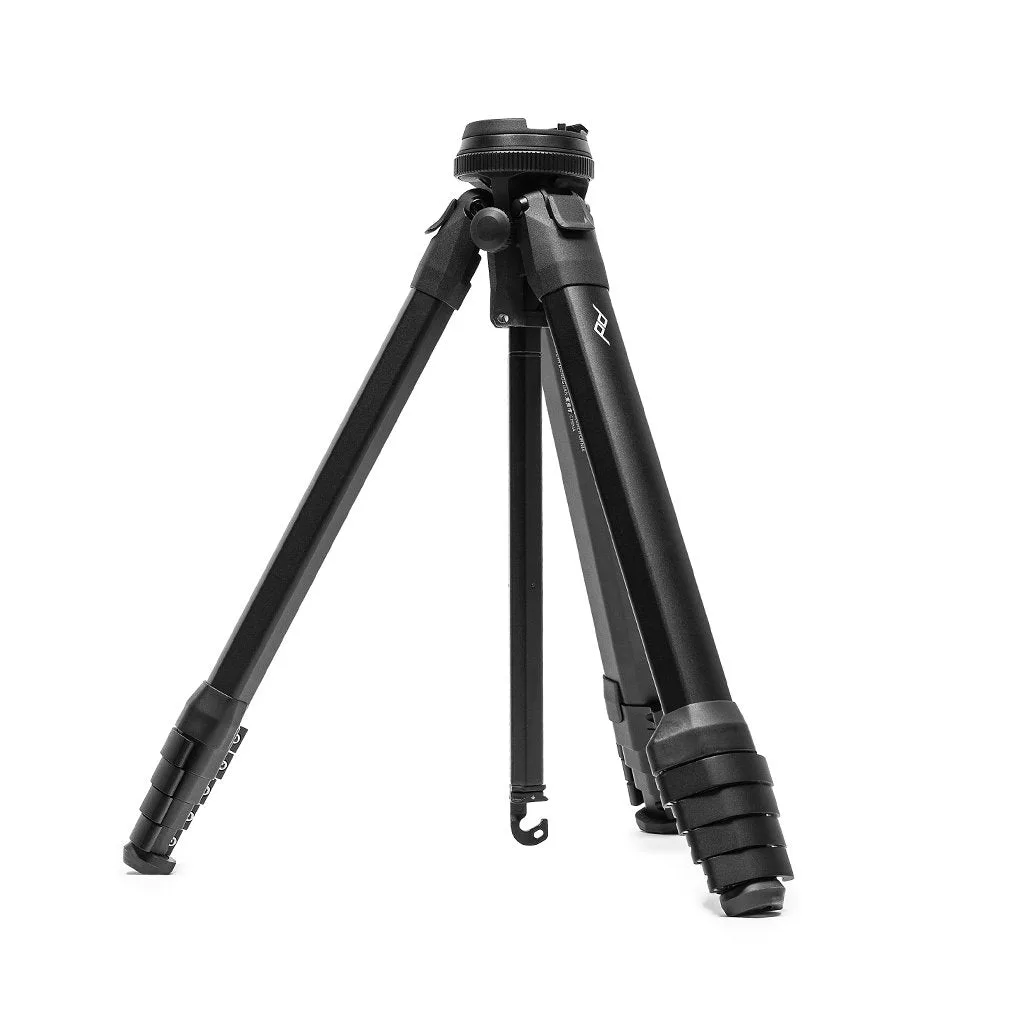
The P.O.V. Kit fits any Capture Camera Clip, but it does not fit directly onto a bare strap without the clip. It is designed for GoPro-style action cameras with a standard two-prong mount. If you have a different brand of action camera, check that it uses the same mounting interface. The kit does not include a tripod thread, so you cannot mount it directly on a tripod without additional adapters. For tripod use, consider a dedicated tripod mount or a Travel Tripod with a ball head.
Travel Tripod
Setup steps with checkpoints
- Attach the P.O.V. Kit to your Capture Clip: Slide the P.O.V. Kit onto the Capture Clip until it clicks or locks into place. Make sure the kit is fully seated and the release tab is secure. Checkpoint: Give the kit a gentle tug; it should not move.
- Mount the Capture Clip on a strap or belt: Clip the Capture Clip onto a backpack strap, belt, or other strap-like object. Position it where the camera will have a clear view and won't be bumped by your arms. Checkpoint: The clip should grip the strap firmly without sliding.
- Attach your GoPro or action camera: Use the standard GoPro mounting fingers to connect your camera to the P.O.V. Kit. Tighten the thumbscrew firmly but do not overtighten. Checkpoint: The camera should be secure and not wobble when you shake it gently.
- Adjust the angle and test the setup: Loosen the thumbscrew slightly, tilt the camera to your desired angle, and retighten. Record a short test clip to confirm the framing and stability. Checkpoint: Review the test clip for unwanted movement or tilt.
Product facts
- P.O.V. Kit: P.O.V. Kit is a GoPro adapter for any Capture Camera Clip (sold separately). You need a Capture Clip to use the kit; it is not a standalone mount.
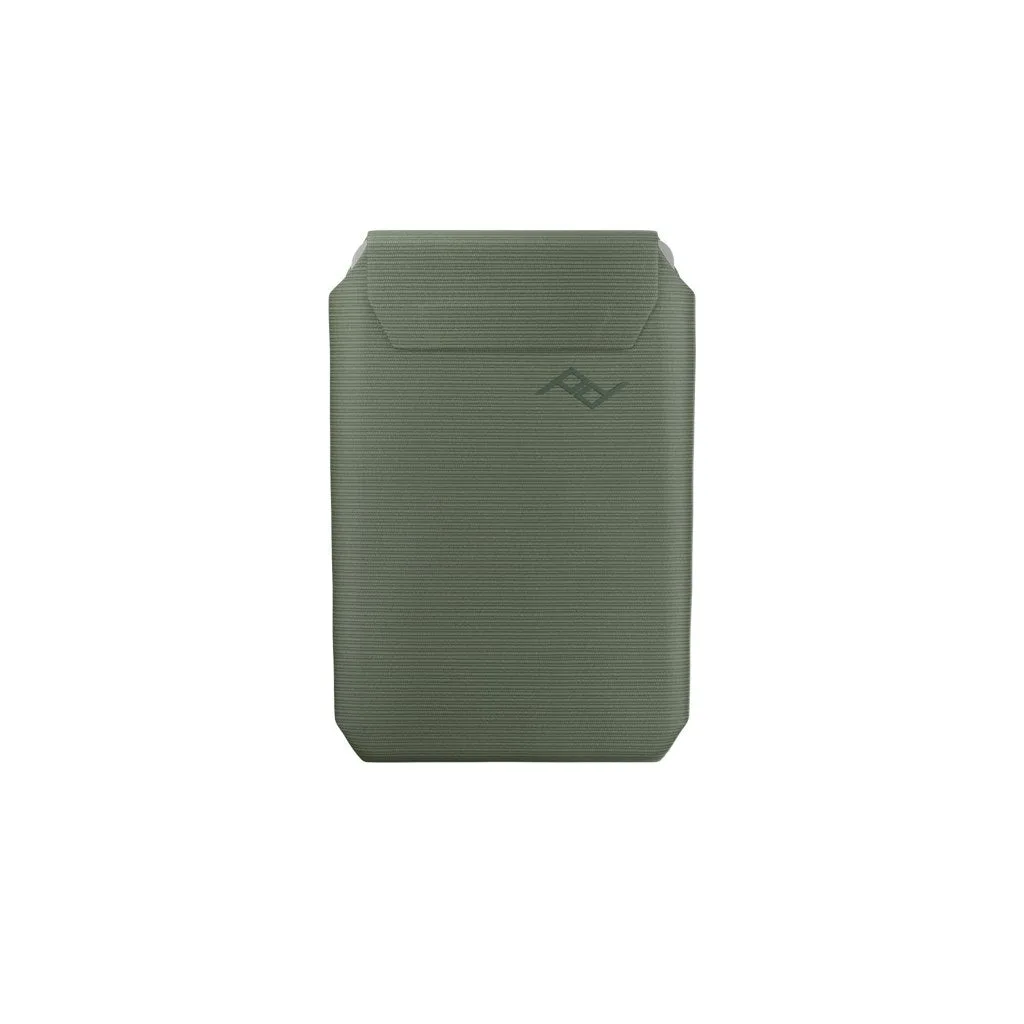
- Mobile Wallet: Mobile Wallet magnetically consolidates your wallet and phone. A phone-friendly alternative for hands-free carrying, though not a camera mount.
- Travel Tripod | Ultralight Conversion Kit: Travel Tripod Ultralight Conversion Kit converts the Travel Tripod into a tabletop-sized tripod. Useful if you want a stable base for filming instead of a strap mount.