Quick answer
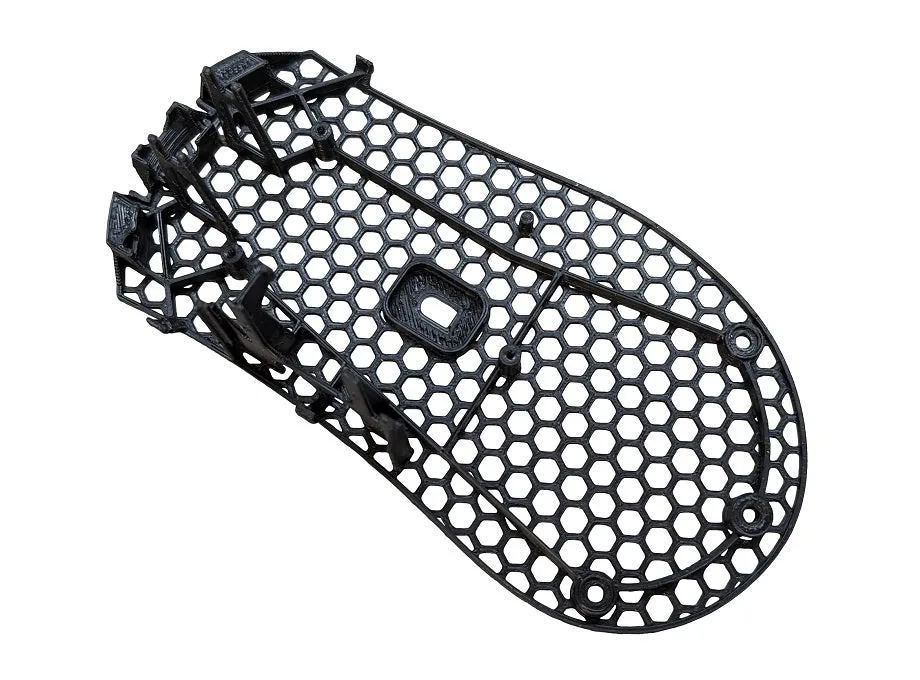
The Aero Base Mod replaces the wired Razer Deathadder V3 stock base plate, dropping it from 11.8 g to 3.5 g for an 8.3 g reduction. Install it if you want a lighter, easier-to-flick mouse without changing shape or sensor position. Skip it if you rely on the stock base's rigidity or are not comfortable opening your mouse.
What the Aero Base Mod actually changes
The mod is a lightweight base plate that swaps out the original base on the wired Deathadder V3. It does not alter the shell, sensor, clicks, or cable, so the mouse feels familiar in your hand while weighing less. The 8.3 g saving is meaningful on a mouse this size because it sits low and central, which is where weight hurts quick direction changes most. If your aim feels heavy on wide flicks or you overshoot close-range tracking, this is the part that addresses it. The tradeoff is rigidity: a thinner base flexes more under hard palm pressure, so if you grip aggressively and press down, test the feel before committing. It also changes how the mouse sits on the pad, which is why the install order below matters.
Before you open the mouse
Work on a clean, well-lit surface and keep a small dish for screws. You need a Phillips precision screwdriver that fits the base screws snugly, plus something thin and non-marring to lift the base without gouging the shell. If your current mouse feet are worn or lifting at the edges, plan to replace them at the same time, because reused feet rarely sit flat after removal. The Aero Base Mod itself is the only part you must buy, but skates are the most common reason a base swap goes wrong, so have a spare set ready.
After the swap: glide, sensor, and feel
Once the base is on, glide changes for two reasons: less mass pressing into the pad and whatever skates you installed. Expect slightly less friction and a faster-feeling mouse, which can make your current sensitivity feel twitchy for the first session. Give it a few hours before adjusting DPI. Check the sensor by moving the cursor slowly in circles and along straight edges at low speed; any stutter, jump, or angle-snap that was not there before points to the base not sitting flat or a screw not fully seated. If the mouse rocks when you press a corner, stop and reseat the base rather than adding tape, because tape changes the height and can lift the sensor.
How this fits with other Deathadder V3 upgrades
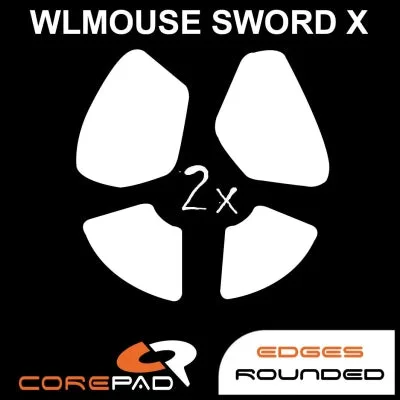
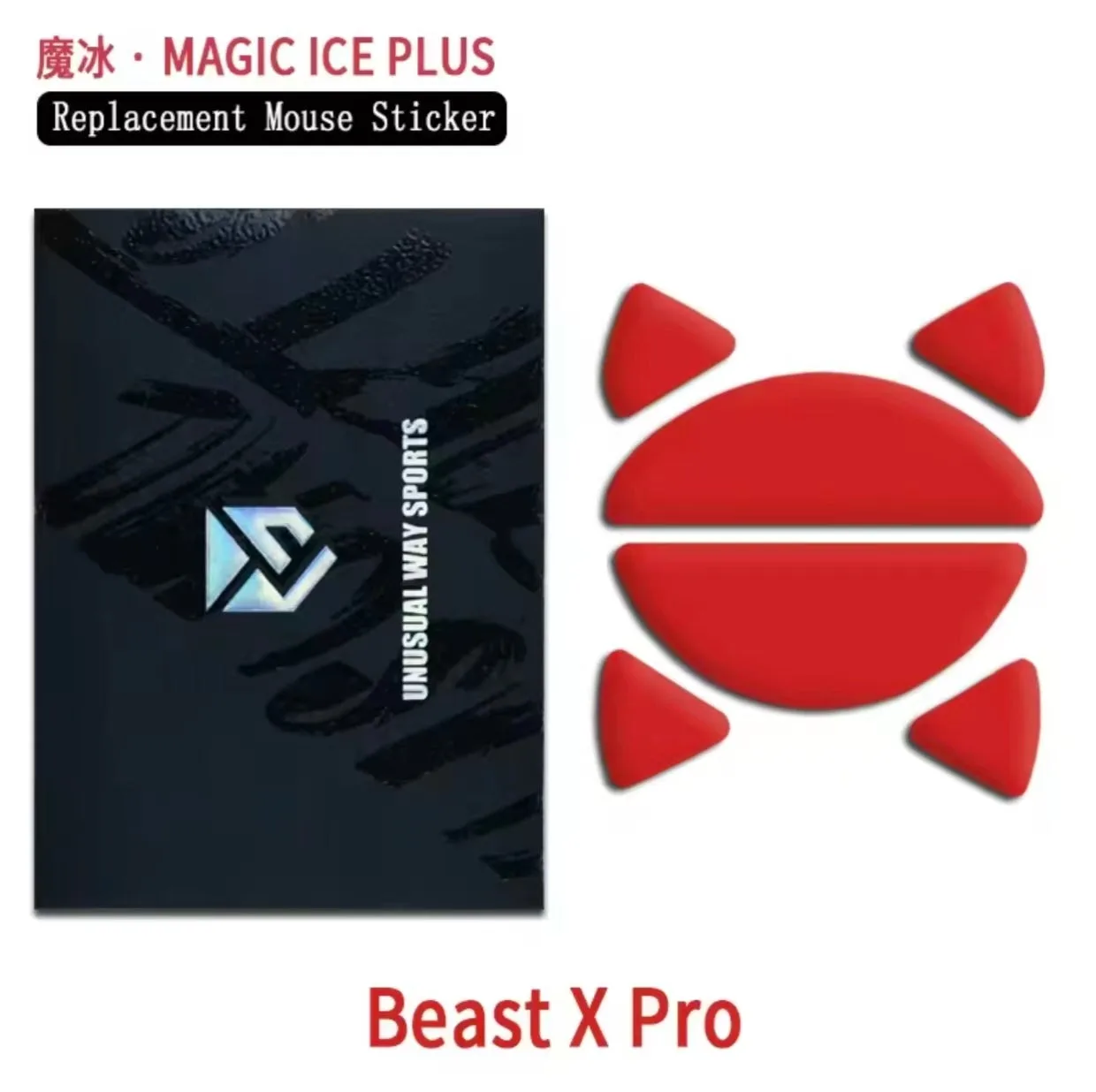
The Aero Base Mod is a weight change, not a glide change. If you also want different speed or control, pair it with fresh PTFE skates rather than expecting the base alone to transform the feel. Corepad Skatez are a straightforward choice when you want a known 0.85 mm thickness and 3M adhesive, and they come two sets per pack, so you have a spare if the first install goes badly. For a faster, smoother glide on a hard pad, Magic Ice Plus sits between Magic Ice and SilverFox in speed and is built with two extra manufacturing processes for durability. Pick one direction: lighter plus faster, or lighter plus controlled. Mixing a fast skate with a very light base can make the mouse hard to stop precisely.
Aero Base Mod install steps
- Power down and unplug: Turn the mouse off and unplug the cable before touching screws. Static and accidental clicks are easy to avoid here. Checkpoint: no lights, no cable, clean desk.
- Remove the stock mouse feet: Warm the feet slightly with your hand or a hair dryer on low, then peel from one corner using a plastic tool. Work slowly and keep the adhesive side clean if you plan to reuse them. Common mistake: prying with metal and scratching the base or shell.
- Take out the base screws: Remove all base screws and keep them in a dish. Do not force a screw that feels stuck; check for a hidden screw under a foot or label first. Checkpoint: every screw accounted for before you lift the base.
- Separate the stock base: Lift the original base gently and let the shell rest on the table. Do not pull the base away quickly, because the sensor and PCB sit close to it. Common mistake: yanking the base and snagging a cable or sensor.
- Fit the Aero base: Align the Aero base with the shell and sensor opening, then press it into place before threading any screws. It should sit flush with no gap or rocking. Checkpoint: press each corner with one finger; any movement means reseat it.
- Tighten screws in a cross pattern: Start each screw by hand, then tighten in a diagonal pattern, a little at a time. Stop when snug, not when it will not turn further. Common mistake: overtightening one screw and bowing the base.
- Install fresh skates: Apply new PTFE skates to the Aero base, pressing firmly for a few seconds each. If you reuse old feet, expect them to sit unevenly. Checkpoint: skates flat, edges down, no air pockets.
Product facts
- Aero Base Mod - Razer Deathadder V3 (Wired): Lightweight base plate for the wired Razer Deathadder V3; stock base is 11.8 g and the Aero base is 3.5 g, an 8.3 g reduction. This is the whole point of the mod: less mass in the part of the mouse closest to the pad, which helps flicks and tracking without changing shape or sensor.
- Corepad Skatez - WLmouse SWORD X 8K Wireless: Corepad Skatez for the WLmouse SWORD X 8K Wireless are 100% PTFE, 0.85 mm thick, use 3M adhesive, and come as two sets per pack. A known thickness and a spare set make skate replacement predictable if you damage the originals during the base swap.
- Magic Ice Plus - WLMOUSE Beast X Pro: Magic Ice Plus for the WLMOUSE Beast X Pro is engineered with two additional manufacturing processes over the original Magic Ice, sits between Magic Ice and SilverFox in speed, and aims to keep Magic Ice's speed with better durability. Useful if you want a faster, longer-lasting glide to match the lighter base, while keeping some control rather than going full speed.