Quick answer
To reduce plosive pops and vibration noise, attach the HyperX Shield pop filter to your mic and mount it on the HyperX Caster arm for physical isolation from desk bumps.
Why physical isolation matters more than software filters
Software noise gates and AI filters can remove background hum, but they struggle with sudden bursts of air (plosives) or low-frequency rumbles from desk vibrations. A pop filter like the HyperX Shield catches those puffs of air before they hit the mic capsule, while a boom arm like the HyperX Caster lifts the microphone off the desk entirely, decoupling it from keyboard clatter and mouse thumps.
The trade-off is that a boom arm takes up desk space and requires a stable clamping point. If your desk has a thick edge or an irregular surface, the Caster arm's universal clamp may not fit securely. In that case, a simple shock mount (if compatible) is a lighter alternative for vibration isolation.
Diagnosis: Pinpoint your noise source
- Symptom: Popping P and B sounds: Record a short test saying words like 'pop', 'baby', 'puff'. If you hear a burst of air or distortion on those syllables, the microphone is catching direct breath from your mouth. Stop here if the noise is clearly plosive — a pop filter is the fix.
- Likely cause: No pop filter or incorrect placement: Without a pop filter, the mic capsule is exposed to direct air puffs. If you already have one, check that it sits 2–4 inches from the mic grille, angled to block the direct path of your breath. If you lack a pop filter, add the HyperX Shield. If you have one but still hear pops, adjust its distance and angle.
- Symptom: Rumbling or thumping when you type or move: Tap your desk lightly while recording. If the thump is audible in the waveform, the mic is picking up structure-borne vibrations through the desk or stand. Stop here if the noise is vibration — a boom arm or shock mount is the fix.
- Likely cause: Mic sits directly on the desk or on a rigid stand: A desktop stand transmits every keystroke and mouse click into the mic. The HyperX Caster arm lifts the mic off the surface and uses internal springs to decouple it from desk vibrations. If desk vibration is the issue and your desk edge can support a clamp, install the HyperX Caster. If the clamp won't fit, use a shock mount instead.
- Symptom: Both plosives and rumbles present: Run the two tests above. If you hear both pop bursts and desk thumps, you need two separate physical treatments — one for air, one for structure. Combine the HyperX Shield (for plosives) with the HyperX Caster arm (for vibration). Do not rely on software alone for either issue.
Products that help
-
HyperX Shield: The HyperX Shield features a universal clamp and flexible silicone gooseneck that attaches to most microphone setups. It filters out plosive puffs of air from P sounds without needing a separate stand or adapter.
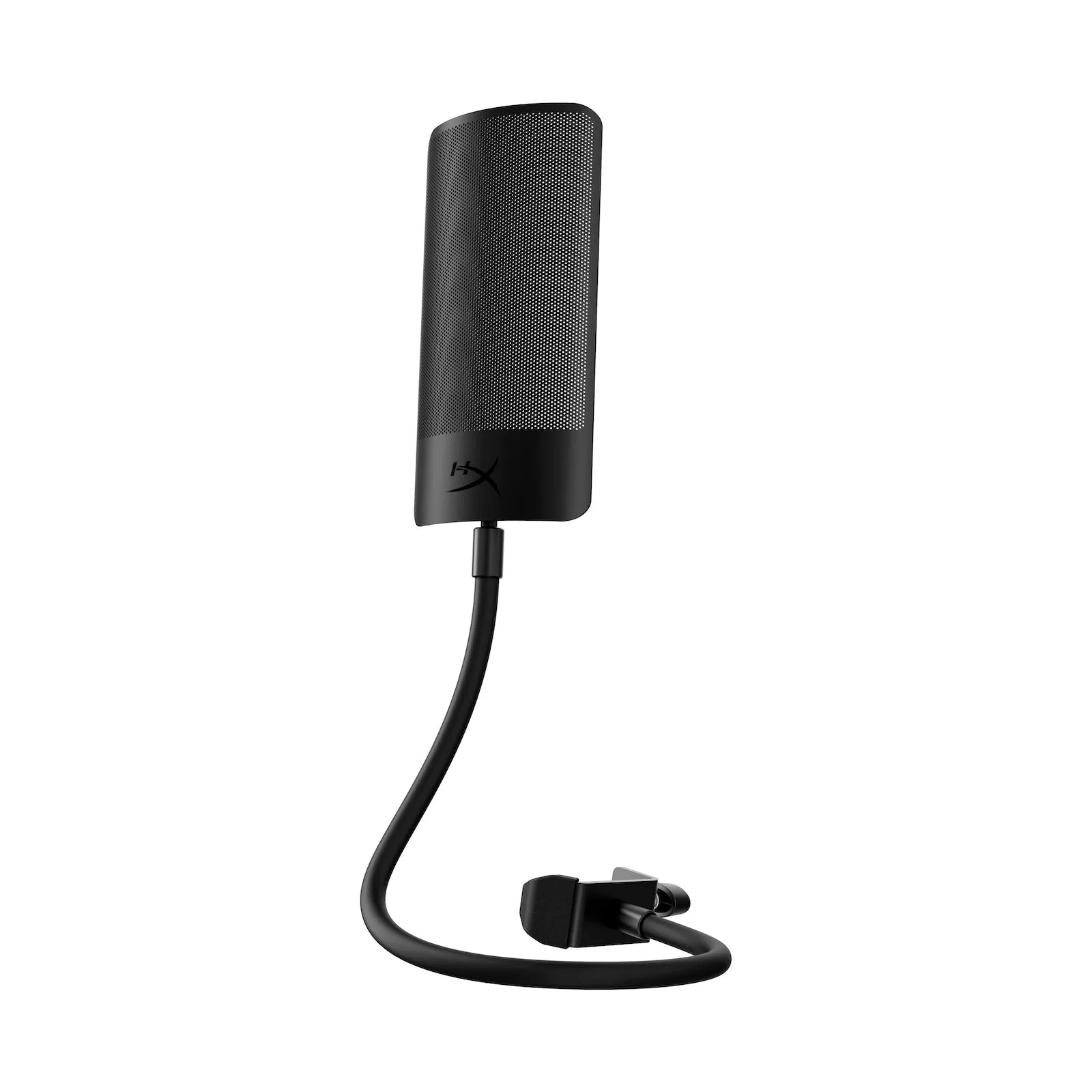
HyperX Shield
-
HyperX Caster - Microphone and Camera Arm: The HyperX Caster has toolless installation and internal spring-assisted movement for smooth positioning. You can adjust mic height and angle without tools, and the spring mechanism absorbs desk vibrations that would otherwise reach the microphone.
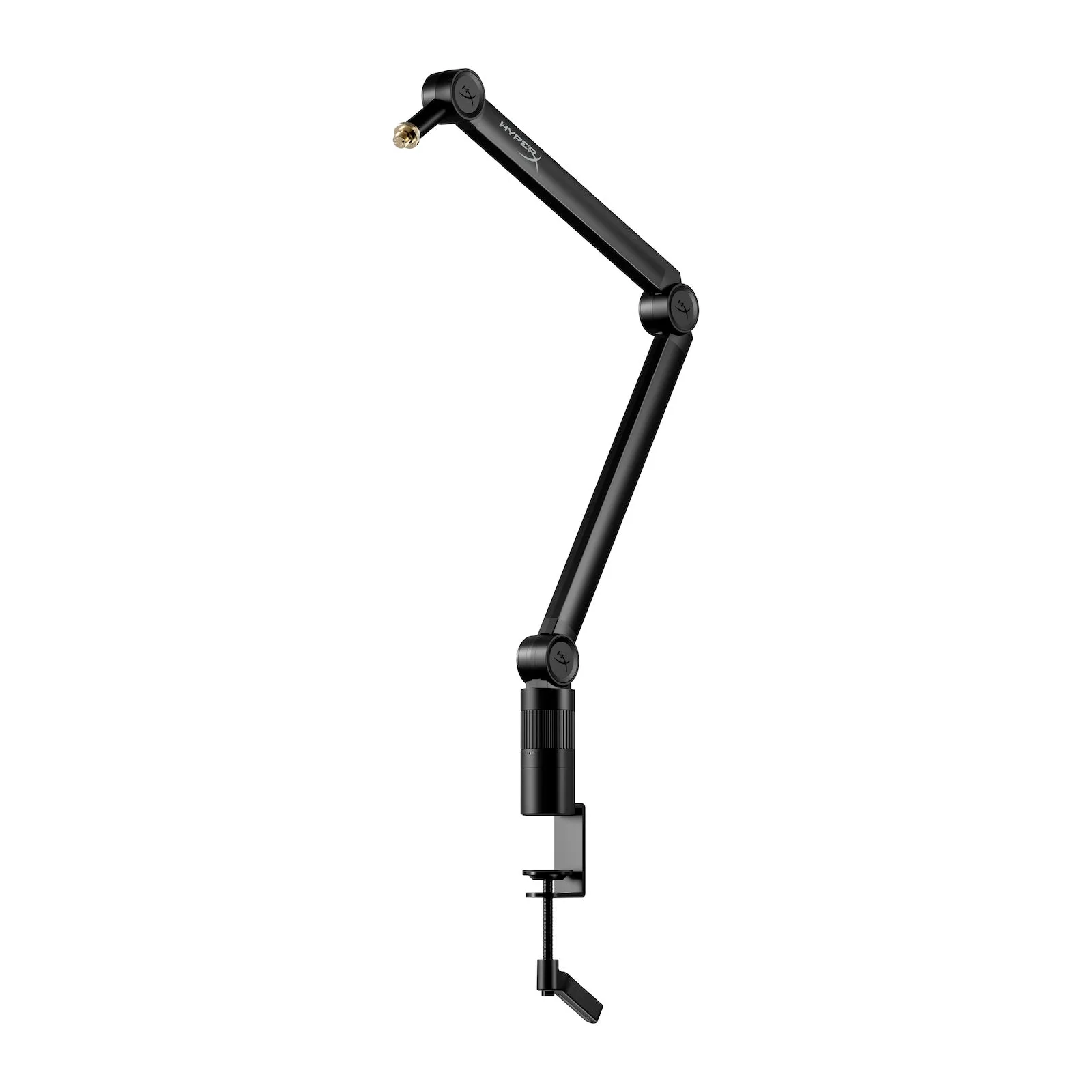
HyperX Caster - Microphone and Camera Arm