Quick Answer
Use the Lume Cube RGB Tube Light Mini 2-Pack to add portable, app-controlled color to product shots, video backgrounds, and event setups—without compromising light quality.
Why the 2-Pack Makes Sense
Two lights let you create depth and separation that a single tube cannot. Place one behind your subject for a colored rim light and another in front for fill, or use both as matching background accents.
Because each tube is only 1 foot long, they fit into tight spaces where larger fixtures won't. The app control means you can adjust both lights from your phone without climbing a ladder or moving a stand.
Trade-Offs to Keep in Mind
At 950 lumens each, these are not meant to replace your main key light in large rooms. They excel as accent, effect, or fill lights in close-range setups.
The 1-foot length limits how wide a surface you can wash evenly. For larger backgrounds, you may need to place the tubes closer or use multiple pairs.
How to Set Up Your 2-Pack for Creative Effects
- Plan your color palette: Decide the mood or brand colors before you start. Use the app to set both tubes to the same hue for a cohesive background, or choose complementary colors for contrast. Test colors on your camera monitor first—app colors can look different on screen.
- Position for separation: Place one tube behind your subject (out of frame) to create a colored rim light. Put the second tube at a 45-degree angle in front for soft fill. This adds depth without overwhelming the scene. Check that the rear tube doesn't create unwanted lens flare.
- Use pre-programmed effects for motion: Select one of the seven special effects, such as lightning or police, and adjust the frequency to match your video's pace. For a subtle look, lower the frequency so the effect feels natural. Avoid fast strobing effects if your subject is sensitive to flicker.
- Adjust intensity to match ambient light: Use the app to dim each tube independently. In a dark room, start at 50% and increase until the color is visible but not overpowering. In brighter settings, raise output to maintain saturation. Check your histogram to prevent clipping in highlights.
- Secure and angle for the best coverage: Mount the tubes on stands or clamp them to shelves. Angle them slightly inward toward your subject to avoid hot spots on the background. Use a second pair if you need to cover a wider backdrop.
Product Facts
-
Lume Cube RGB Tube Light Mini 2-Pack App Controlled 1ft. LED Tube Lights: The app-controlled 1-foot full-color RGB Lume Cube Tube Light Mini offers an infinite color selection and seven pre-programmed special effects with customizable frequency. This lets you match any color scheme or create dynamic effects without manual gels or filters.
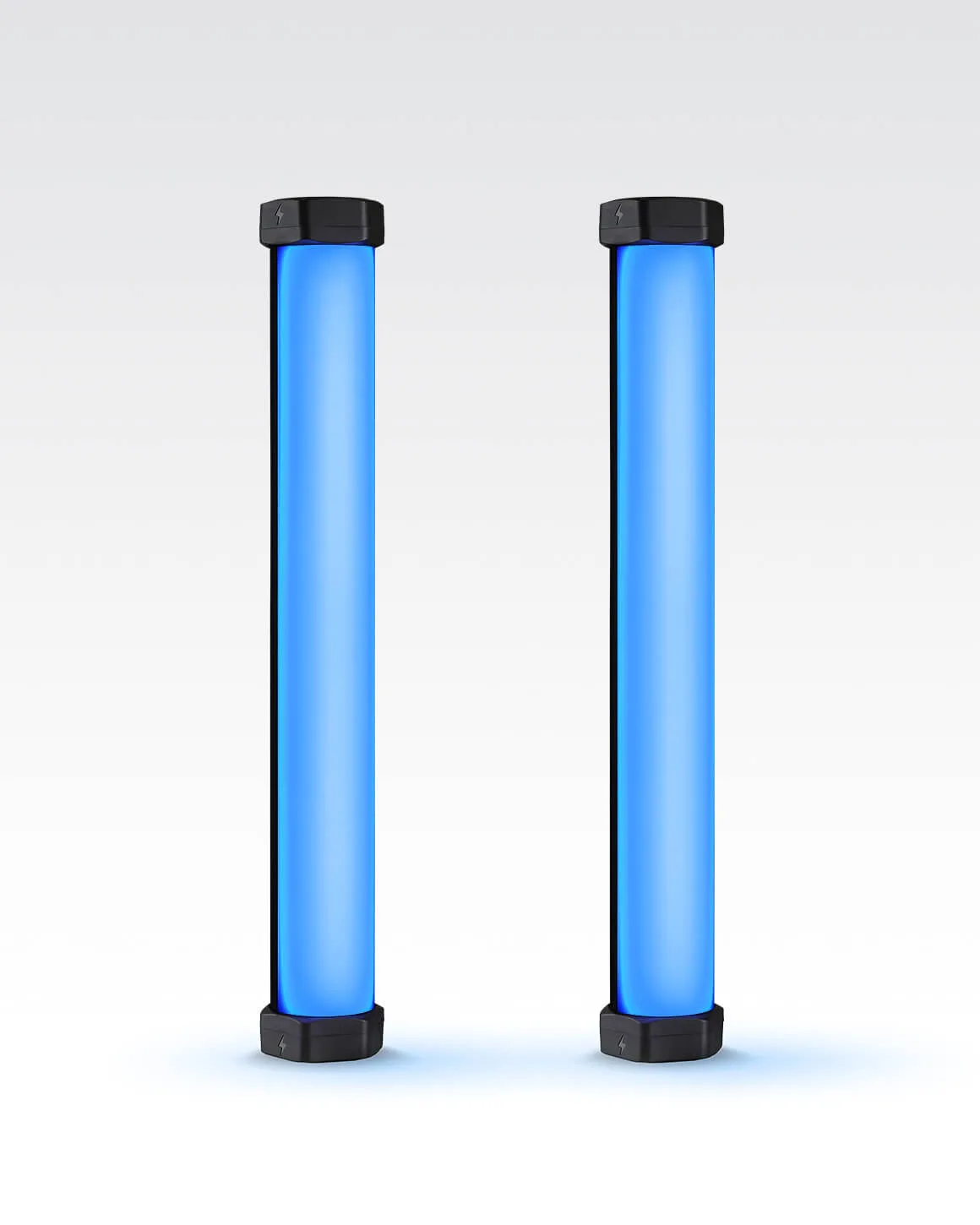
Lume Cube RGB Tube Light Mini 2-Pack App Controlled 1ft. LED Tube Lights
-
Lume Cube RGB Tube Light Mini 2-Pack App Controlled 1ft. LED Tube Lights: It has a CRI rating of 96+ and 950 lumens of light output. High color accuracy means skin tones and product colors stay true, even when using saturated hues.


