Quick answer
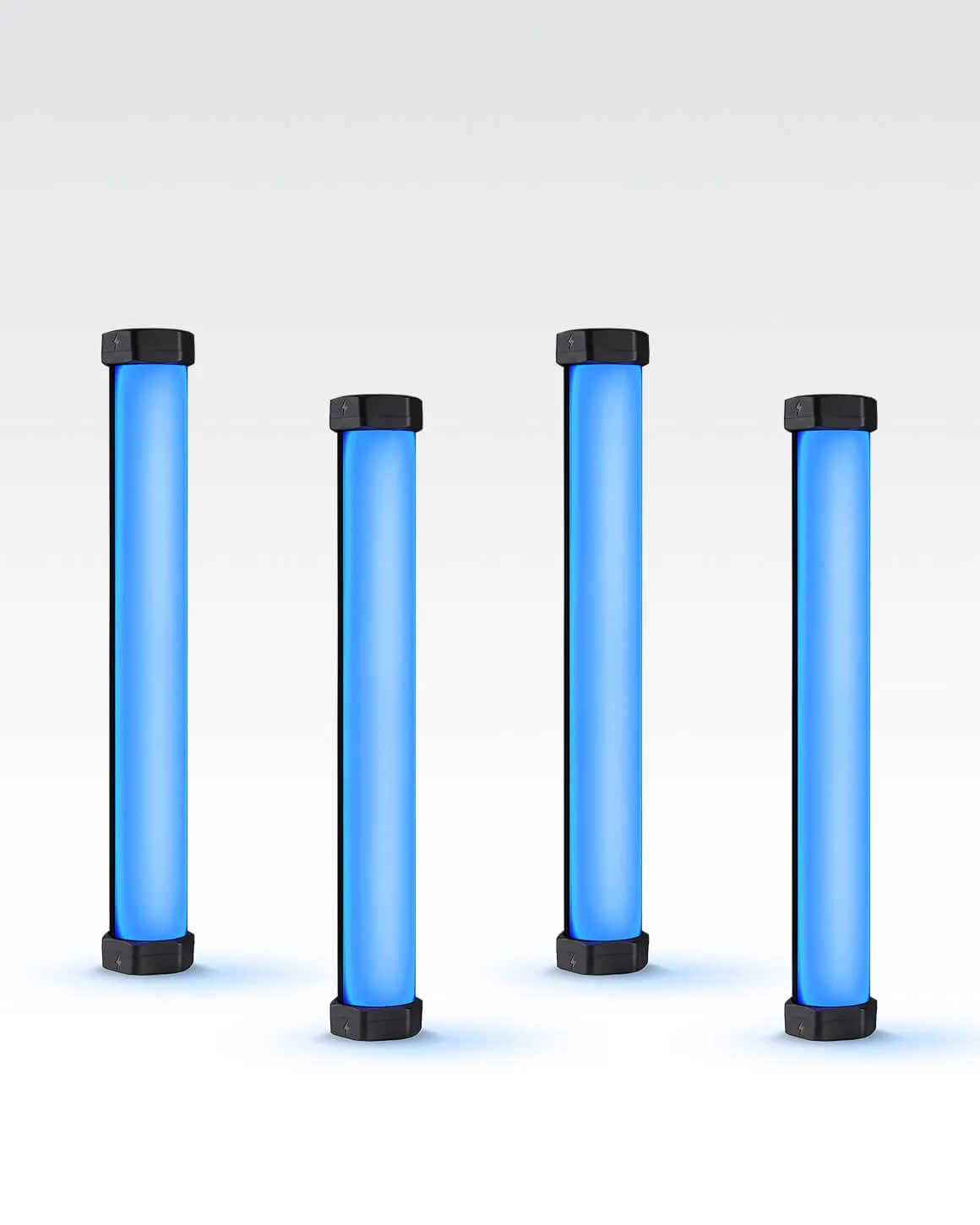
Use the Lume Cube RGB Tube Light Mini 4-Pack as a flexible four-point lighting kit: place two lights behind your subject for color separation, one as a key, and one as a fill. Control all four from the Lume Control app to match color and brightness, and save your setup as a preset for repeatable results.
Plan your four-light layout before you power on
Decide on a primary look—clean interview, dramatic portrait, or product tabletop—and sketch where each 1-foot tube will sit. Because the Mini tubes are compact, you can position them close to small products or tight spaces without bulky stands. A common mistake is placing all four lights at the same height and distance, which flattens the scene. Instead, vary height and distance: put two lights slightly behind the subject at different heights for rim color, one at 45 degrees as key, and one lower and softer as fill.
Use the app to set color and intensity consistently
Open the Lume Control app and connect all four Mini tubes. Set a base white balance for your key and fill, then choose a contrasting hue for the backlights—for example, cool blue behind one shoulder and warm orange behind the other. The app lets you adjust brightness and color without touching the lights, which saves time when you are refining a shot. A frequent mistake is setting each light individually and losing track of which is which; rename or group them in the app if the option is available, or label the physical tubes with tape.
Apply special effects with intention, not as a default
The Mini 4-Pack includes seven pre-programmed special effects with customizable frequency. Use them sparingly: a slow color cycle can add subtle movement to a background, while a strobe effect might suit a music video but will distract in a talking-head interview. Test each effect at low brightness first to avoid overpowering your subject. Remember that effects are most effective when they support the story, not when they call attention to the gear itself.
Position for portraits and product shots
For portraits, place two tubes vertically behind the subject at shoulder height, angled slightly inward, to create a colored rim. Use the third as a key at 45 degrees and the fourth as a fill opposite the key, set to a lower output. For product shots, lay two tubes flat on the table on either side of the product for even color washes, and use the other two upright behind the product for separation. A common checkpoint: check for unwanted color spill on the product itself—if the product should look neutral, keep the colored tubes behind it and use white light in front.
Lock in your settings and document the setup
Once you have a look you like, take a photo of the light positions and note the app settings for color, brightness, and effect. The Mini tubes have a CRI of 96+ and 950 lumens, so they render skin tones and product colors accurately when set to white light. If you plan to repeat the setup, save the configuration as a preset in the app if available, or write down the values. This step turns a one-off experiment into a reliable lighting recipe you can recreate in minutes.
Step-by-step: creative tube light setups
- Set up a two-point portrait with color separation: Place two Mini tubes vertically behind your subject, one on each side, and set them to complementary colors like teal and orange. Use a third tube as a key at 45 degrees in front, and the fourth as a fill opposite the key. Checkpoint: ensure the backlights do not create colored edges on the subject's face unless that is the intended look. This setup adds depth and separates your subject from the background.
- Create a product tabletop with even color washes: Lay two tubes flat on the table on either side of the product, pointing slightly upward, and set them to the same color for a smooth gradient. Stand the other two tubes upright behind the product for a colored rim. Checkpoint: watch for reflections on glossy products—adjust tube angles or add diffusion if needed. Flat placement gives you control over background color without moving the product.
- Use effects for subtle motion in video: Choose a slow color cycle effect in the Lume Control app and apply it to the two backlights only. Keep the key and fill on steady white light. Checkpoint: test the effect at low brightness to avoid flicker or distraction on camera. Effects work best as an accent, not as the main light source.
- Save and repeat your successful setup: After you find a look you like, note the app settings for color, brightness, and effect for each tube. If the app allows presets, save them. Checkpoint: label each physical tube with its role (key, fill, back-left, back-right) so you can reassemble quickly. Documenting your setup turns a one-time experiment into a repeatable lighting recipe.
Product facts
- Lume Cube RGB Tube Light Mini 4-Pack App Controlled 1ft. LED Tube Lights: The Lume Cube RGB Tube Light Mini 4-Pack includes four 1-foot app-controlled full-color RGB tube lights with seven pre-programmed special effects, a CRI rating of 96+, and 950 lumens of output. Four compact lights let you build a multi-point setup in tight spaces, while the high CRI and brightness support accurate color for portraits and products.
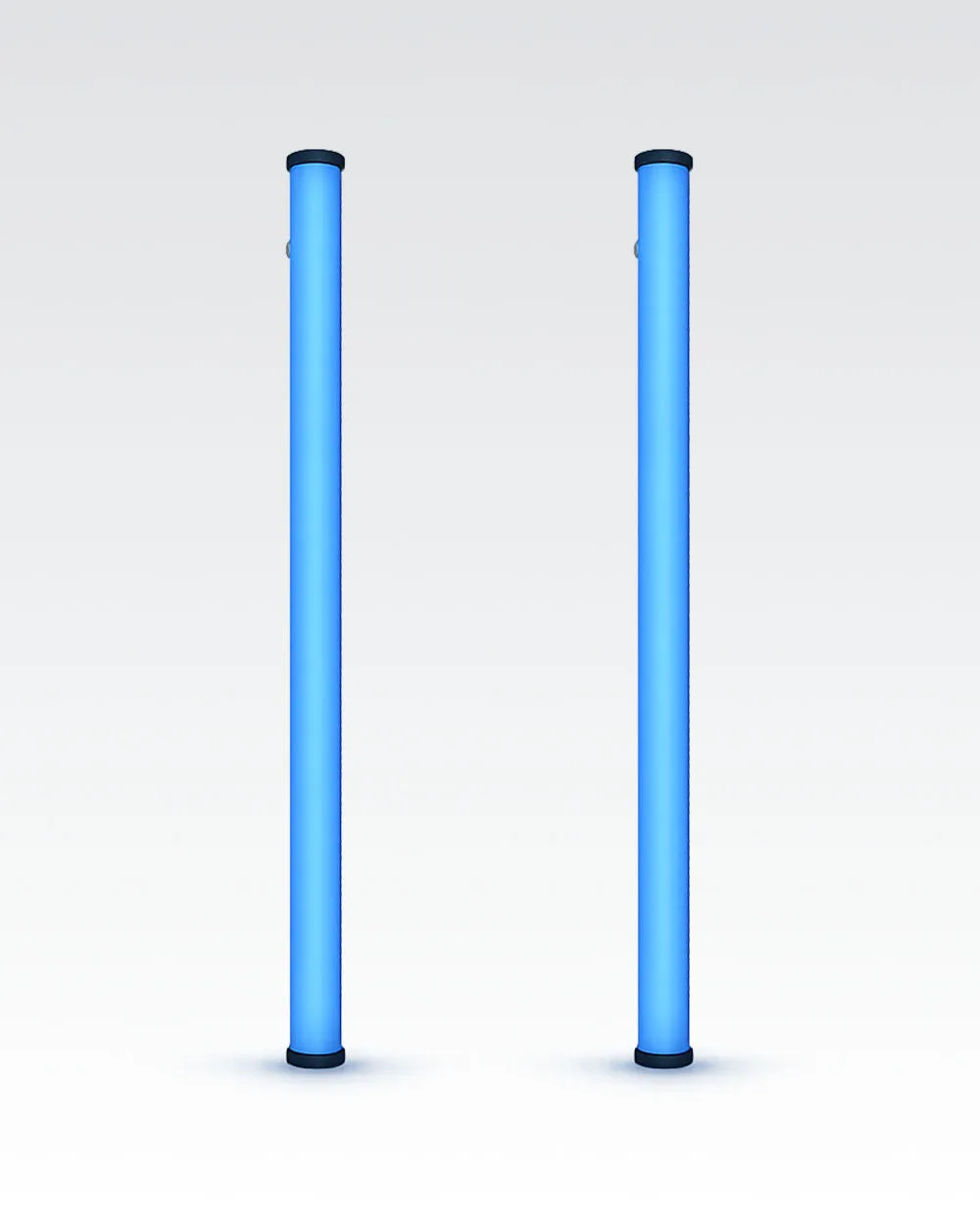
- Lume Cube RGB Tube Light Large 2-Pack App Controlled 2ft. LED Tube Lights: The Lume Cube RGB Tube Light Large 2-Pack features two 2-foot full-color RGB tube lights with Bluetooth app control via Lume Control and over 16 million colors. If you need longer tubes for wider coverage or larger scenes, the 2-foot version offers more reach and the same app-based color control.