Quick answer
The RVR+ Mounting Plate attaches to the top of your RVR+ or RVR robot, giving you a second platform to build and swap projects without rebuilding from scratch.
Why add a second mounting plate?
The RVR+ already has a built-in mounting plate on top. Adding the clear RVR+ Mounting Plate lets you prepare a second project assembly separately and swap it onto the robot in seconds. This is especially useful in classroom settings where multiple groups share one robot or when you want to test two different sensor configurations back to back.
Because the plate is clear, you can see the robot's LED indicators and any markings underneath without removing the plate. The trade-off is that the plate adds a small amount of height, so if your project uses tall components, you may need to account for the extra clearance.
How to install and use the RVR+ Mounting Plate
- 1. Remove the existing plate: If your RVR+ already has a project attached, unscrew the four corner screws holding the built-in mounting plate. Lift the plate off and set it aside. Common mistake: losing the small screws. Keep them in a container or magnetic tray.
- 2. Attach the clear mounting plate: Place the clear RVR+ Mounting Plate onto the robot's mounting posts, aligning the four screw holes. Use the included screws (or the screws from the original plate) to fasten it securely. Do not overtighten – the plastic can crack if you force it. Check that the plate sits flat and does not rock. If it wobbles, loosen and realign before tightening fully.
- 3. Build your first project on the plate: Use the plate's grid of mounting holes to attach sensors, brackets, or other components with M3 screws or zip ties. The clear material makes it easy to see the robot's status LEDs underneath. Common mistake: blocking the ventilation slots on the robot's top – leave those areas clear.
- 4. Prepare a second project on the original plate: Take the original mounting plate you removed and build a second project assembly on it. Keep this plate separate from the robot. When you want to switch, simply unscrew the clear plate and swap in the second assembly. Label each plate with a sticker or marker so you know which project it holds.
- 5. Swap projects quickly: To swap, remove the four screws holding the current plate, lift it off, place the new plate onto the mounting posts, and reattach the screws. The whole swap takes about a minute once the screws are loose. Keep a screwdriver with a magnetic tip near your workspace to speed up the process and avoid dropping screws.
Product facts
-
RVR+ Mounting Plate - Clear: Double your productivity! Add another mounting plate to your RVR so you can build two projects simultaneously and swap them out in a snap. Compatible with RVR+/RVR. This means you can keep one project permanently assembled on the robot and have a second ready to swap in, saving time during iterative testing or classroom demos.
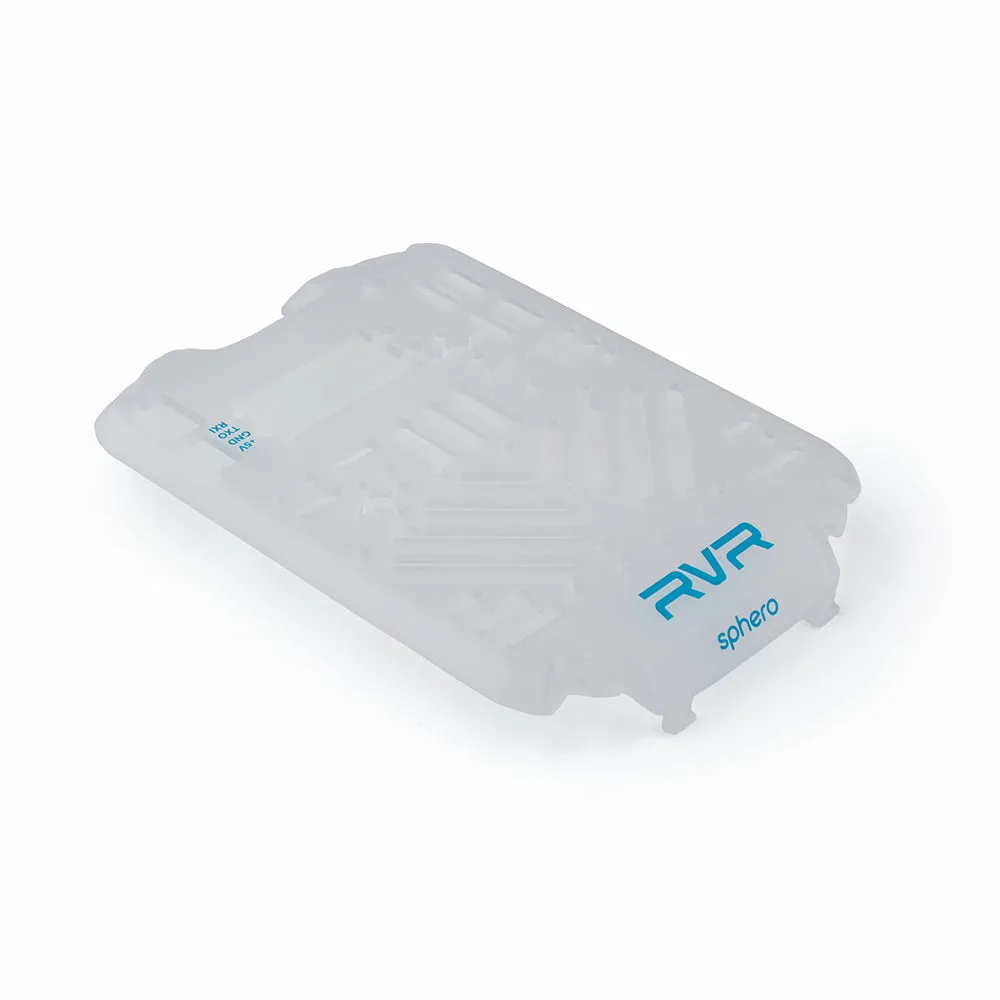
RVR+ Mounting Plate - Clear