Quick Answer
Choose the Slim X3 if you want a full-size layout with backlighting for a fixed desk setup; pick the Slim X1 for a compact travel keyboard; and consider the Slim EX1 if you need a no-frills, budget-friendly wireless option.
Key Differences at a Glance
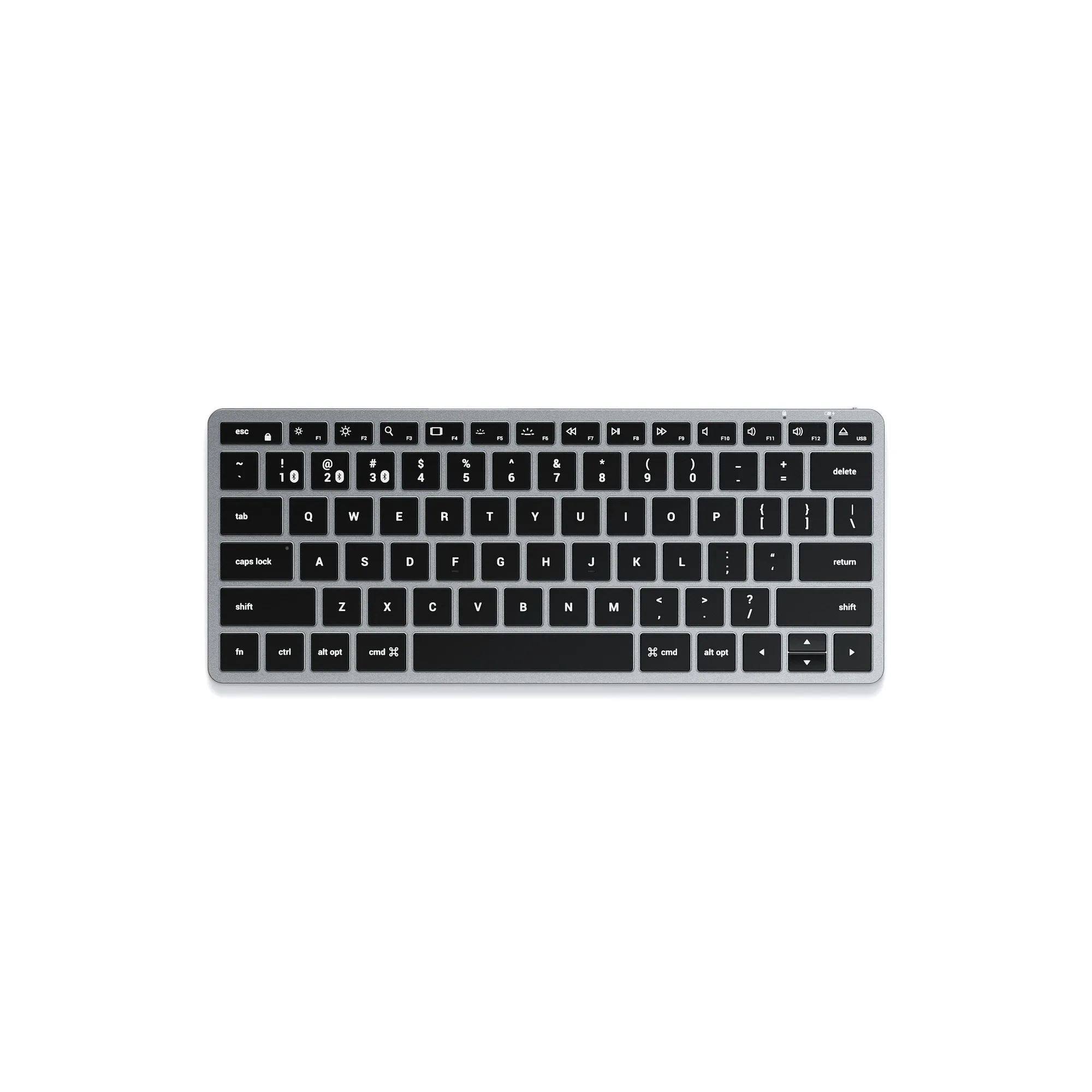
The three Satechi keyboards share a slim profile and Bluetooth connectivity, but they differ in layout, backlighting, and price. The Slim X1 is the most compact, making it a natural travel companion. The Slim EX1 is a minimalist option with a standard layout, while the Slim X3 adds an extended layout with macOS function keys and adjustable backlit keys.
Layout and Portability Trade-offs
If you frequently work from coffee shops or move between desks, the Slim X1's smaller footprint is easier to pack. The Slim EX1 offers a standard layout that still fits smaller setups, but it's not as compact as the X1. The Slim X3's extended layout gives you a full keyboard experience, but it takes up more desk space and is less portable.
Backlighting and Battery Considerations
The Slim X3 is the only model with adjustable backlit keys, which is a clear advantage for low-light environments. The Slim X1 and EX1 do not have backlighting, so if you often type in dim settings, the X3 is worth the higher price. Also, the X3 has a rechargeable USB-C port, while the other two models rely on batteries (as per available catalog facts).
How to Choose: Trade-offs and Decision Rules
- Need backlighting?: If you often type in low light, choose the Slim X3. It's the only one with adjustable backlit keys and a rechargeable USB-C battery. If backlighting is essential, skip the X1 and EX1.
- Prioritize portability?: The Slim X1 is the most compact, so it's the easiest to pack for travel. The EX1 is also portable but not as small. For a travel keyboard, the X1 is the lightest option.
- Want a full-size layout?: The Slim X3's extended layout includes macOS function keys and more keys overall, making it better for heavy data entry or desktop use. If you need a number pad or full key set, the X3 is the only choice.
- On a budget?: The Slim EX1 is the most affordable, making it a good entry point if you don't need backlighting or a compact size. The EX1 is the value pick, but check if the missing features matter to you.
Product Facts
-
Slim EX1 Wireless Keyboard: The Slim EX1 Wireless Keyboard is a minimalist keyboard that blends portability and performance, keeping you connected to all your devices while fitting effortlessly into smaller setups. This makes the EX1 a versatile choice for users who want a standard keyboard that doesn't dominate their desk or bag.
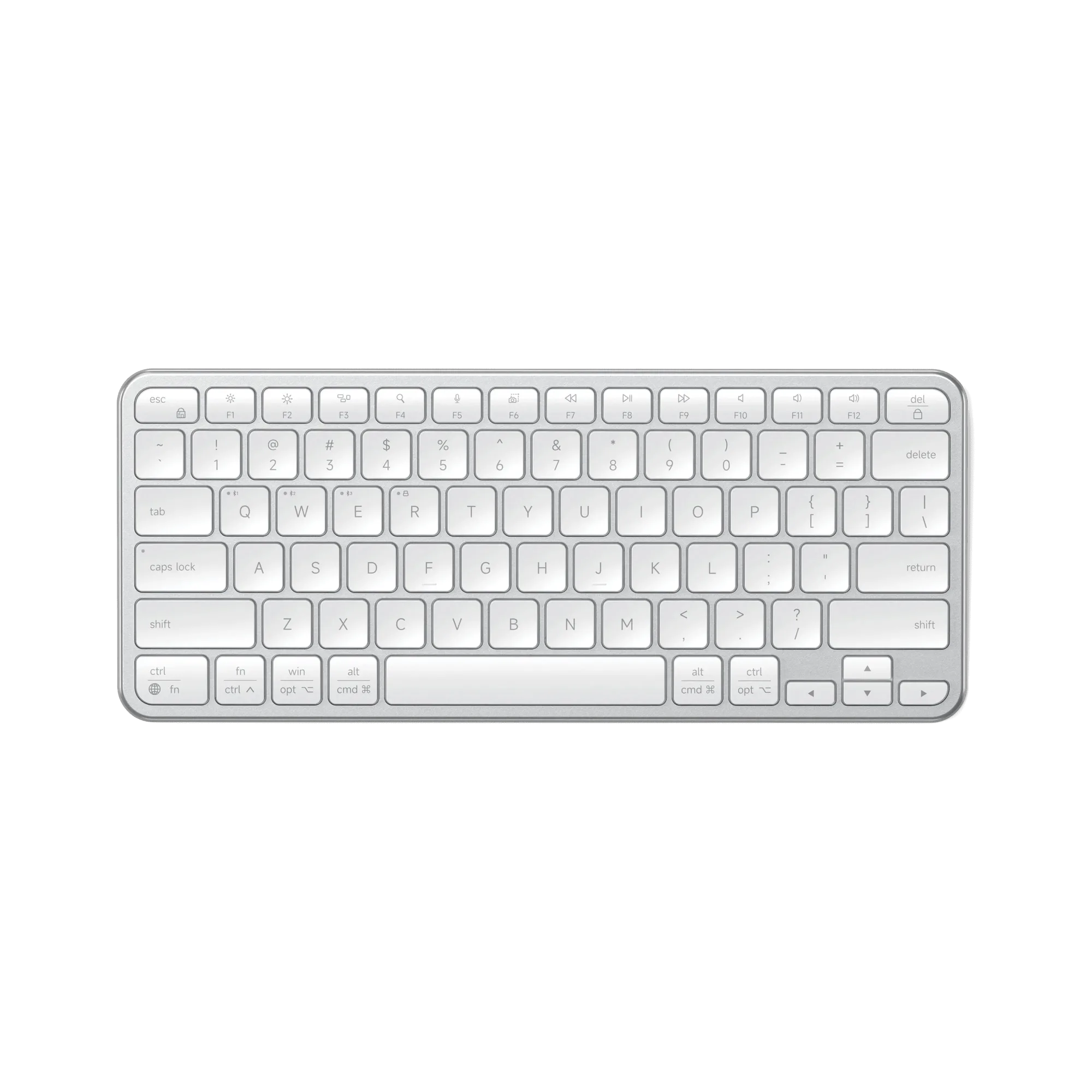
Slim EX1 Wireless Keyboard
-
Slim X3 Bluetooth Backlit Keyboard: The Slim X3 Bluetooth Backlit Keyboard features an extended keyboard layout with macOS function keys, multi-device Bluetooth, adjustable backlit keys, and a rechargeable USB-C port. The backlighting and rechargeable battery make the X3 ideal for dim environments and daily use without battery swaps.
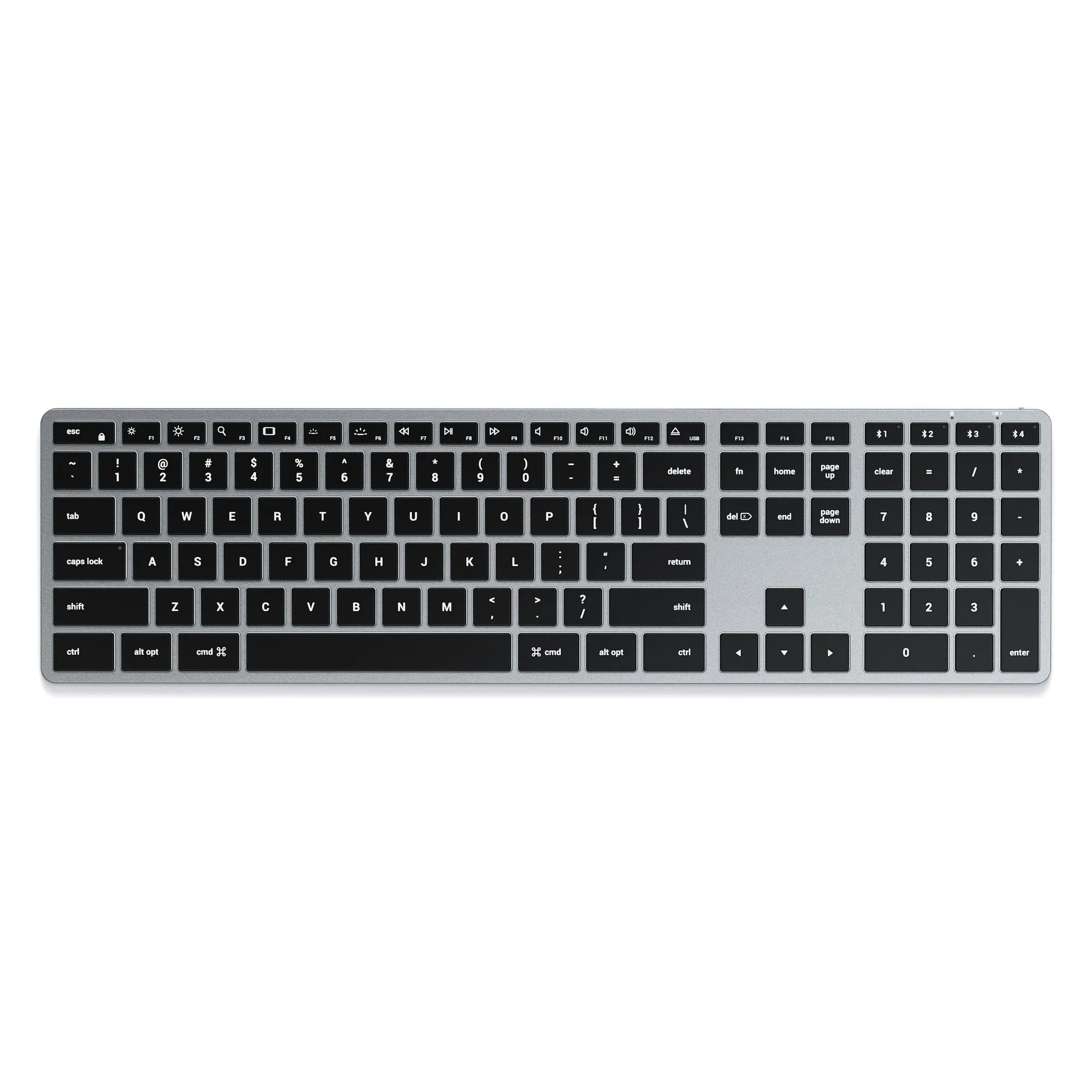
Slim X3 Bluetooth Backlit Keyboard
-
Slim X1 Bluetooth Backlit Keyboard: The Slim X1 Bluetooth Backlit Keyboard is the most compact model, with a full QWERTY layout, multi-device Bluetooth, and macOS function keys in a smaller size. Its compact size makes it the best travel companion for Mac users who need a full keyboard without the bulk.
Who Each Keyboard Fits
Best For
- The Slim X3: Mac users who work at a fixed desk and want a full-size keyboard with backlighting.
- The Slim X1: Frequent travelers who need a compact keyboard with macOS keys.
- The Slim EX1: Budget-conscious users who want a simple wireless keyboard for small setups.
Not For
- The Slim X1: Users who need a number pad or backlighting.
- The Slim EX1: Users who prioritize backlighting or the most compact size.
- The Slim X3: Users who need maximum portability or want to save money.