Quick Answer
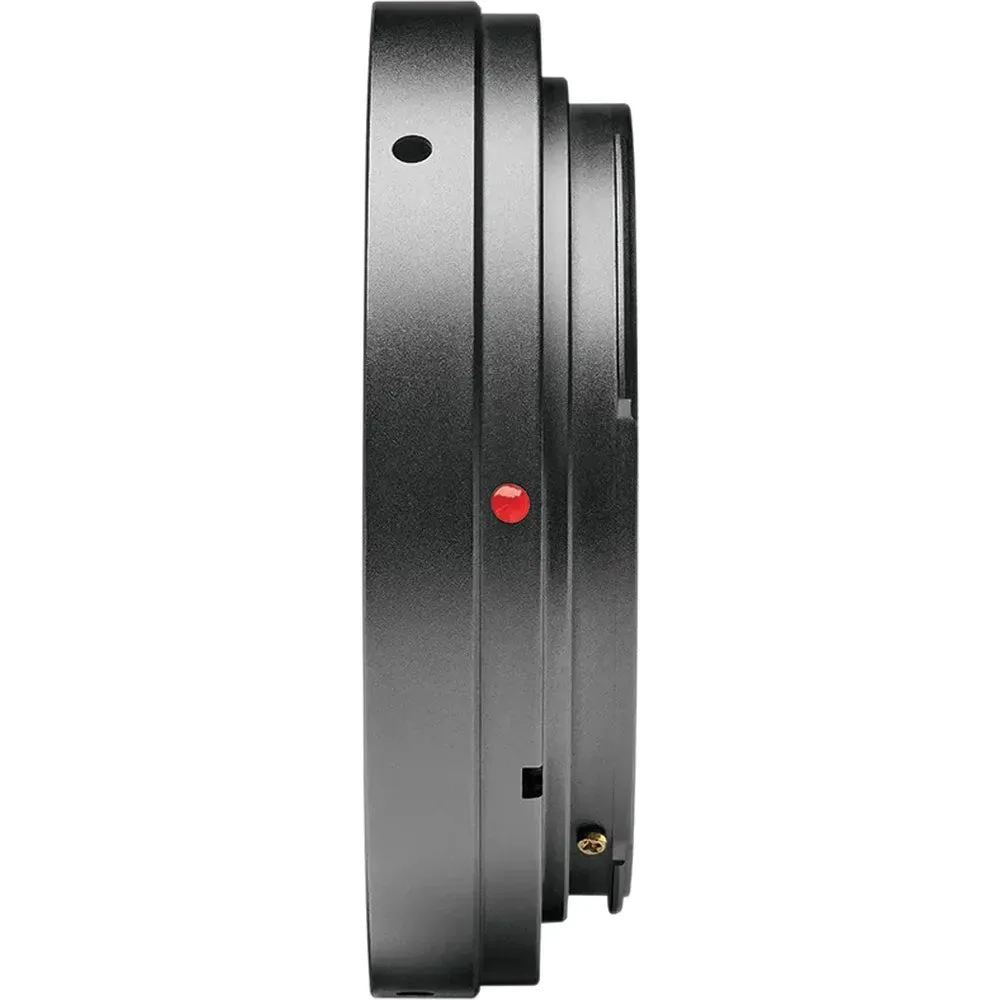
A T2 adapter is the threaded ring that connects your telescope's camera adapter to your camera body. Choose one that matches your camera mount, then screw it on and attach the telescope adapter.
Why the T2 Thread Is the Standard
T2 (also called M42x0.75) is a universal thread used by telescope brands like Opticron and Swarovski. It lets you mix and match camera bodies and telescope adapters without buying a whole new setup.
The trade-off is that the T2 thread is just the mechanical connection. It doesn't control autofocus or aperture, so you'll focus manually and set exposure yourself.
Camera Mount vs. Telescope Adapter: Know the Difference
The T2 adapter fits your camera body, while the telescope adapter (like Opticron's Photoadapter or Swarovski's TLS APO) fits the eyepiece. You need both to connect a telescope to a camera.
For example, the Opticron T Mount for Canon EOS R connects to any T2-threaded device, while the Swarovski T2 Adapter for Canon EF pairs with Swarovski's TLS APO adapters. Make sure your telescope adapter has a T2 thread before buying.
How to Attach a T2 Adapter to Your Camera
- Confirm your camera mount: Check your camera body's mount type (e.g., Canon EF, Canon EOS R, Fuji X). Your T2 adapter must match this mount, not the telescope brand. A Canon EF adapter won't fit a Canon EOS R body without a separate mount converter.
- Match the T2 thread with your telescope adapter: Verify that your telescope's camera adapter (e.g., Opticron Photoadapter or Swarovski TLS APO) has a standard T2 thread. Almost all do, but it's worth a quick check. If the thread is different, you'll need an additional step-down or step-up ring.
- Remove the camera's body cap: Twist off the protective cap from the camera body. Work in a clean, dust-free area to avoid getting debris on the sensor. Keep the body cap in a safe place so you can reattach it when the adapter isn't in use.
- Attach the T2 adapter to the camera: Align the adapter's mount with the camera's lens mount and rotate it until it clicks or locks into place. For bayonet mounts, you'll feel a firm stop; for screw mounts, tighten gently. Never force the adapter. If it doesn't seat easily, realign it and try again.
- Screw the telescope adapter onto the T2 adapter: Thread the telescope's camera adapter (e.g., the Photoadapter or TLS APO) onto the T2 adapter's exposed thread. Turn it clockwise until snug, but don't overtighten. Overtightening can strip the threads or make it hard to remove later.
- Test the connection and focus: Attach the telescope and try focusing on a distant object. Use the telescope's focuser for coarse focus and the camera's manual focus ring (if available) for fine adjustments. If the image is blurry at all zoom levels, recheck that the adapter is fully seated and the telescope is properly collimated.
T2 Adapters We Recommend
-
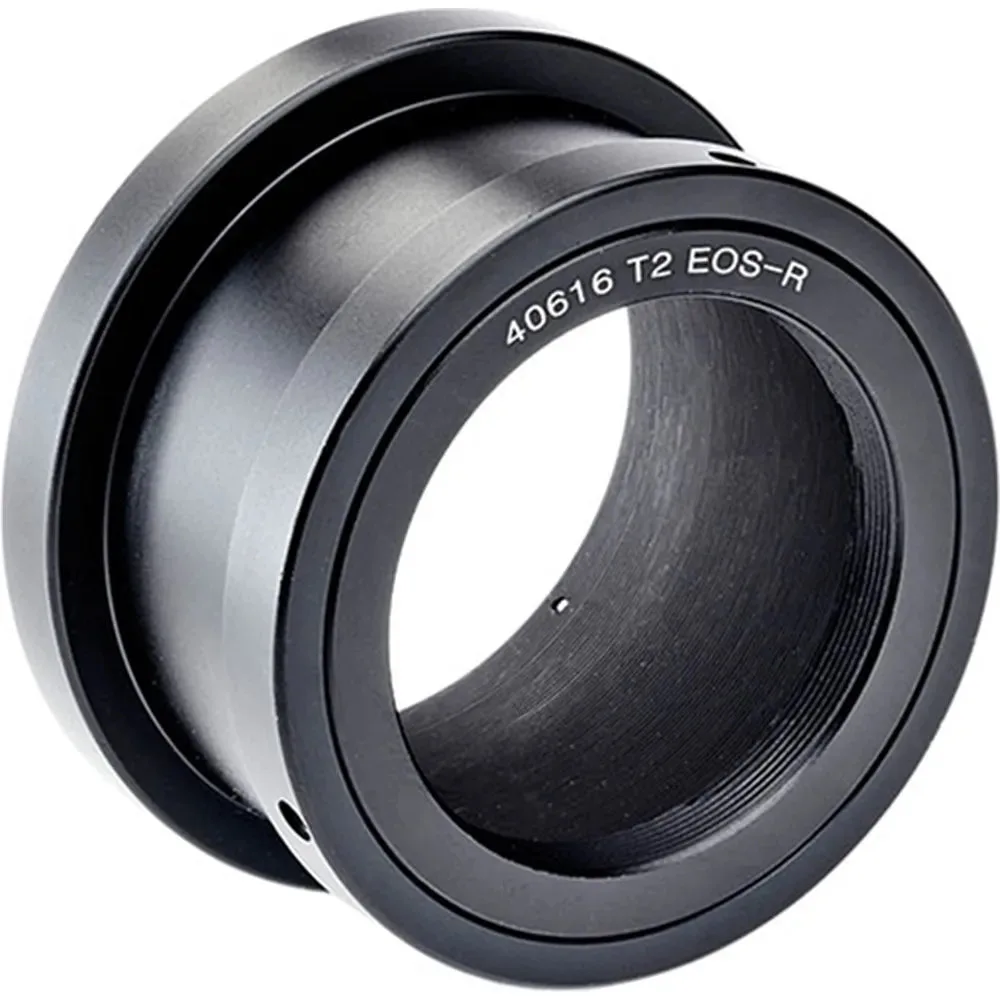
Opticron T Mount - Canon EOS R Mirrorless CSC: Connects Opticron Photoadapters (or any other T2 threaded device) to Canon EOS R mirrorless camera bodies. If you shoot with a Canon EOS R body, this adapter gives you a secure, direct fit for digiscoping.
Opticron T Mount - Canon EOS R Mirrorless CSC
-
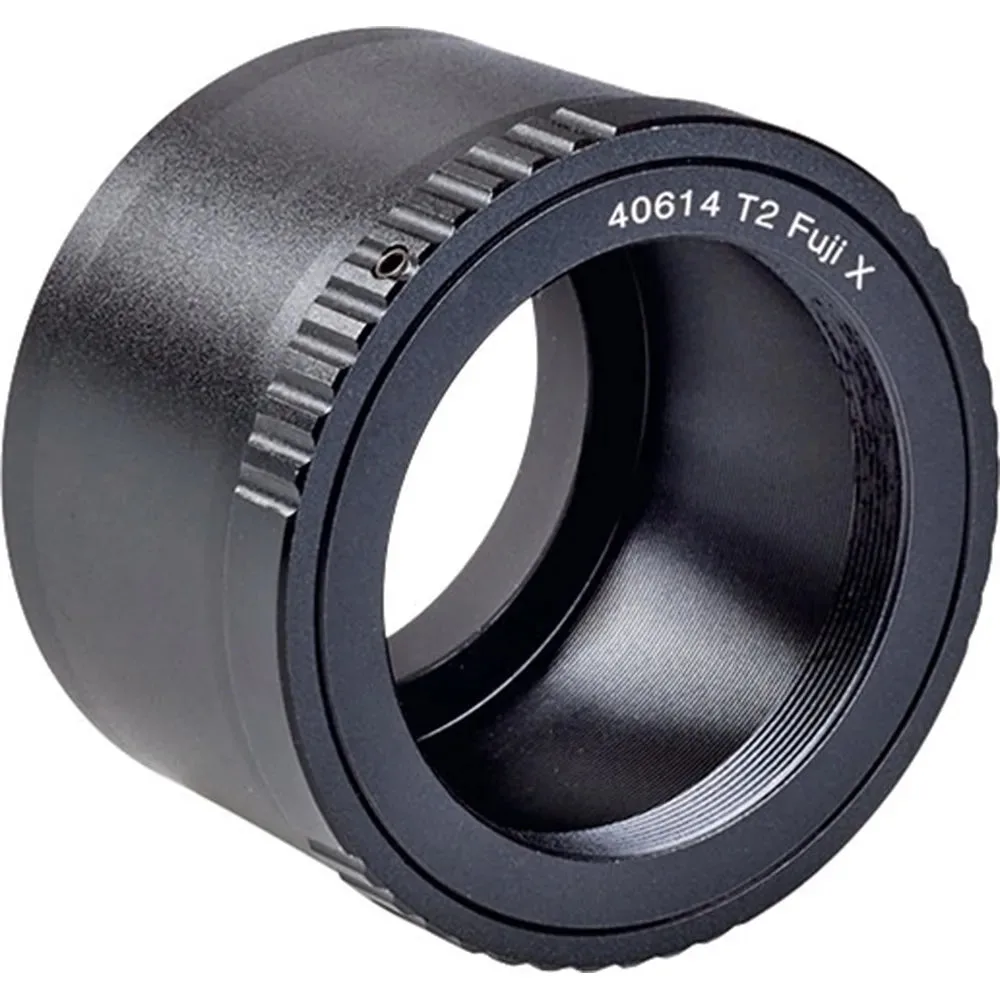
Opticron T Mount - Fuji Mirrorless CSC: Connects Opticron Photoadapters (or any other T2 threaded device) to Fuji mirrorless compact system camera bodies. Fuji mirrorless shooters get the same T2 compatibility, so you can use the same telescope adapter across different camera systems.
Opticron T Mount - Fuji Mirrorless CSC
-
Swarovski T2 Adapter - Canon EF: The Swarovski T2 Mount Adapter for Canon EF allows you to connect your Canon camera to the TLS APO 30 or 43 mm camera adapter. If you own Swarovski optics, this adapter ensures a secure and reliable connection with your Canon EF camera.