Quick Answer
Install your M.2 NVMe SSD in the UGREEN 40Gbps enclosure in under two minutes. Use a USB4 or Thunderbolt 4 port to reach the full 40Gbps speed.
What You Need Before Starting
You will need the UGREEN 40Gbps M.2 NVMe SSD Enclosure, an M.2 NVMe SSD (2230/2242/2260/2280 sizes), a USB4 or Thunderbolt 4 host device, and a small Phillips screwdriver. The enclosure supports both M- and B+M-key SSDs.
Speed Expectations and Port Choice
The enclosure uses advanced chips to deliver stable 40Gbps transfers, but only when connected to a USB4 or Thunderbolt 4 port. USB 3.2 Gen 2×2 (20Gbps) or older ports will limit speed to their maximum. Do not expect full speed on USB 3.2 Gen 1 or Gen 2 ports.
Step-by-Step Installation Guide
- Open the Enclosure: Slide the aluminum cover off the UGREEN enclosure. The cover is held by a simple friction fit—no screws on the outside. Use gentle even pressure to avoid bending the cover. Do not pry with a metal tool; it may scratch the finish.
- Insert the M.2 NVMe SSD: Align the notch on the SSD with the key in the M.2 slot. Insert the SSD at a 30-degree angle, then press it flat against the thermal pad. The SSD should sit flush with the board. If the SSD does not lie flat, re-check the alignment—forcing it can damage the connector.
- Secure the SSD with the Screw: Locate the correct mounting hole for your SSD length (2230/2242/2260/2280). Use the included screw to fasten the SSD. Do not overtighten—just snug is enough to prevent movement. Use the included screwdriver; a larger one may strip the small screw head.
- Close the Enclosure: Slide the cover back on until it clicks into place. Ensure no cables or thermal pad protrude from the seam. The cover should be flush with the sides. If the cover does not slide easily, check that the SSD is fully seated and the thermal pad is not bunched up.
- Connect and Verify Speed: Plug the enclosure into a USB4 or Thunderbolt 4 port using the included cable. Open your operating system disk utility to format the drive (if new) and run a speed test. Expect sequential read/write speeds near 4000 MB/s with a compatible NVMe SSD. If speeds are below 2000 MB/s, confirm the port supports 40Gbps and that your SSD is NVMe (not SATA).
Product Highlight
-
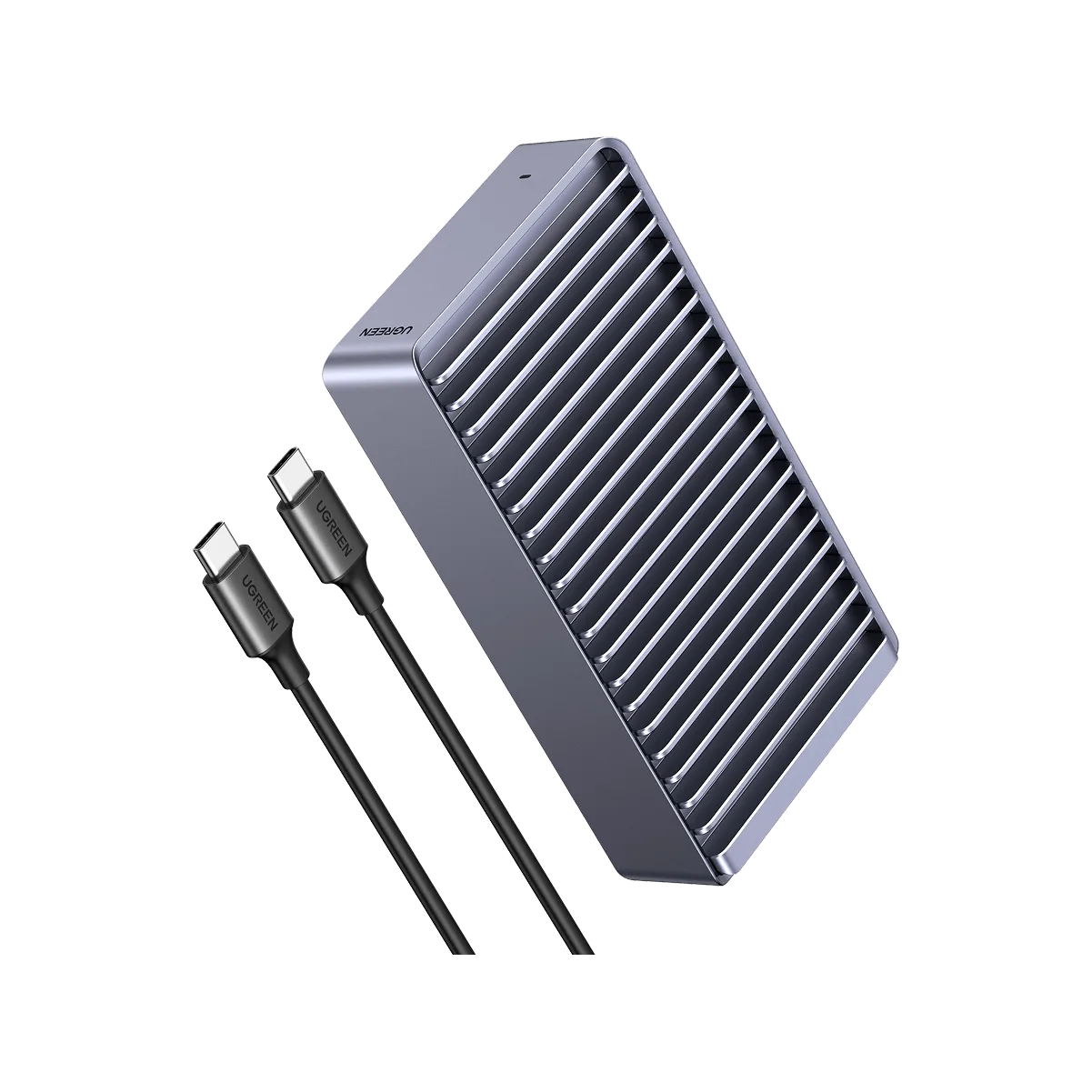
UGREEN 40Gbps M.2 NVMe SSD Enclosure: Stable and fast advanced chips for 40Gbps data transfer This chipset ensures consistent high-speed performance during large file transfers, like editing 4K video directly from the drive.
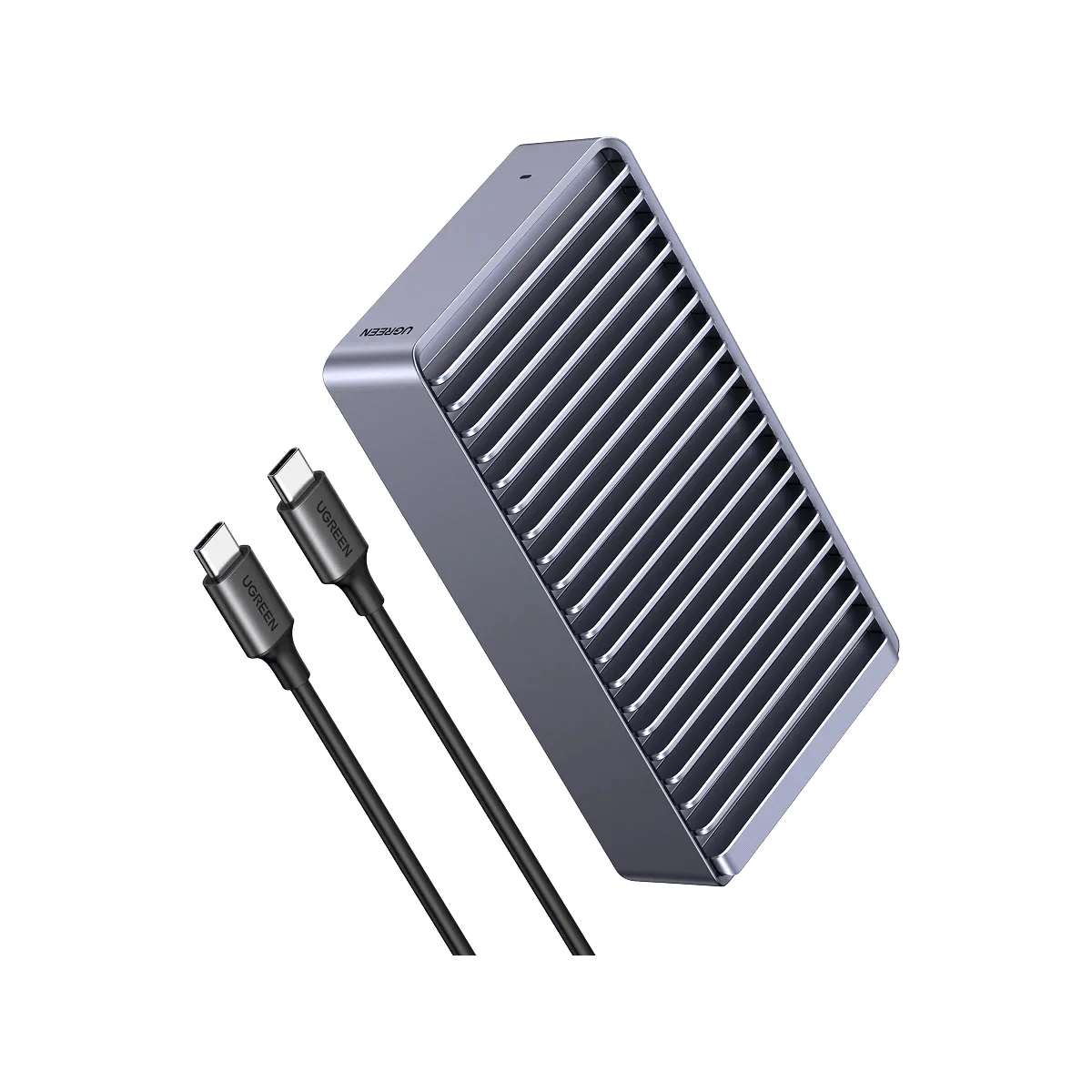
UGREEN 40Gbps M.2 NVMe SSD Enclosure