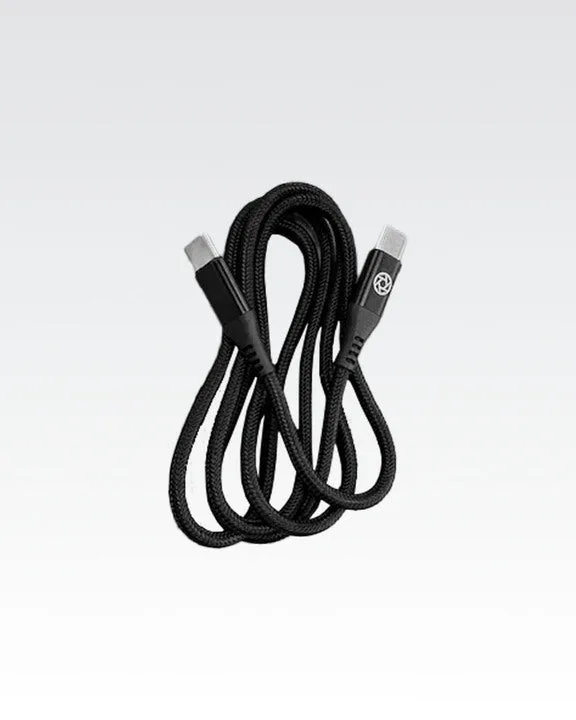
Quick answer
The Lume Cube USB-C Charging Adapter lets you charge compatible Lume Cube Panel lights and the Lume Cube 2.0 using a standard USB-C cable and USB power source. It is a small, affordable part that replaces a lost or damaged adapter and ensures reliable charging without guesswork.
What You Need to Charge Your Lume Cube Light
To charge your Lume Cube Panel Mini, Panel Pro, or Lume Cube 2.0, you need three things: the Lume Cube USB-C Charging Adapter, a USB-C cable (not included), and a USB power source such as a laptop, wall charger, or power bank. The adapter converts the USB-C connection to the specific charging port on your light. Without the correct adapter, the cable won't fit or the light won't charge properly.
The adapter is sold separately and costs about $4.33, making it an inexpensive backup or replacement part. It is compatible with multiple Lume Cube models, so you can use the same adapter for different lights if you own more than one.
Compatibility Check Before You Start
Not every Lume Cube light uses the same charging port. The USB-C Charging Adapter works with Lume Cube Panel Mini, Panel Pro, and Lume Cube 2.0. It does not fit the Flex Light Pro, which uses its own dedicated power adapter. If you own a Flex Light Pro, look for the Lume Cube Flex Light Pro Power Adapter instead.
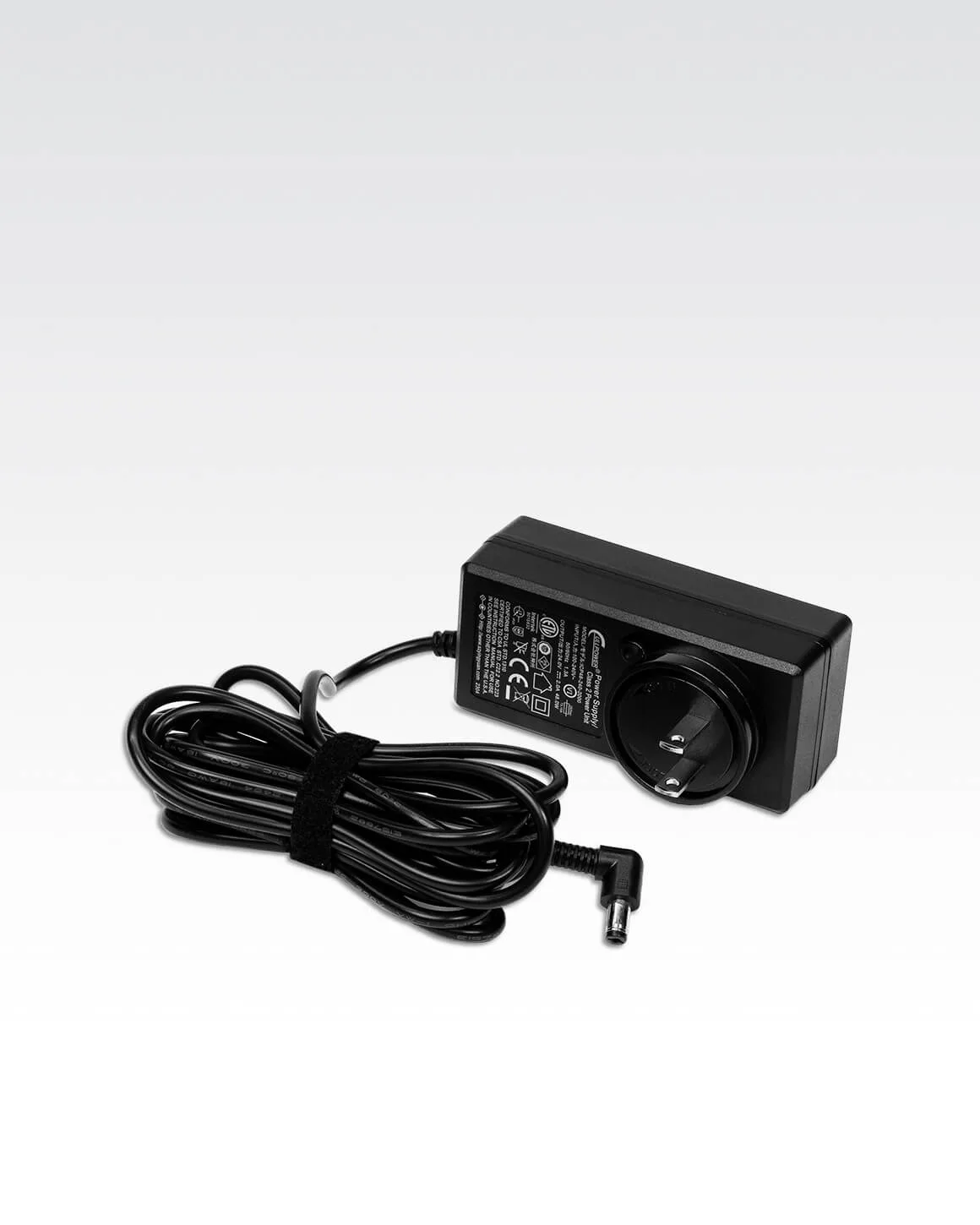
Lume Cube Flex Light Pro Power Adapter
Double-check your light model before ordering. The adapter is small, so it is easy to misplace. Keep one attached to your light or stored in your camera bag so you always have it ready.
Common Mistakes to Avoid
The most common mistake is using a standard USB-C cable without the adapter. The cable alone will not fit the charging port on the light. Another mistake is plugging the adapter into a high-wattage fast charger that exceeds the light's input rating. Stick to a standard 5V USB port to avoid damaging the battery.
Also, do not force the adapter into the light if it does not slide in easily. Check the orientation—the adapter is keyed to fit one way. Forcing it can bend the pins or damage the port.
How to Charge Your Lume Cube Light with the USB-C Adapter
- Step 1: Connect the adapter to your light: Take the Lume Cube USB-C Charging Adapter and insert the small end into the charging port on your Lume Cube Panel Mini, Panel Pro, or Lume Cube 2.0. Push gently until it is fully seated. The adapter should fit snugly without wobbling. Common mistake: inserting the adapter upside down. Check the shape of the port and align the adapter correctly before pushing.
- Step 2: Plug in the USB-C cable: Connect one end of a USB-C cable (any standard USB-C cable works) into the adapter. The other end goes into a USB power source such as a laptop, wall charger, or power bank. Make sure the cable is fully inserted on both ends. Common mistake: using a damaged or loose cable. A worn cable may not make good contact, leading to slow or intermittent charging.
- Step 3: Monitor the charging status: Most Lume Cube lights have an LED indicator that shows when the battery is charging. Refer to your light's manual for the specific color or blinking pattern. Charging time varies by model and battery level, but typically takes 2-3 hours for a full charge. Common mistake: leaving the light plugged in for days. Once the LED shows a full charge, unplug the cable to preserve battery health.
Product Facts
- Lume Cube USB-C Charging Adapter: USB-C to USB Charging Adapter compatible with various Lume Cube Panel lights and the Lume Cube 2.0, providing fast and reliable charging. This adapter is the only way to connect a standard USB-C cable to your Lume Cube light. Without it, you cannot charge the light using common USB power sources.