Quick answer
Plug the Carrera USB Micro Card Adapter into your computer, insert the memory card from your quadcopter, and copy files like flight logs or firmware updates. This guide walks you through each step and common pitfalls.
Why use the dedicated adapter
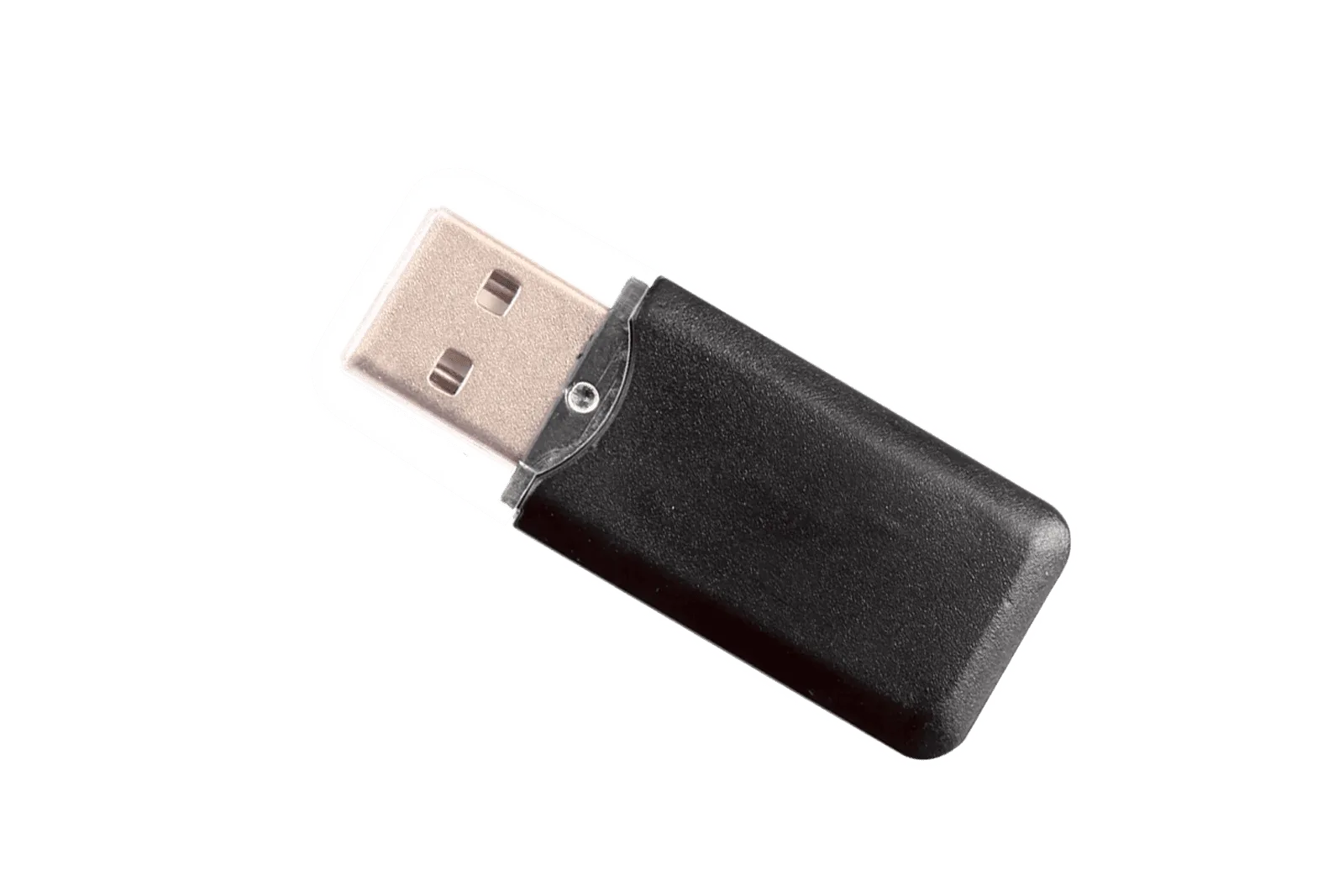
The Carrera USB Micro Card Adapter is designed specifically for quadcopter memory cards. It ensures reliable data transfer without the risk of damaging the card or the drone's internal reader. Using a generic adapter might work, but this one is tested for compatibility with Carrera RC models and spare parts.
What to expect from the adapter
This adapter is a straightforward USB reader for microSD cards. It does not include any software or drivers—your computer should recognize it as a removable drive. If you need to format the card or update firmware, the adapter gives you a direct connection to your PC.
Setup steps
- 1. Insert the memory card: Take the microSD card out of your quadcopter. Slide it into the adapter's slot with the metal contacts facing down until it clicks into place. Common mistake: forcing the card in backward can damage the pins. Always check the card orientation before inserting.
- 2. Connect the adapter to your computer: Plug the adapter into an available USB port on your PC or laptop. The system should detect it as a removable drive. If nothing happens, try another port or check if the card is fully seated. If the drive doesn't appear, restart your computer or test the adapter on another device.
- 3. Access the files: Open File Explorer (Windows) or Finder (Mac). Look for the new drive labeled something like 'NO NAME' or 'QUADCOPTER'. Double-click to view the contents. You can now copy flight logs, photos, or firmware files to and from the card. Do not remove the adapter while files are being copied—use the 'Safely Remove Hardware' option first.
- 4. Safely eject and reuse: After transferring files, right-click the drive and select 'Eject'. Wait for the confirmation message, then unplug the adapter. Remove the card and reinsert it into your quadcopter. Common mistake: pulling the adapter out without ejecting can corrupt the card. Ejecting properly prevents data loss and extends the life of your memory card.
Product details
-
USB Micro Card Adapter for Quadcopter: This Carrera USB Micro Card Adapter is listed for use with quadcopters and is part of the store's spare parts and RC flight equipment range. It is built to work with the memory cards used in Carrera quadcopters, so you avoid compatibility issues when transferring flight data or updating firmware.
USB Micro Card Adapter for Quadcopter