Quick answer
A USB to serial adapter cable connects your modern computer's USB port to your telescope mount's serial port, enabling reliable PC control for GoTo and tracking.
Why a dedicated adapter matters
Most telescope mounts use a serial (RS-232) interface for PC control, but modern laptops lack serial ports. A USB to serial adapter bridges this gap without extra hardware.
Cheap adapters often use unreliable chipsets that drop commands. A purpose-built cable like the USB to Serial Port Cable uses a proven chipset and proper pinout for mount communication.
Common pitfalls
Not all USB-to-serial cables are created equal. Some use counterfeit FTDI chips that Windows may reject. Others lack the correct 4P4C (RJ10) connector required for mount PC ports.
Driver conflicts can also cause intermittent connection. Always install the manufacturer's driver before plugging in the cable.
Diagnosis steps
- Symptom: Your mount does not respond to planetarium software commands, or the connection drops after a few minutes.
- Likely cause: The USB-to-serial adapter uses an incompatible chipset, wrong pinout, or missing driver. A standard USB cable won't work because the mount expects serial signals.
- Corrective action: Replace the adapter with the USB to Serial Port Cable (RJ10 4P4C connector). Install the driver before connecting. Set the correct COM port and baud rate (usually 9600) in your planetarium software. If the mount still doesn't respond, check that the cable is fully inserted into the mount's PC port and that the mount is powered on.
- Stop or choose another option: If your mount uses a different connector (e.g., USB-B or Ethernet), this cable will not fit. In that case, look for a cable with the correct connector for your mount model.
Product fact
-
USB to Serial Port Cable: USB to serial adapter cable for PC port. RJ10 4P4C connector for mount PC port. Length 1.8m. The RJ10 connector matches standard telescope mount PC ports, so you don't need extra adapters or soldering.
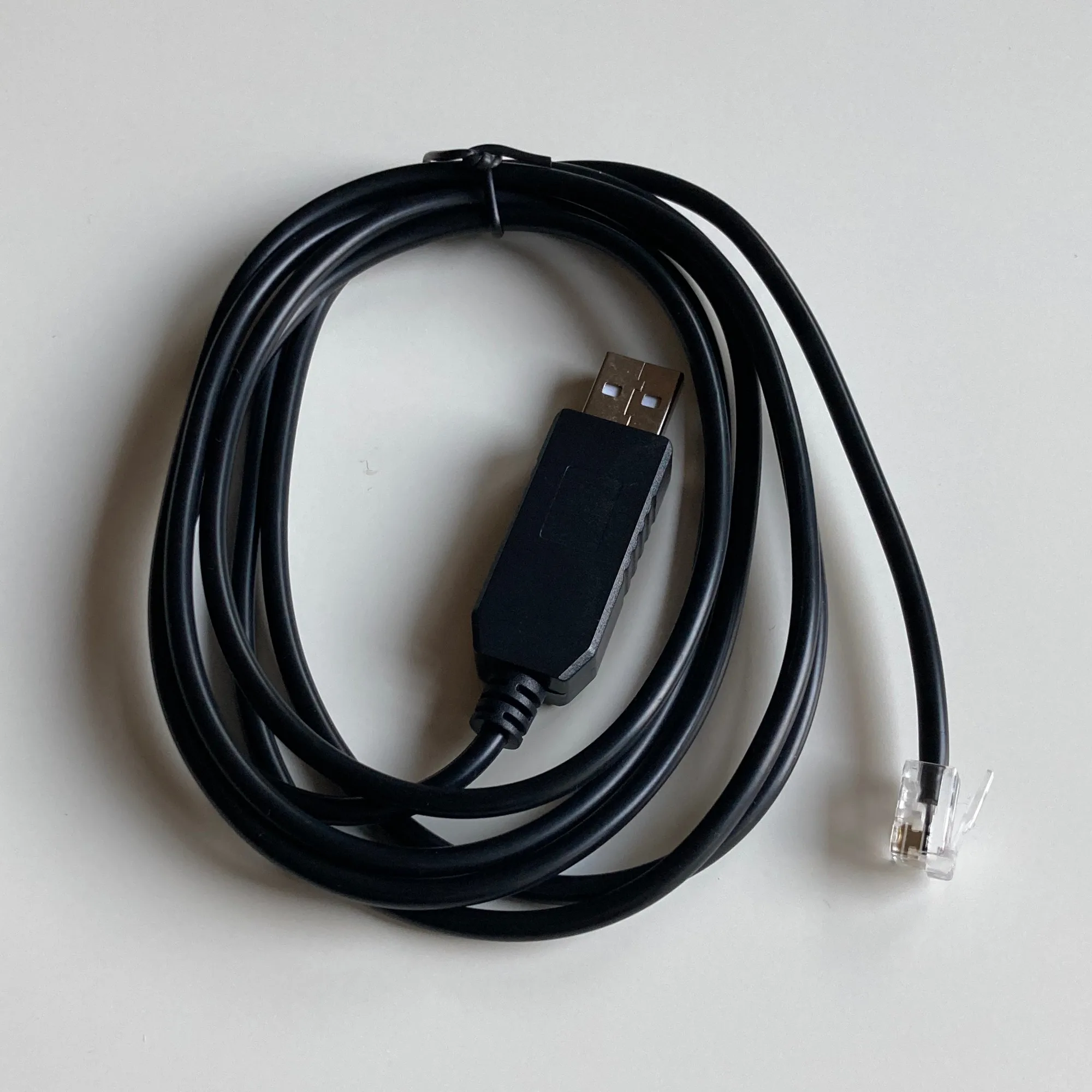
USB to Serial Port Cable


