Quick answer
If your headphones sound too quiet, first check that they are plugged into the correct output and that Windows volume is at 100%. If volume is still low, the cause is usually an impedance mismatch or a headphone amp that is not providing enough gain. High-impedance headphones need an amp with sufficient voltage swing; low-impedance, high-sensitivity models may just need a clean dongle or a gain setting change.
Check the simple settings first
Before blaming your gear, rule out the basics. On Windows, right-click the speaker icon, open Volume mixer, and confirm the output device is the one you are actually using. Some laptops route audio to HDMI or a monitor when a cable is connected. Next, open Sound settings > More sound settings > Playback, select your headphones, and check Levels. If the level is below 100, raise it. Also look for a separate volume wheel on the headphone cable or earcup—many inline remotes have one that is easy to knock down.
If you use a USB DAC or dongle, check its own control panel or hardware buttons. Some dongles have a gain switch or a volume rocker that overrides Windows. Finally, disable audio enhancements in the Playback properties. Enhancements like Loudness Equalization can actually reduce peak volume on some systems.
Understand impedance and sensitivity
Impedance (measured in ohms) and sensitivity (decibels per milliwatt) together determine how hard headphones are to drive. High-impedance headphones (typically 100 ohms and above) need more voltage to reach the same loudness. Low-impedance headphones (under 50 ohms) usually need more current, not voltage. If your headphones are high-impedance and you are plugging them into a phone or laptop headphone jack, the amp inside may not provide enough voltage swing, so the sound stays quiet even at 100% volume.
Sensitivity matters just as much. A 300-ohm headphone with high sensitivity can be easier to drive than a 32-ohm headphone with low sensitivity. Without the exact specs, you cannot guess—check the manufacturer's published numbers. If impedance is above 100 ohms and sensitivity is below 100 dB/mW, you likely need a dedicated headphone amp.
When a headphone amp is the answer
If your headphones are high-impedance or low-sensitivity, a headphone amp not loud enough is often the real problem—not the headphones. A dedicated amp provides more voltage gain and headroom, so transients and dynamic peaks do not clip. Look for an amp with enough output voltage for your headphone's impedance. For example, a 300-ohm headphone may need 10–20 volts peak-to-peak to reach loud levels, while a 32-ohm headphone may need only 2–3 volts.
An amp also lowers output impedance, which improves damping and bass control. If you hear muddy bass or a compressed soundstage along with low volume, the amp is likely struggling. In that case, stop raising the volume and consider a more powerful amp.
Match the amp to the headphone
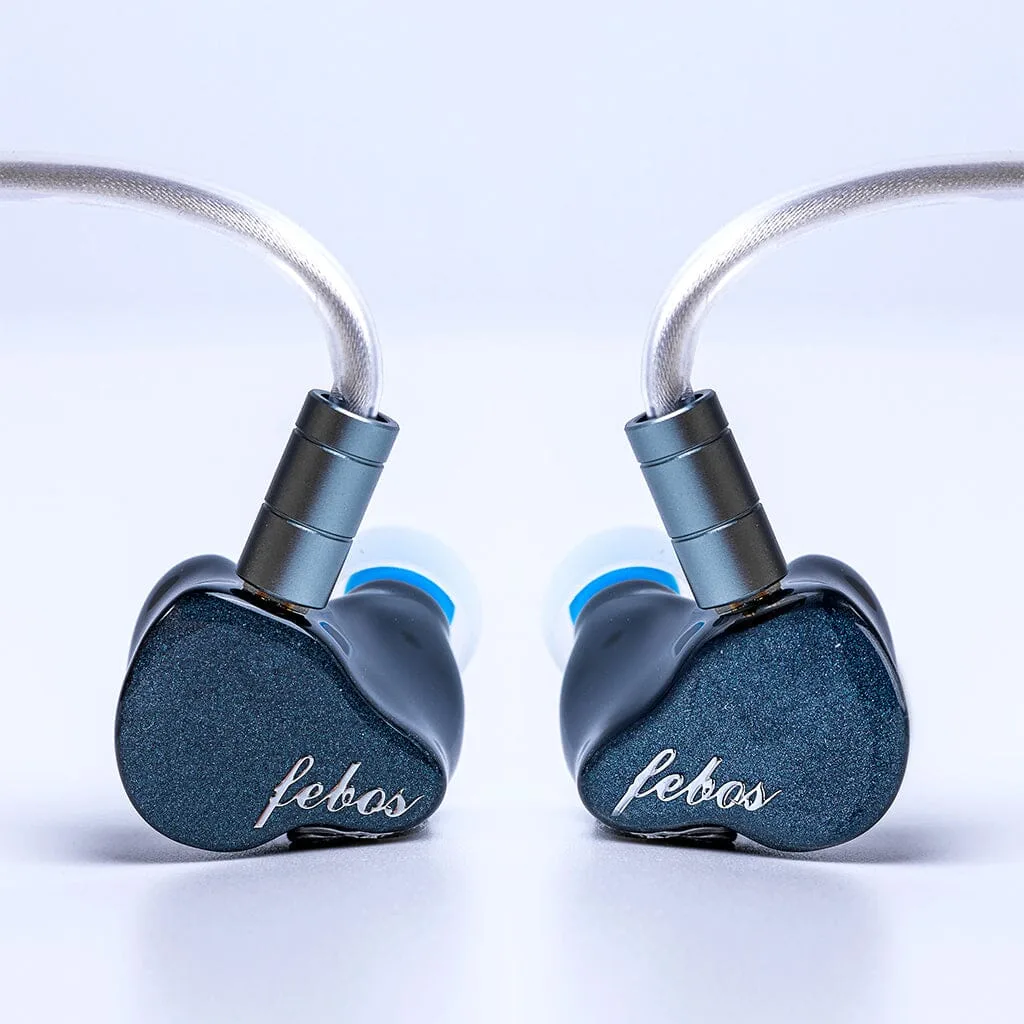
Not every quiet headphone needs a big amp. In-ear monitors (IEMs) are often very sensitive and may hiss with a powerful amp. For those, a low-gain dongle or a dedicated IEM amp is better. Over-ear planar magnetic headphones often need high current, while dynamic headphones usually need voltage. Check the amp's power output at your headphone's impedance—not just at 32 ohms. A 1-watt amp at 32 ohms may deliver only 100 milliwatts at 300 ohms, which is not enough for quiet recordings.
If you are unsure, start with a clean, neutral amp that has selectable gain. Use low gain for IEMs and high gain for high-impedance over-ears. That flexibility prevents both hiss and insufficient volume.
Stop raising volume when you hear distortion
If turning up the volume makes the sound harsh, compressed, or distorted, the amp is clipping. Stop. Clipping can damage headphones and your hearing. At that point, the correct action is to add a more capable amp or choose different headphones that match your existing gear. If you are already at 100% volume with no distortion but still want more, the headphones may simply be too insensitive for your current source. In that case, a different headphone model with higher sensitivity is the practical fix.
Diagnosis: symptom, cause, fix, and when to stop
- Symptom: Quiet on laptop, fine on phone: Laptop headphone jacks often have lower output voltage than phones, especially when the laptop is on battery power. Check Windows volume and enhancements first. If still quiet, a USB dongle DAC with a dedicated amp stage will raise volume.
- Symptom: Quiet on all devices, even at 100%: High impedance or low sensitivity is the likely cause. The headphones need more voltage than your devices can provide. Add a headphone amp with enough gain for your headphone's impedance. If you hear distortion when turning up, stop and choose a more powerful amp.
- Symptom: Quiet only in some apps: Windows volume mixer may have a specific app turned down, or the app has its own volume slider. Open Volume mixer and set the app to 100%. If that fixes it, no new gear is needed.
- Symptom: Hiss or noise along with low volume: The amp has too much gain for sensitive IEMs, so you cannot turn it up without hearing noise. Use a low-gain amp or a dongle designed for IEMs. Do not keep raising volume—it will only increase hiss.
Products that address low volume
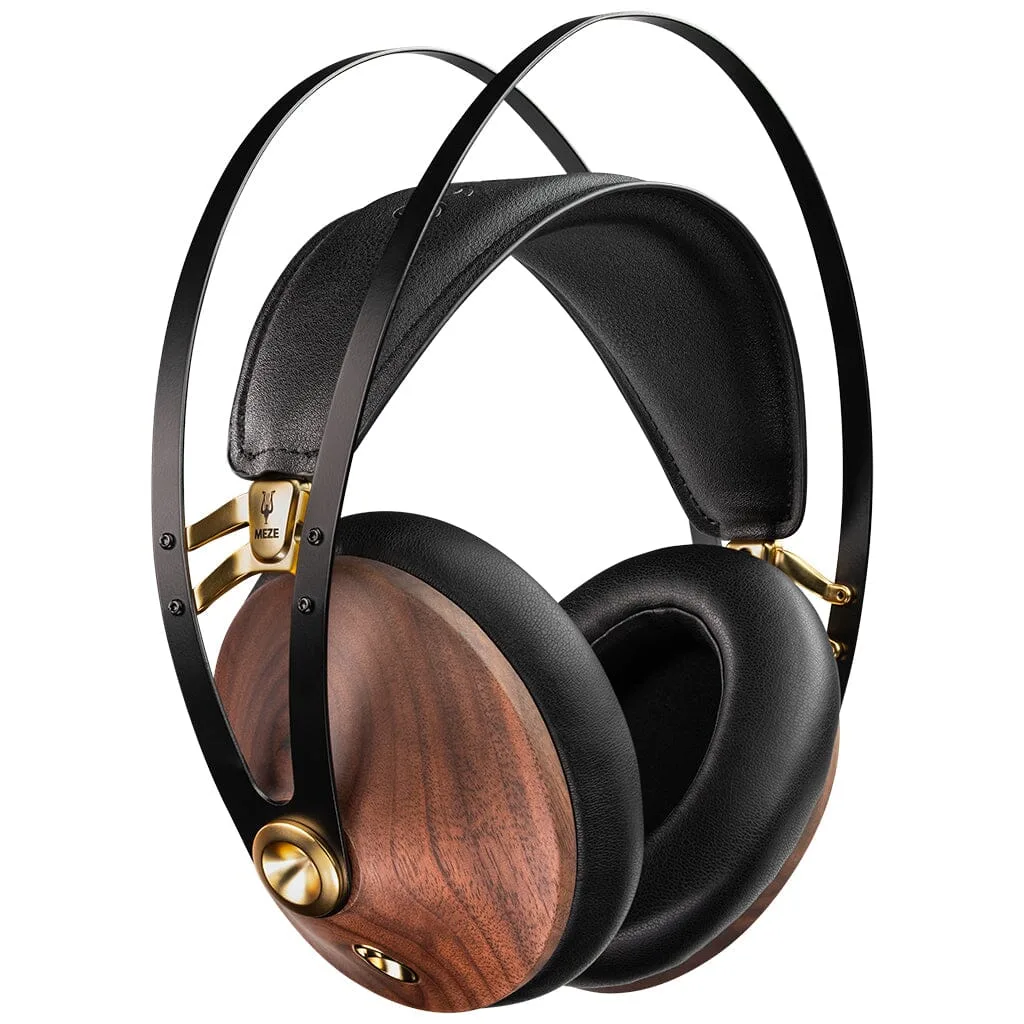
- Meze Audio 99 Classics V2 Headphones: The Meze Audio 99 Classics V2 Headphones are a closed-back dynamic model with walnut wood earcups and a refined acoustic balance, designed for long-term serviceability. Their dynamic driver and moderate impedance make them a good match for laptops and portable players, but they still benefit from a clean amp if you hear compression at high volume.
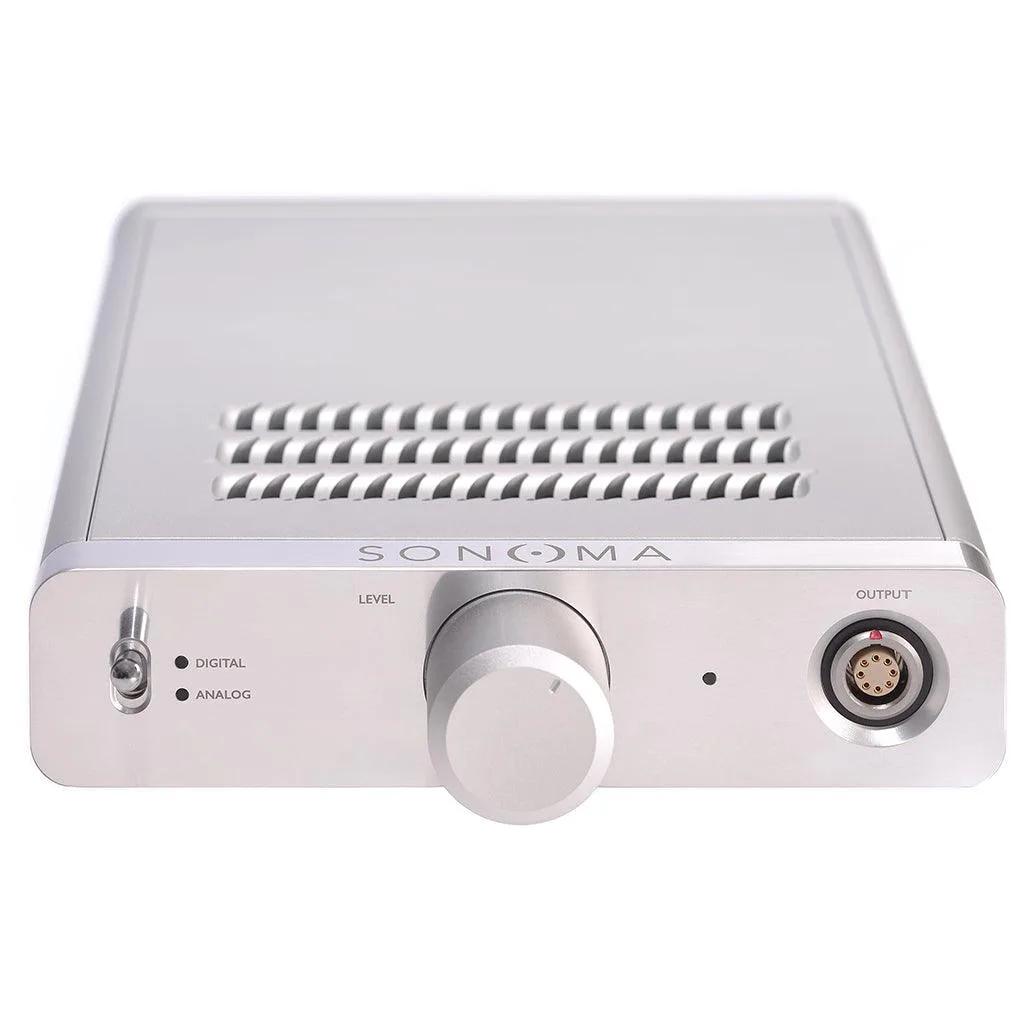
- Warwick Acoustics Sonoma M1 DAC/Energizer: The Warwick Acoustics Sonoma M1 DAC/Energizer is an integrated system with a DAC, amplifier/energizer, and open-backed headphone unit, optimized for transparency and tonality. If your current amp cannot deliver enough voltage for high-impedance headphones, an integrated system like this removes the guesswork by matching amplification to the included headphone.
- Hisenior Audio Mega5-EST In-Ear Headphones: The Hisenior Audio Mega5-EST In-Ear Headphones use a tribrid design with a dynamic driver, balanced armatures, and electrostatic tweeters, and come with a 4.4mm cable by default. Their high sensitivity means they can reveal hiss from powerful amps; use a low-gain source or a dongle with a low noise floor to avoid both quiet output and background noise.