Quick answer
Slow charging usually comes down to one of three things: a low-wattage charger, a worn or incompatible cable, or background activity on your phone. Check your charger's output, swap the cable, and close heavy apps—those steps resolve most cases. If the problem persists, your charging port may need cleaning or the battery may be degraded.
Common causes of slow charging
The most frequent culprit is using a charger that delivers less power than your phone supports. Many older wall adapters output just 5W or 10W, while modern phones can accept 18W, 25W, or more. A quick look at the small print on your charger brick tells you its wattage. If it's below your phone's fast-charging threshold, that's likely the reason.
Cables matter more than most people realize. A damaged, very long, or low-quality USB cable can restrict current flow and prevent fast charging. Even a cable that works for data transfer may not handle higher power levels. Try a certified cable rated for the wattage your phone needs.

Cables
Software and background activity also affect charging speed. If your phone is running navigation, streaming video, or downloading large files while plugged in, the battery charges slower because power is being consumed as it enters. Closing unused apps or switching to Airplane Mode can noticeably improve charging speed.
How to test and fix the issue step by step
Start with the charger. Use the original charger that came with your phone or one with a known output of at least 18W if your phone supports fast charging. If you are using a multi-port charger, make sure the port you are using delivers the full wattage—some ports share power when multiple devices are connected.
Next, inspect the cable. Look for fraying, bent connectors, or kinks. Try a different cable that supports Power Delivery or Quick Charge, depending on your phone. A short, high-quality cable (under 1 meter) often gives the best charging speed.
Finally, check your phone's charging port. Dust and lint can accumulate inside and prevent a solid connection. Gently clean it with a wooden toothpick or a soft brush. If none of these steps work, your phone's battery may be aging—most lithium-ion batteries lose capacity after 300–500 charge cycles, which can slow down charging.
Diagnosis: Is it the charger, the cable, or the phone?
- Symptom: Your phone charges very slowly or the battery percentage even drops while plugged in. Check if the problem happens with all chargers or just one.
- Likely cause: A low-wattage charger (under 18W), a damaged or low-quality cable, or a dirty charging port. Try a known good charger and cable first—this rules out the most common issues.
- Corrective action: Use a charger rated for your phone's fast-charging standard (e.g., PD 3.0), swap the cable for a certified one, and clean the port gently. If charging speed improves, you have solved it. If not, proceed to the next step.
- When to stop or choose another option: If you have tried multiple chargers and cables, and the port is clean, the issue may be a degraded battery or a phone hardware fault. Consider a battery replacement or contact the phone manufacturer. A new charger will not fix a worn battery.
Products that can help
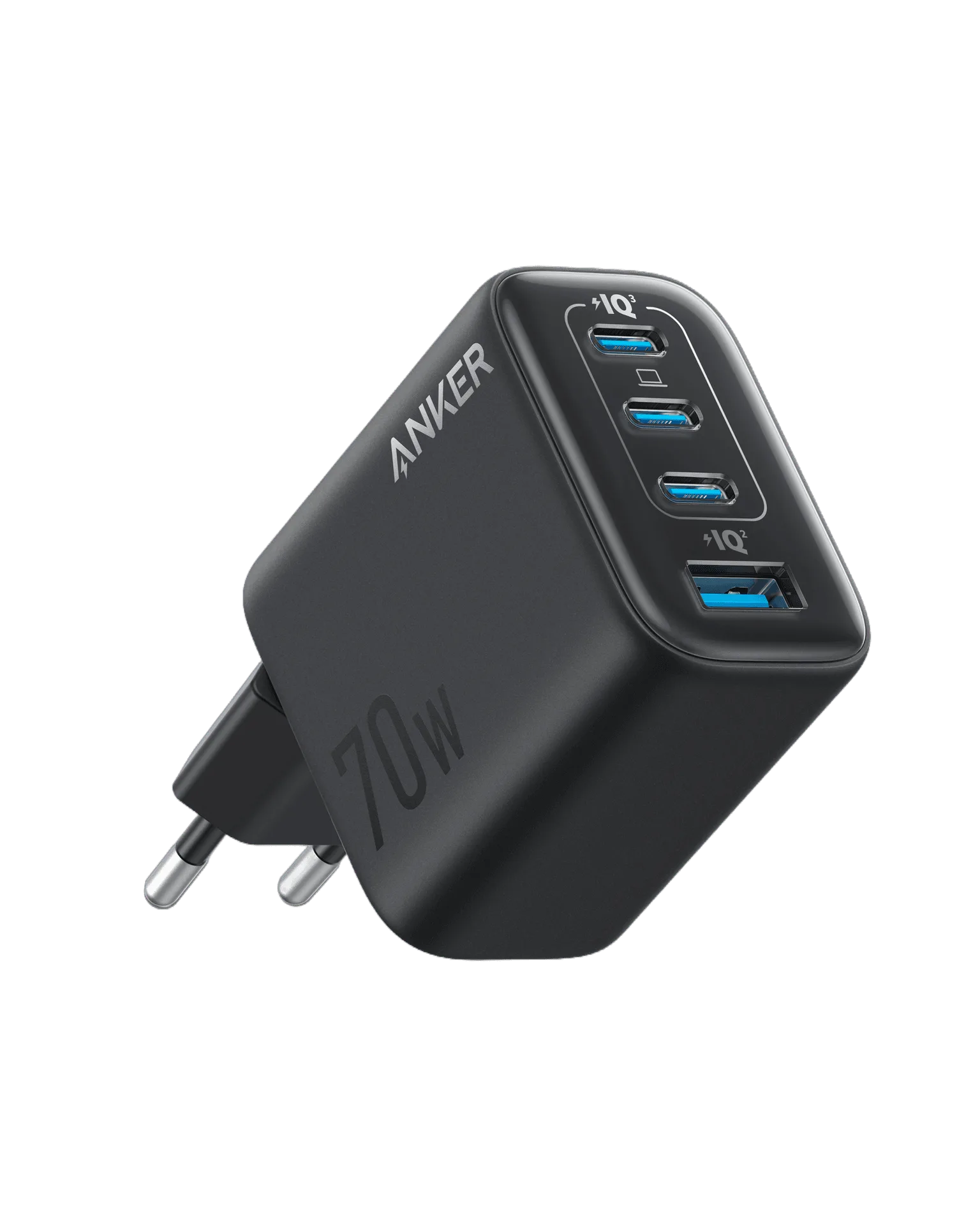
- Zolo Charger (70W, 4-Port, PD 3.0): The Zolo Charger (70W, 4-Port, PD 3.0) offers a total output of 70W and four ports, with Power Delivery 3.0 technology supporting fast charging for compatible devices. If your current charger is underpowered, switching to a 70W multi-port charger ensures your phone gets enough wattage for fast charging, even when you need to charge other devices at the same time.
- 323 Car Charger (52.5W): The Anker 323 Car Charger (52.5W) provides a total output of 52.5W for fast and efficient charging of compatible smartphones and tablets on the go. Car chargers often deliver less power than wall chargers. Upgrading to a 52.5W car charger can significantly improve charging speed during drives, especially if your current car adapter is low-wattage.