Quick answer
To use a wireless charger stand with your phone case, ensure the case is compatible with wireless charging and position the phone correctly on the stand. Follow the steps below for a hassle-free setup.
Why a wireless charger stand works with most modern phone cases
Wireless charger stands offer a convenient way to charge your phone while keeping it visible and accessible. Most modern phone cases, including those from Mous, are designed to be thin enough to allow wireless charging to work through the case. However, cases with thick materials, metal elements, or magnetic attachments may interfere with charging.
Choosing the right wireless charger stand for your setup
When selecting a wireless charger stand, look for one that supports a stable charging pad and allows you to mount your phone securely. The Mous Wireless Charger Stand connects seamlessly with your Wireless Charger Pad, offering the ability to mount your phone while you charge. This is ideal for keeping your desk tidy and your phone screen visible.
How to set up your wireless charger stand
- Check case compatibility: Remove any thick or metallic phone case accessories that might block the charging signal. Most standard plastic or silicone cases work fine. If your case has a metal plate or pop socket, remove it before charging.
- Connect the charging pad to power: Plug the wireless charging pad into a USB power source using the cable provided. Ensure the pad is placed flat on the stand's base. Use a power adapter that matches the pad's required wattage for optimal speed.
- Mount your phone on the stand: Align the center of your phone's back with the charging pad's sweet spot. The Mous Wireless Charger Stand holds your phone securely while it charges. If charging doesn't start, adjust the phone's position slightly until the LED indicator lights up.
Product facts
-
Wireless Charger Stand: A stand which connects seamlessly with your Wireless Charger Pad, offering you the ability to mount your phone while you charge. This means you can charge your phone upright, making it easy to see notifications or use as a bedside clock without cables getting in the way.
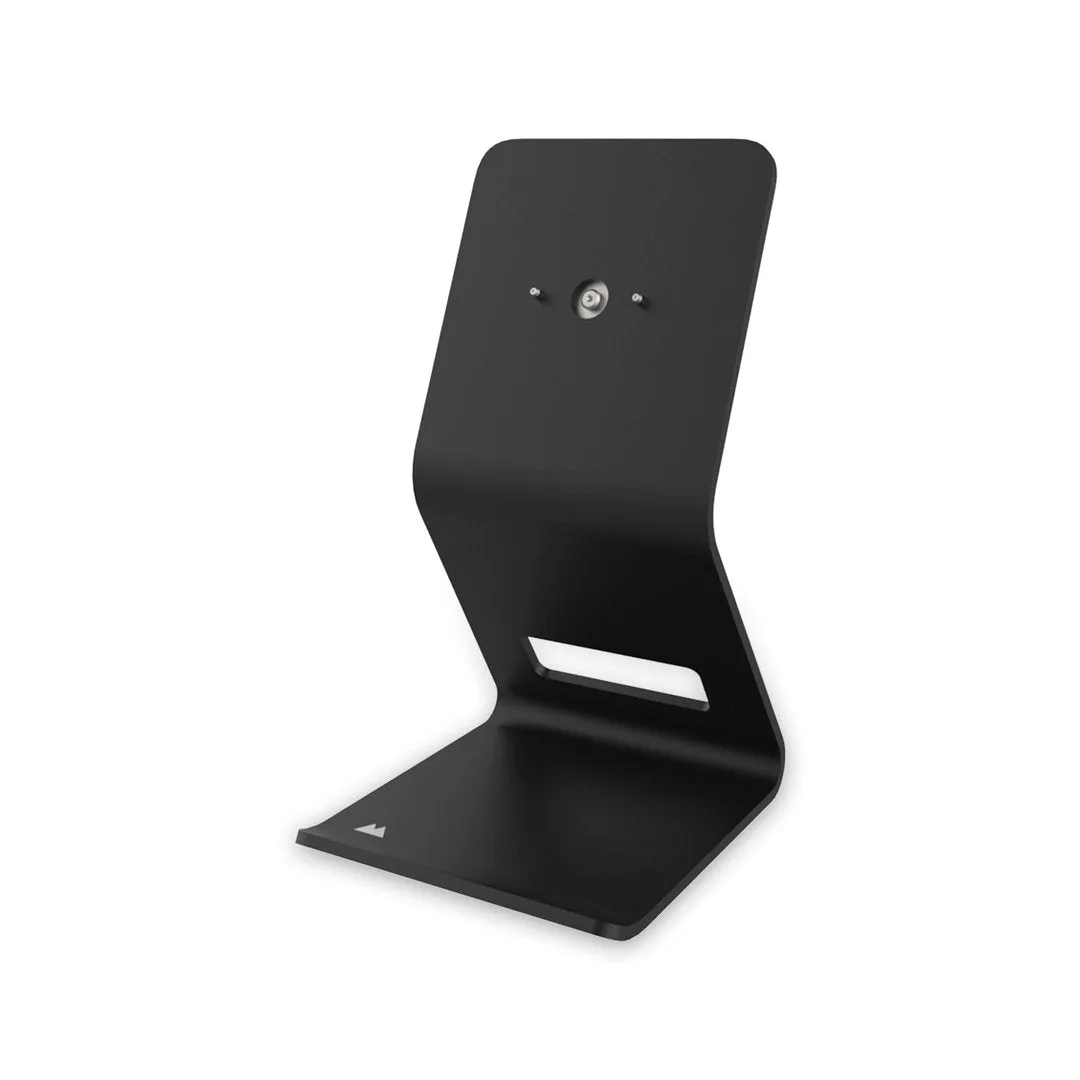
Wireless Charger Stand