Quick answer
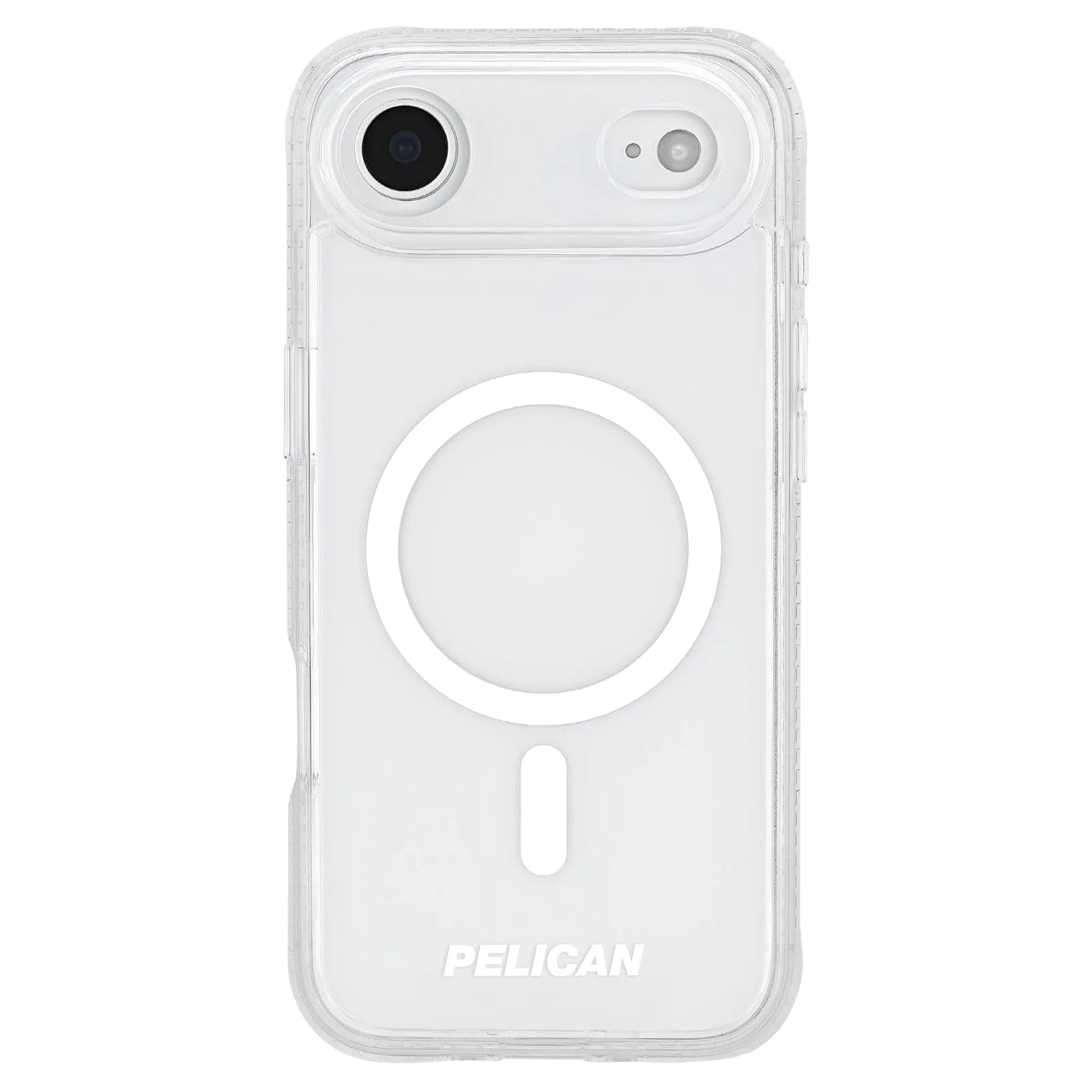
For the fastest possible charge, use a wired fast charger. For everyday convenience, MagSafe wireless charging is the better habit. Most people should do both: a wired fast charger for quick top-ups, and a MagSafe wireless charger for overnight or desk use. Your case matters either way, so pick one with strong built-in magnets and drop protection like the Pelican Ranger Clear MagSafe or Tough Clear MagSafe.
How fast charging and wireless charging actually differ
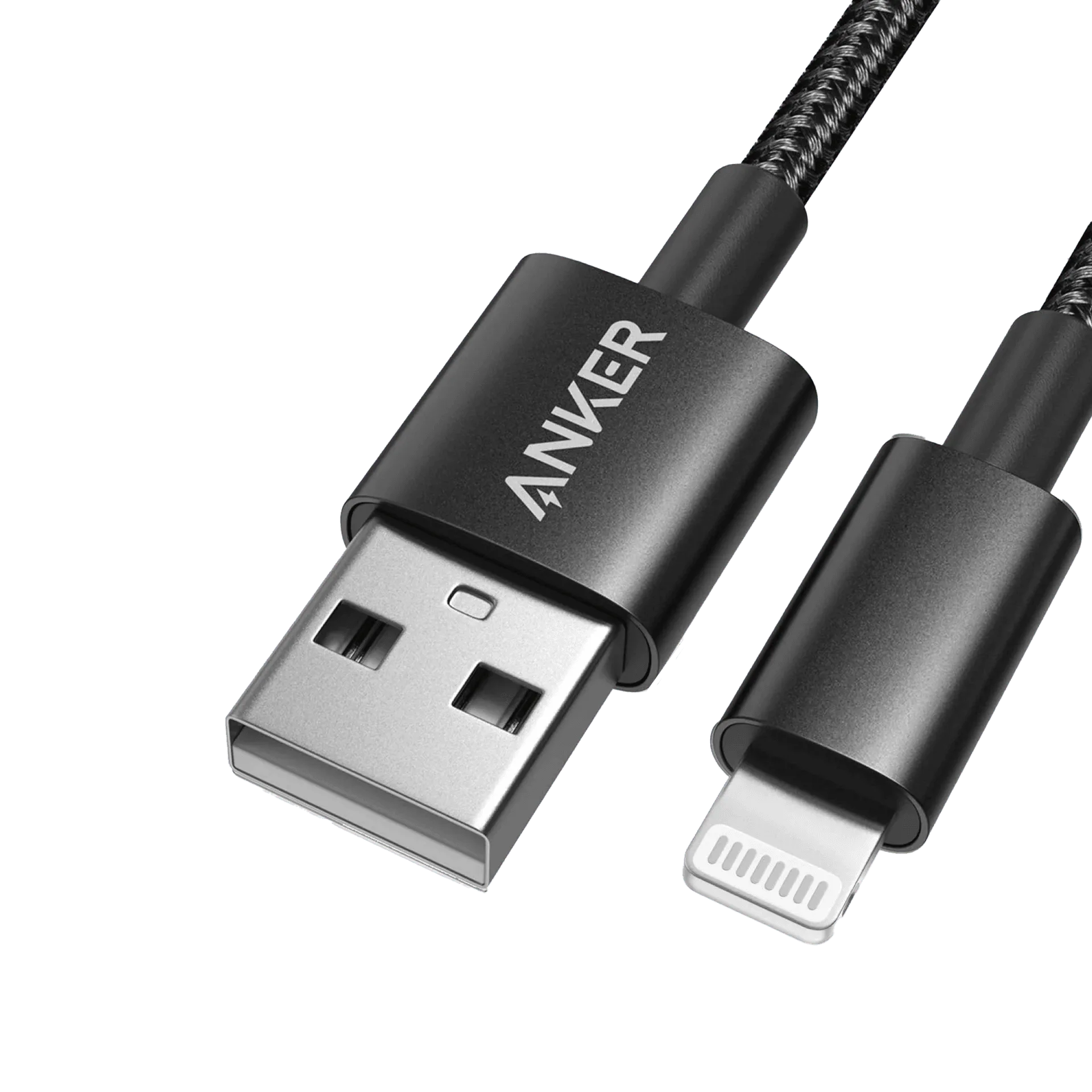
Fast charging sends power through a cable, so almost all the energy reaches the battery. Wireless charging sends power through a coil, and some energy is lost as heat. That means wired fast charging is faster and cooler for the same phone. Wireless charging wins on convenience: you drop the phone on a pad and walk away. The trade-off is speed and heat versus effortlessness.
Why your case changes the charging experience
A thick or misaligned case can slow wireless charging or stop it entirely. MagSafe cases solve this with built-in magnets that snap the phone into the optimal position on a MagSafe charger. They also hold magnetic accessories like wallets and stands. If you use wireless charging, a MagSafe case is not optional—it is the difference between a reliable connection and a frustrating one. For wired charging, the case only matters for port access and drop protection.
Which should you use for your iPhone?
If you need a quick top-up before leaving the house, plug in a wired fast charger. If you charge overnight or at a desk, a MagSafe wireless charger keeps things tidy. For travel, a single MagSafe charger can replace a cable for many people, but a wired charger is still faster in a pinch. The best setup is a MagSafe case plus both a wired fast charger and a MagSafe pad.
Trade-offs at a glance
- Speed: Wired fast charging is faster than wireless charging for the same phone. Wireless charging is slower but requires no cable. Choose wired when time matters.
- Convenience: Wireless charging lets you drop and charge. Wired charging requires plugging in and unplugging. Choose wireless for overnight or desk charging.
- Case compatibility: MagSafe cases like Pelican Ranger Clear MagSafe and Tough Clear MagSafe ensure proper alignment and strong magnetic hold for wireless charging. Non-MagSafe cases may slow or block wireless charging. If you wireless charge, use a MagSafe case.
MagSafe cases that support wireless charging
- Pelican Ranger Clear MagSafe - iPhone Air: Pelican Ranger Clear MagSafe - iPhone Air has a minimalist design with a reinforced back panel, cushioned corners, impact-absorbing ridges, 14-foot drop protection, and strong built-in magnets for MagSafe charging. This case gives you reliable MagSafe alignment and serious drop protection without bulk, so you can wireless charge confidently every day.
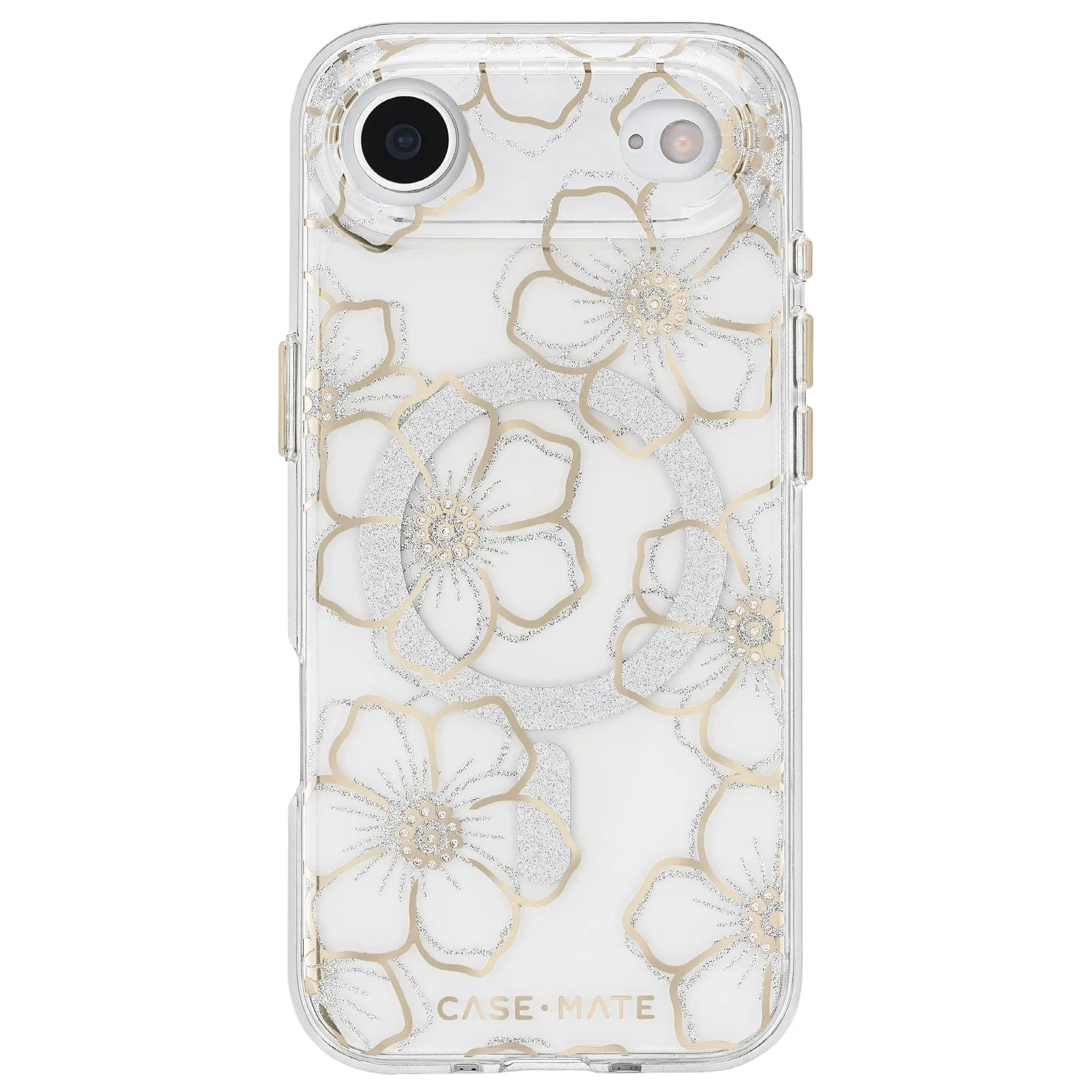
MagSafe - iPhone Air
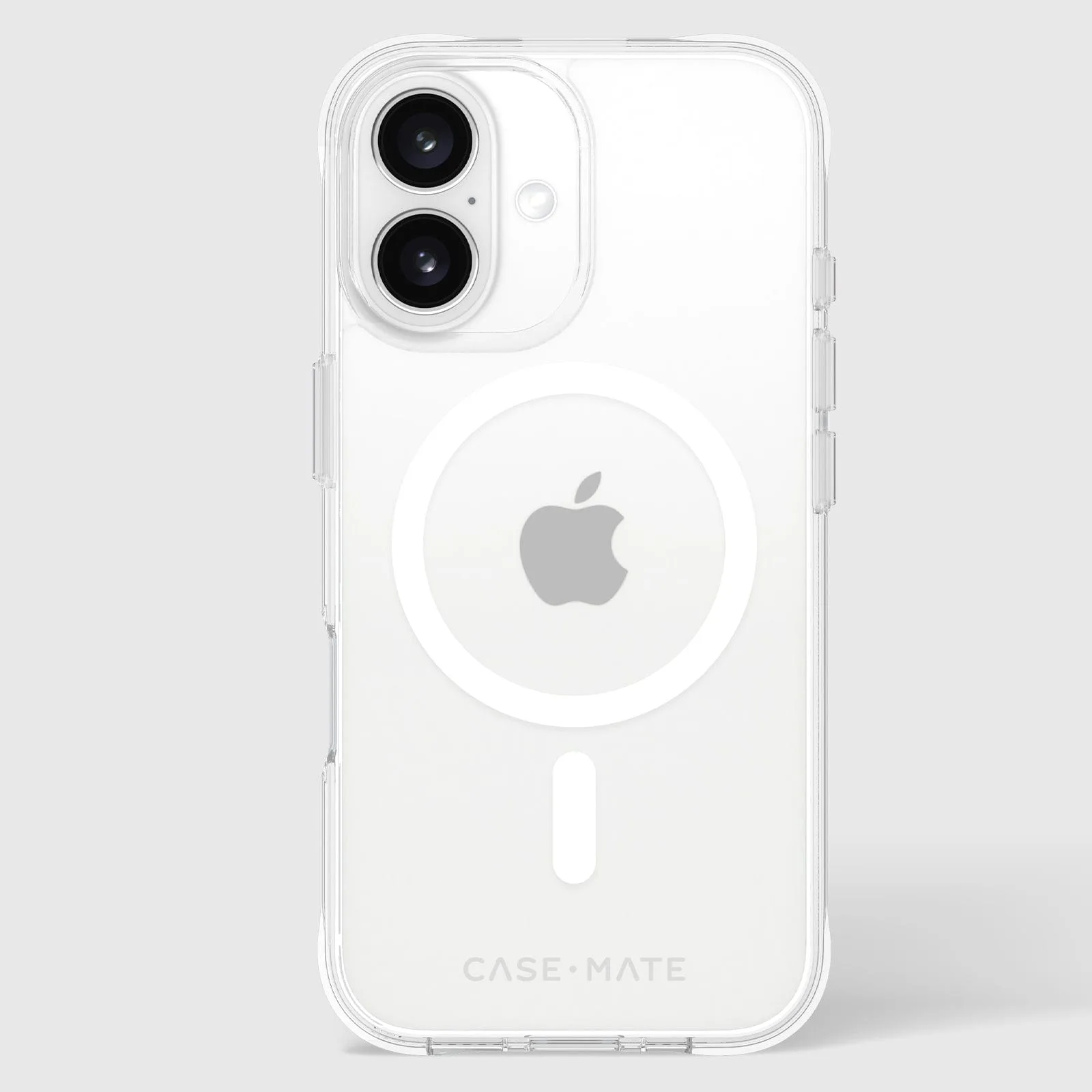
- Tough Clear MagSafe - iPhone 16: Tough Clear MagSafe - iPhone 16 is a clear case with 12-foot drop protection and strong built-in magnets for MagSafe accessorizing and charging. If you want to show off your iPhone's color while keeping MagSafe speed and protection, this is a solid pick.
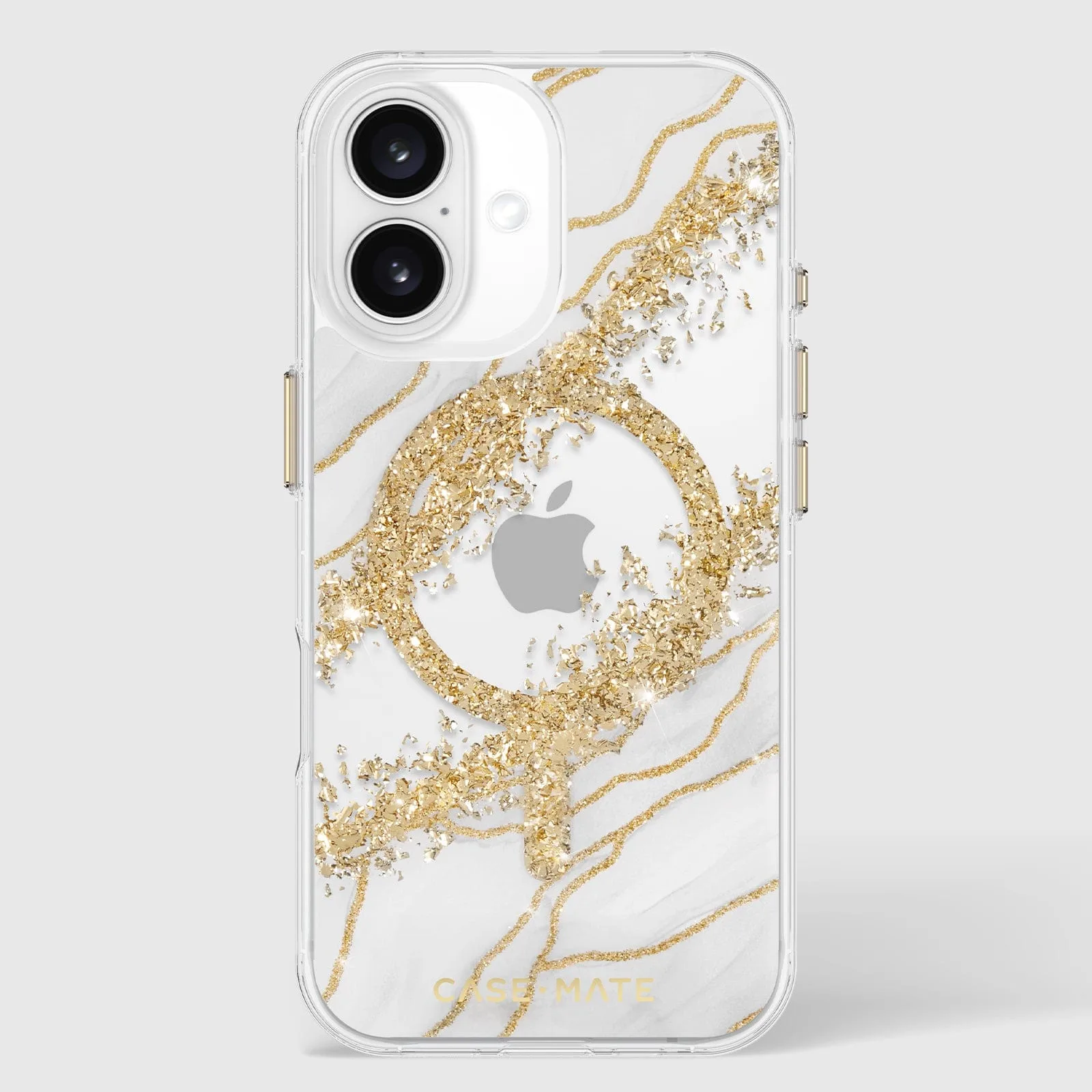
- Neon Watermelon BLOX MagSafe - iPhone 16 Pro Max: https://case-matemiu.com/products/blox-neon-watermelon-magsafe-iphone-16-pro-0589269d6003bfb1caa4ec09-1353851Neon Watermelon BLOX MagSafe - iPhone 16 Pro Max is a block case with 12-foot drop protection and strong built-in magnets for MagSafe charging. A bold style option that does not compromise on MagSafe functionality or drop safety.
Which charging setup fits you?
Best for
- People who want the fastest charge and do not mind plugging in
- Users who charge overnight and prefer a clutter-free nightstand
- Anyone who uses MagSafe accessories like wallets or stands
Not for
- Users who need the absolute fastest charge and never use wireless
- People who refuse to use a MagSafe-compatible case