Quick answer
Most wireless flash trigger setup problems come down to three things: the trigger isn't seated fully in the hot shoe, the trigger and receiver aren't on the same channel or group, or the camera's sync speed is set faster than the strobe can handle. Start by reseating the trigger, confirming channel and group match, and setting shutter speed to your camera's rated sync speed or slower. If it still won't fire, test the strobe in optical or manual mode to isolate whether the issue is the trigger or the light.
Why won't my wireless flash trigger fire at all?
A trigger that doesn't fire is usually a contact or pairing issue, not a dead unit. Check that the trigger is pushed all the way into the hot shoe and that the locking pin or screw is tight. Confirm the trigger and receiver are on the same channel and group, and that the receiver is switched on and has fresh batteries. If you're using a strobe like the FJ200, make sure it's not in a sleep or standby mode that ignores the first signal. Finally, test the strobe with its test button or in optical slave mode. If it fires that way, the problem is in the trigger or its connection, not the flash.
How do I set up the FJ-T1 trigger for the first time?
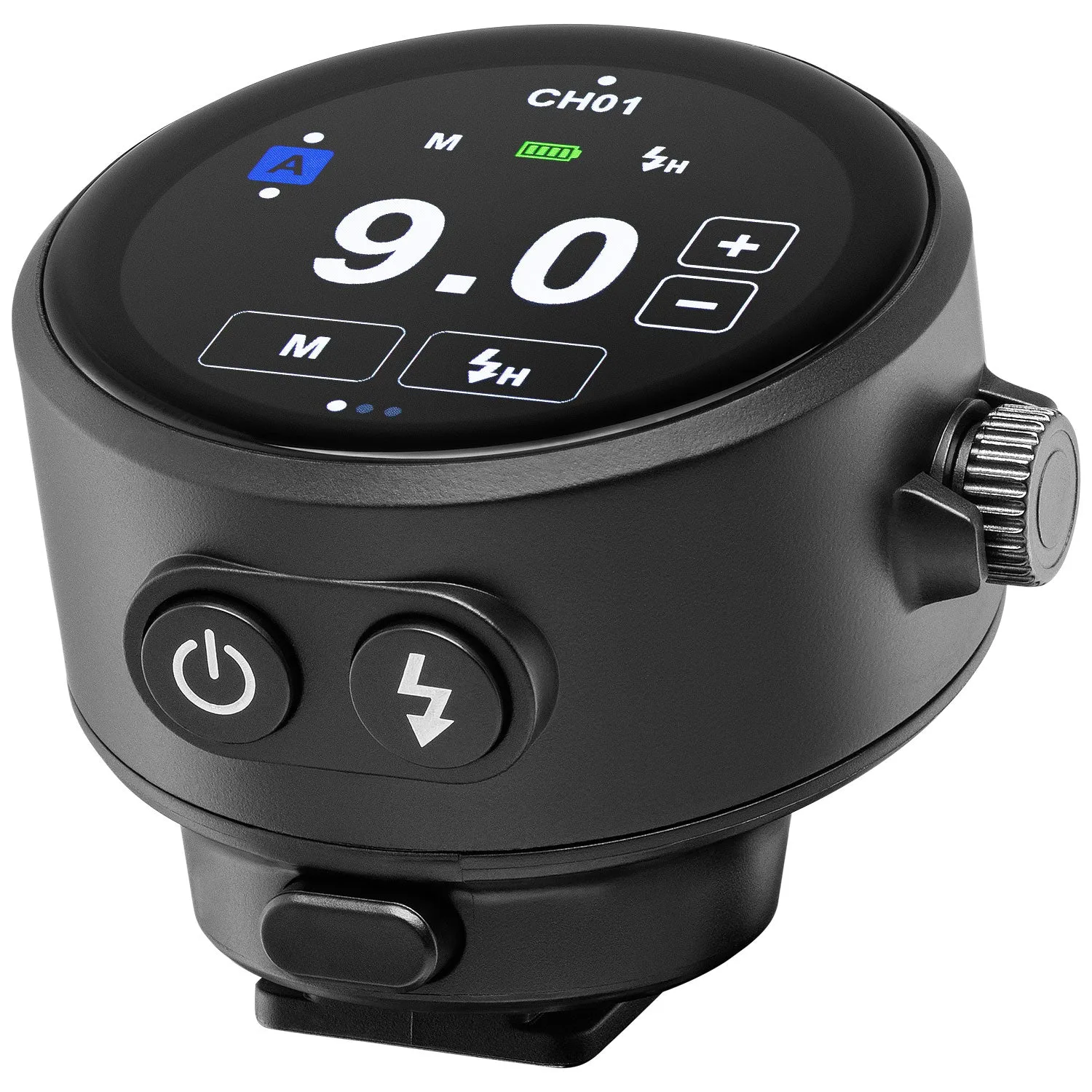
The FJ-T1 is designed for quick setup: mount it on the camera, power it on, and use the OLED touchscreen to select your camera brand version and the channel you want to use. The Multi-Brand version covers Canon, Nikon, Sony (manual mode), Fuji, Panasonic Lumix, and Olympus, while a dedicated Sony model is also available. Match the channel and group on your FJ Wireless System strobe or receiver, then take a test shot. If you change camera brands later, you'll need the correct version for that system, so check compatibility before you buy.
What sync speed should I use with a wireless trigger?
Set your shutter speed to your camera's rated sync speed or slower. That's typically between 1/160s and 1/250s for most DSLR and mirrorless cameras, but it varies by model. If you shoot faster than the sync speed, you'll see a dark band across the frame because the shutter curtains aren't fully open when the flash fires. Some triggers and strobes support high-speed sync, which lets you exceed the sync speed, but you'll lose flash power and may see inconsistent exposure. For reliable results, stay at or below the sync speed unless you specifically need high-speed sync.
What should I check if my trigger works sometimes but not always?
Intermittent firing often points to a weak connection or radio interference. Clean the hot shoe contacts with a dry cloth, and make sure the trigger is fully seated. Move the trigger and receiver away from metal surfaces, Wi-Fi routers, and other 2.4GHz devices. Check that the receiver's antenna is not blocked and that you're within the rated range for your environment. If you're using rechargeable batteries, swap them for fresh ones; low voltage can cause unreliable triggering even if the unit powers on.
How do I know if a cine adaptor is compatible with my setup?
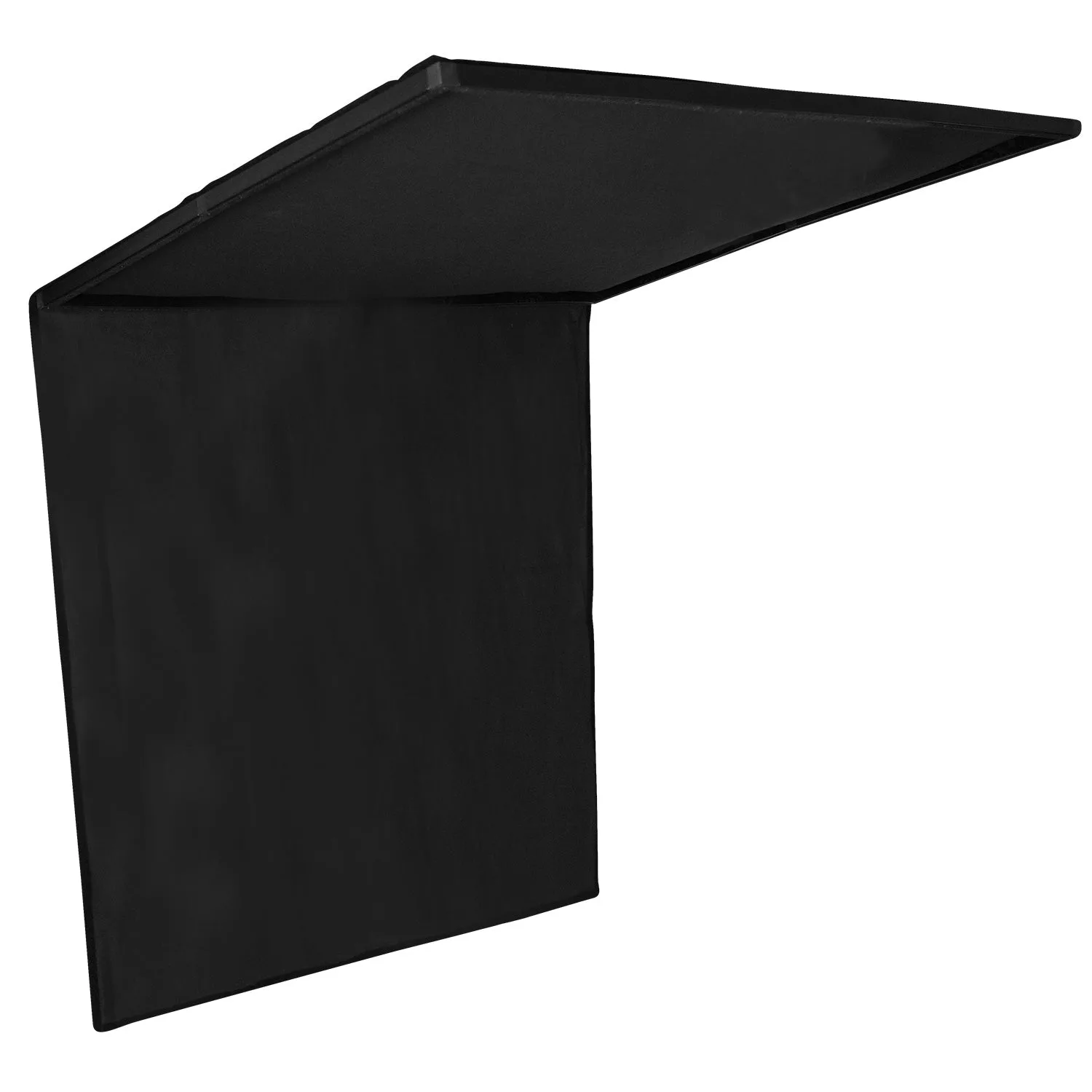
Cine adaptors are usually specific to a frame or light control system, so compatibility depends on the frame size and mounting method. For example, the Scrim Jim Cine Floppy Cutter Fabric (4' x 8') is designed for the Scrim Jim and Scrim Jim Cine light control systems and mounts instantly to a 4' x 4' Scrim Jim Cine frame, which is sold separately. The fabric itself is 4' x 8' and can be expanded from a 4' x 4' double-layer block to 4' x 6'. Before buying any adaptor, confirm the frame size and attachment style match your existing gear. If the product listing doesn't state frame compatibility, treat that as a limitation and check with the manufacturer.
Troubleshooting checklist
Trigger not firing
Reseat the trigger in the hot shoe, check channel and group match, and test the strobe with its test button. If the strobe fires manually, the issue is the trigger or its connection. Start here before assuming a hardware failure.
Inconsistent firing
Clean contacts, move away from Wi-Fi and metal, and replace batteries. Low battery voltage is a common cause of intermittent triggering. Fresh batteries solve more trigger problems than any setting change.
Dark band in photos
Your shutter speed is faster than the camera's sync speed. Lower it to the rated sync speed or slower, or enable high-speed sync if your gear supports it. Sync speed is a camera limit, not a trigger limit.
Cine adaptor fit
Confirm the frame size and mounting method match your existing system. For example, the Scrim Jim Cine Floppy Cutter Fabric requires a 4' x 4' Scrim Jim Cine frame, sold separately. Check the frame before you buy the fabric.
Product facts
- FJ-T1 Touchscreen Wireless Trigger: FJ-T1 Touchscreen Wireless Trigger has a vivid OLED touchscreen with swipe and tap navigation and is available in a Multi-Brand version for Canon, Nikon, Sony (manual mode), Fuji, Panasonic Lumix, and Olympus, or a dedicated Sony model. Choose the version that matches your camera brand; the Multi-Brand version covers several systems but Sony compatibility is manual mode only, so Sony shooters may prefer the dedicated model.
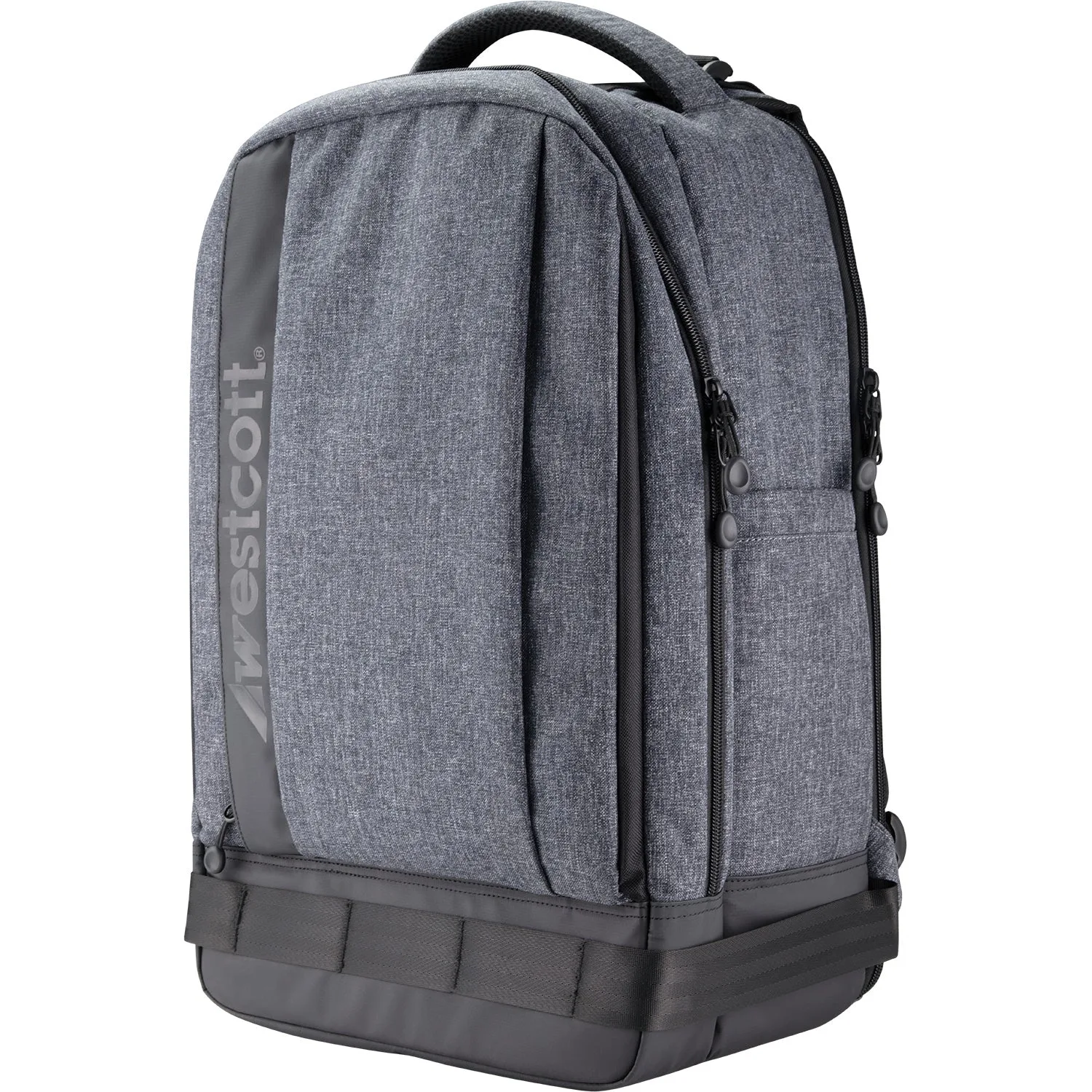
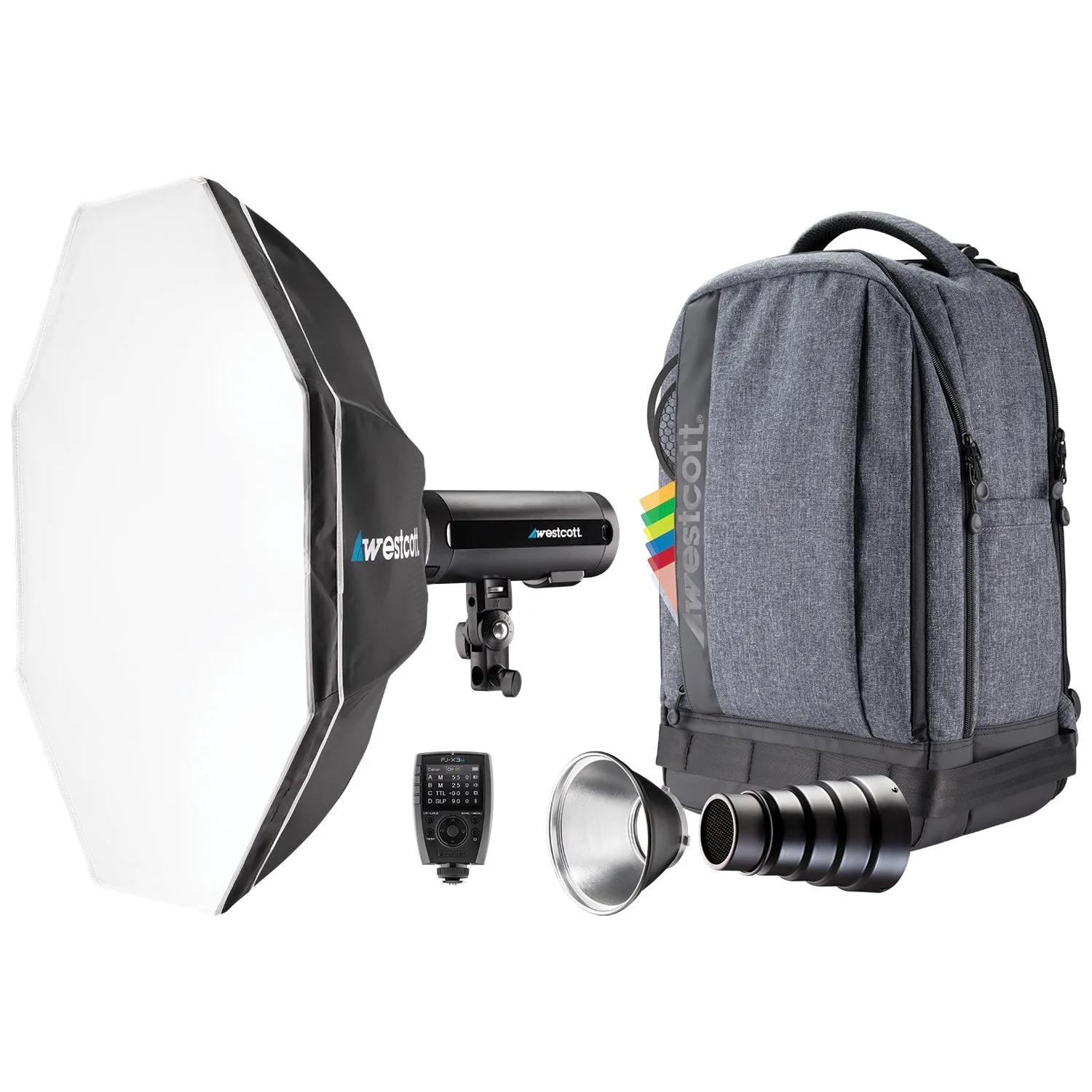
- FJ200 Strobe 1-Light Backpack Kit: FJ200 Strobe 1-Light Backpack Kit includes the FJ200 strobe with battery, FJ-X3 wireless trigger, grid and gel pack, snoot and grid, Rapid Box Switch Octa-S with insert, and Lite Traveler backpack. The strobe offers 0.05 to 1.3 second recycle time and 450+ full-power flashes per charge. A complete kit means you get a matched trigger and strobe out of the box, which simplifies channel pairing and reduces compatibility guesswork.
- Scrim Jim Cine Floppy Cutter Fabric (4' x 8'): Scrim Jim Cine Floppy Cutter Fabric (4' x 8') is solid black, double-layer, and mounts instantly to a 4' x 4' Scrim Jim Cine frame (sold separately). It can be expanded from a 4' x 4' block to 4' x 6'. If you already own a 4' x 4' Scrim Jim Cine frame, this fabric adds flagging and light shaping without a new frame; if not, budget for the frame as well.