Quick answer
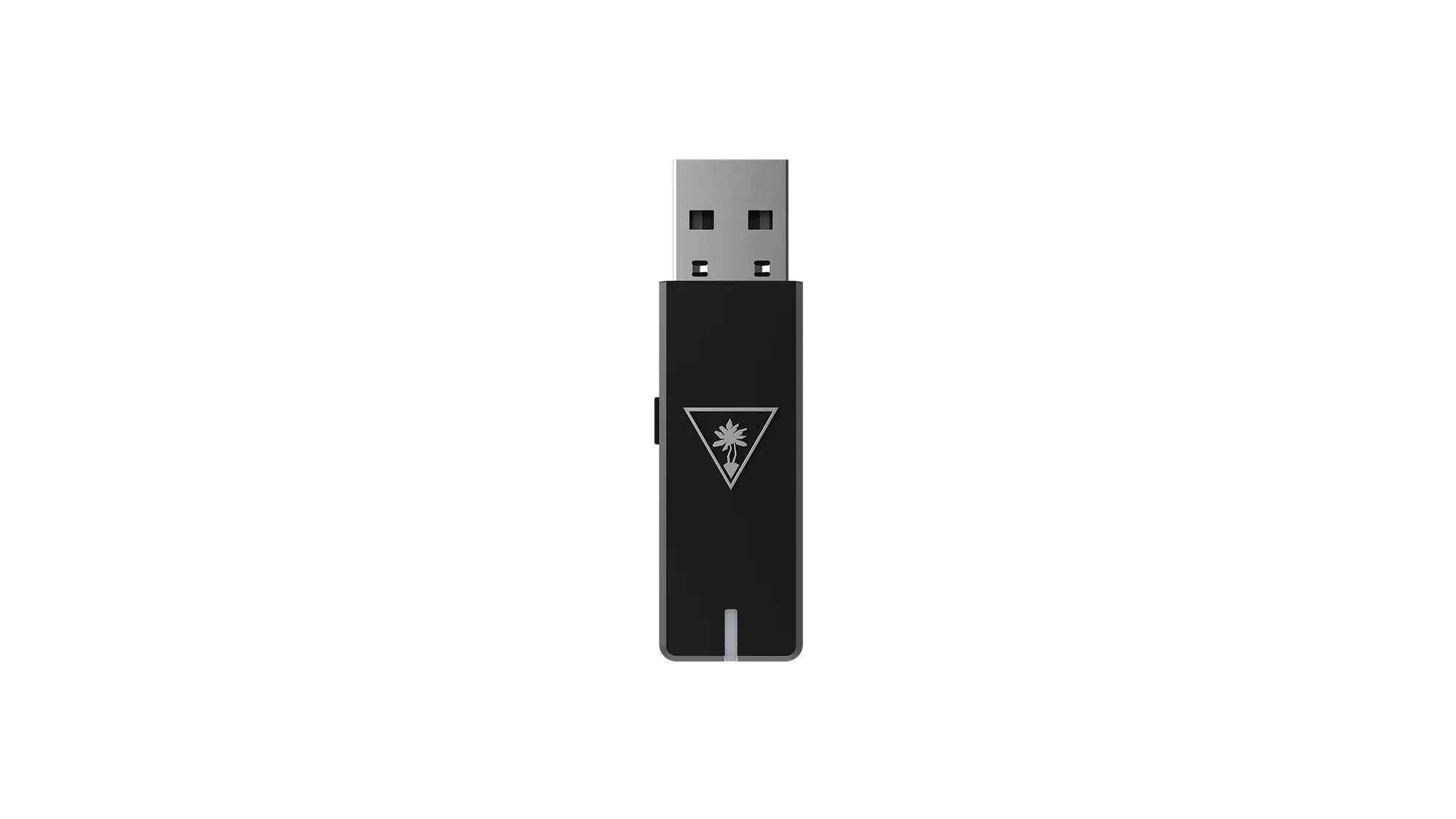
Plug the included 2.4 GHz USB-A dongle into your device, power on the headset, and it will pair automatically. For Nintendo Switch, you need the dock or a USB-C adapter.
Why the 2.4 GHz dongle matters
The Wyze Wireless Gaming Headset uses a dedicated 2.4 GHz dongle (USB-A) for ultra-low 20ms latency. This avoids Bluetooth lag and works with any device that has a USB-A port. The headset does not support Bluetooth or wired connections, so the dongle is required for all platforms.
Platform quirks you should know
PC and PS5 work with the dongle directly. Nintendo Switch requires the dock (which has USB-A ports) or a USB-C to USB-A adapter if you play in handheld mode. The headset does not support Xbox consoles due to Microsoft’s proprietary wireless protocol.
Step-by-step connection guide
- Plug in the dongle: Insert the included 2.4 GHz USB-A dongle into a USB-A port on your PC, PS5, or Nintendo Switch dock. For Switch handheld mode, use a USB-C to USB-A adapter. The dongle must be fully inserted; a loose connection causes intermittent audio.
- Power on the headset: Press and hold the power button on the left earcup until the LED flashes blue. The headset will automatically pair with the dongle within a few seconds. If pairing fails, turn off the headset, remove the dongle, wait 10 seconds, then repeat steps 1 and 2.
- Set audio output on your device: On PC, go to Sound Settings and select 'Wyze Gaming Headset' as the output and input device. On PS5, go to Settings > Sound > Audio Output and choose 'USB Headset (Wyze Gaming Headset)'. On Nintendo Switch, go to System Settings > Sound and set 'Output Device' to 'USB Headset'. If you don't see the headset in the list, unplug and replug the dongle, then restart the device.
- Test microphone: The headset has a built-in mic and an optional boom mic. On PC, test in Discord or Windows Sound Recorder. On PS5, press the PS button, go to Sound > Microphone and check levels. On Switch, mic chat is supported only in compatible games like Fortnite. The boom mic is detachable; if you don't need it, remove it to reduce weight.
What you’re working with
-
Wyze Wireless Gaming Headset: Includes a 2.4 GHz USB-A dongle with 20ms wireless latency. This means near-instant audio sync, essential for competitive gaming where sound cues matter.
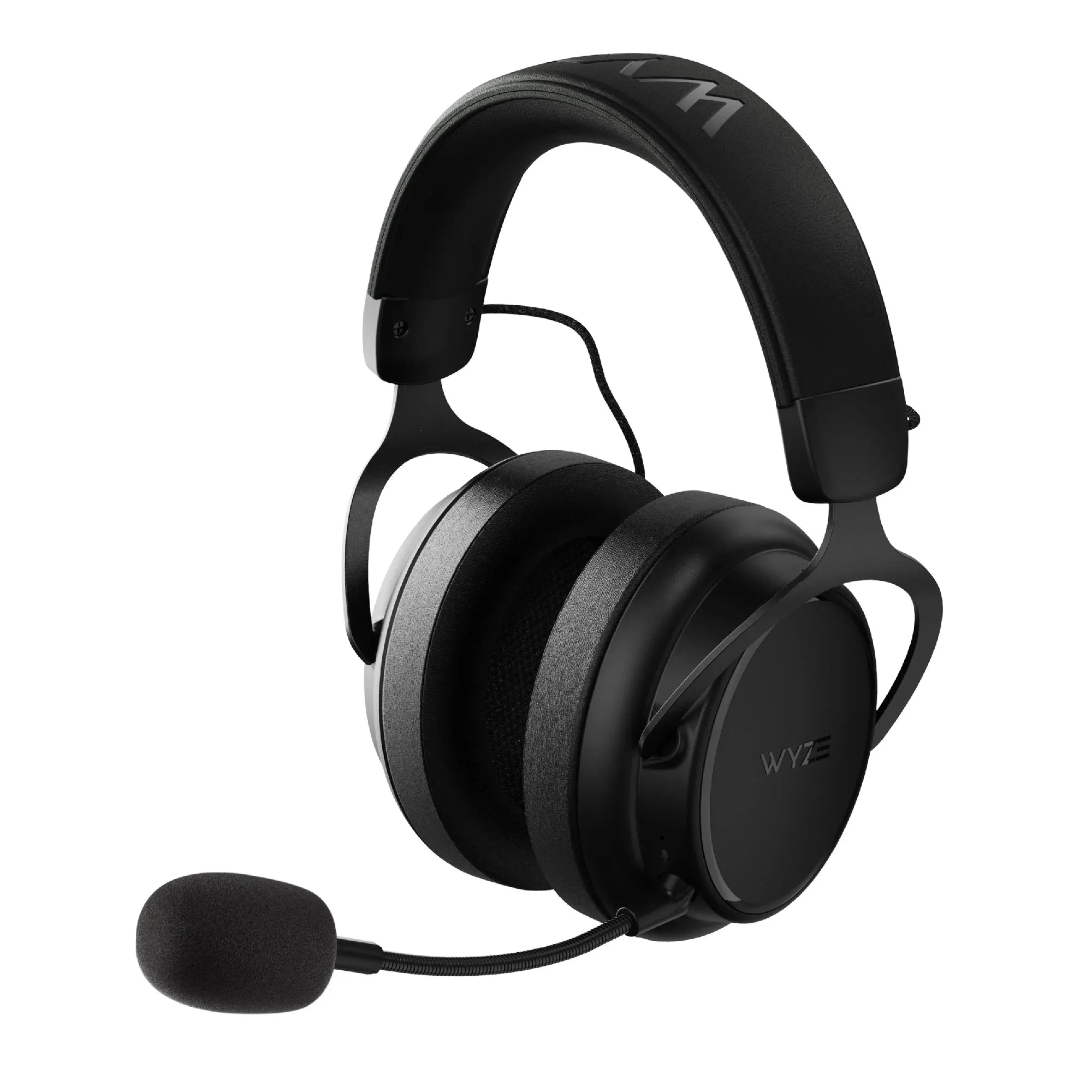
Wyze Wireless Gaming Headset