Quick answer
Use one high-wattage USB-C PD wall charger as the backbone of your desk, then split its power with the right ports and cables. A 100W charger covers a MacBook plus a phone and earbuds in most everyday cases, but the total output is shared, so plug the laptop in first and keep the highest-draw device on its own dedicated port.
Match wattage to each device before you buy anything
USB-C Power Delivery negotiates wattage, so a charger only sends what a device requests. That means a 100W charger will not force 100W into AirPods; it will simply have enough headroom to fast-charge a laptop while still feeding smaller devices. The practical limit is the charger's total output: if your laptop pulls 60W and your phone pulls 20W, a 100W unit has roughly 20W left for a third device. Check your laptop's included charger or its USB-C power rating first, then add your phone and earbuds on top. If you regularly charge a 16-inch MacBook Pro at full speed alongside a tablet, a single 100W unit may feel tight, and a second charger is the honest fix.
Choose ports that don't fight each other
Multiport chargers often label one USB-C port as the high-wattage port and the rest as lower-output ports. Put the laptop on the high-wattage port and the phone and earbuds on the others. If your charger has a USB-A port, use it for accessories that don't need PD, such as a watch charger or a mouse. Avoid daisy-chaining a hub between the charger and the laptop unless the hub explicitly supports pass-through charging at the wattage your laptop needs; otherwise the laptop may charge slowly or not at all.
Use cables rated for the job
The charger is only half the equation. A cable that tops out at 60W will cap a 100W charger, and a charge-only cable won't carry video or fast data. For a laptop, use a USB-C to USB-C cable rated for the wattage you need. For a phone, a USB-C to Lightning or USB-C cable rated for PD is enough. Keep one braided, high-wattage cable permanently at the desk and a second in your bag so you're not swapping cables between devices.
Set up the desk so one outlet does the work
Plug the charger into a wall outlet rather than a weak USB hub or a power strip that shares a switch with other gear. Route the laptop cable to one side and the phone cable to the other so you can grab either without unplugging the other. If you use a multiport adapter for your laptop, connect the charger to the adapter's PD pass-through port and confirm the laptop still shows it's charging at the expected rate. A short cable-management clip or a vegan leather tie keeps the spare cable from sliding off the desk.
One-charger setup steps
- Check each device's wattage: Look at the charger that came with your laptop or its USB-C power rating, then note your phone's fast-charge wattage. Add them up and leave at least 20% headroom. If the total exceeds your charger's output, expect slower charging on the last device.
- Plug the laptop into the highest-wattage port: Use the port labeled for full PD output and connect the laptop first, before adding smaller devices. Confirm the laptop shows it's charging; if not, the port or cable isn't delivering enough power.
- Add phone and earbuds to the remaining ports: Use the other USB-C ports for the phone and a USB-A port for earbuds or a watch charger if available. Don't stack two high-draw devices on shared low-output ports; they'll split what's left.
- Use a cable rated for your charger's wattage: Match the cable's rating to the charger output, and keep a second cable for travel so you're not unplugging the desk setup. A 60W cable on a 100W charger will cap charging speed.
- Route cables and test the full load: Plug everything in at once and check that each device is charging at a reasonable rate. Adjust which port the laptop uses if something slows down. If the laptop stops charging when you add a third device, move the laptop to a dedicated charger.
Products that fit this setup
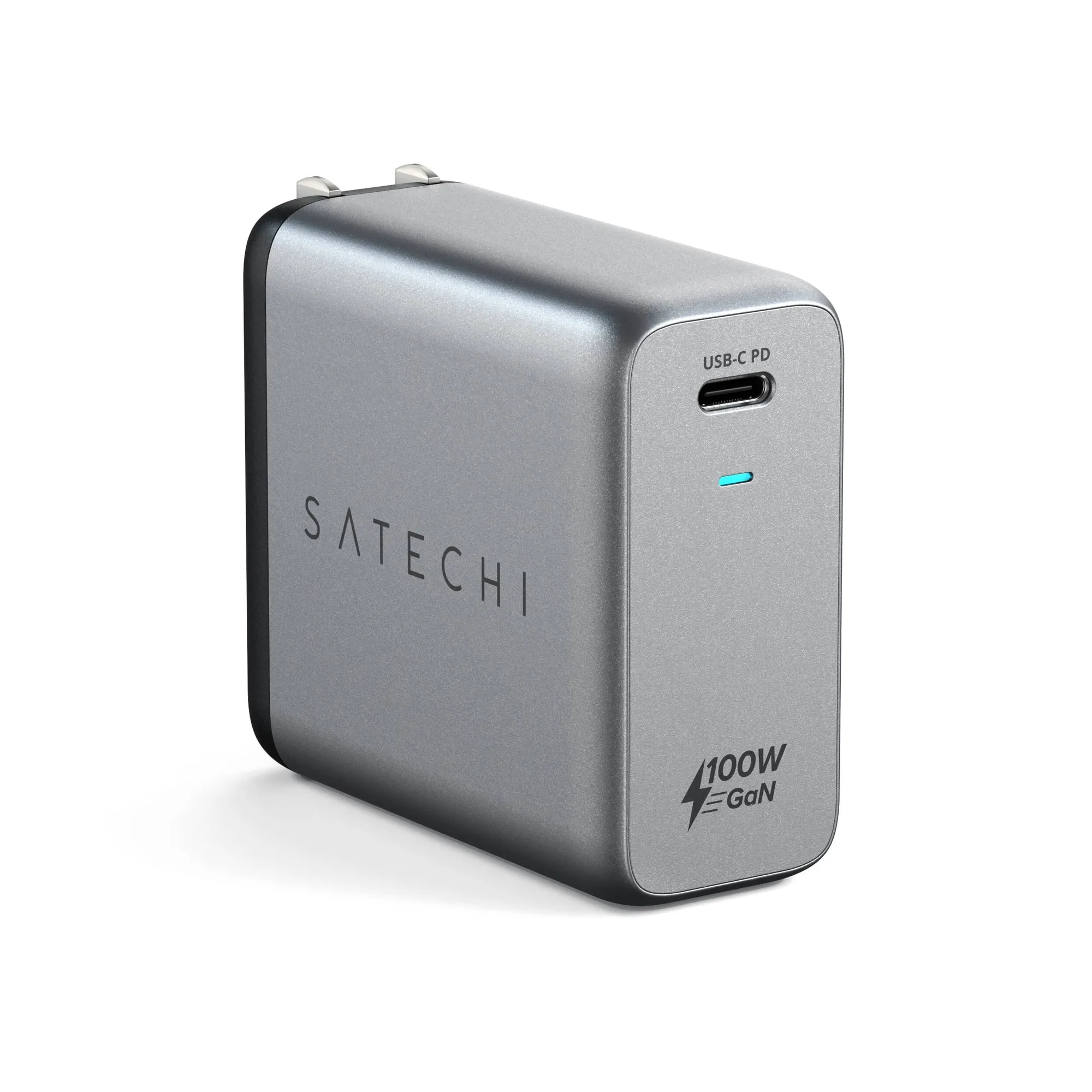
- 100W USB-C PD Wall Charger: 100W USB-C PD Wall Charger with GaN technology, foldable plug, and up to 100W output. Enough headroom to charge a laptop and smaller devices from one outlet, and the foldable plug makes it easy to move between desk and travel bag.
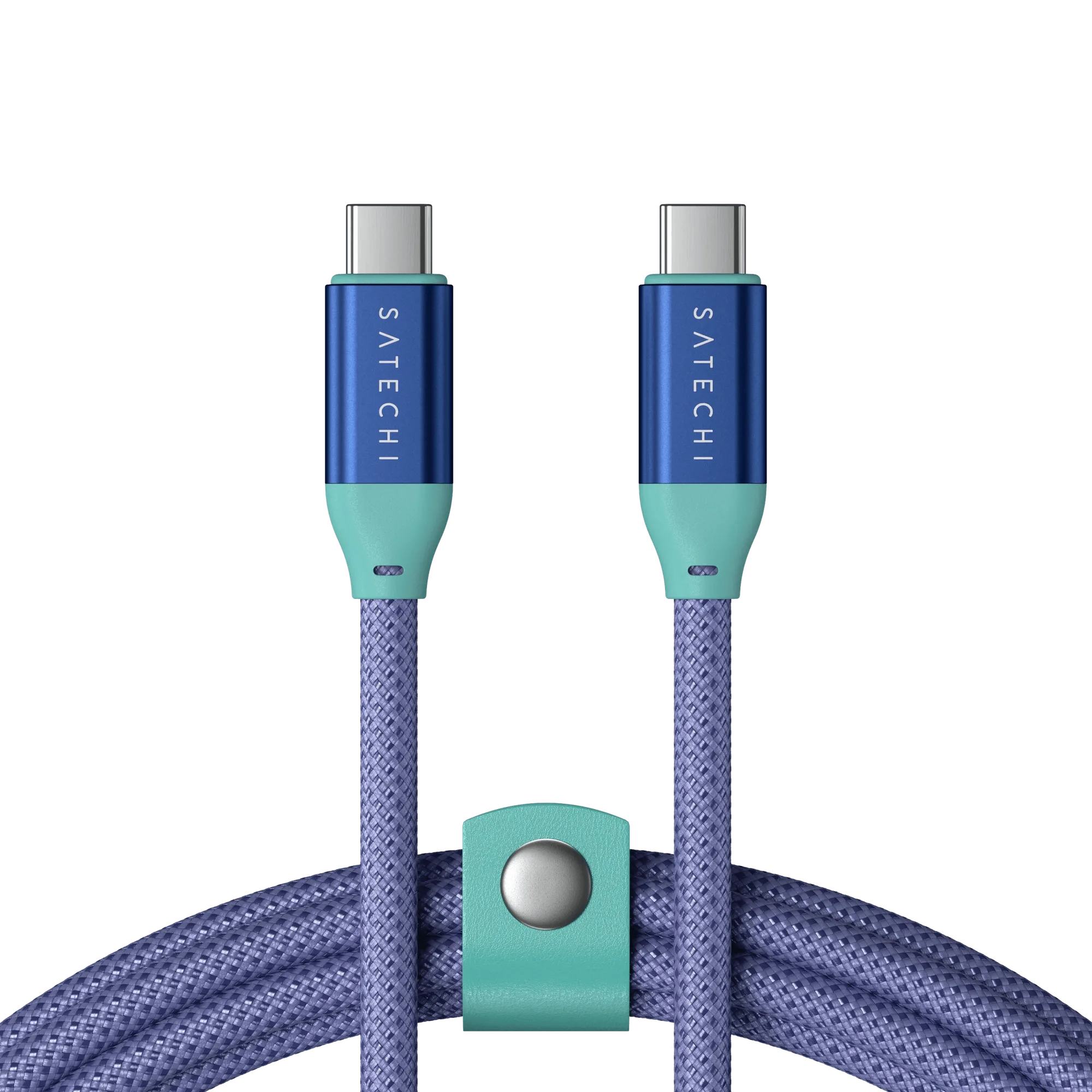
- USB-C to USB-C Data and Charge Cable: USB-C to USB-C Data and Charge Cable supports up to 240W charging, 20Gbps data, and 4K/60Hz video, with a braided design and vegan leather cable management. A cable rated above your charger's output won't bottleneck it, and the data and video support means one cable can handle charging and a display connection.
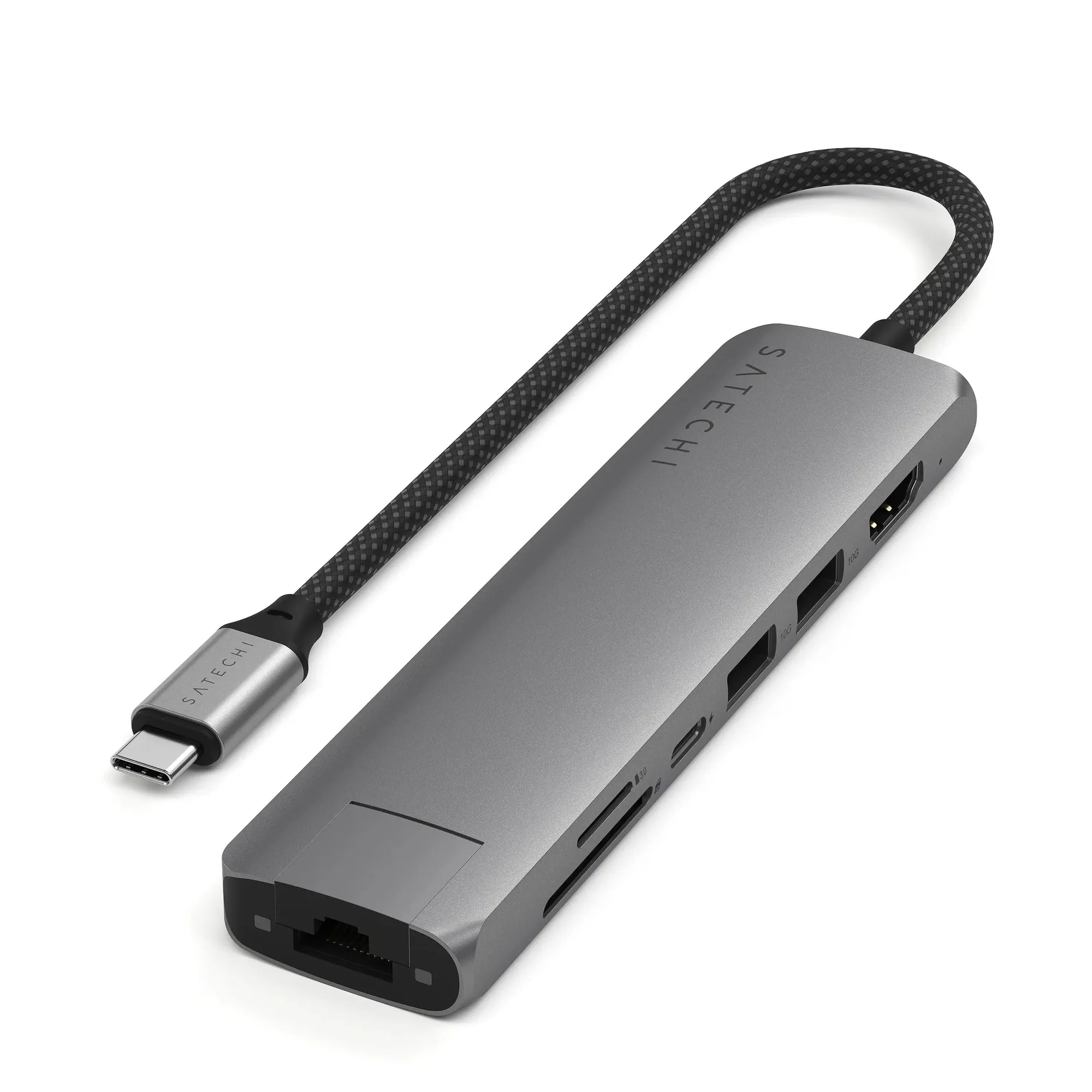
- 7-in-1 USB-C Slim Multiport Adapter with Ethernet: 7-in-1 USB-C Slim Multiport Adapter with Ethernet includes 100W USB-C PD charging, 4K HDMI (60Hz), two USB-A 3.2 Gen 2 ports, and micro/SD card readers. If your laptop has limited ports, this adapter lets you charge at up to 100W pass-through while adding Ethernet, HDMI, and USB-A for accessories.