Quick answer
Most slowdowns on a factory renewed Google Pixel 2 can be fixed by clearing system cache, updating software, and managing storage. If those steps don't help, the issue may be hardware-related.
Why a factory renewed phone might feel slow
A factory renewed Google Pixel 2 arrives with a clean Android 8.0 install, but background updates, app caches, and limited storage can quickly bog it down. The Snapdragon 835 processor is still capable for everyday tasks, but it's not immune to software bloat.
The 64GB storage fills up fast with apps and media, leaving little room for system operations. This is a common culprit for lag, especially on a renewed device that may have been reset but not optimized.
Diagnosis: Find and fix the cause of Pixel 2 lag
- Symptom: Phone feels sluggish, apps take longer to open, or there's stutter when scrolling.
- Likely cause: Outdated software, full storage, or accumulated app cache. On a factory renewed device, the system may also be running an older security patch.
- Corrective action 1: Update software and clear cache: Go to Settings > System > System update and install any available updates. Then reboot into recovery mode (hold Power + Volume Down) and select 'Wipe cache partition'. This removes temporary files without deleting your data. If the phone feels snappier after this, the issue was likely cache or outdated software.
- Corrective action 2: Free up storage: Go to Settings > Storage. If you have less than 2GB free, delete unused apps, clear app caches, and move photos to cloud storage. A full drive forces the system to work harder, causing lag. If performance improves, keep at least 3-4GB free for smooth operation.
- Corrective action 3: Check for rogue apps: Boot into Safe Mode (hold Power, then long-press 'Restart'). If the phone runs fine in Safe Mode, a third-party app is the culprit. Uninstall recently added apps one by one to find the offender.
- Stop or choose another option: If none of the above steps resolve the lag, the issue may be hardware-related (e.g., aging battery or failing storage). Consider a factory reset as a last resort, or contact the seller for a replacement if the device is still under warranty.
Product facts
-
Google Pixel 2 64GB Unlocked GSM/CDMA 4G LTE Octa-Core Phone w/ 12.2MP Camera - Just Black (factory renewed): The Pixel 2 runs Android 8.0 out of the box and has 64GB of internal storage. An older OS version and limited storage can cause slowdowns if not updated or managed properly.
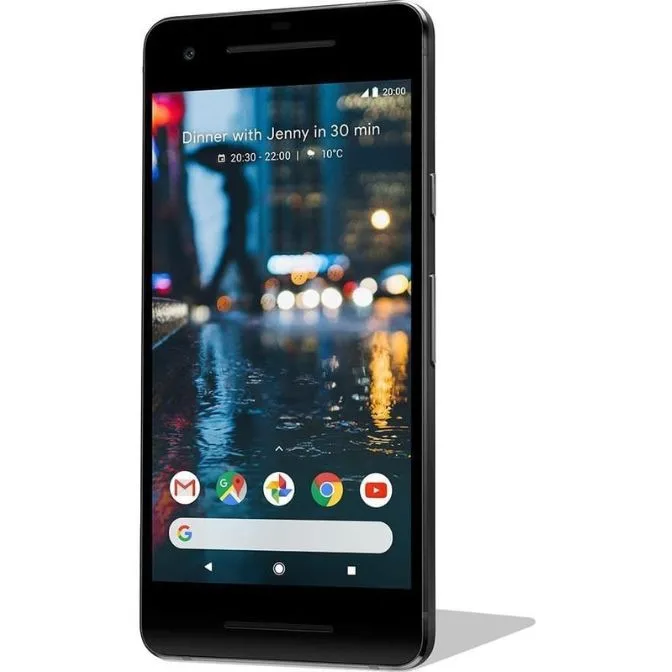
Google Pixel 2 64GB Unlocked GSM/CDMA 4G LTE Octa-Core Phone w/ 12.2MP Camera - Just Black (factory renewed)