Quick answer
A focal reducer shortens your telescope's focal length and f-ratio, so you get a wider field and faster exposures, while a field flattener corrects the curved focal plane that makes stars look like seagulls in the corners. Most refractor flatteners also reduce, which is why they are usually called reducer-flatteners. The single most important setup rule is matching the reducer's specified back focus distance, measured from the reducer's rear flange to your camera sensor, because small spacing errors show up as corner star elongation.
What each accessory actually does to your image
A focal reducer is a lens group that converges the light cone, lowering your effective focal length and f-ratio. A 0.8x reducer on an 800mm f/7 refractor gives you 640mm at f/5.6, which means a wider field and shorter sub-exposures for the same signal. A field flattener does not change focal length; it bends the edges of the focal plane so the whole sensor sits in focus at once. Many refractors ship with a combined reducer-flattener because the same lens group can do both jobs.
A coma corrector is a different tool for a different problem. Newtonian reflectors suffer from coma, an off-axis aberration that smears stars outward. Coma correctors are designed around a mirror's specific focal ratio and do not reduce focal length or flatten a refractor's field. If you own a refractor, you want a flattener or reducer-flattener, not a coma corrector.
How to set back focus and spacing
Back focus is the distance from the reducer's rear reference surface to your camera sensor. The manufacturer specifies this number, often 55mm or 56mm for refractor reducer-flatteners, and it is not adjustable. You hit it by choosing the right combination of adapters, spacers, filter wheels, and off-axis guiders. A caliper and a set of thin spacer rings are the tools that make this repeatable.
Filters and glass in the imaging train shift the focal point slightly. A common rule of thumb is to add roughly one-third of the filter's thickness to your spacing, but check your reducer's documentation because the exact correction depends on the optical design. If you are unsure, start at the specified distance and adjust in small increments while examining corner stars.
Imaging train order for a refractor
The usual order from the telescope back is: telescope focuser, reducer-flattener, spacers and adapters, filter wheel or filter drawer, off-axis guider if you use one, then camera. The reducer must be closest to the telescope because it needs the native light cone to work correctly. Putting a filter wheel or guider ahead of the reducer changes the optics and usually makes the correction worse.
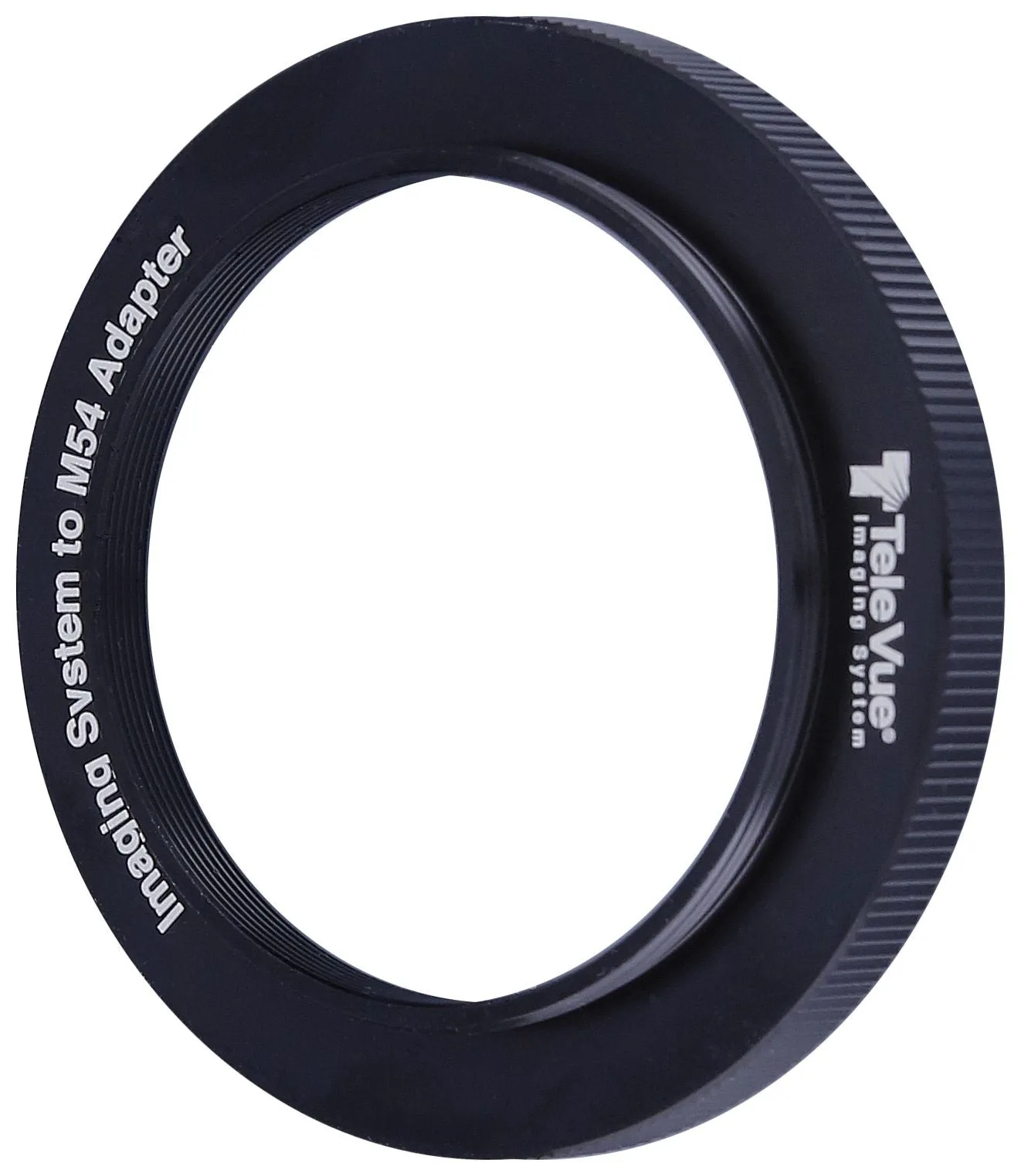
Thread sizes matter here. If your camera has M54 threads and your reducer uses a different thread, you need a matching adapter rather than a stack of step rings. The M54 Camera Adapter for Tele Vue 2.4" Imaging System (M54-1073) is an example of a single adapter that joins male M54 x 0.75mm camera-side threads to Tele Vue Imaging System female threads, which keeps the stack short and rigid. A short, well-threaded stack flexes less and holds back focus better than a long chain of thin rings.
Diagnosing corner stars and fixing elongation
If stars in all four corners stretch outward like seagulls, your sensor is too close to the reducer; add spacing. If they stretch inward or look like little comets pointing toward the center, your sensor is too far; remove spacing. If only one corner is bad, the sensor is tilted rather than spaced incorrectly, and you should check for a tilted adapter or a sagging focuser drawtube before changing spacers.
Test with a single bright star field near the celestial equator and inspect the corners at 100 percent zoom. Make one change at a time and note the result. Chasing spacing and tilt at the same time usually makes both worse.
When the reducer is not the right choice
Reducer-flatteners are designed for a specific telescope and a specific image circle. If your camera sensor is larger than that circle, the corners will vignette or show aberrations no matter how carefully you space it. In that case, a dedicated flattener with a larger corrected circle, or a different telescope, is the honest answer.
Also check whether your focuser has enough inward travel. Adding a reducer and a camera can push the focal point farther in or out, and some visual-only focusers run out of travel. A low-profile focuser or a different adapter stack may be required.
Step-by-step: install and tune a reducer or flattener
- Confirm the reducer's back focus and image circle: Look up the exact back focus distance and the corrected image circle for your specific reducer and telescope. Write the number down before you buy any spacers. Checkpoint: if your camera sensor is larger than the image circle, stop here and choose a different flattener or telescope.
- Build the shortest possible imaging train: Place the reducer directly behind the focuser, then add only the adapters, spacers, filter wheel, and camera needed to reach the specified back focus. Use threaded connections instead of compression rings where possible. Common mistake: putting a filter wheel or off-axis guider ahead of the reducer, which changes the light cone and ruins correction.
- Measure and set the spacing with a caliper: Measure from the reducer's rear reference surface to the camera sensor mark. Add or remove thin spacers until the distance matches the specification, accounting for any filter thickness correction your reducer's manual provides. Checkpoint: record the final spacer stack so you can repeat it after cleaning or travel.
- Test on a star field and read the corners: Take a short exposure of a bright star field near the celestial equator, then zoom to 100 percent in all four corners. Outward-stretching stars mean add spacing; inward-stretching stars mean remove spacing. Common mistake: changing spacing and tilt at the same time, which makes it impossible to tell which adjustment helped.
- Check tilt only after spacing is correct: If three corners look good and one is bad, inspect the adapter threads, focuser drawtube, and camera mounting for tilt or sag. Fix the mechanical issue rather than compensating with spacers. Next step: once corners are round, run a focus run and note the focuser position so you can return to it on the next session.
Products that help you hit the right spacing
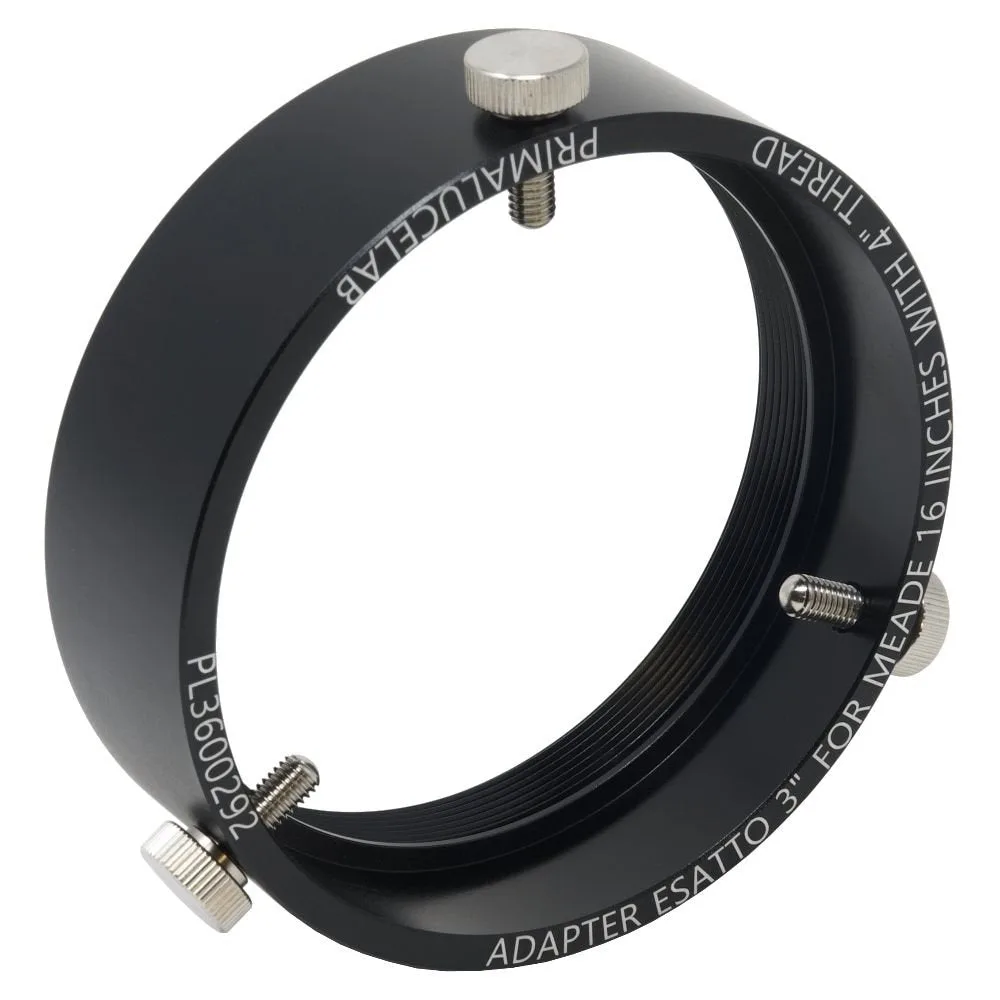
- Adapters for 3" ESATTO Microfocuser: À la carte telescope and camera adaptors for the 3" ESATTO Robotic Microfocuser. You can purchase a pair of camera and telescope adapters, only a camera adapter, or only a telescope adapter. If you use a 3" ESATTO focuser, buying only the adapter you need avoids paying for a second adapter you will not use, and the correct adapter is what lets you set the reducer's back focus without stacking extra rings.
- M54 Camera Adapter for Tele Vue 2.4" Imaging System (M54-1073): M54 Camera Adapter for Tele Vue 2.4" Imaging System has male M54 x 0.75mm threads on one side and Tele Vue Imaging System female threads on the other. This adapter lets you connect an M54 camera or filter wheel directly to Tele Vue Imaging System accessories, which shortens the imaging train and makes back focus easier to hold.
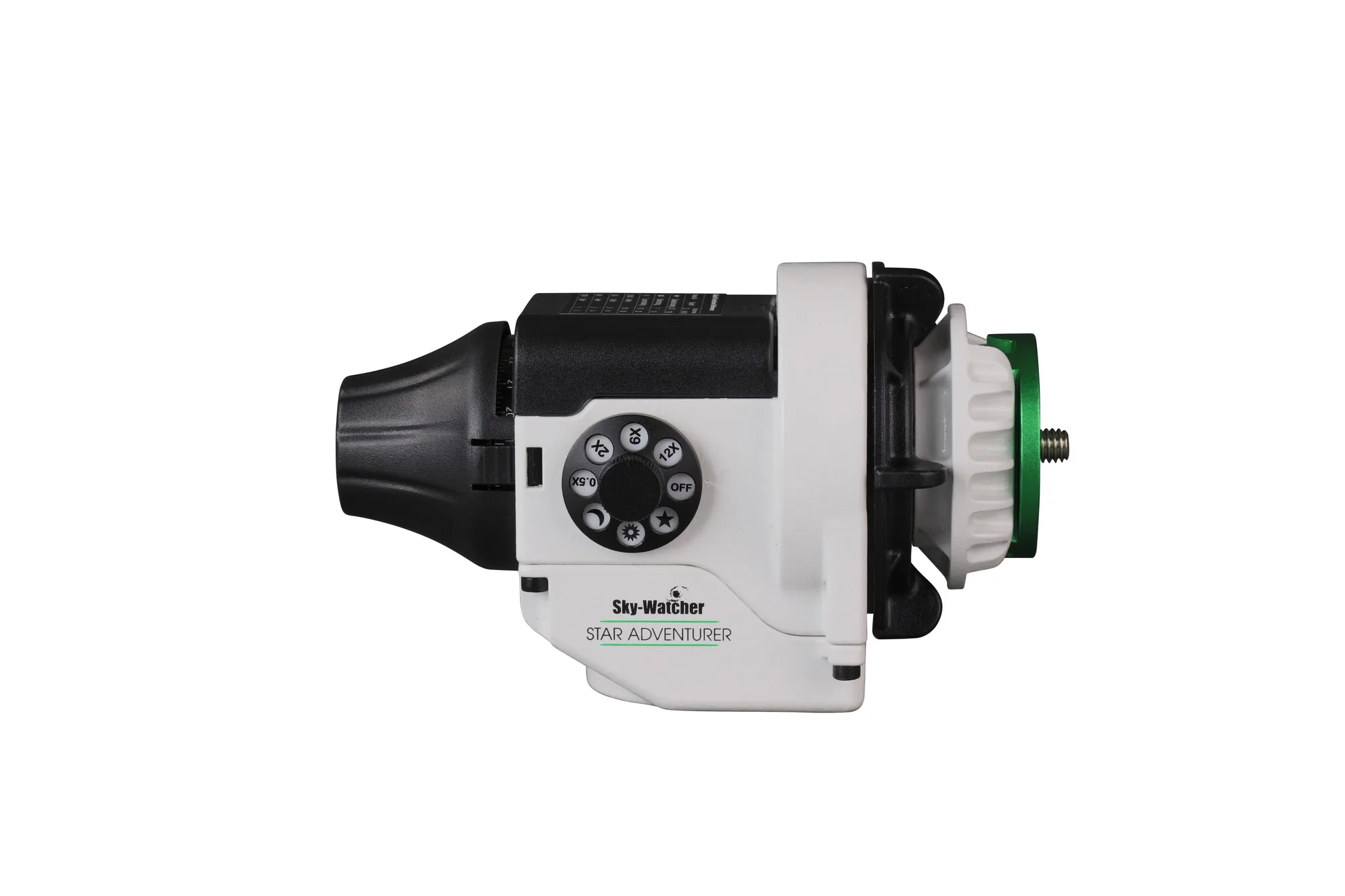
- Star Adventurer 2i Photo Package (S20520): Star Adventurer 2i Photo Package includes multiple preprogrammed speeds for time lapse photography, a tracking rate selectable between Sidereal, Solar and Lunar, a DSLR interface for automatic shutter control, a built-in auto-guiding interface, and external Mini USB power support. If you are starting with a camera lens rather than a telescope, this tracker handles the mount side so you can practice spacing and focus with a reducer or flattener on a small refractor before moving to a larger rig.