Quick answer
Start by matching your GPU and CPU power draw, then add 100–200W of headroom for stability and future upgrades. For an NZXT prebuilt like the Player One (RTX 5060), a 650W unit is enough; the Player Three Prime (RTX 5090) needs at least 1000W. Efficiency rating (80 Plus Gold or better) and physical size also matter.
Player Three
Wattage: The First Decision
Every component in your PC draws power from the PSU, and the GPU is almost always the hungriest. A good rule of thumb is to total the peak power of your CPU and GPU, then add 100–200W for the rest of the system and a safety buffer. That buffer keeps your PSU from running at full load all the time, which improves efficiency and longevity.
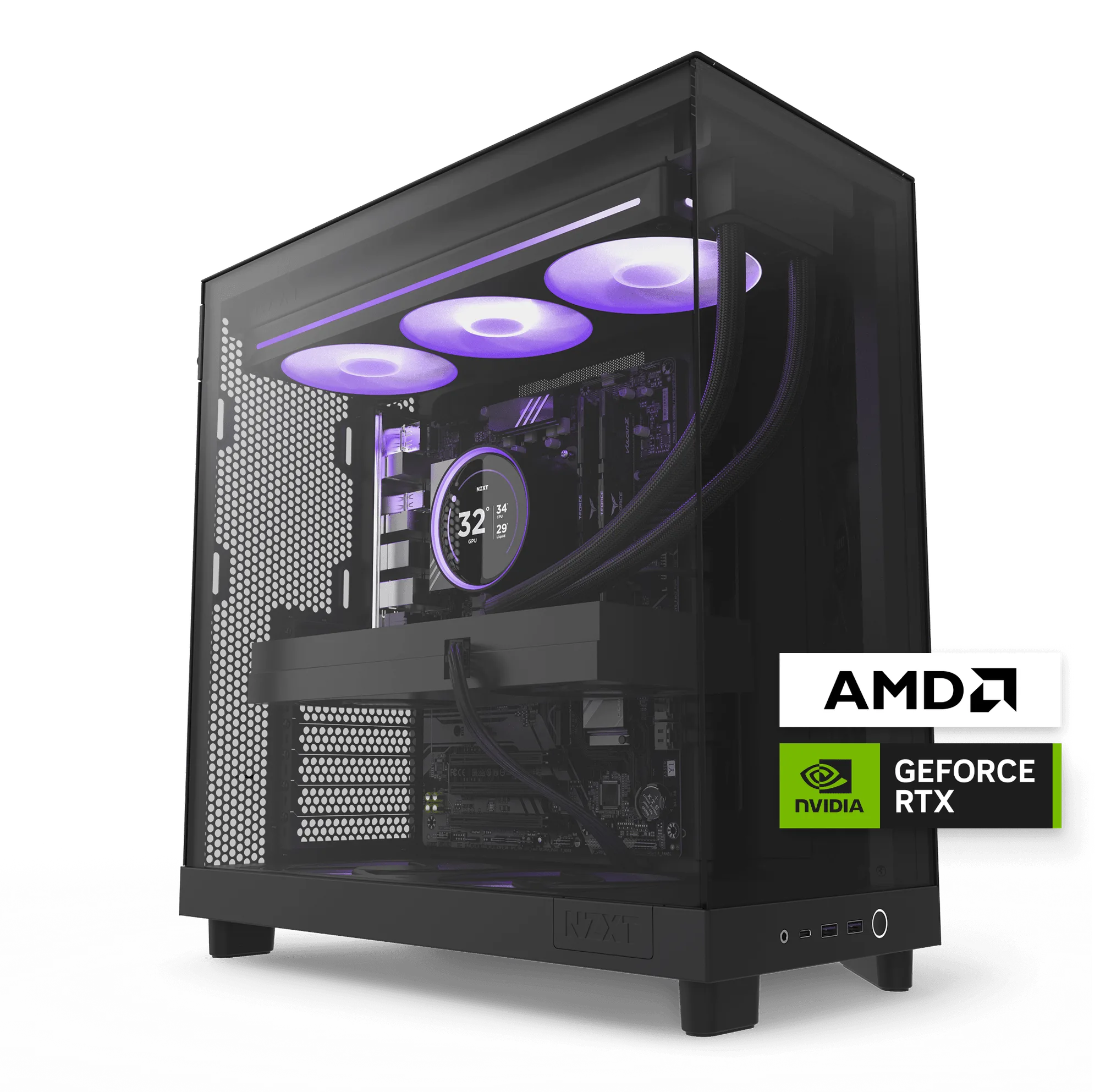
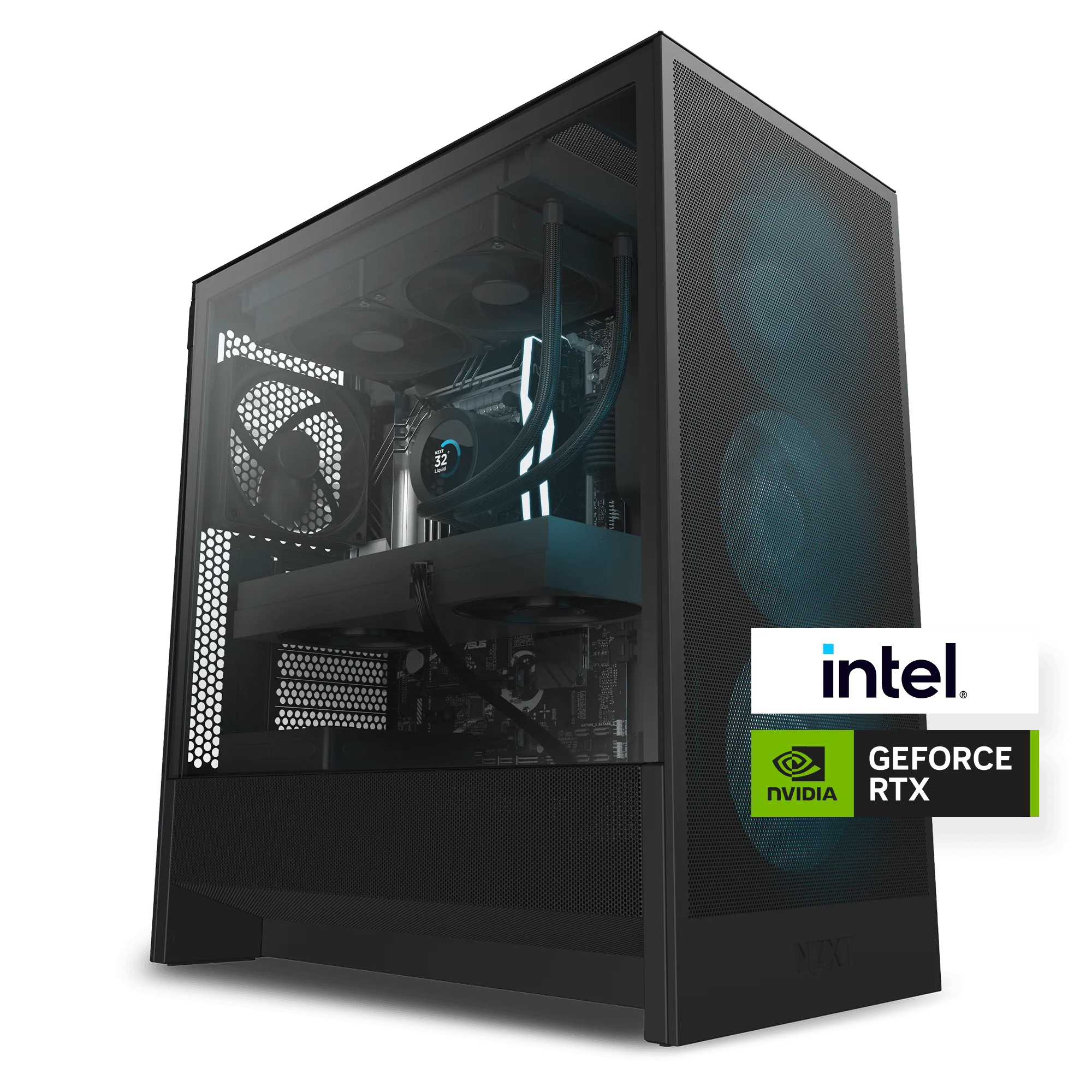
For example, the Player One uses an Intel Core i5-14400F and an RTX 5060—a combination that runs comfortably on a quality 650W PSU. Step up to the Player Two with an RTX 5070, and 750W gives you room to overclock or add storage. The Player Three (RTX 5080) and Player Three Prime (RTX 5090) demand 850W and 1000W respectively, especially if you plan to push 4K resolutions or use the system for creative workloads.
Player Two
Efficiency and 80 Plus Ratings
The 80 Plus rating tells you how much power is wasted as heat. A Bronze-rated PSU is acceptable for budget builds, but Gold is the sweet spot for most gamers—it balances cost and efficiency. Platinum and Titanium ratings save a little more electricity and run cooler, but the price jump is significant.
If your NZXT prebuilt came with a standard PSU and you’re upgrading, stick with at least 80 Plus Gold. The extra upfront cost pays for itself in lower electricity bills and quieter fan operation over a few years.
Physical Size and Compatibility
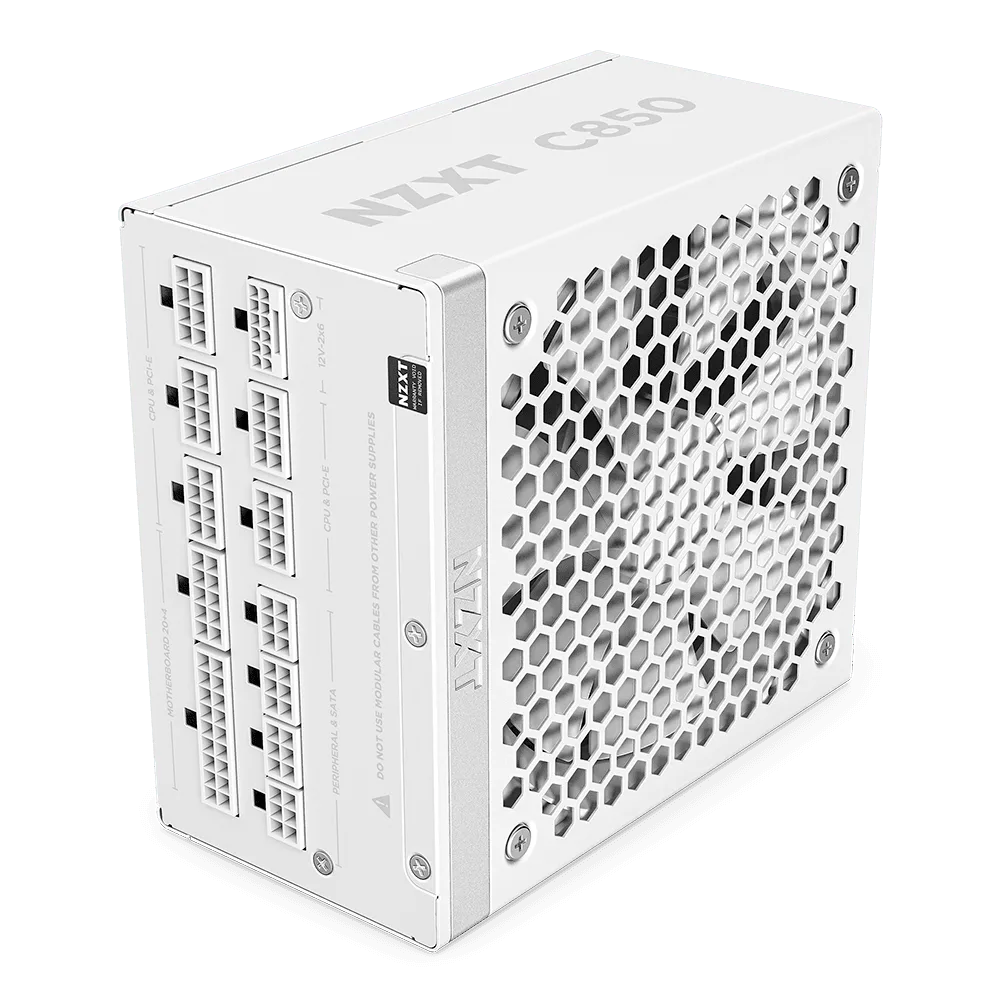
Not all power supplies fit all cases. NZXT prebuilts use standard ATX form factors, but cable length and modularity matter. A fully modular PSU lets you detach unused cables, which makes cable management cleaner and airflow better inside your case.
Before buying, check the maximum PSU length your case supports. Most NZXT cases accommodate ATX units up to 200mm, but some smaller cases (like the H210) are limited to around 140mm. Measure twice, buy once.
Decision Rules for Choosing Your PSU
- Match wattage to your GPU tier: RTX 5060/4060 → 650W, RTX 5070 → 750W, RTX 5080 → 850W, RTX 5090 → 1000W. Add 100W if you overclock or plan a future GPU upgrade. Check your GPU model and use this as your floor.
- Choose 80 Plus Gold or better: Gold efficiency gives you a good balance of price, heat output, and noise. Bronze is fine for budget builds but runs warmer. Platinum/Titanium only matter if electricity is expensive or you run the PC 24/7. Gold is the safe default for most gamers.
- Confirm physical fit and cabling: Measure your case’s PSU bay length. Choose fully modular if you want clean cable management. Semi-modular is a cheaper alternative that still reduces clutter. A PSU that doesn’t fit is useless—measure first.
Power Supply Needs by NZXT Prebuild
- Player One: Player One is built for smooth, reliable 1080p gameplay. It uses an Intel Core i5-14400F and an NVIDIA GeForce RTX 5060. This mid-range combo draws roughly 350W under load, so a 650W PSU provides enough headroom for stable 1080p gaming without overworking the unit.
- Player Three Prime: Player Three Prime leads the lineup with serious power for 4K gaming and creative work. It runs an AMD Ryzen 9 9950X3D and an NVIDIA GeForce RTX 5090. The top-tier CPU and GPU can pull over 800W at peak. A 1000W PSU (or higher) ensures stability during extended 4K sessions and heavy rendering.
Which PSU Is Right for You?
Best for
- Gamers upgrading an NZXT prebuilt who want stable, efficient power without overspending
- Anyone building a new system around a mid-range to high-end GPU (RTX 5060 through RTX 5090)
Not for
- Ultra-budget builds where every dollar counts—consider 80 Plus Bronze instead
- Small-form-factor cases that require SFX or SFX-L PSUs (check compatibility first)