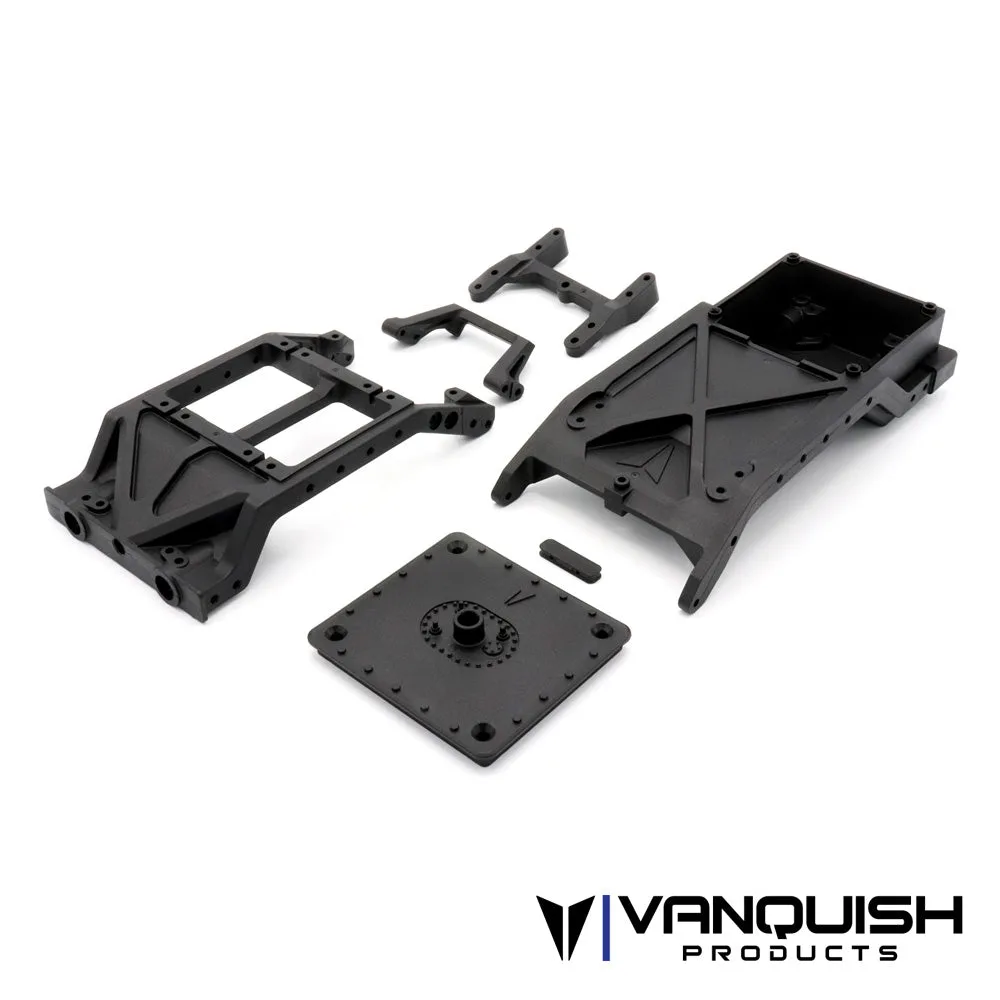
Quick answer
Install the skid plate and chassis braces with the chassis flipped upside down and every screw left loose until all of them are started. Snug the skid plate first, then the braces, then the transmission and link mounts, and finish by checking that the rails sit flat on a true surface before you torque anything down. If a screw stops early, back it out and re-align the parts instead of forcing it.
A skid plate and chassis brace install is one of the few jobs on a VS4-10 that touches the whole chassis at once, so the order you tighten things in matters as much as the parts you use. Get it right and the rails stay straight, the driveline stays free, and the hardware survives the next teardown.
This guide walks through the job in the order that avoids the usual problems: cross-threaded screws, a skid plate that pulls the rails out of plane, and braces that fight the transmission instead of supporting it. Work on a clean bench, keep the chassis upside down for most of the job, and have a small driver set and a flat reference surface within reach.
Before you start: what to gather and check
Lay out the skid plate, braces, and all screws before you touch the truck. Group hardware by length so you are not guessing later, and check that each screw threads into its hole by hand for a turn or two with the part removed. If a screw binds in a bare hole, the hole or the screw is the problem, and no amount of assembly order will fix it.
Flip the chassis and remove the existing skid or brace hardware in a pattern that works from the center outward. Keep the old fasteners in a cup rather than on the bench; small screws roll, and losing one mid-job is the most common reason a build stalls. Wipe the rail mounting faces so no grit sits between the plate and the chassis.
- Checkpoint: every screw should start by hand before final assembly, or you will cross-thread it under load.
Step 1: Mount the skid plate with hardware loose
Set the skid plate in place and start every screw by hand, working diagonally across the plate rather than around the perimeter. Leave all of them loose enough that the plate can still shift a fraction of a millimeter. This is the step where a chassis gets tweaked: tightening one corner fully before the others pulls the rails out of alignment and makes the remaining holes fight you.
Once all screws are started, press the plate flat against the rails and check the gap along both sides. If the gap is uneven, loosen and reseat rather than tightening through it. Only after the plate sits flat should you snug the screws in the same diagonal pattern, stopping when they are firm rather than cranked.
- Common mistake: running screws in with a power driver on high torque and stripping the plastic or thread inserts.
Step 2: Fit the chassis braces and check rail alignment
With the skid plate snug, position the braces and start their hardware by hand. Braces are there to hold the rails in plane, so they should drop into place without spreading or squeezing the chassis. If a brace needs force to line up, the skid plate or rails are still off, and forcing the brace just locks that error into the chassis.
Rest the assembled chassis on a flat surface and sight along the rails from one end. Both rails should contact the surface evenly and the chassis should not rock. A rock means something is twisted, and the fix is to loosen the skid plate and braces and let the chassis settle again before re-snugging.
- Checkpoint: if the chassis rocks on a flat bench, stop and loosen rather than tightening further.
Step 3: Reconnect the transmission, links, and driveline
Reattach the transmission and link mounts to the skid plate, starting hardware by hand and leaving it loose until everything is in place. Spin the driveline by hand as you go; it should turn freely with no binding or tight spots. Binding here usually means the skid plate is sitting slightly off, not that the transmission needs shimming.
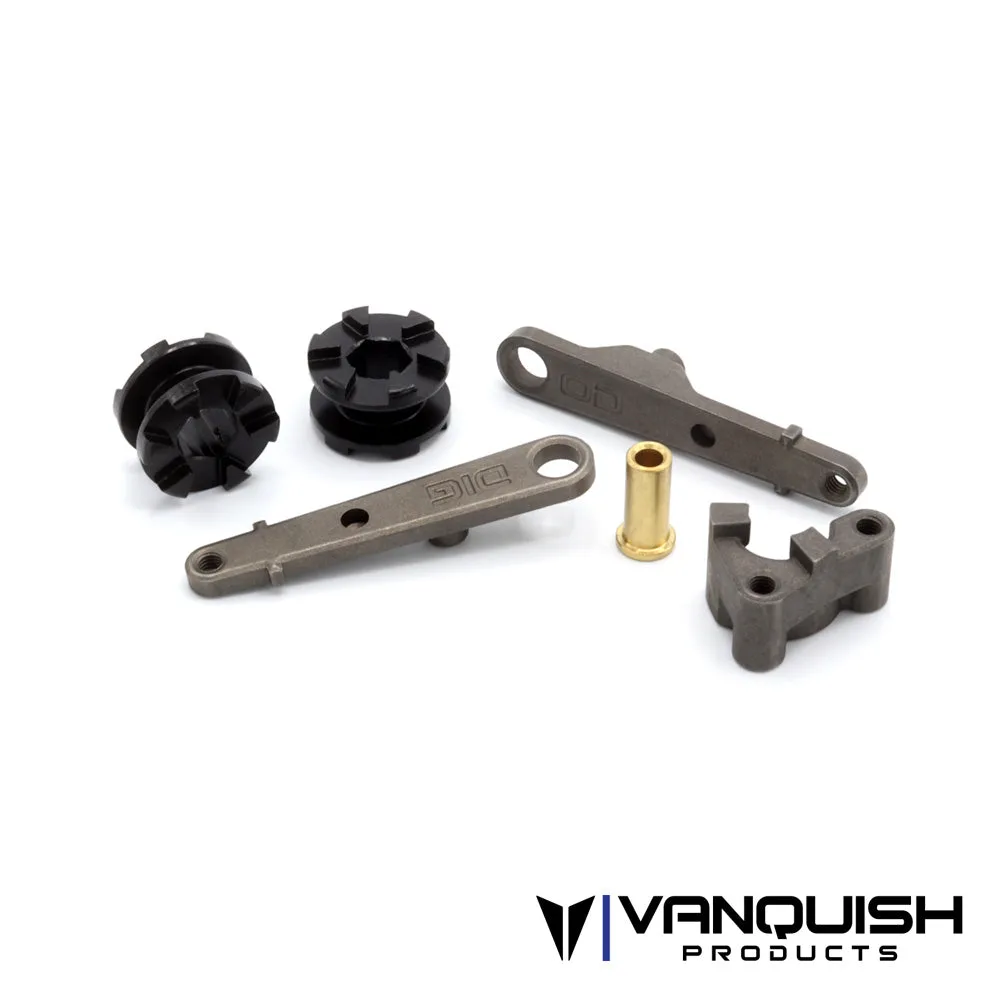
If your build uses a VFD Twin, the shifting components live in this area, so check that the dig and overdrive levers move without rubbing the plate or braces. A lever that contacts the chassis will feel fine on the bench and then hang up under load, which is far harder to diagnose once the truck is assembled.
- Common mistake: tightening the transmission before the skid plate is settled, which preloads the driveline.
Step 4: Final torque and a function check
Go around the skid plate, braces, transmission, and link mounts one more time in the same order, bringing each screw to firm. Firm means the part no longer moves and the screw stops turning with light pressure; it does not mean maximum effort. Small RC hardware strips long before it feels tight, and a stripped hole in a plastic skid or rail is a much bigger repair than a re-snug.
Finish by cycling the suspension by hand and spinning the driveline again. Check that the skid plate clears the ground and links through full compression, and that nothing contacts the braces at ride height. A two-minute function check here catches almost every assembly error before it becomes a trail failure.
- Checkpoint: re-check every screw after the first run, since new assemblies settle.
Install sequence at a glance
- Prep and inspect hardware: Sort screws by length and hand-start each one in its bare hole before assembly. A screw that binds in an empty hole will not get better once the plate is on.
- Start the skid plate loose: Run every screw in diagonally by hand and leave the plate free to shift. Tightening one corner first is what tweaks rails.
- Snug the skid plate: Press the plate flat, confirm an even gap on both rails, then snug in the same diagonal pattern. Firm, not cranked, is the target.
- Fit the braces: Start brace hardware by hand and let the braces drop in without spreading the chassis. If a brace needs force, the plate is still off.
- Check the chassis on a flat surface: Sight along the rails and confirm the chassis does not rock. A rock means loosen and reseat, not tighten more.
- Reconnect transmission and links: Leave hardware loose until everything is in place, then spin the driveline by hand. Binding points to plate alignment, not the transmission.
- Final torque and function check: Bring everything to firm in the same order, cycle the suspension, and re-check after the first run. New assemblies settle, so a second check is not optional.
Parts that fit this job
- VFD Twin Shifting Components Set: Replacement shifting components for the Vanquish Products VFD Twin, including the dig lever, overdrive lever, brass rotation pin, dig slide dog, overdrive slide dog, and dig lockout. If you are already inside the chassis for a skid plate job, this is the moment to refresh worn shift parts instead of tearing the truck down twice.
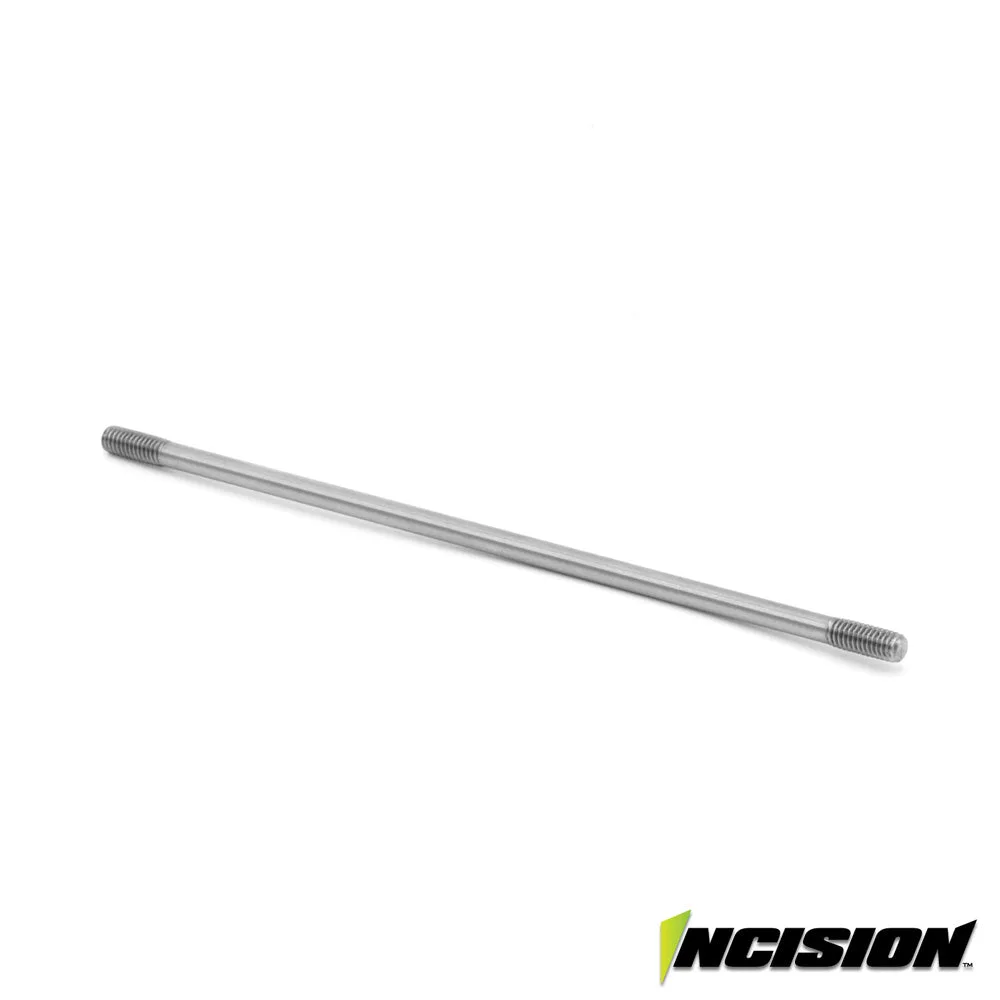
- Incision 4mm 126mm Stainless Steel Tie Rod: A 4mm stainless steel drag link for F10 axles that requires IRC00012 or IRC00014 bent rod ends, and with those bent ends also fits the Axial SCX10-II, Vanquish VS4-10 Pro, Ultra, and Phoenix. Its slim profile gives more clearance around the diff, which matters when you are checking link and skid plate clearance during reassembly.
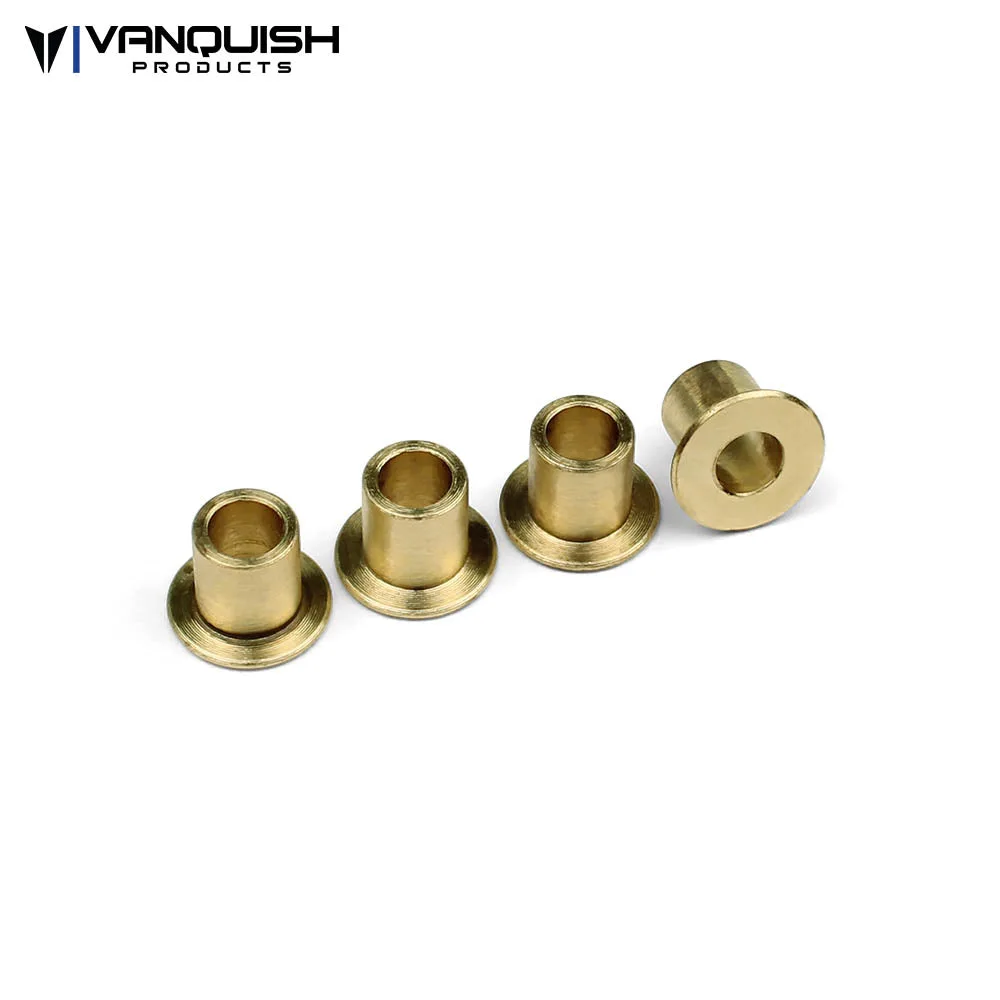
- Knuckle Bushings (4pcs): Brass knuckle bushings that work with stock Axial and Vanquish Products SCX10 knuckles and Wraith knuckles. A cheap add-on while the front end is apart, and brass adds weight low on the vehicle where it helps stability.
Take the extra ten minutes to leave hardware loose until everything is started, and this job stays a simple bolt-on instead of a chassis-straightening project. Snug in order, check the rails on a flat surface, and re-check after the first run.