Quick answer
Order your Vanquish crawler build in the same sequence you will assemble it: chassis and skid first, then axles and links, then the transmission and transfer case, then electronics, and finally the body and tires. Buy the whole drivetrain together so gear ratios and overdrive match, and keep a running parts list with SKUs to avoid mismatched components.
A Vanquish crawler build goes together much faster when the parts order matches the assembly order. Buying random upgrades first usually means discovering a ratio mismatch or a clearance problem after the axles are already sealed. This plan walks through the sequence from bare chassis to trail-ready rig, with the checkpoints that catch mistakes before they cost you a teardown.
The goal is not to buy everything at once. It is to buy in stages that lock in compatibility, so each subassembly is finished and verified before the next one goes on. Use the steps below as your rc crawler assembly order and your vanquish parts list.
Start with the chassis and skid, not the axles
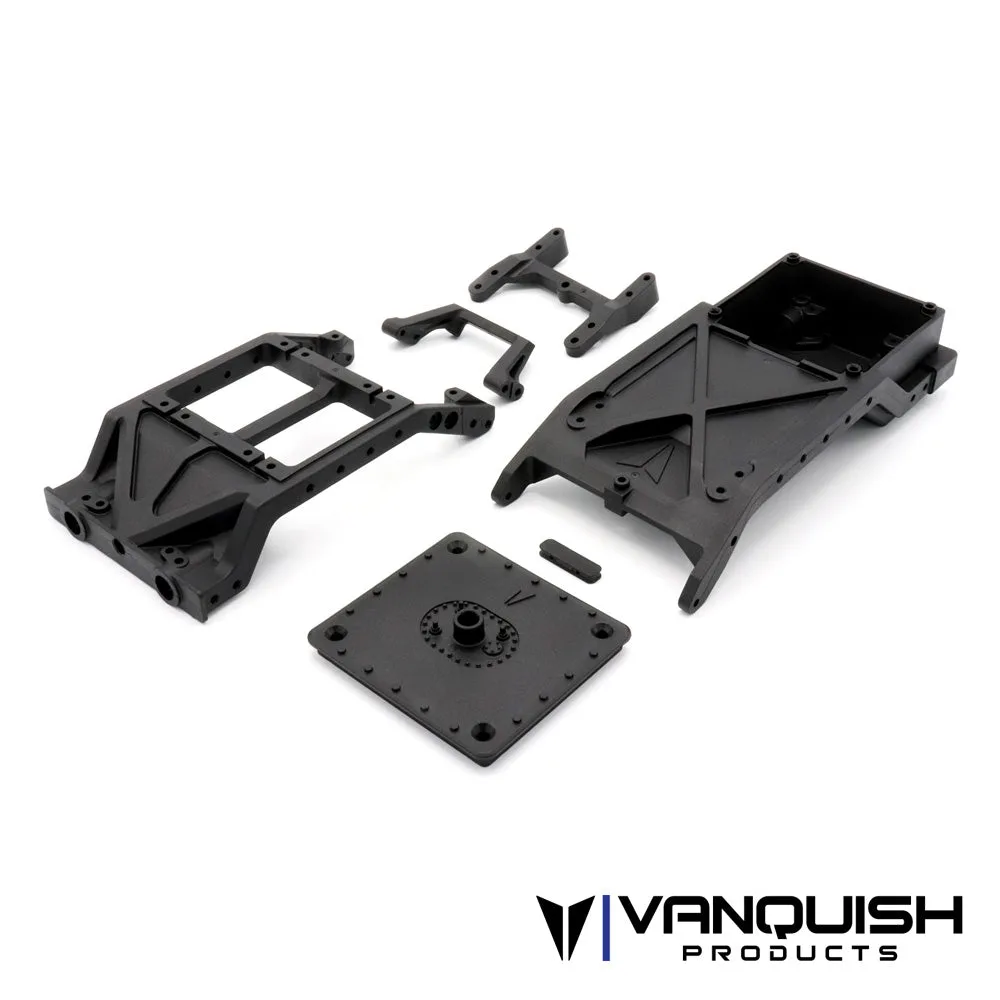
The chassis is the foundation every other part bolts to, so it has to be decided first. If you are building a VS4-10, choose the chassis kit and skid plate before ordering links or bumpers, because link lengths and mounting points depend on the skid. A common mistake is buying axles and links first, then finding the skid you wanted uses a different link geometry.
Once the chassis and skid are on the bench, mock up the transmission position. This tells you which driveshaft lengths and motor plate clearance you need. Do not tighten anything permanently yet; you will be pulling subassemblies in and out several times.
- Checkpoint: the skid, chassis rails, and transmission mount should all be from the same platform family before you buy links.
Lock in the drivetrain ratios before you buy gears
Overdrive is the single easiest thing to get wrong in a build plan. The front and rear axle ratios have to be chosen together, and the transfer case ratio has to match the intended overdrive percentage. If you want front overdrive on a VS4-10 Ultra or Phoenix, the rear axle needs the standard ratio while the front runs the overdrive set, not the other way around.
This is also the stage to decide whether you are running a standard transfer case or a dig unit. Dig changes the parts list because the transfer case internals and outputs are different. Buy the gear sets and transfer case parts as one group so you are not paying shipping twice for a single missing gear.
- Checkpoint: write down your target front-to-rear ratio and confirm every gear set in the cart supports it.
Build and seal the axles as one subassembly
Assemble both axles completely, including axle shafts, portal gears, and diff covers, before they go near the chassis. This keeps metal shavings and grease off the rest of the build and lets you spin each axle by hand to feel for binding. If a portal gear set is not seated correctly, you will feel it here rather than on the trail.
Axle shaft selection matters at this point because not every shaft fits every housing. Confirm the shaft part number matches the axle family you are building, and check that the portal gear ratio you installed matches the ratio you planned in the previous step.
- Checkpoint: both axles should spin smoothly with no notchiness before you install links.
Install links, shocks, and driveline in the chassis
With axles built, attach links and shocks to the skid and axles, then set the chassis at ride height. This is when you measure for driveshafts. Do not guess driveshaft length from a spec sheet alone; suspension travel changes the required length, and a shaft that is too short will pull apart under droop.
Route the driveline and check for interference with the skid, motor plate, and links at full compression and full droop. A common mistake is setting ride height with the shocks fully extended, which hides binding that shows up later.
- Checkpoint: cycle the suspension by hand through its full travel and confirm nothing binds or rubs.
Add electronics, then body and tires last
Electronics go in after the rolling chassis is sorted, because servo and motor placement can change once you know where the battery and ESC fit. Mount the servo and set steering endpoints before installing the body, so you are not reaching through a painted shell to adjust a horn.
The body and tires are last because they are the easiest to change and the most dependent on everything else. Tire diameter affects clearance and gearing, and body choice affects where you can mount electronics. A pre-painted body saves time, but a clear body lets you match a custom paint scheme, so decide based on how much finishing work you want.
- Checkpoint: set steering endpoints and verify no tire rub at full lock before the first run.
Build planning steps with checkpoints
- Choose the platform and skid: Pick the chassis kit and skid plate first, then note the link and bumper mounting points. Mistake to avoid: ordering links before the skid is chosen. Checkpoint: chassis, skid, and transmission mount all from the same platform family.
- Set the drivetrain ratio plan: Decide front overdrive percentage and whether you are running a standard transfer case or a dig unit. Buy the gear sets and transfer case parts together. Checkpoint: every gear set in the cart supports the same target ratio.
- Build and seal both axles: Install axle shafts and portal gears, then spin each axle by hand. Mistake to avoid: mixing shaft part numbers across axle families. Checkpoint: smooth rotation with no binding before links go on.
- Fit links, shocks, and driveline: Set ride height with the chassis loaded, measure for driveshafts, and cycle the suspension. Mistake to avoid: measuring driveshaft length at full extension only. Checkpoint: no binding or rubbing through full travel.
- Install electronics, then body and tires: Mount the servo and set endpoints before the body goes on. Choose a pre-painted or clear body based on how much finishing work you want. Checkpoint: steering endpoints set and no tire rub at full lock before the first run.
Parts that anchor the build order
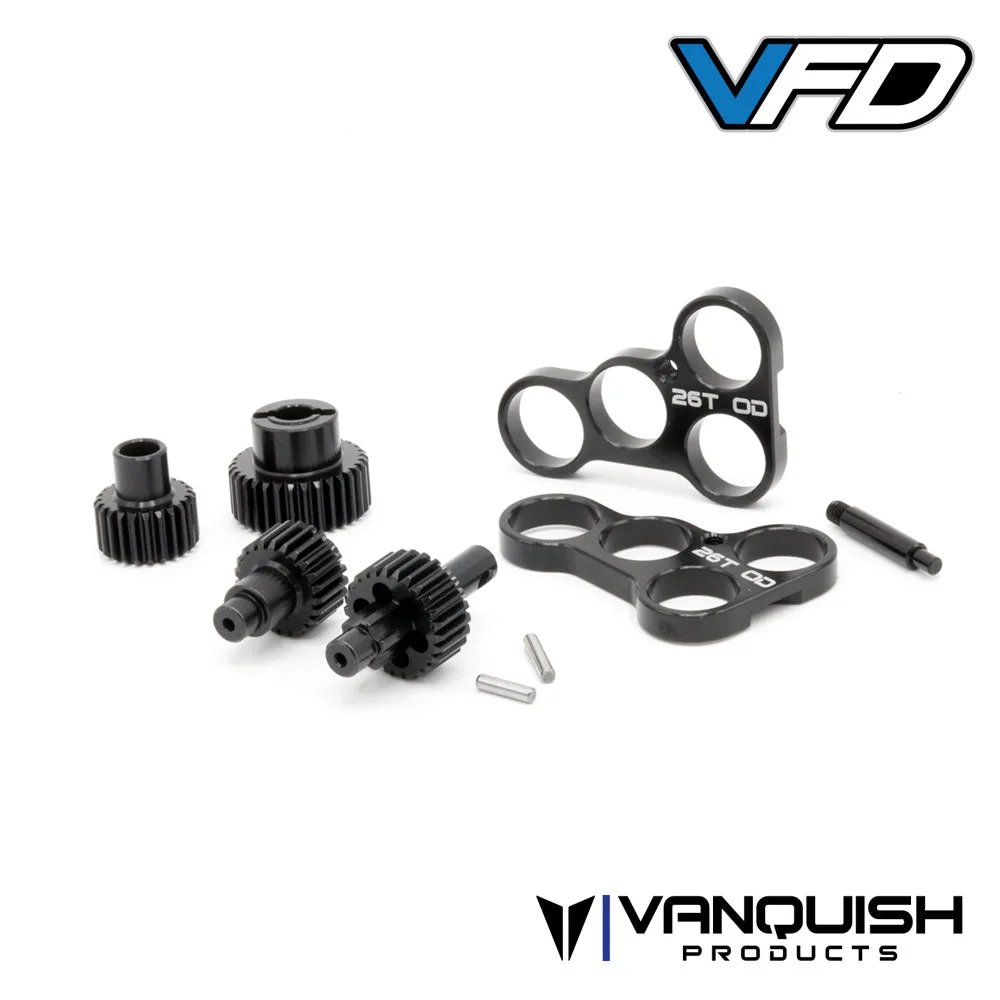
- VFD Light Weight Machined Transfer Case Gear Set: Machined steel 48P gears with a narrower profile to reduce mass inside the transmission, plus metal bearing plates for greater support. Provides 21% overdrive and replaces the gears in the VFD Transfer Case (not VFD Twin). Buy this when you have already decided on a 21% overdrive target, because it locks in the front-to-rear ratio for the whole drivetrain.
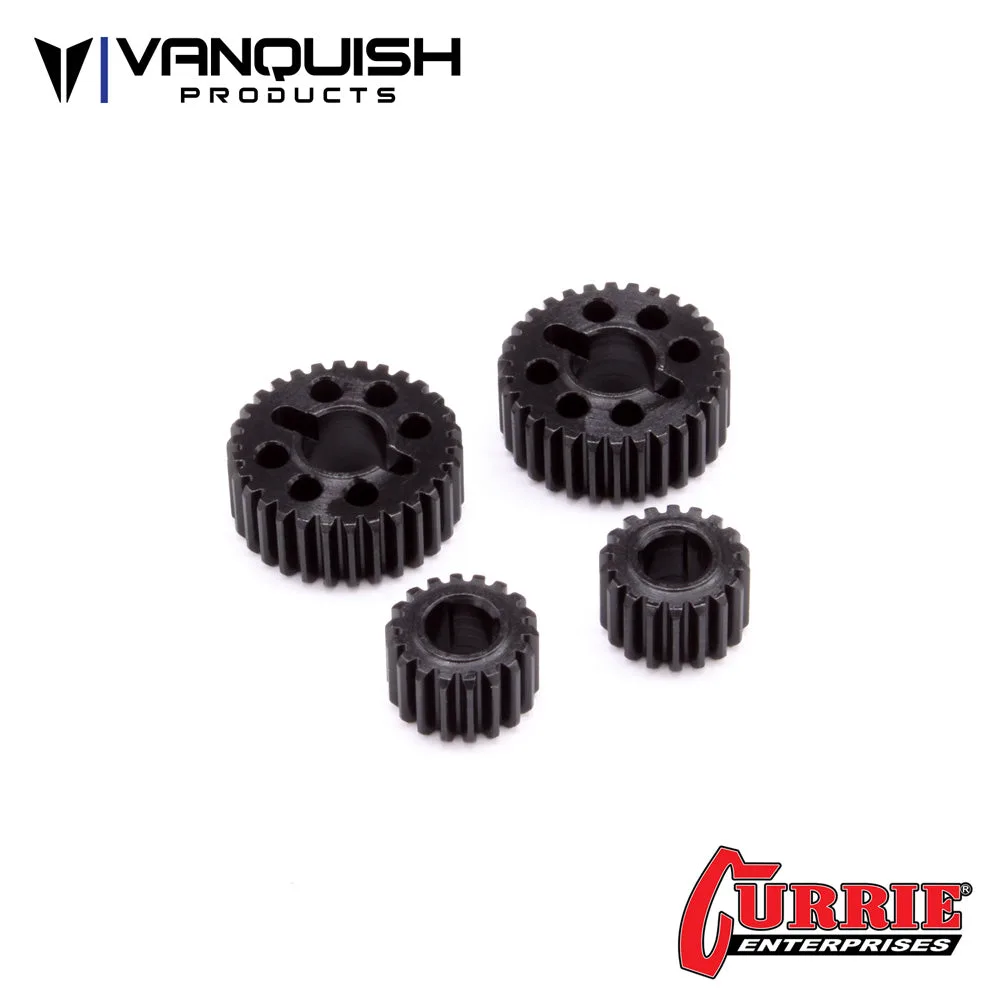
- Currie Portal Standard Gear Set (18/30): 1.67:1 gear ratio compared to the 1.4:1 ratio of the overdrive gears. For use in the rear axle of the VS4-10 Ultra or VS4-10 Phoenix to achieve front overdrive. Does not fit Axial Capra or Axial SCX10III. This is the rear-axle half of an overdrive plan, so it belongs in the same purchase as the front overdrive set to avoid a ratio mismatch.
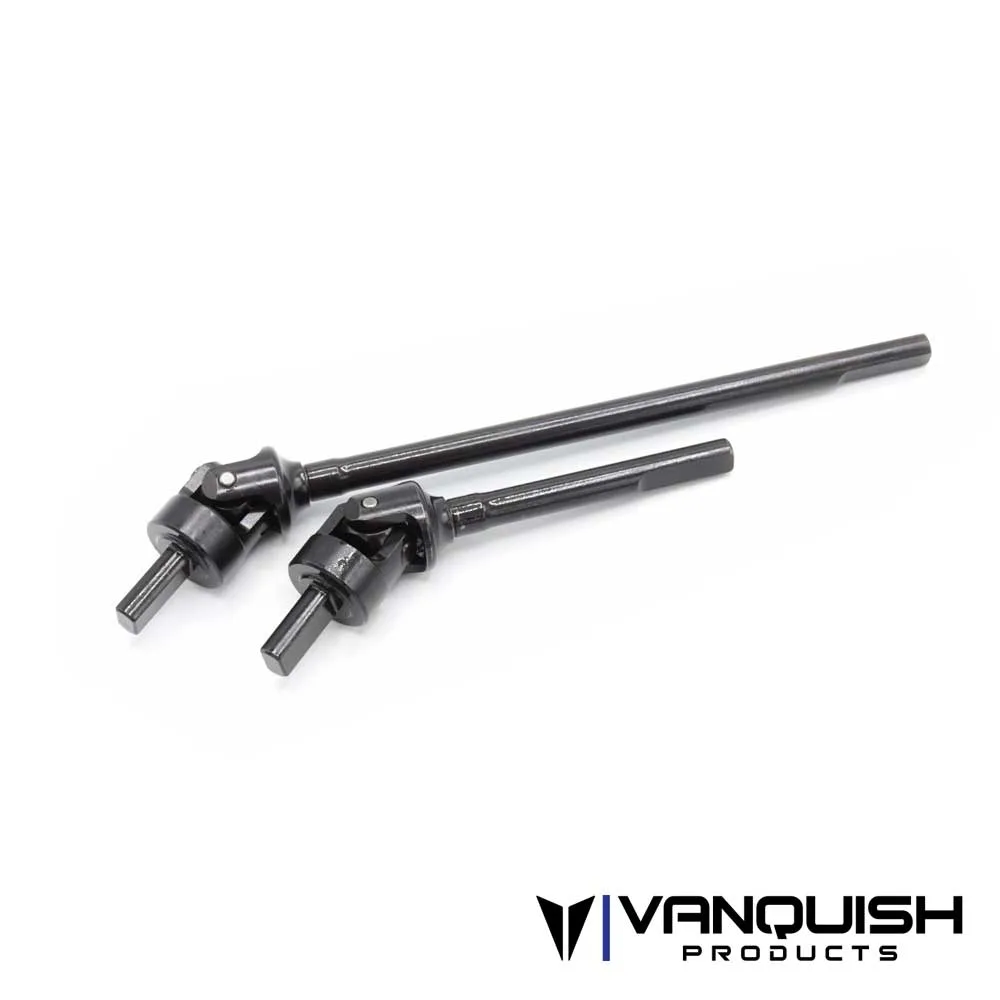
- F10 Portal Axle Shaft VDI: A Vanquish Products part for VS4-10 builds, listed under VS4-10 Axles, the VS4-10 Chassis Kit, and the VS4-10 Phoenix, offered as a Standard option under SKU VPS08608. Confirm this shaft matches your axle family before sealing the axles, since it is a VS4-10 application part.
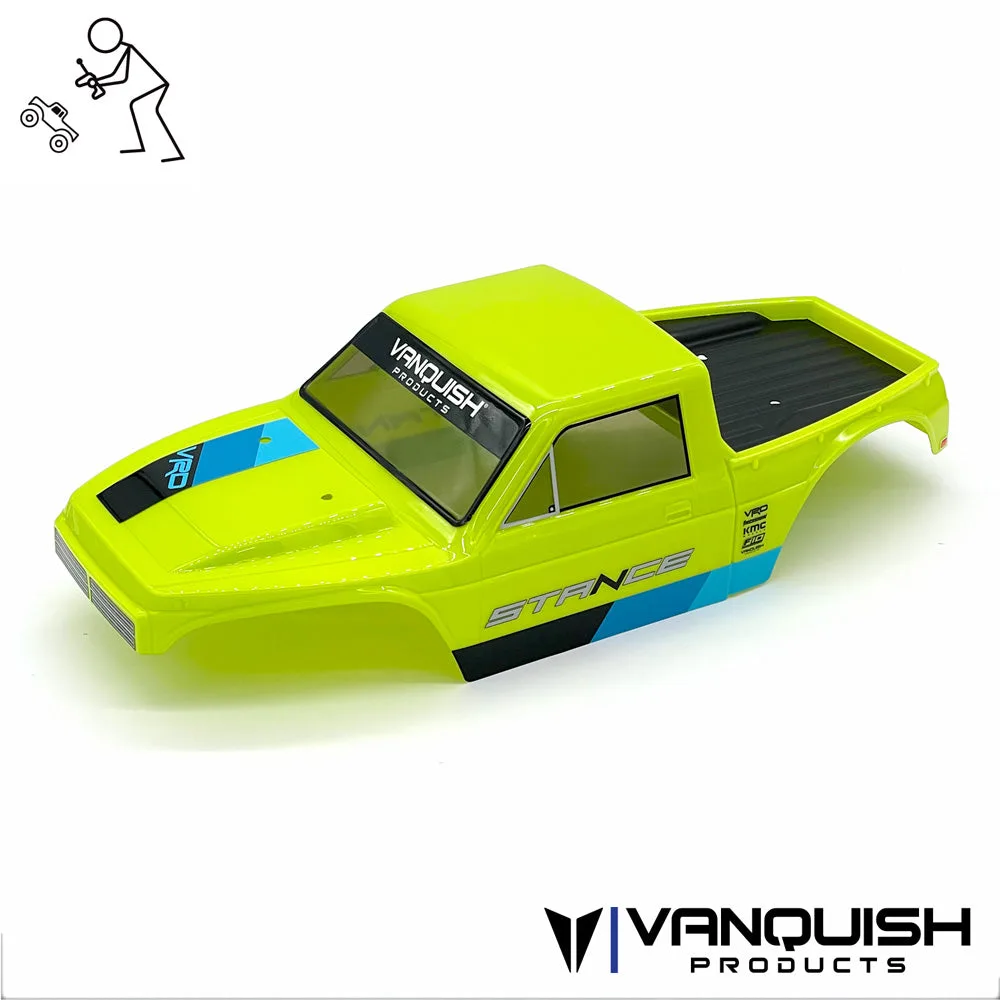
- Stance Body - Pre-Painted: Tennis Green Lexan body with pinched front and rear proportions to increase clearance. Height 4.4 inches, length 16.8 inches, width 7.5 inches. Fits VPS09015 VRD Carbon Kit and is the VPS09009 replacement. Buy the body after the chassis is set, and check these dimensions against your electronics layout before committing to a paint or trim plan.
A Vanquish crawler build plan works best when the parts list follows the assembly order: chassis and skid, drivetrain ratios, axles, links and driveline, then electronics, body, and tires. Buy each stage as a group, verify the checkpoint before moving on, and you will spend your bench time building instead of redoing.