Quick answer
Log into your NVR interface, enable AI person detection in the event settings, and calibrate sensitivity and detection zones to match your property layout.
Why AI detection needs calibration
Out-of-the-box AI person detection can trigger alerts for pets, shadows, or passing cars. Calibrating sensitivity and setting specific detection zones reduces nuisance alerts without missing real threats.
Choosing the right camera hardware
AI person detection works best with cameras that have on-board AI processing. The Defender AI Powered Sentinel Turret 4K system includes metal turret cameras with built-in AI analysis, so detection happens at the camera level before the NVR records an event.
How to configure AI person detection on your Defender NVR
- Access NVR event settings: From the NVR main menu, go to Event > AI Detection. Select the camera you want to configure. Common mistake: skipping the per-camera setup and applying a global setting that doesn't match individual camera views.
- Enable person detection and set sensitivity: Toggle Person Detection to On. Adjust sensitivity between 60-80% for most outdoor areas. Higher values detect smaller figures but increase false triggers from animals. Checkpoint: test with a person walking at the far edge of the camera view to confirm detection range. If you see false alarms from swaying trees, lower sensitivity by 10% and re-test.
- Define detection zones: Draw exclusion zones over areas where you don't want alerts, such as a neighbor's driveway or a busy street. Common mistake: leaving the default full-frame zone, which catches every passerby. Restrict zones to your property line for cleaner alerts. Use the polygon tool to trace irregular boundaries rather than the rectangle tool for more precise coverage.
- Configure response actions: Under Alarm Output, choose how the NVR responds: push notification, email snapshot, or siren. For quiet neighborhoods, use push notifications only. Common mistake: enabling all three actions at once can flood your phone and scare off legitimate visitors. Set a 30-second cooldown between alerts to avoid notification fatigue.
- Save and test the setup: Click Apply, then walk through the camera's field of view. Check the Event Log to confirm each detection was tagged as Person. Common mistake: forgetting to test after saving, so misconfigurations go unnoticed until a real event. Repeat the test at night if the camera uses infrared—AI detection can behave differently in low light.
Product facts
-
AI POWERED Sentinel Turret 4K Wired 8CH NVR PoE, 6 Metal Cameras: AI-powered detection and analysis built into each camera Processing at the camera reduces false alerts and saves NVR storage by only recording relevant person events.
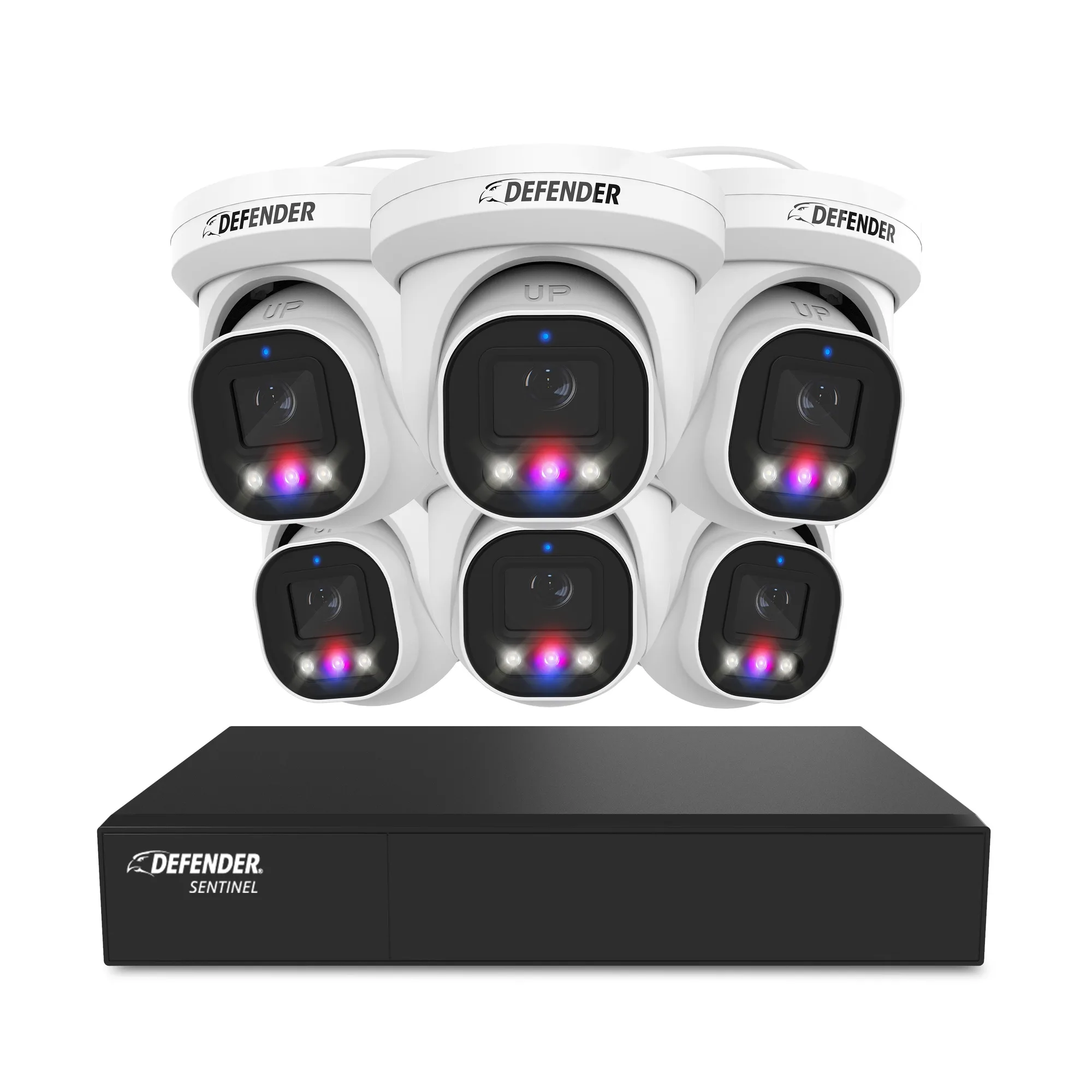
AI POWERED Sentinel Turret 4K Wired 8CH NVR PoE, 6 Metal Cameras