Quick answer
Most Cloud Stinger 3 Wireless dropouts come from the 2.4 GHz receiver: a crowded USB port, a loose dongle, or interference from Wi-Fi and USB 3.0 devices. Move the receiver to a front or top port with a short extension, keep it clear of metal and routers, and charge fully before blaming the headset. If dropouts persist after those steps, test on a second device and contact support rather than buying a replacement.
Start with the symptom, not the headset
A dropout that happens in one game at one distance is usually a radio problem, not a dead headset. Before you change settings, note three things: does audio cut out completely or just crackle, does the mic fail at the same moment, and does it happen only when you move or only when other devices are active. Complete silence plus a reconnection chime points to the wireless link. Crackle with the mic still working points to interference or a loose plug. Write the pattern down; it decides which fix below is worth your time.
Fix the receiver before you touch software
The receiver is the weakest link in any 2.4 GHz headset. Plug it into a USB port directly on the PC or console rather than a hub, monitor, or keyboard passthrough. If your case has front ports, use them only if they are not crowded; a short USB extension cable to the desktop edge is often more reliable than reaching around the back. Keep the receiver at least a hand's width from Wi-Fi routers, external SSDs, and USB 3.0 hard drives, which are common sources of 2.4 GHz noise. Then check that the headset is charged: a low battery can cause dropouts before the headset warns you.
Separate interference from a pairing fault
If dropouts happen only when a microwave, cordless phone, or crowded Wi-Fi channel is active, you have interference. Move the receiver, switch your router to the 5 GHz band for other devices, and test again. If the headset disconnects and will not reconnect until you power-cycle it, treat it as a pairing fault: turn the headset off, unplug the receiver, replug it, then power the headset back on and let it re-pair. If your model uses Bluetooth or Instant Pair for a second device, disconnect that device first; a headset that is still bonded to a phone can hand audio away from your PC mid-game.
Know when to stop troubleshooting
Stop adjusting settings once the headset holds a stable connection for a full session on two different devices with the receiver in a clear port. If it still cuts out on both, the problem is likely the headset or receiver hardware, and further software changes will not help. At that point, check the warranty and support channel instead of buying a second headset. If you are still choosing between models, the Cloud Stinger 3 Wireless is the budget pick with 80 hours of battery, while the Cloud III S Wireless adds Bluetooth and Instant Pair, and the Cloud Alpha 2 Wireless targets long sessions with up to 250 hours.
Dropout diagnosis: symptom, cause, action, stop point
- Audio cuts out completely and reconnects with a chime: Likely a 2.4 GHz link drop. Move the receiver to a direct port with a short extension, away from USB 3.0 drives and routers, and charge the headset fully. If it holds for a full session after this, stop here.
- Crackle or stutter but the mic stays live: Usually interference or a loose connection. Test with the receiver in a different port and with nearby wireless devices switched off one at a time. If crackle follows a specific device, remove that device from the desk area.
- Headset will not reconnect until power-cycled: Treat as a pairing fault. Unplug the receiver, power off the headset, replug, then power on. Disconnect any phone or laptop still bonded via Bluetooth or Instant Pair. If re-pairing fails on two devices, contact support; stop changing software settings.
Specs that affect connection and battery behavior
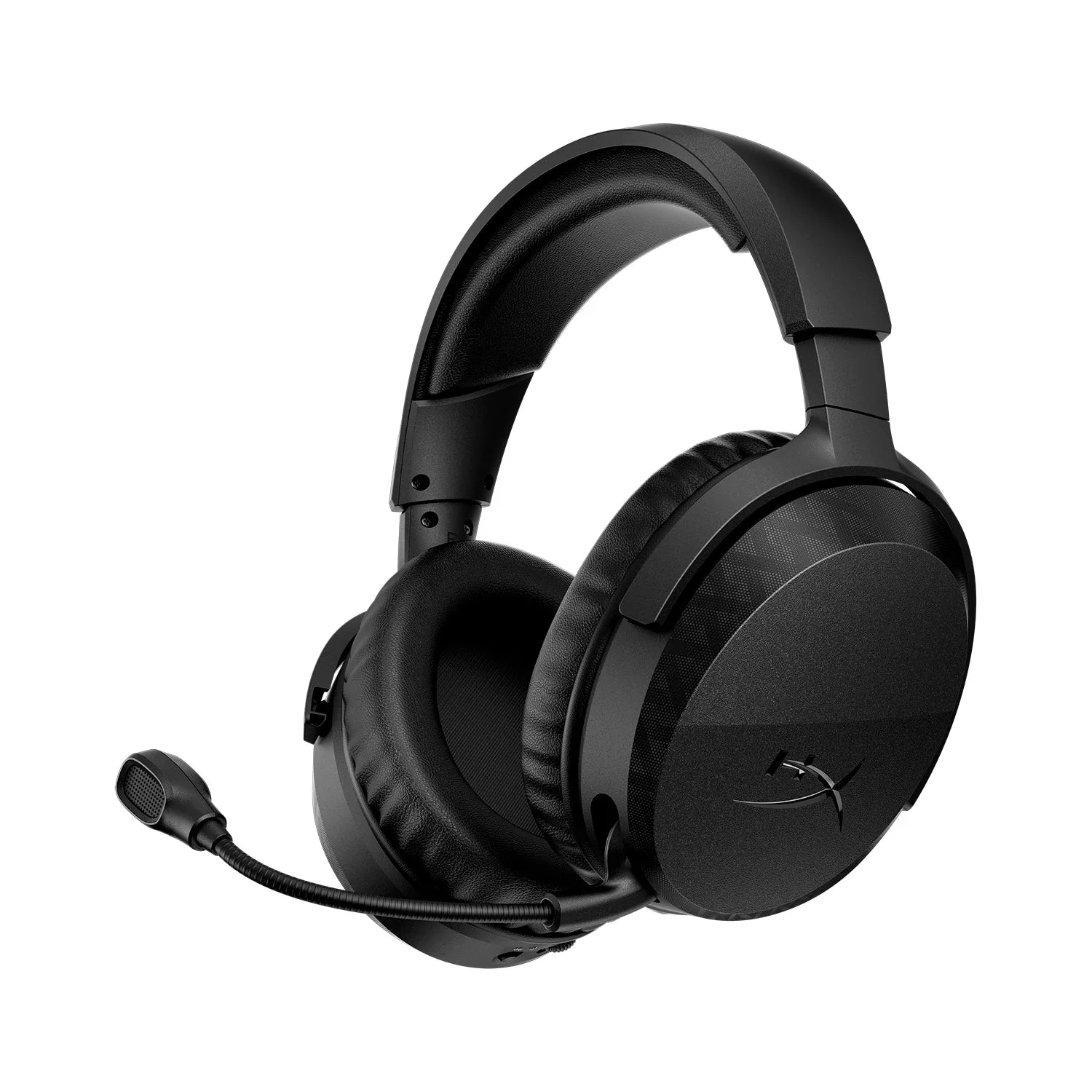
- HyperX Cloud Stinger 3 - Wireless Gaming Headset: 80 hours of battery life on a single charge, 50 mm drivers, leatherette earpads with memory foam, adjustable headband, and rotatable earcups. Long battery life means fewer charge cycles, but a nearly empty battery can still cause dropouts, so charge fully before diagnosing wireless faults.
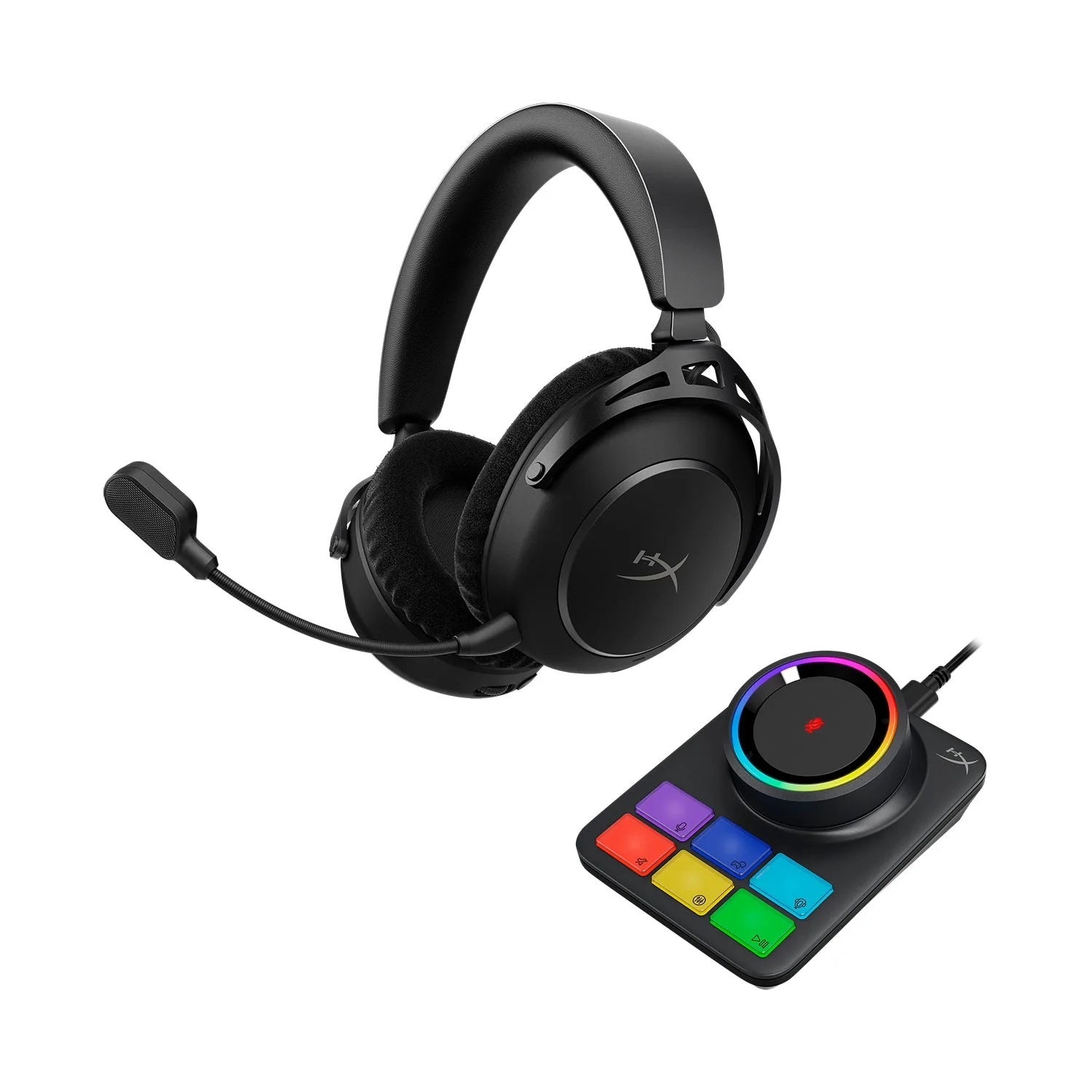
- HyperX Cloud III S Wireless - Gaming Headset: 2.4 GHz wireless plus Bluetooth and Instant Pair mode for select OMEN laptops, with extended battery life and multiple customization options. Extra connection modes are convenient but can cause handoff issues if a second device stays bonded, so disconnect unused devices when troubleshooting.
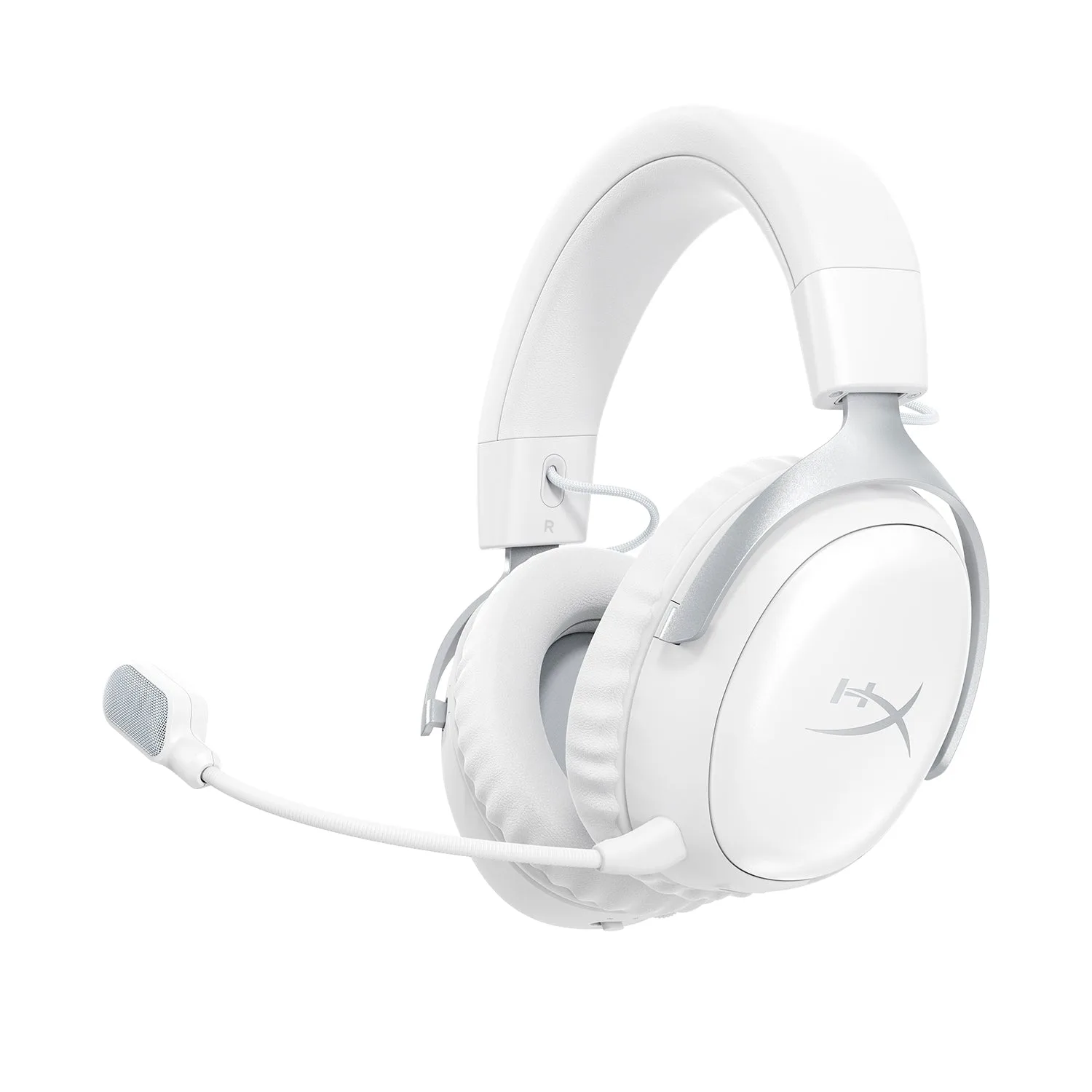
- HyperX Cloud Alpha 2 - Wireless Gaming Headset: Up to 250 hours of battery life, multi-layer 53 mm dual-chamber drivers, and 2x longer battery life than competitors' gaming headsets. If dropouts are frequent and you play long sessions, a higher-capacity model reduces how often low battery is the cause.