Quick answer
Most Oral-B power loss is not a dead battery. It is a charger that has stopped making contact, dirty metal rings on the handle base, or a brush head that is loose enough to drag on the motor. Clean and dry the handle base and charger pins, reseat the head, and charge for a full cycle before assuming the cell has failed. If the handle still dies within a day or two of a complete charge, the battery or charging circuit is the fault, and on a sealed iO handle that means replacing the handle rather than repairing it.
Separate the symptom before you touch anything
Three different failures all get described as 'losing power', and they need different responses. A handle that runs at full speed but dies after a day or two is a charging or battery problem. A handle that starts strong and audibly slows during a single brushing session is usually a mechanical drag or a failing cell under load. A handle that shuts off mid-brush and restarts when you press the button is often a pressure or stall response rather than a power fault at all.
Write down which one you have before you change anything. If you fix the wrong layer, you will replace a charger that was working and still have the same complaint.
Check the charger and contacts first
The base of the handle and the charging pins are the most common failure point because they live in a wet, toothpaste-covered environment. Unplug the charger, wipe the pins with a dry cloth, and look for a white or green film on the metal. Clean the metal ring on the handle base the same way and let both dry fully before recharging.
Then confirm the charger is actually delivering power. Set the handle on the base and watch for the charging indicator. No light after a clean, dry seating usually points to the charger or the outlet, not the handle. Test the outlet with another device, and if you have a second compatible Oral-B charger, swap it in for one charge cycle. That single swap tells you more than any amount of guessing.
Rule out the brush head and the brushing routine
A head that is not pushed fully down can wobble, and the extra drag pulls current harder, which shows up as early slowdown. Pull the head off, rinse the shaft, and press a fresh head on until it seats. If the handle suddenly holds speed through a full two-minute cycle, the head was the problem.
Brushing habits matter too. Long sessions in a high-intensity mode, or leaving the handle on the charger only in short top-ups instead of a full cycle, can make a healthy battery look weak. Run one deliberate full charge, then use the handle normally for several days before you judge it.
When the battery itself is the fault
If a clean handle on a known-good charger still drains within a day or two, the cell has aged out. This is normal wear, not a defect, and it happens faster if the handle is stored on a warm charger or charged in a steamy bathroom. There is no user-serviceable battery in these sealed handles, so the practical fix is a new handle rather than a repair.
Before you buy, check whether the drop is gradual or sudden. Gradual decline over months is a worn cell. A sudden change after a drop, a soak, or a travel trip is more likely damage, and the same replacement decision applies.
Stop points: when to stop troubleshooting
Stop cleaning and swapping once you have confirmed a full charge on a known-good charger and the handle still fails within a day. At that point you are past the cheap fixes. Stop trying to open the handle; the sealed body is not designed to be disassembled, and forcing it risks injury and destroys any remaining water resistance. Stop recharging a handle that becomes hot, smells odd, or shows a swollen base. That is a safety issue, not a performance issue, and the handle should be retired.
Power-loss diagnosis chart
- Dies after one or two days, runs at full speed: Clean and dry the handle base and charger pins, then charge on a known-good charger for a full cycle. If it still drains in a day, the cell has aged out. Charging or battery fault. Replace the handle if a clean full charge does not hold.
- Slows down during a single brushing session: Reseat or replace the brush head, rinse the shaft, and check that the head is fully pressed on. Retest in a normal mode rather than the highest intensity. Mechanical drag or a weak cell under load. If a fresh head does not fix it, treat it as a battery fault.
- Shuts off mid-brush, restarts when you press the button: This is often a pressure or stall response rather than a power problem. Lighten your grip and let the handle do the work for one full cycle. Not a battery fault. If it continues at light pressure, the handle is failing and should be replaced.
- No charging indicator on a clean, dry base: Test the outlet with another device, then swap in a second compatible charger for one cycle. A charger that works elsewhere but not here points to the handle. Charger or handle contact fault. Replace the cheaper part first.
- Handle gets hot, smells odd, or the base looks swollen: Stop charging and stop using it. Do not attempt to open the sealed body. Retire the handle. This is a safety issue, not a performance one.
Replacement options when the handle is the fault
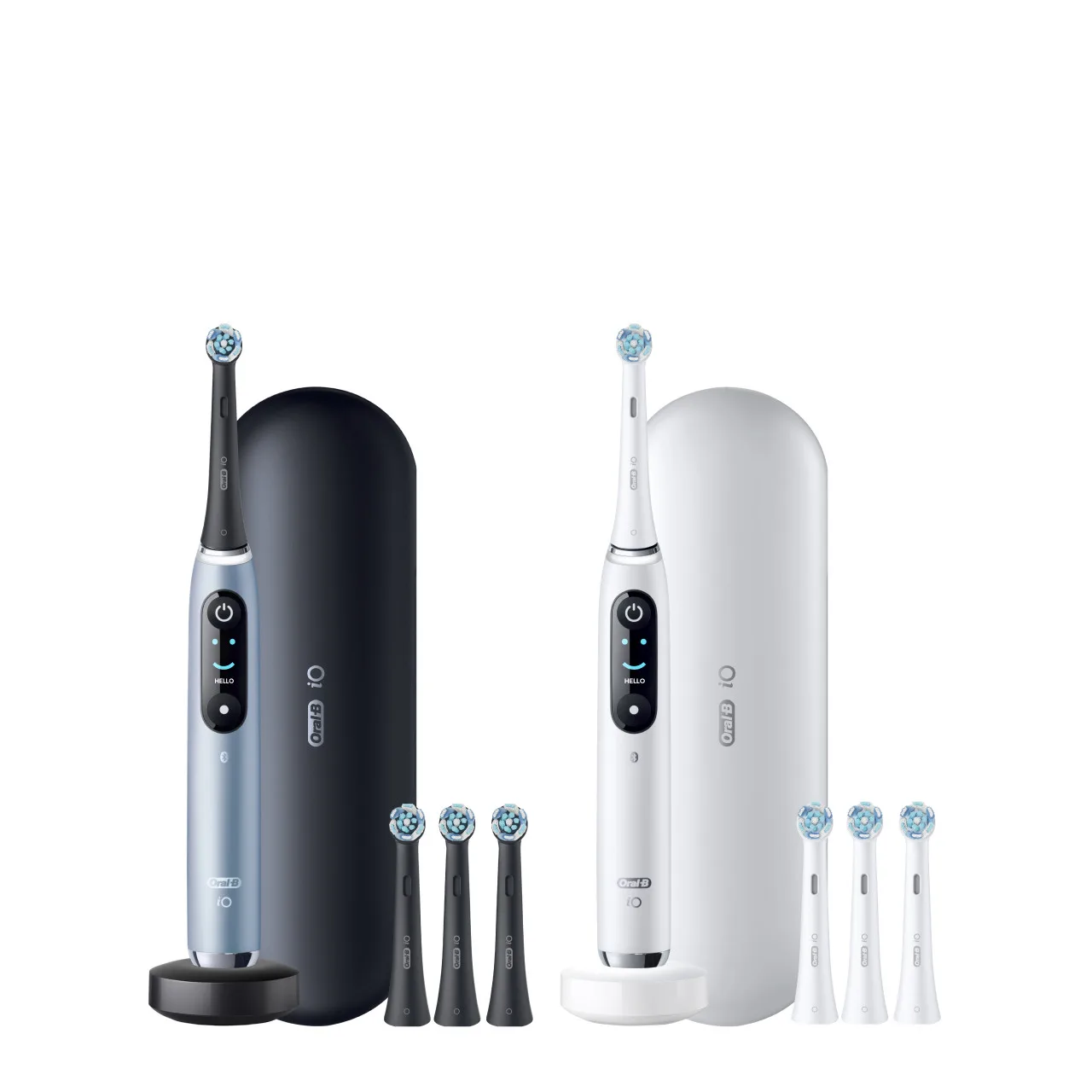
- Oral-B iO Series 6 Rechargeable Electric Toothbrush, Grey: Oral-B iO Series 6 Rechargeable Electric Toothbrush, Grey, listed at USD 97.59 against a catalog comparison price of USD 159.99. If your current handle has aged out and you want the same iO brushing feel without moving up a tier, this is the lower-cost way back into a working handle.
- Oral-B iO Series 6 Rechargeable Electric Toothbrush, Black: Oral-B iO Series 6 Rechargeable Electric Toothbrush, Black, listed at USD 99.19 against a catalog comparison price of USD 159.99. Same handle as the grey version in a different finish, so the choice between the two comes down to color rather than capability.
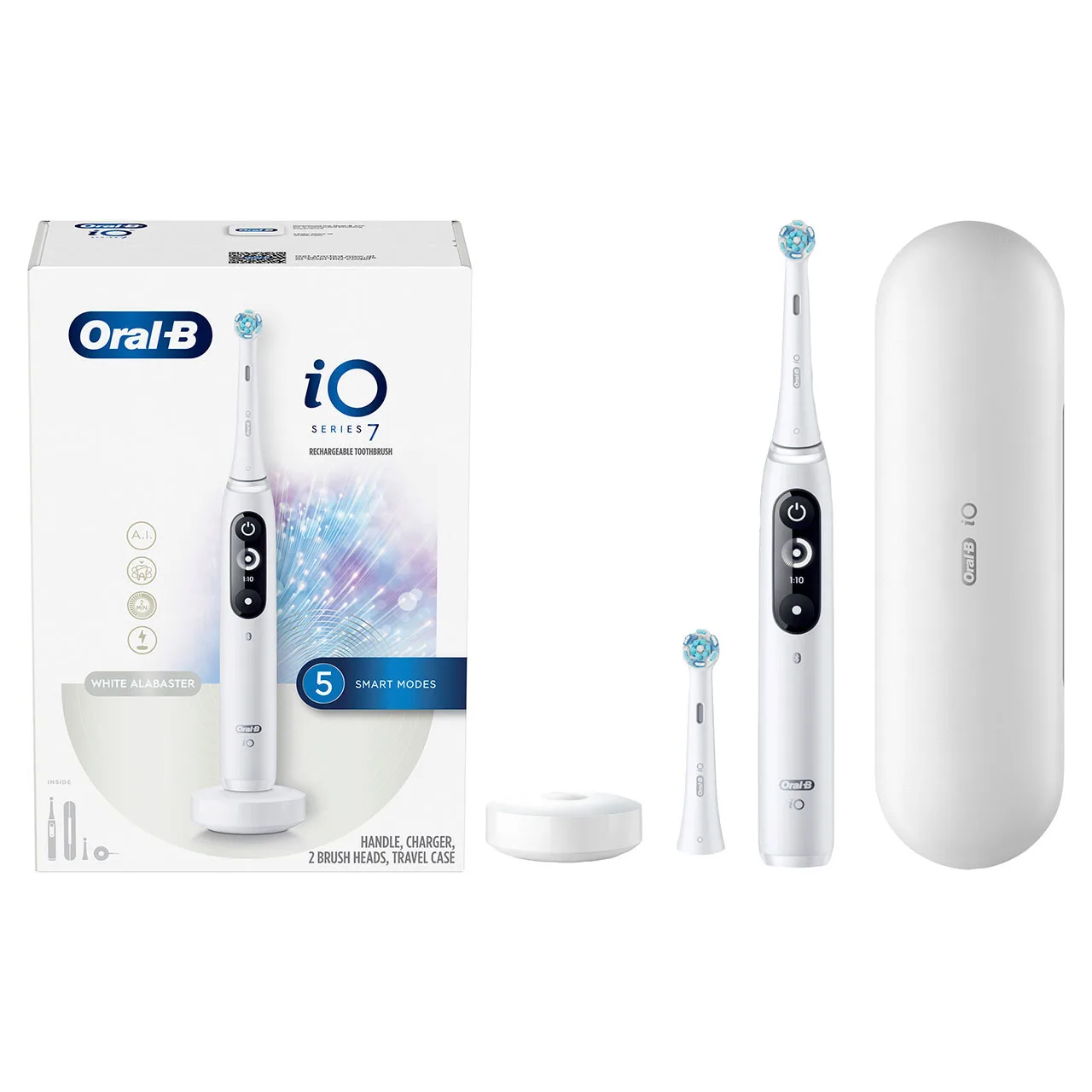
- Oral-B iO Series 7 Electric Toothbrush, White Alabaster: Oral-B iO Series 7 Electric Toothbrush, White Alabaster, listed at USD 140.79 against a catalog comparison price of USD 219.99. A step up if you are replacing the handle anyway and want more than the Series 6 offers; worth comparing against the Series 6 before you spend the difference.