Quick answer
Load the Polaroid Hi-Print 2x3 Paper Cartridge by opening the printer cover, inserting the all-in-one cartridge with the blue label facing up, and closing the cover until it clicks. Then print from the Polaroid Hi-Print app.
Why the all-in-one cartridge matters
The Polaroid Hi-Print 2x3 Paper Cartridge combines the color ribbon and photo paper in a single unit. This eliminates the need to align separate components, but it also means you must handle the cartridge as a whole. If you try to separate the paper from the ribbon, the cartridge will not work and may jam the printer.
What to do if the printer doesn't recognize the cartridge
If the printer shows an error after loading, first check that the cartridge is fully inserted and the cover clicks shut. Next, ensure the blue label on the cartridge is facing upward. If the issue persists, remove the cartridge and reinsert it gently—do not force it. The printer's LED will blink orange when it's ready to print.
Step-by-step loading and printing guide
- Open the printer cover: Press the release button on the front of the Polaroid Hi-Print 2x3 printer and lift the top cover fully. The paper tray area will be visible. Make sure the printer is on a flat surface before opening.
- Insert the cartridge: Take one Polaroid Hi-Print 2x3 Paper Cartridge and hold it so the blue label faces upward. Slide it into the printer until it clicks into place. The cartridge fits only one way—do not force it. Never reuse a cartridge that has been partially used; it may cause paper jams.
- Close the cover: Lower the top cover and press down gently until you hear a click. The printer will automatically detect the cartridge and prepare to print. The LED will turn solid green when ready. If the LED blinks red, the cartridge is not seated correctly—open and reinsert.
- Print from the app: Open the Polaroid Hi-Print app on your phone, select a photo, and tap the print icon. The printer will pull the paper from the cartridge and print using dye-sublimation. Wait for the print to eject fully before removing it. Avoid touching the printed surface immediately; the image needs a few seconds to set.
Product facts
-
Polaroid Hi-Print 2x3 Paper Cartridge (20 sheets): Each pack contains 2 cartridges, with 10 sheets per cartridge, and uses dye-sublimation technology for vivid prints. You get 20 prints per pack, and the all-in-one design means you don't need to buy separate ribbon refills.
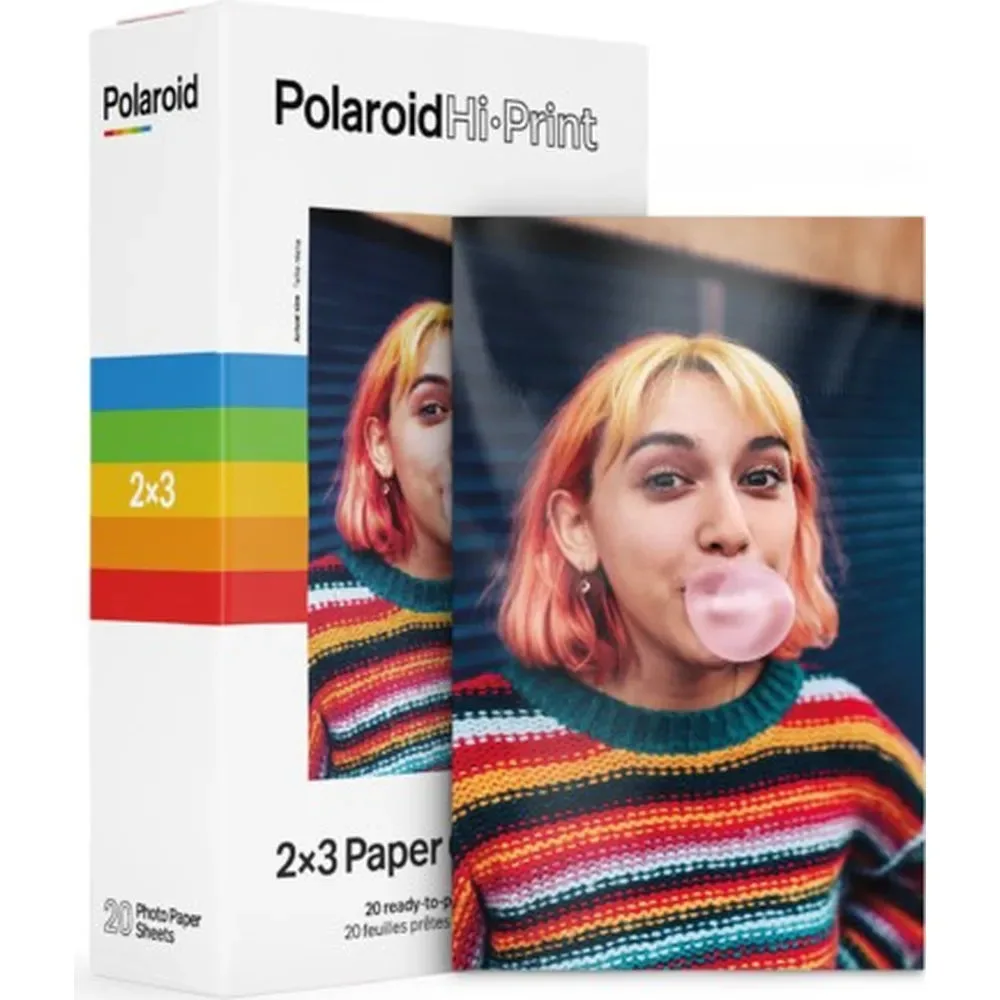
Polaroid Hi-Print 2x3 Paper Cartridge (20 sheets)


