Quick Answer
Choose Sphero if you want students coding robots that move, roll, and respond to app-based challenges. Choose littleBits if you want students building circuits and inventing electronic gadgets with snap-together Bits. They teach different skills, so the right pick depends on whether your goal is coding through movement or electronics through construction.
How the Two Systems Actually Work
Sphero robots are programmable spheres and bots that students drive and code through the Sphero Play and Sphero Edu apps. The Mini Activity Kit bundles a clear-shelled Sphero Mini with a construction set, 15 STEM-inspired activity cards, bowling pins, and cones so students can build mazes and play games while learning to code. The learning loop is drive, observe, then code.
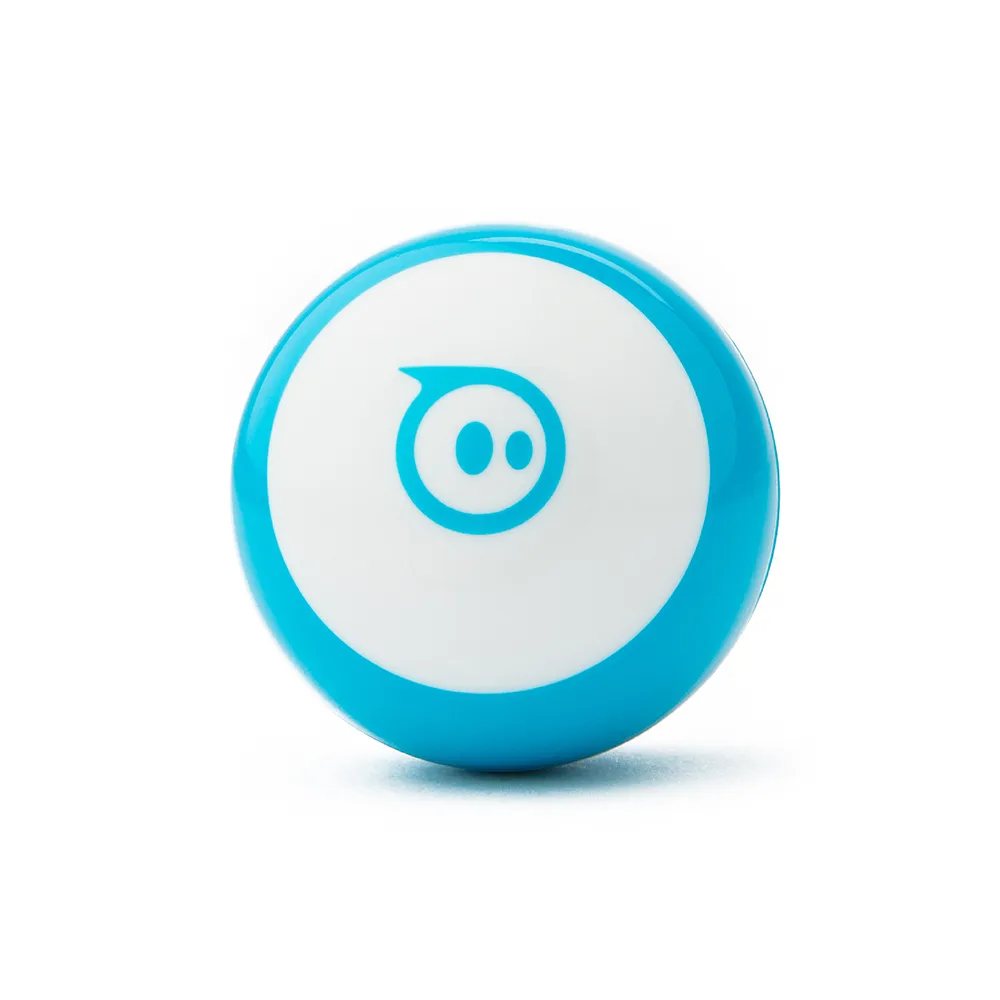
Mini
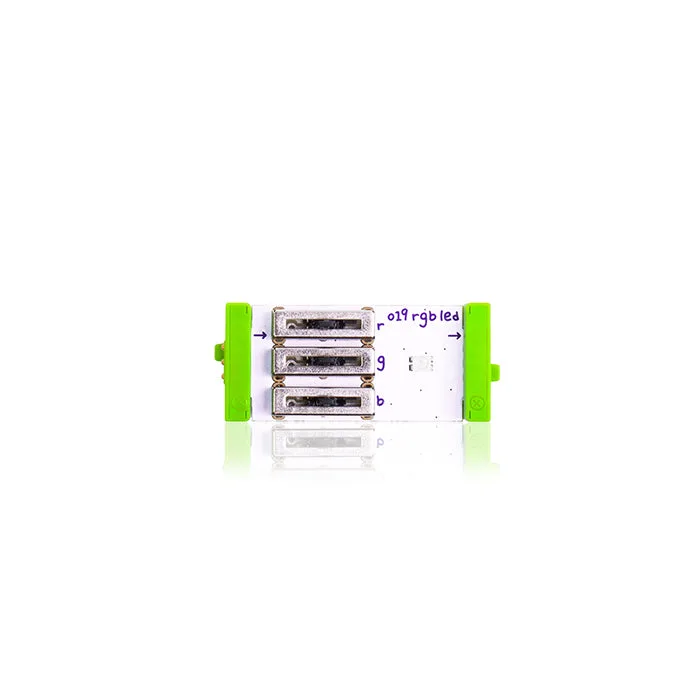
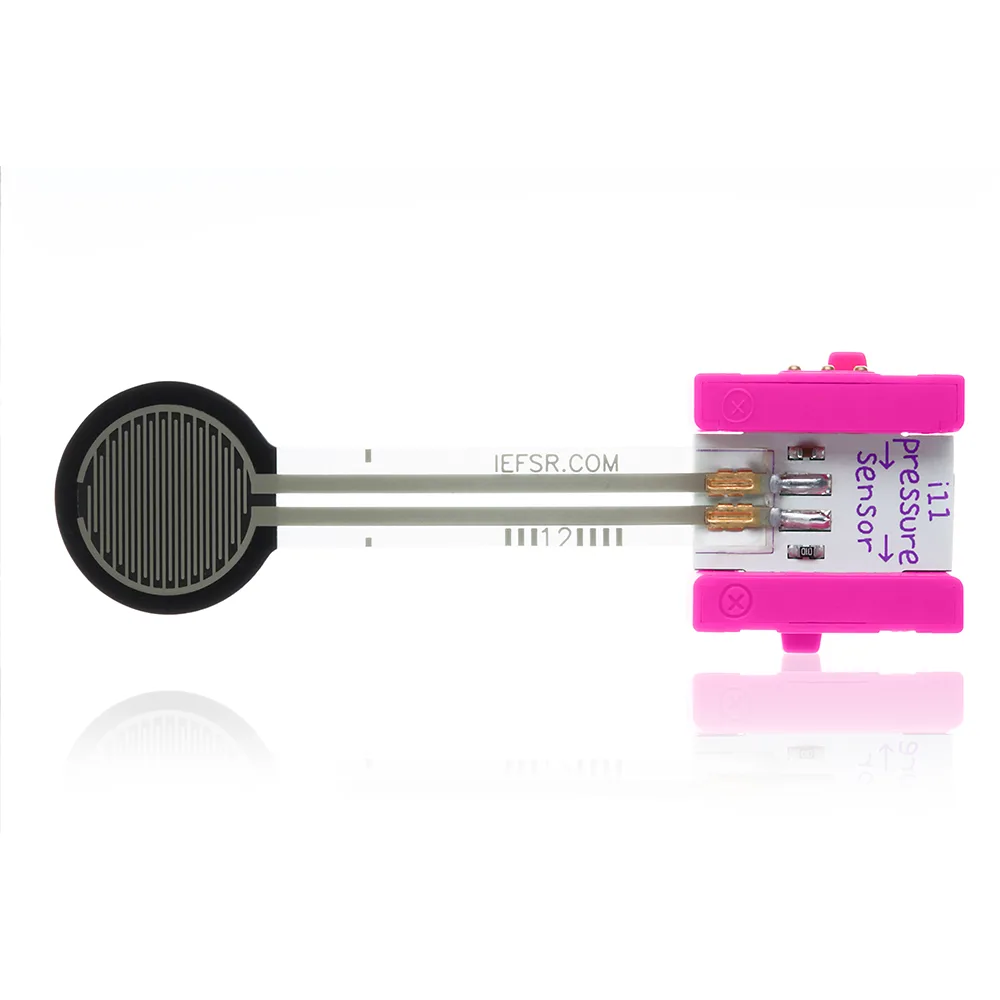
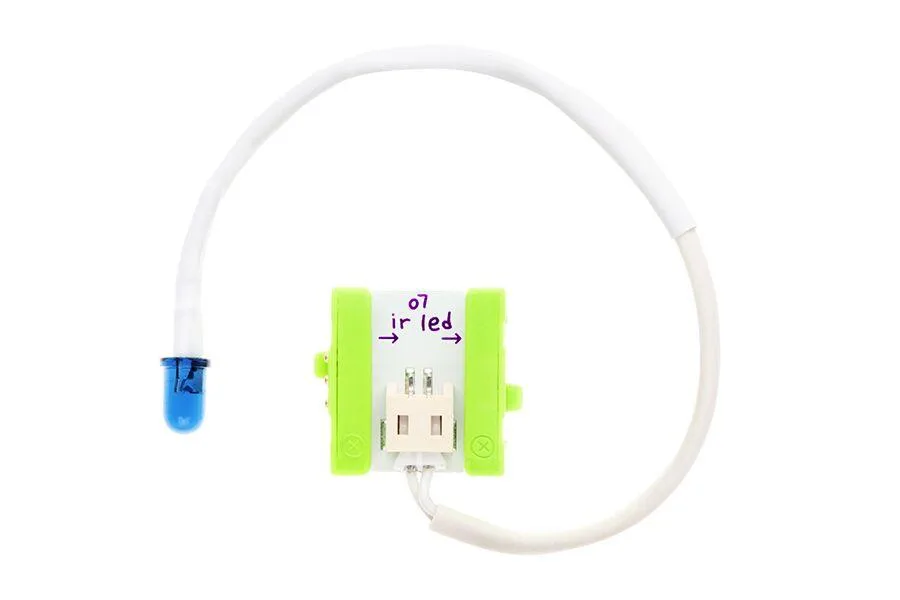
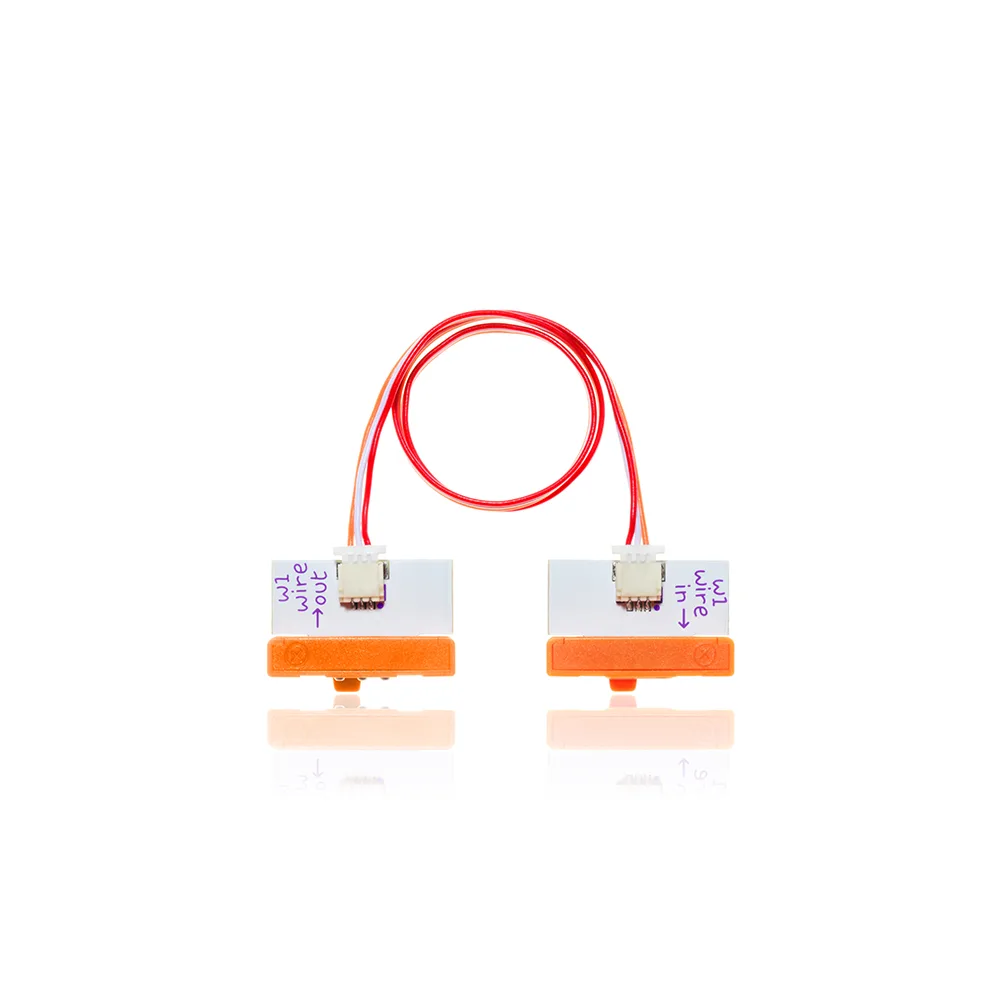
littleBits takes a different approach. Instead of a moving robot, students snap together electronic Bits that each perform one function. Add a wireless transmitter and receiver pair and you can control your Bits remotely, turning a creation into something you steer. The learning loop is build, test, then modify the circuit.
What Each Tool Teaches
Sphero leans into computational thinking: sequencing, loops, conditionals, and sensor input. Students see their code produce physical movement, which makes abstract concepts concrete. The activity cards in the Mini Activity Kit give you ready-made challenges so you are not building a curriculum from scratch on day one.
littleBits leans into electronics and engineering design. Students learn how inputs, outputs, and power flow through a circuit. Accessories like bitShoes let you mount modules to different surfaces and materials, which pushes projects toward physical making rather than screen time. The littleBits Screwdriver is used to modify any Bit with a micro adjuster, so students can fine-tune circuit behavior.
Setup, Space, and Class Management
Sphero robots need floor or table space to move. Mazes built from cones and pins work well in a classroom, but you will want a clear zone so robots do not roll under furniture. Charging and app pairing take a few minutes at the start of a lesson, so plan a short setup window before students arrive.
littleBits projects are stationary and tabletop-sized, which makes them easier to manage in a crowded room. Bits snap together and come apart quickly, so cleanup is fast. The trade-off is that wireless control requires the transmitter and receiver pair, and those are separate Bits rather than included with every kit.
Cost and Scaling Considerations
The Mini Activity Kit is priced at USD 69.30, reduced from a catalog comparison price of USD 99.00. That single kit includes the robot plus activity cards and construction pieces, so a class set multiplies that cost by the number of groups you want working simultaneously.
littleBits components can be purchased individually, which lets you expand an existing collection gradually. The wireless transmitter is USD 20.97, down from USD 29.95, and bitShoes start at USD 10.35. If you already own littleBits modules, adding a transmitter or mounting accessories is a low-cost way to extend what students can build.
Trade-Offs at a Glance
- Movement vs. Construction: Sphero robots move through space, which makes coding outcomes visible and physical. littleBits projects stay on the table, so the learning is in the circuit and the build. Pick movement if you want students to see code cause action. Pick construction if you want students to understand how electronics work.
- Screen Time vs. Hands-On Time: Sphero uses the Sphero Play and Sphero Edu apps, so devices are part of the lesson. littleBits is almost entirely hands-on with physical Bits, though the wireless transmitter adds remote control. If your program limits screen time, littleBits may fit better. If you want app-based coding practice, Sphero is the stronger match.
- Starter Kit vs. Modular Expansion: The Mini Activity Kit arrives with everything needed for a first unit, including activity cards, pins, and cones. littleBits grows by adding individual Bits and accessories like bitShoes or a screwdriver. Choose Sphero for a ready-to-run unit. Choose littleBits if you prefer to build a collection piece by piece over time.
Product Facts
- Mini Activity Kit - Kids Coding Activity Kit: The Sphero Mini Activity Kit includes a clear-shelled Sphero Mini, a construction set, 15 STEM-inspired activity cards, bowling pins, and cones for building mazes and games. You get a complete starter kit with challenges already designed, so you can run a first lesson without writing your own activities.
- littleBits w22 wireless transmitter (5 channels): The littleBits wireless transmitter pairs with a wireless receiver to control your Bits remotely, sending encoded information such as where you want an RC car to move. This is the Bit that turns a stationary circuit into something students can steer, adding a control layer to littleBits projects.
- littleBits bitShoes: littleBits bitShoes are mounting accessories available in Magnet, Hook & Loop, Adhesive, or Variety Pack options to attach modules to different surfaces and materials. Mounting options let students move projects off the desk and onto walls, fabric, or other materials, which expands what they can invent.
- littleBits Screwdriver: The littleBits Screwdriver is used to modify any Bit that features a micro adjuster, allowing precise tuning and customization of circuit behavior. A small hand tool that lets students fine-tune how a circuit behaves instead of accepting a fixed output.
Which One Fits Your Classroom?
Best for
- Teachers who want students coding robots that move and respond to app-based challenges
- Classrooms with floor or table space for mazes and driving activities
- Programs that want a ready-made starter kit with activity cards included
Not for
- Teachers looking specifically for electronics and circuit-building lessons
- Classrooms with very limited floor space or no room for robot movement
- Programs that want to expand an existing littleBits collection rather than start a new robot unit