Quick answer
A USB mouse may not work on a Mac due to driver incompatibility, a missing security permission, or a hardware issue. Try these fixes before replacing the mouse.
Why a PC mouse might not work on a Mac
Many wired USB mice designed for Windows rely on drivers that macOS does not include. When you plug in the mouse, the system may not recognize it at all, or the cursor may move erratically.
macOS uses a different input framework. Even a standard HID-compliant mouse can fail if the Mac's security settings block the device. This is especially common on newer Macs with Apple Silicon (M1, M2, M3, M4) chips.
When to consider a different mouse
If your mouse still isn't detected after trying all the steps below, the mouse's firmware may simply be incompatible with macOS. In that case, a wired ergonomic mouse designed for plug-and-play use on both PC and Mac is a straightforward solution.
The Belkin Wired USB Ergonomic Mouse offers a reliable wired connection with no driver installation required. Its ergonomic shape supports a natural hand position, making it a comfortable choice for long work sessions.
Diagnosis: USB mouse not detected on Mac
- Symptom: The mouse does not move the cursor, or the cursor jumps erratically after plugging in.
- Likely cause: macOS is blocking the device due to missing drivers or a security permission. On Apple Silicon Macs, the system may also require a kernel extension approval.
- Corrective action: 1. Try a different USB port or a powered USB hub. 2. Go to System Settings > Privacy & Security and look for a message about a blocked USB device. Click Allow. 3. Restart the Mac while the mouse is plugged in. 4. Reset the SMC (Intel Macs) or NVRAM. 5. Test the mouse on another computer to confirm it works. If the mouse works on another computer but not on the Mac, the issue is macOS-specific.
- Stop or choose another option: If none of the above steps work, the mouse's firmware is likely incompatible. Consider a wired ergonomic mouse that supports plug-and-play on Mac without additional drivers. The Belkin Wired USB Ergonomic Mouse is a tested option that works with Mac right away.
Product spotlight
-
Wired USB Ergonomic Mouse: This wired USB ergonomic mouse offers a straightforward, plug-and-play setup for everyday computing. No driver installation or configuration is needed, so it works reliably on both PC and Mac right out of the box.
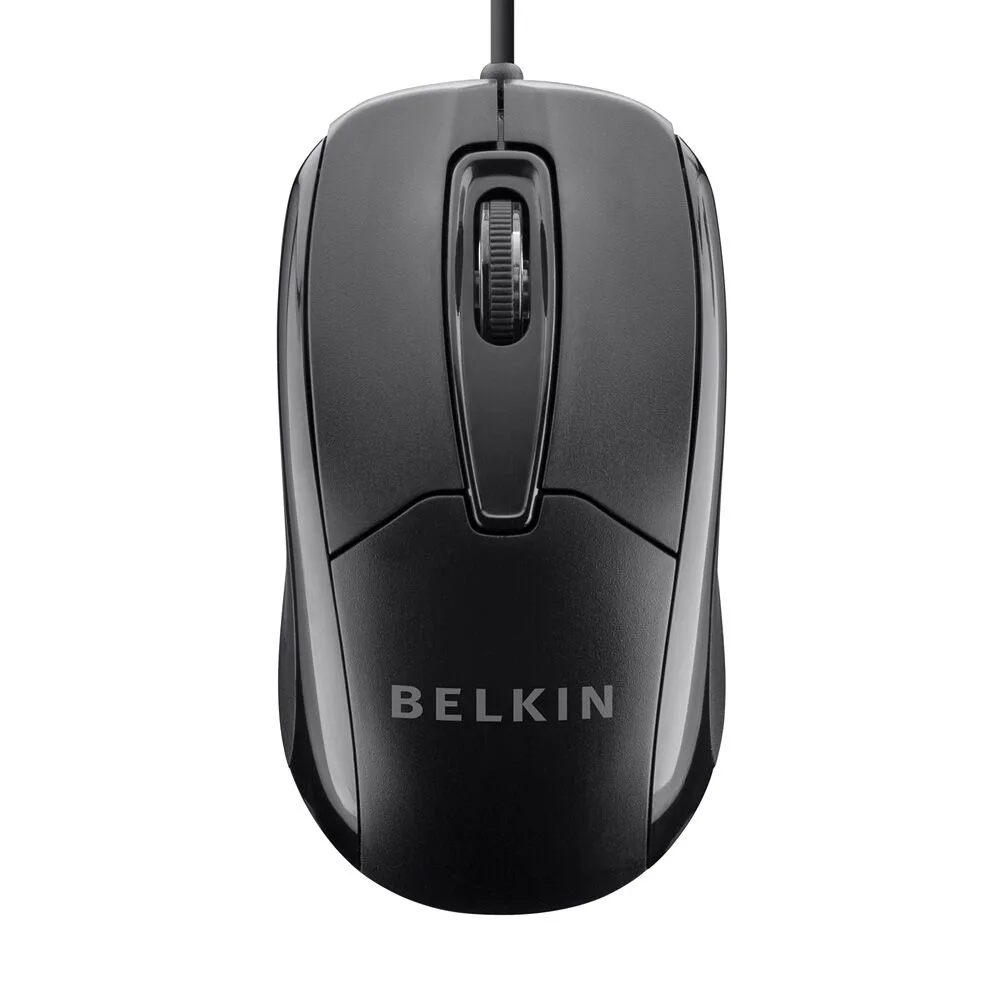
Wired USB Ergonomic Mouse