Quick answer
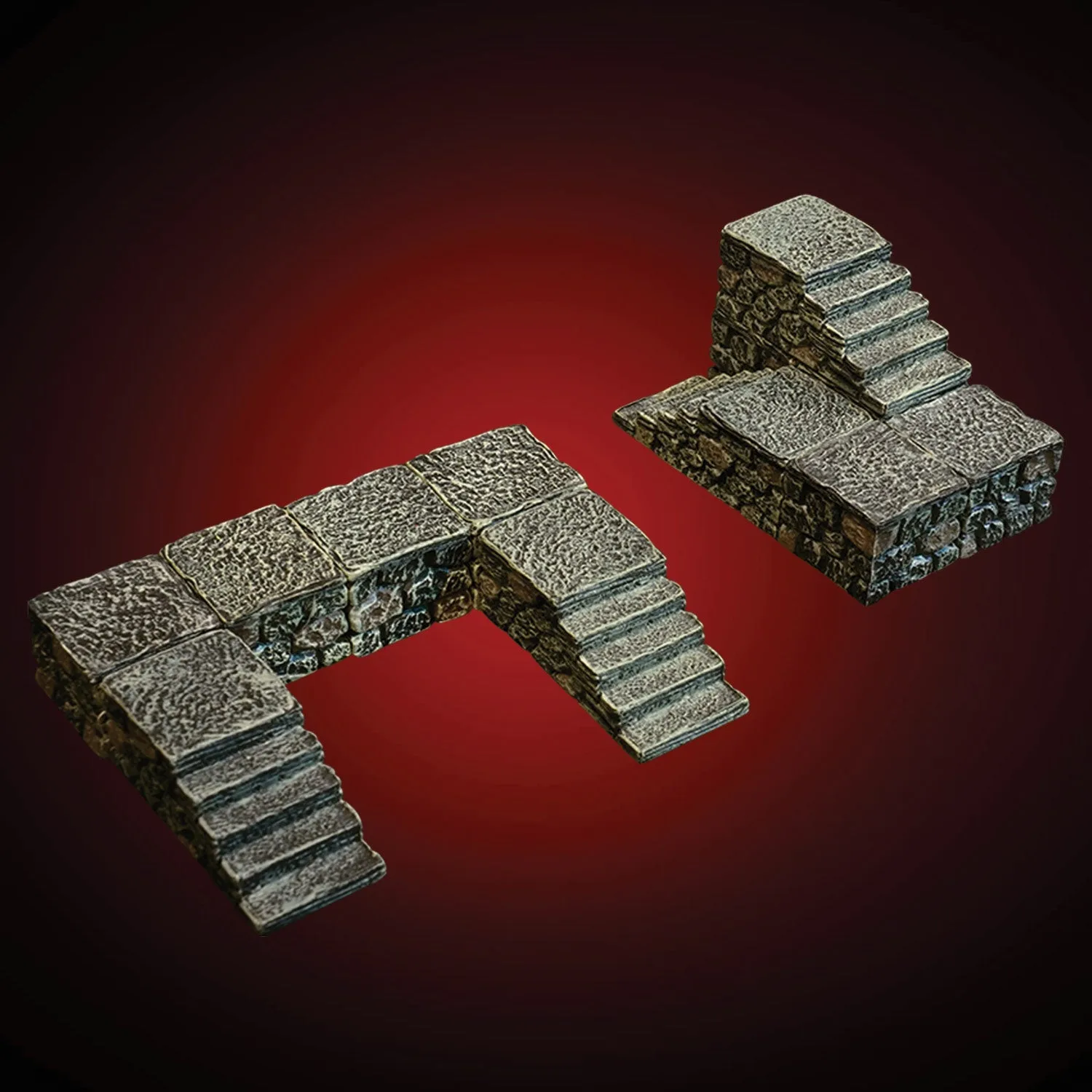
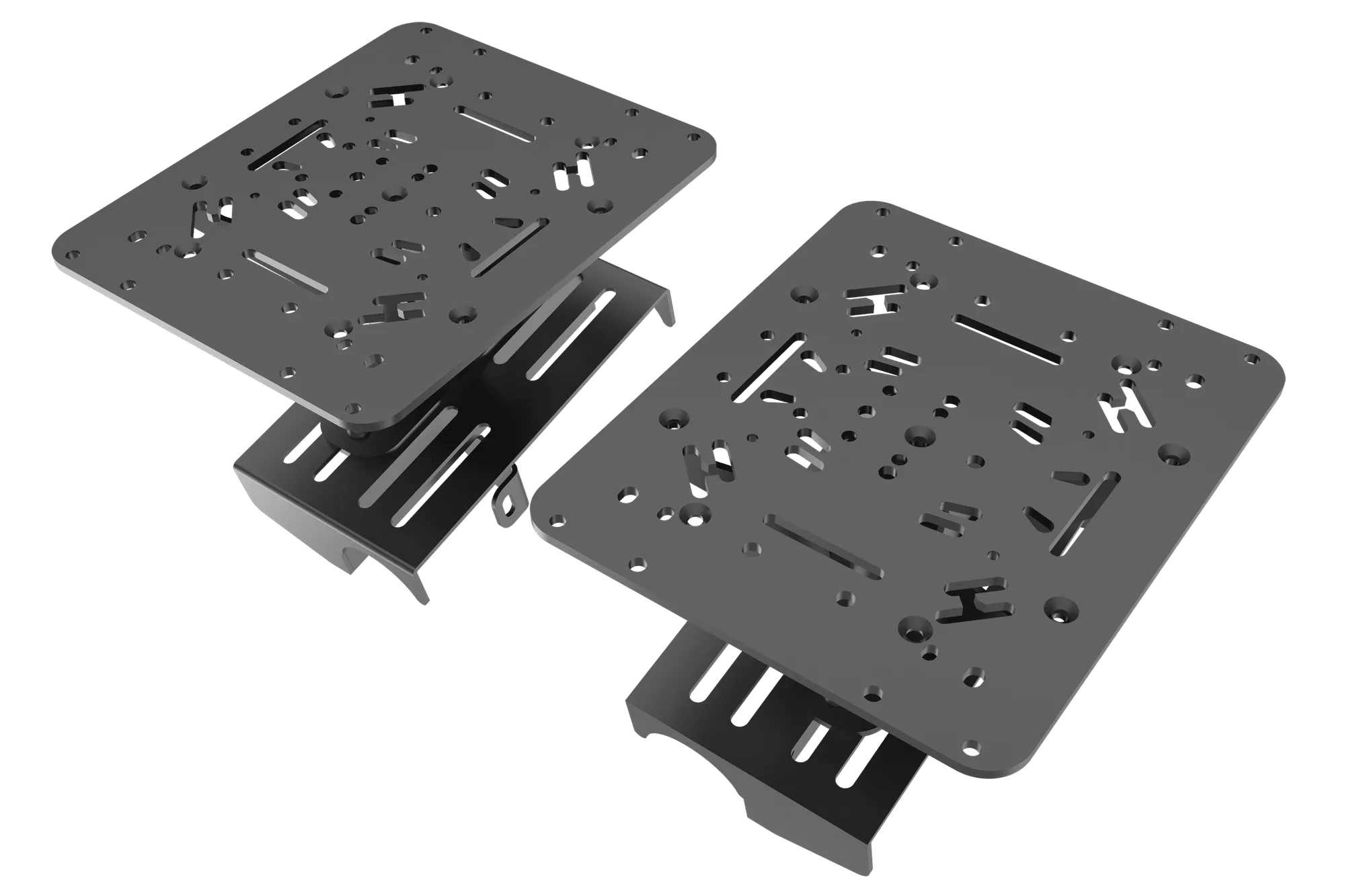
Dungeon Elevation - Stairs (Unpainted) is the set to reach for when you want playable staircases up to raised areas. The 1x1 Small Pedestal footprint lets you slot a single playable square into the middle of a long run, and the same pedestals stack into pillars or small platforms. Buy it first if stairs are the missing link in your multi-level terrain builds; add Stone Advanced Builder Set (Painted) later when you want unusual layouts.
What exactly is in the stairs set?
The set is made up of the smallest and shortest Elevation pieces. That is the point: short risers keep each step playable and low enough that a miniature standing on a step does not block line of sight to the next square. The 1x1 Small Pedestal is the flexible core of the set, and the stair pieces combine with it to form runs of any length.
- Small, short Elevation pieces sized for miniature bases
- 1x1 Small Pedestal for single-square inserts
- Enough variety to build staircases, small platforms, and daises
How do I plan a staircase before I build?
Count the vertical distance first. If your raised area is two inches up, you need a run that climbs two inches without forcing miniatures to stand on a slope. Sketch the footprint on grid paper, then mark where each 1x1 pedestal will sit so you can drop a playable square into the middle of a long run instead of leaving a dead step. Check the top landing against the raised room's floor pieces before you commit.
- Measure the height difference between floor levels
- Mark pedestal positions on a grid before placing pieces
- Leave at least one landing square at the top for miniatures
Can I stack pedestals to make pillars or platforms?
Yes. The catalog notes that the pedestals can be stacked to create pillars, and the same pieces can form small platforms and daises. Stacking changes the load path, so keep tall stacks near a wall or against another terrain piece rather than in open floor where a bump can topple them. For pillars that miniatures will stand on, cap the stack with a flat piece so the base has full contact.
- Stack pedestals for pillars and daises
- Brace tall stacks against walls or adjacent pieces
- Cap pillars with a flat surface for miniature bases
How do I keep stairs stable during play?
Stability comes from contact area, not weight. Set the stairs on a flat mat or a hard tabletop rather than thick cloth, and press each piece down before adding the next. If a run feels loose, rebuild it so the pedestals sit directly under the stair treads instead of cantilevered off the side. Handling the staircase by the base rather than the top step also prevents knocked-over runs mid-combat.
- Use a flat, firm surface under the run
- Seat each piece fully before adding the next
- Lift and move the staircase from its base
How do stairs fit with other Dwarvenite sets?
The stairs set handles the vertical transition, but it does not replace the floors, walls, and specialty pieces that make a raised room interesting. Stone Advanced Builder Set (Painted) is described as specialized pieces for the City Builder system that dramatically enhance modularity and help integrate City and Castle pieces. Use it when your raised area needs an unusual shape or a transition between building styles, and keep the stairs set for the climb itself.
- Stairs set: the vertical climb
- Stone Advanced Builder Set: unusual layouts and cross-system integration
- LED Alcoves: shadowy recesses and decorative nooks on the raised level
What about lighting and painting?
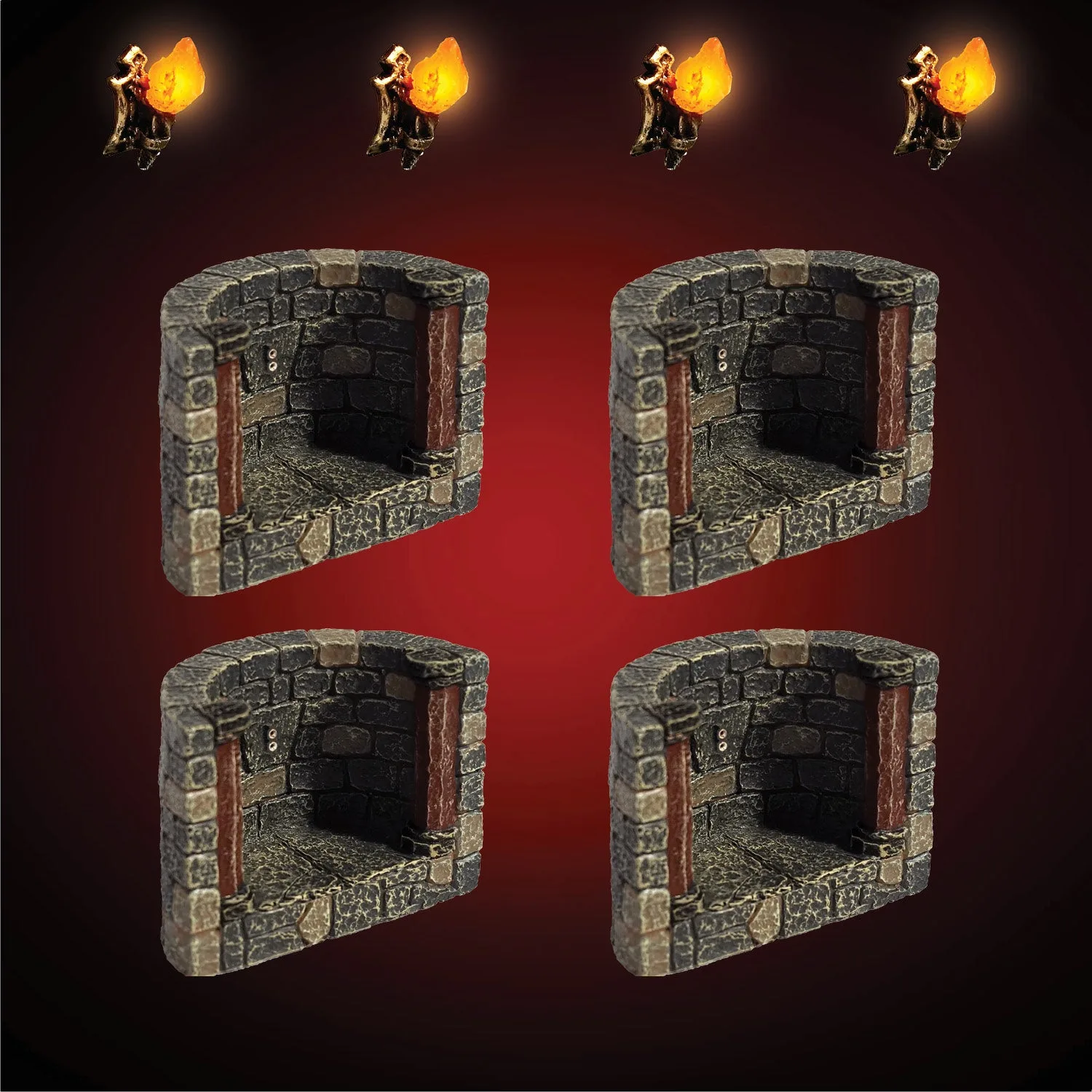
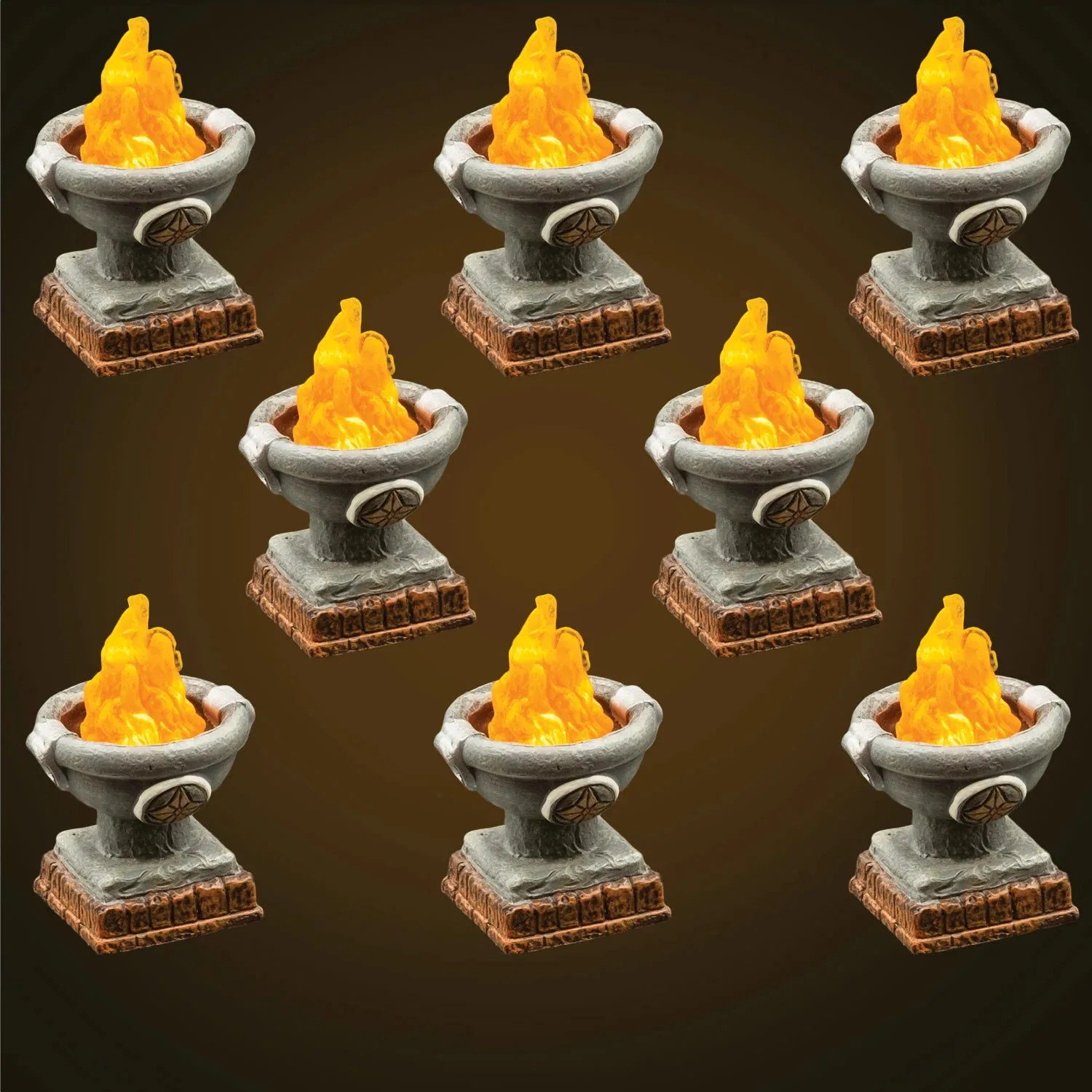
LED Alcoves (Unpainted) has curved alcoves with modular LED sockets, which is useful for a dark recess at the top of a staircase or a dead end on a raised level. Note that this set is being retired once sold out and replaced by an updated composition called Dungeon LED Alcoves - Vaulted, so if the current shape suits your build, treat it as a limited run. Unpainted pieces need primer and paint before play; the stairs set is also unpainted, so plan a painting session before the first game.
- LED Alcoves: modular sockets for recesses and nooks
- Current composition is retiring; Vaulted replaces it
- Unpainted sets need primer and paint before use
Stair-building checkpoints
Height check
Measure the vertical gap between your lower floor and the raised room before you place a single stair piece. If the gap is taller than your run can climb at a playable angle, you need a landing or a switchback. Write the height on your sketch before building.
Playable square check
Walk a miniature base up the run. Every step should hold a base without tipping, and at least one square in the middle of a long run should be a 1x1 pedestal insert rather than a fixed tread. If a base overhangs, rebuild that step.
Top landing check
The staircase should deliver miniatures onto a flat floor square, not onto the edge of a wall or a decorative piece. Confirm the top step meets the raised room's floor at the same height. A mismatched landing is the most common rebuild.
Stability check
Press down on the top step and the middle of the run. Any rocking means a pedestal is not seated or a tread is cantilevered. Rebuild before the session starts. Fix rocking now, not mid-combat.
Storage check
Store the stairs set flat or in the original tray so the short pieces do not get crushed under heavier terrain. Unpainted pieces should be painted before storage if you want them table-ready next time. Flat storage protects the smallest pieces.
Pieces that make multi-level builds work
- Dungeon Elevation - Stairs (Unpainted): The smallest and shortest Elevation pieces, this set lets you create any number of playable staircases to access your raised areas of Elevation. The 1x1 footprint of the Small Pedestal gives tremendous flexibility and makes it easy to add playable 1-inch squares in the middle of a long stair run. These pieces can also create small platforms and daises, and the Pedestals can be stacked to create pillars. This is the set that solves the climb. The 1x1 pedestal is what lets you break a long staircase into playable squares instead of a single impassable ramp.
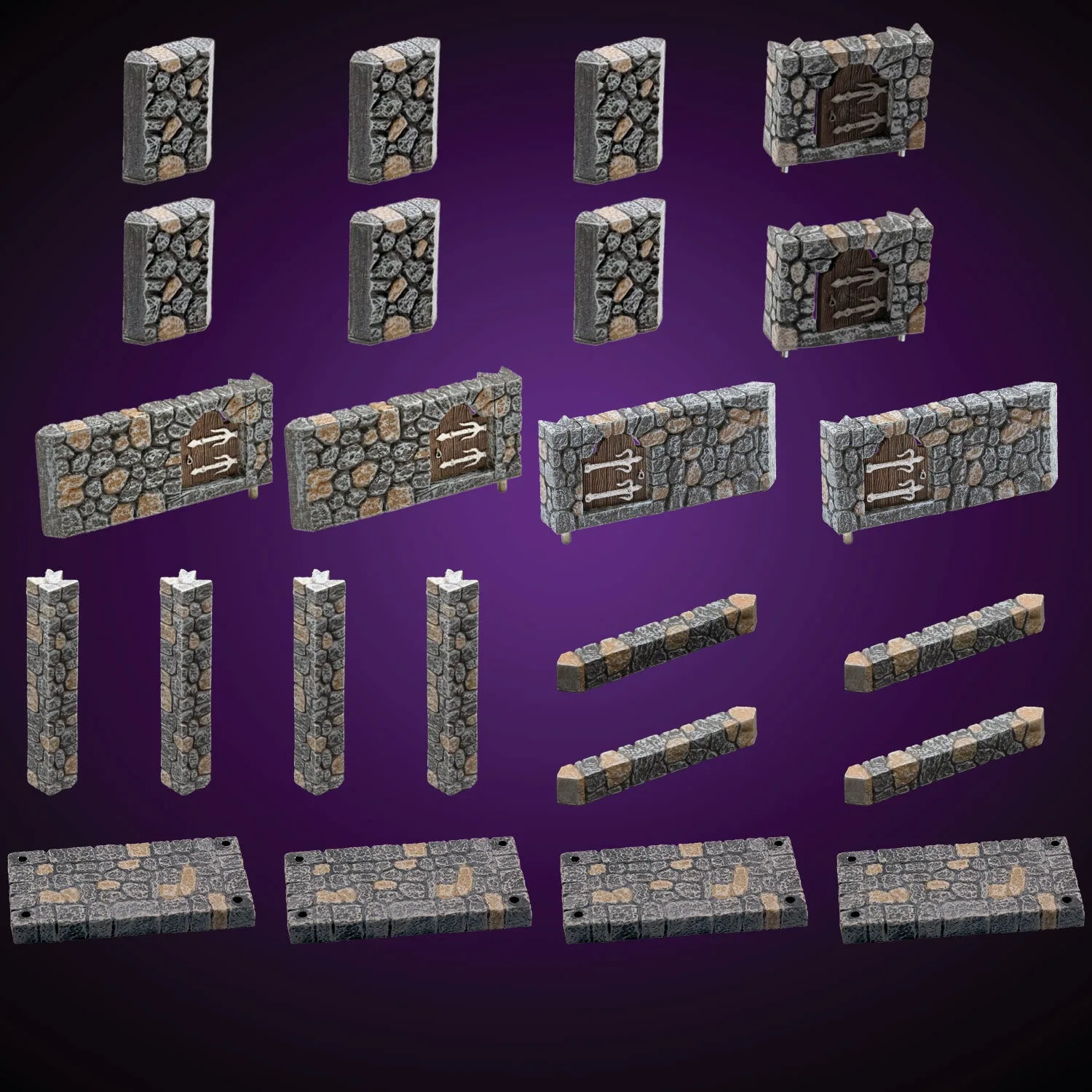
- Stone Advanced Builder Set (Painted): Several specialized new pieces for the City Builder system that dramatically enhance modularity. Perfect for expert builders looking to create new and unusual layouts, and to integrate City and Castle pieces. Use it when the raised room needs a shape the standard pieces cannot make, or when you want City and Castle elements to meet at the top of the stairs.
- LED Alcoves (Unpainted): Curved Alcoves with modular LED sockets to create shadowy recesses, decorative nooks, and dead ends. Once sold out, this set will be retired and replaced with an updated set composition called Dungeon LED Alcoves - Vaulted. A lit recess at the top of a staircase gives the raised level a destination. The retirement note means availability is limited.