Quick answer
Charge the battery fully, check the rotor blades, then power on the transmitter and helicopter. Adjust the trim dials until the helicopter hovers without drifting, then practice gentle throttle and rudder inputs.
Pre-flight checks matter
Before your first flight, inspect the rotor blades for any damage and ensure the battery is fully charged. A partially charged battery can cause erratic behavior or shortened flight time.
Trimming for stable flight
Even with a gyro system, the helicopter may drift due to slight imbalances. Use the trim sliders on the transmitter to correct forward/backward or left/right drift. Make small adjustments and test after each change.
Setup and first-flight steps
- Charge the battery: Connect the included Li-Po battery to the charger and wait until the LED turns green. A common mistake is flying with a partially charged battery, which reduces flight time and stability. Always charge fully before each session.
- Power on the transmitter first: Turn on the transmitter, then the helicopter. This prevents the helicopter from entering failsafe mode. A common mistake is reversing the order, which can cause the helicopter to respond incorrectly. Transmitter first, helicopter second.
- Check rotor spin direction: Gently spin the main rotor by hand to ensure it moves freely. Then apply low throttle to confirm the rotor spins in the correct direction (counter-clockwise when viewed from above). A common mistake is flying with a reversed rotor, which prevents lift-off.
- Trim for hover: Place the helicopter on a flat surface and slowly increase throttle until it lifts off. If it drifts forward/backward, adjust the elevator trim; if it drifts left/right, adjust the aileron trim. A common mistake is over-trimming—make small clicks and test after each. Small trim adjustments yield better results.
- Practice basic controls: Use the left stick for throttle (up/down) and rudder (yaw left/right). Use the right stick for forward/backward and left/right movement. A common mistake is jerky stick movements—use smooth, gradual inputs for stable flight. Smooth inputs = stable flight.
Product facts
-
2.4 GHz Green Chopper 2.0: The Carrera Green Chopper 2.0 uses a digital proportional control system and a gyro system for stable flight. This means you have precise control and the helicopter will hold its orientation better, making it easier for beginners to learn.
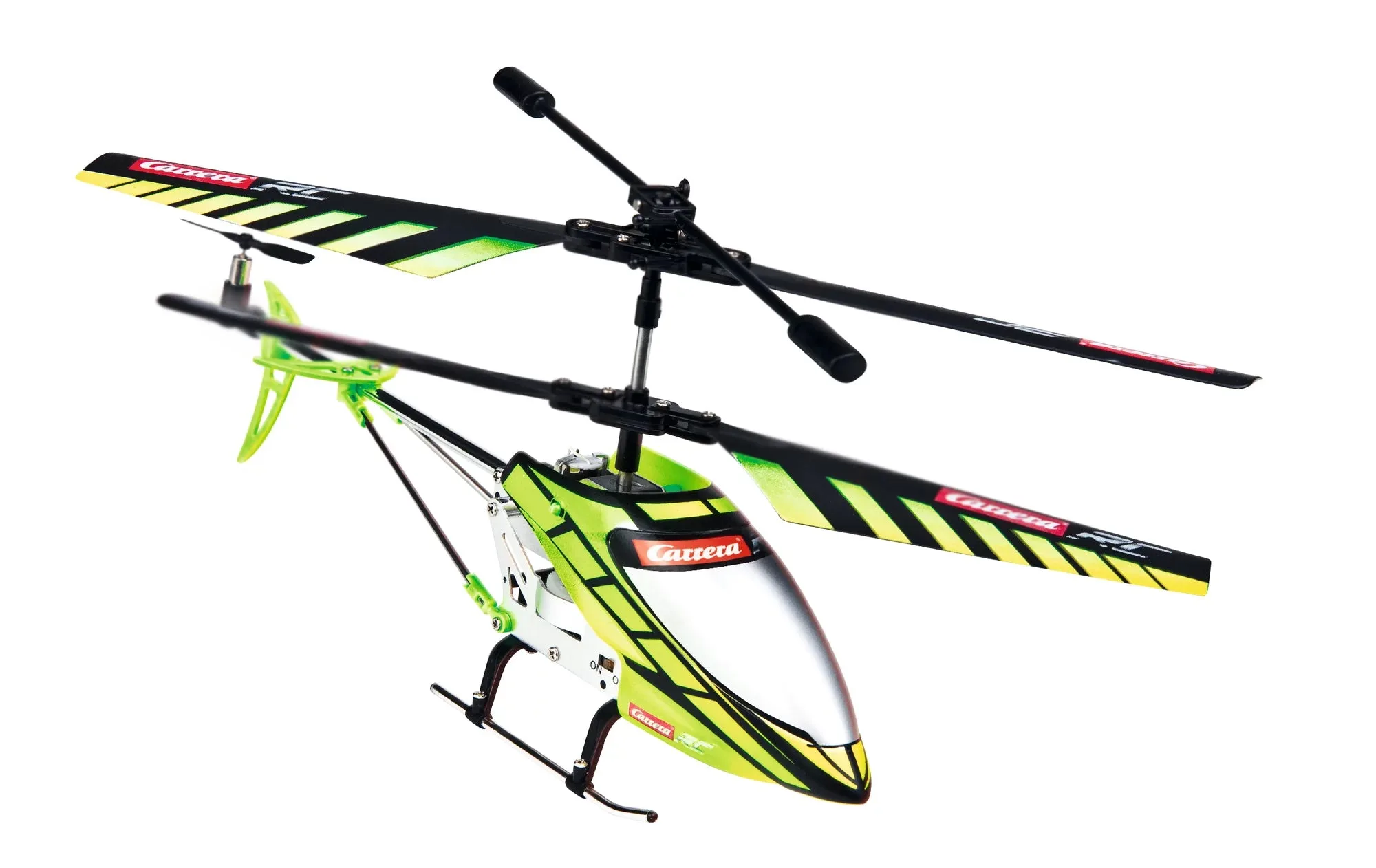
2.4 GHz Green Chopper 2.0