Quick answer
Charge every robot the night before, install the Sphero Edu app on your teaching device, and pair one robot per group before students arrive. Then run a five-minute drive test, assign clear group roles, and give a short challenge so students see a result in the first lesson. If you have the Mini Activity Kit, use its activity cards to keep that first challenge structured.
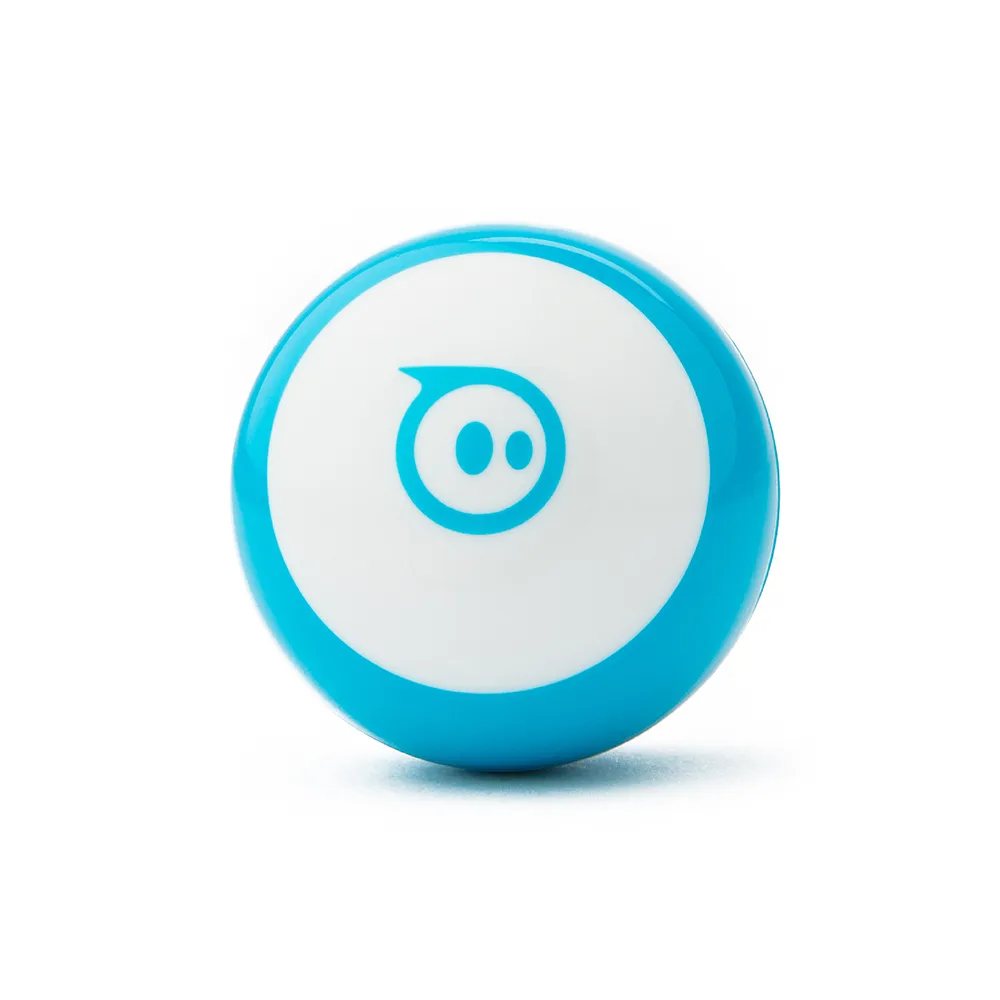
Mini
Decide what students will actually do in lesson one
A first lesson works best when it has one visible outcome: a robot that moves on command. Choose either a drive challenge or a simple block-coding sequence, not both. Write the goal on the board so groups can self-check. If you are using the Mini Activity Kit, its 15 STEM-inspired activity cards give you ready-made challenges and a natural stopping point, which keeps the lesson from drifting.
Prepare devices, apps, and group roles before the bell
Install the Sphero Edu app on the devices students will use, and confirm each device can pair with a robot. Decide group size first, because it determines how many robots you need and how long pairing will take. Assign roles on paper: driver, coder, and observer or timekeeper. Rotating roles mid-lesson is optional, but assigning them up front prevents one student from holding the robot for the entire period.
Set up the room so robots have room to move
Clear floor or table space with a visible boundary — tape works well — and keep walkways between groups. Robots roll, so loose cables, water bottles, and backpacks are the main hazards. If you have the Mini Activity Kit, its bowling pins and cones let you build mazes and targets, which turns open floor space into a defined challenge area. Check that your boundary is large enough for the robot to complete the task without leaving the zone.
Know when a curriculum guide saves you planning time
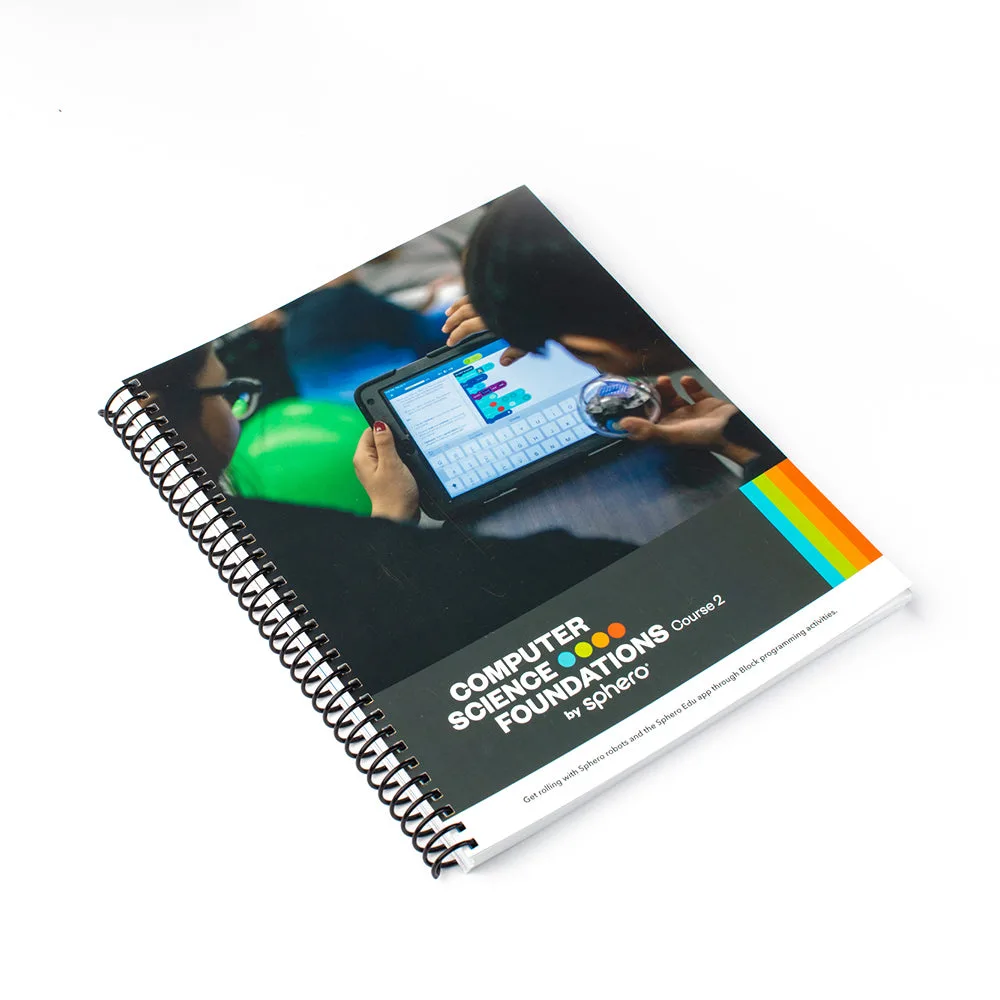
If your class is using RVR+, the RVR+ Educator Guide is worth reviewing before lesson one. It is standards-aligned and includes eight ready-to-run, cross-curricular classroom lessons for grades 6 and up, so it can supply the structure for your first session instead of you building it from scratch. You do not need to be a computer science expert to use it. For BOLT or Mini, plan your own short challenge and keep the guide option in mind for later units.
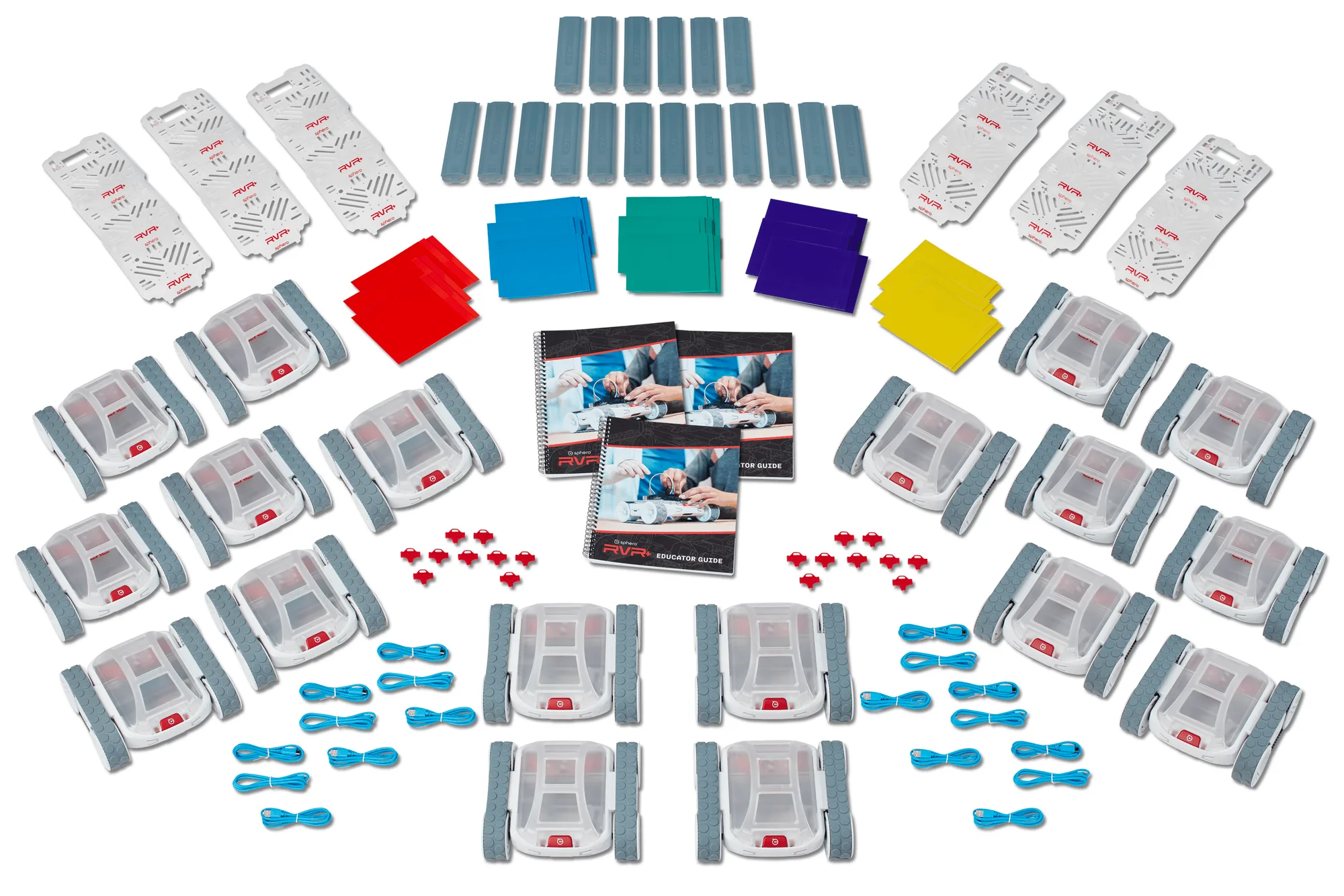
RVR+
First-lesson setup steps
- Charge and test every robot the day before: Plug in each robot and run a short drive test to confirm it powers on and responds. Common mistake: discovering a dead robot during class. Checkpoint: every robot moves before you leave the room.
- Install the Sphero Edu app and pair one robot per group: Pair before students arrive so the first minutes are spent learning, not troubleshooting. Common mistake: pairing all robots to one device. Checkpoint: each group's device shows its own robot.
- Assign roles and set a visible boundary: Give each group a driver, coder, and observer, then tape a movement zone. Common mistake: no boundary, so robots roll under furniture. Checkpoint: every group knows its zone and its first task.
- Run one short challenge and stop on time: Use a card from the Mini Activity Kit or a simple drive-and-turn goal, then end while students still have a working result. Common mistake: adding a second challenge. Checkpoint: each group can show one completed task.
Products that fit this setup
- BOLT Coding Robot: Sphero BOLT is a coding robotic ball with advanced sensors, designed for educators who want to build students' curiosity in STEM. Sensor-based feedback gives groups something to observe and discuss, so a first lesson can include both driving and a simple data question.
- Mini Activity Kit - Kids Coding Activity Kit: The Mini Activity Kit includes a clear-shelled Sphero Mini, a construction set, 15 STEM-inspired activity cards, bowling pins, and cones. The cards and physical pieces remove the need to invent a first challenge, which shortens setup and keeps the lesson focused.
- RVR+ Educator Guide: The RVR+ Educator Guide includes eight ready-to-run, cross-curricular classroom lessons for grades 6 and up and is standards-aligned. If you teach grades 6 and up with RVR+, this guide can supply your first lesson plan and reduce prep time.