Quick answer
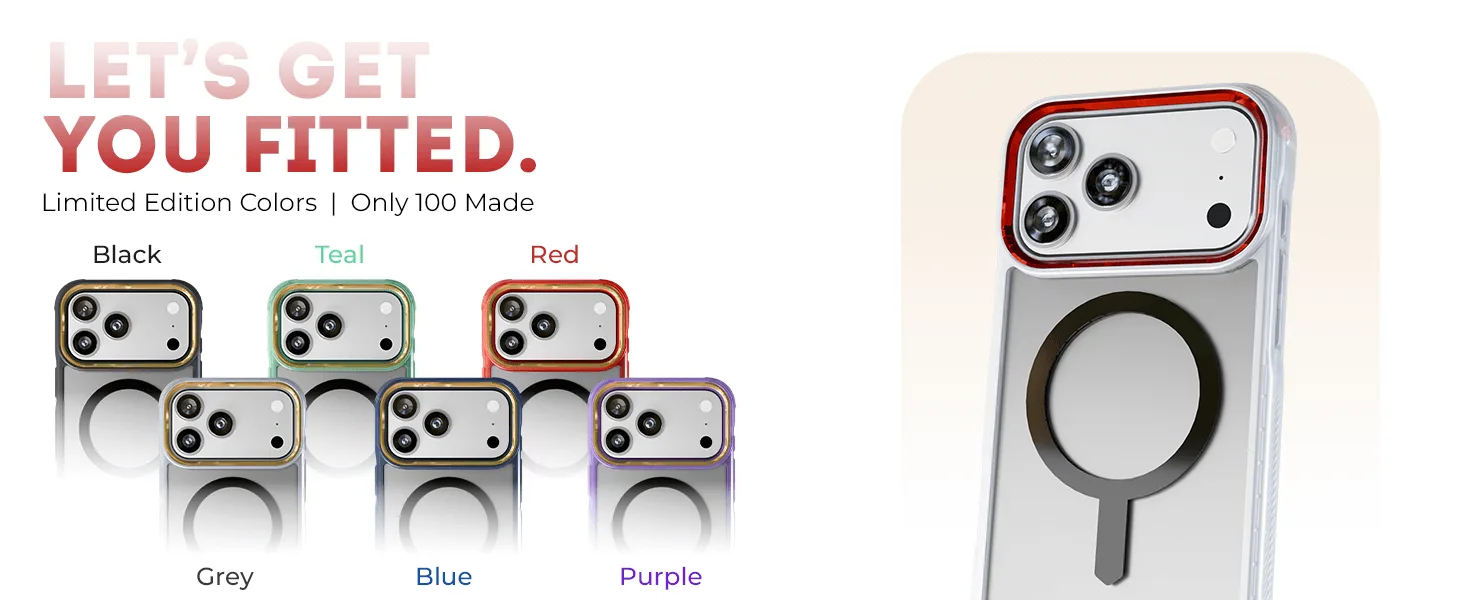
If your phone stops charging or charges slowly on a wireless pad, the case is the first thing to test. Remove the case and place the phone directly on the charger: if it charges normally, the case is the problem. Most cases work if they are under about 3 mm thick, have no metal plates or magnets outside the MagSafe ring, and sit flat against the charging coil. A MagSafe-compatible case like the GHOSTEK COVERT Clear MagSafe Case is built to align with the charger, so it usually fixes alignment-related failures.
Test the case in under two minutes
Take the case off and put the bare phone on the charging pad. If it starts charging immediately, the case is interfering. If it still does not charge, the problem is the charger, the cable, or the phone itself, and changing cases will not help. This one test separates a case problem from a charger problem before you spend money on a replacement.
Why thickness and material matter more than brand
Wireless charging works over a short distance. Every millimeter of case material between the phone's coil and the charger's coil reduces efficiency. Cases thicker than roughly 3 mm often cause slow charging or intermittent connection. Metal plates, metal-backed cases, and magnetic mounts stuck to the back of a case block the field entirely. Even a thin metal ring placed outside the MagSafe magnet array can disrupt charging. If your case has a metal plate for a car mount, remove it before wireless charging.
Alignment: the most common MagSafe failure
A MagSafe case has a built-in magnet ring that snaps the phone into the correct position on a MagSafe charger. If the case is not MagSafe-compatible, the phone can slide slightly off-center. Even a few millimeters of misalignment can stop charging or reduce speed. Cases designed for MagSafe, like the GHOSTEK COVERT series, include the magnet array so the phone locks into place. If you use a non-MagSafe case on a MagSafe charger, you may need to reposition the phone manually every time.
When to stop troubleshooting and choose another option
If you have removed metal accessories, confirmed the case is under 3 mm thick, and the phone still will not charge reliably, the case is not compatible with your charger. At that point, stop repositioning and waiting. Either switch to a thinner MagSafe-compatible case or use a wired charger when the case is on. Do not force a thick case onto a wireless charger by stacking it or pressing down; that can damage the charging coil over time.
Diagnosis: match your symptom to the cause
- Phone does not charge at all through the case: Remove the case and test the bare phone. If it charges, the case is blocking the field, usually because it contains metal or is too thick. Switch to a non-metal case under 3 mm thick or charge without the case.
- Charging starts and stops repeatedly: This is almost always misalignment. The phone is sliding off the coil, often because the case is not MagSafe-compatible or the charger is not holding it in place. Use a MagSafe case and a MagSafe charger, or reposition the phone and avoid bumping the pad.
- Charging is slow but works: Thickness is the likely culprit. A case between 3 and 5 mm reduces power transfer, so the phone charges slowly or heats up. If speed matters, remove the case or choose a thinner model. If slow charging is acceptable, you can keep the case.
Cases built for wireless charging
- iPhone 17 / Air Series Protective Clear MagSafe Cases — COVERTiPhone 17 Pro / Clear: GHOSTEK COVERT Clear MagSafe Case for iPhone 17 Pro features a crystal-clear transparent design with built-in MagSafe compatibility. The built-in MagSafe magnets align the phone correctly on a MagSafe charger, reducing the chance of misalignment that causes charging to fail.
- iPhone 17 / Air Series Protective Clear MagSafe Cases — COVERTiPhone 17 Pro / Smoke Matte: GHOSTEK COVERT Smoke Matte case for iPhone 17 Pro includes a screen protector, 45W USB-C wall charger, and 60W USB-C cable. If wireless charging continues to be unreliable, the included wall charger and cable give you a fast wired backup without buying extra accessories.