Quick answer
Connect your turntable to a dedicated phono stage like the iFi Audio Zen Air Phono, then run its line-level output into a desktop DAC/headphone amp such as the iFi Audio Zen DAC 3 for both vinyl and digital playback through one set of headphones.
Why separate the phono stage from the DAC/amp
A turntable outputs a very low-level signal that needs RIAA equalization and gain before it can be heard through speakers or headphones. A desktop DAC/headphone amp like the iFi Audio Zen DAC 3 is designed for line-level digital sources, not raw phono signals. Adding a dedicated phono stage between the turntable and the DAC/amp eliminates hum, rumble, and hiss, letting the music shine.
Step-by-step setup
- Connect turntable to phono stage: Attach the turntable's RCA cables to the iFi Audio Zen Air Phono input jacks. If your turntable has a built-in phono preamp, switch it off to avoid double amplification. Check your turntable's manual for a phono/line switch — leaving it on 'line' will overload the Zen Air Phono.
- Run line output to the DAC/amp: Use a stereo RCA-to-3.5mm cable (or RCA-to-RCA if the DAC/amp has analog inputs) from the Zen Air Phono's output to the line input on the iFi Audio Zen DAC 3. Set the Zen DAC 3 to its analog input mode. If you hear no sound, confirm the Zen DAC 3 is not in USB-only mode — press the input button to toggle.
- Configure headphone output: Plug your headphones into the Zen DAC 3's 6.3mm or balanced 4.4mm jack. Start with the volume knob at minimum, then gradually raise it while playing a record. Adjust the gain switch (low/high) to match your headphone impedance. A common mistake is leaving gain on high with sensitive IEMs — this causes audible hiss. Use low gain for sensitive headphones.
- Add digital sources (optional): Connect your computer or phone via USB to the Zen DAC 3. The DAC will automatically switch to USB input when a digital source is active. You can now play hi-res files or streaming audio through the same headphones without changing cables. The Zen DAC 3 does not mix analog and digital inputs simultaneously — select one source at a time using the input button.
Products mentioned in this guide
-
iFi Audio Zen Air Phono Desktop Turntable Record Player MM and MC Phono Stage: The iFi Audio Zen Air Phono is an entry-level phono stage engineered to reduce hiss, noise, and rumble from any record player. This makes it a clean first stage for vinyl, so the downstream DAC/amp only sees a pure line-level signal.
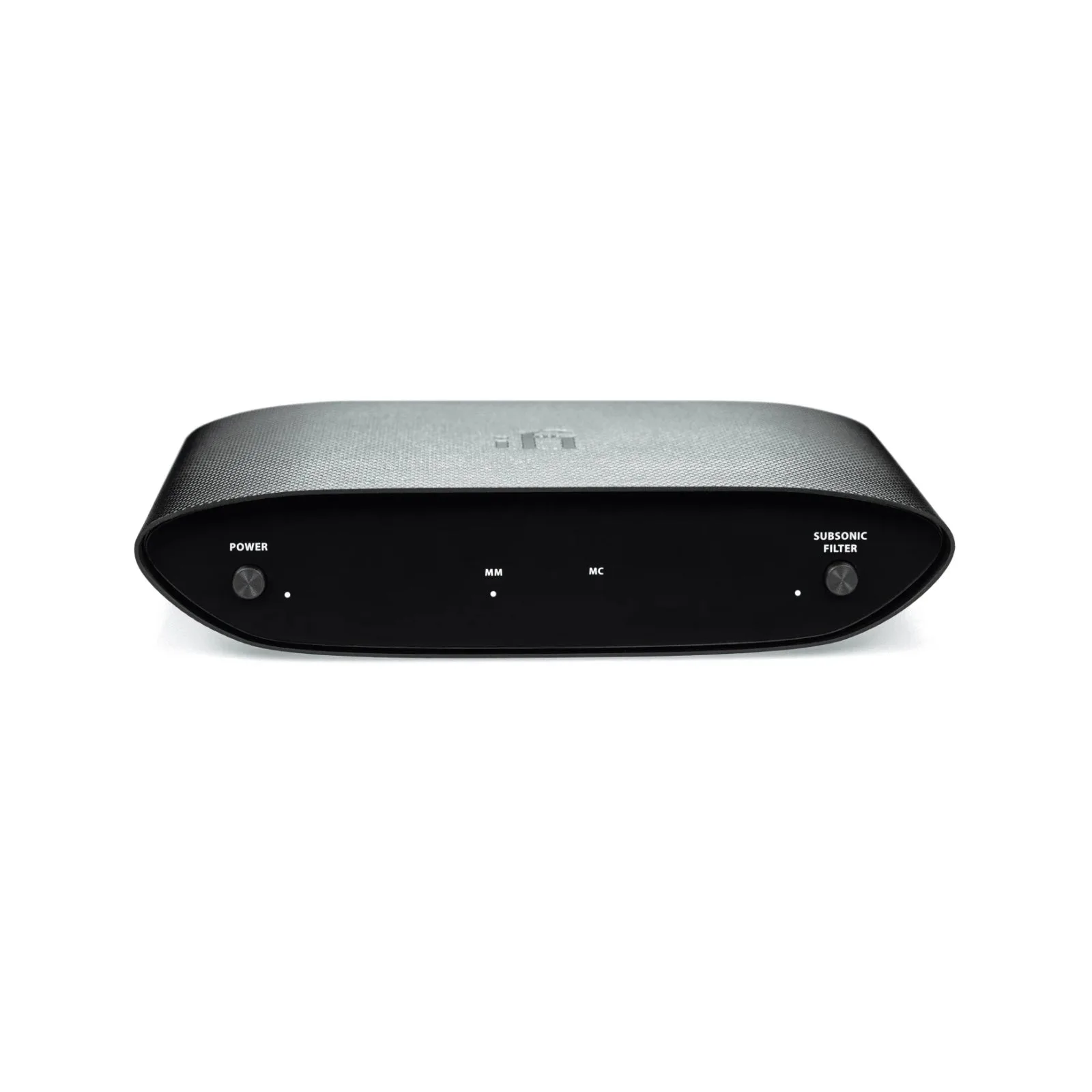
iFi Audio Zen Air Phono Desktop Turntable Record Player MM and MC Phono Stage
-
iFi Audio Zen DAC 3 Desktop USB Hi-Res Balanced Headphone Amp Pre Amplifier: The iFi Audio Zen DAC 3 supports high-resolution audio up to 768kHz, DSD512, and MQA decoding, and is a multi-award-winning desktop DAC/headphone amp. It handles both analog line-in from the phono stage and USB digital sources, giving you one headphone setup for turntable and streaming.
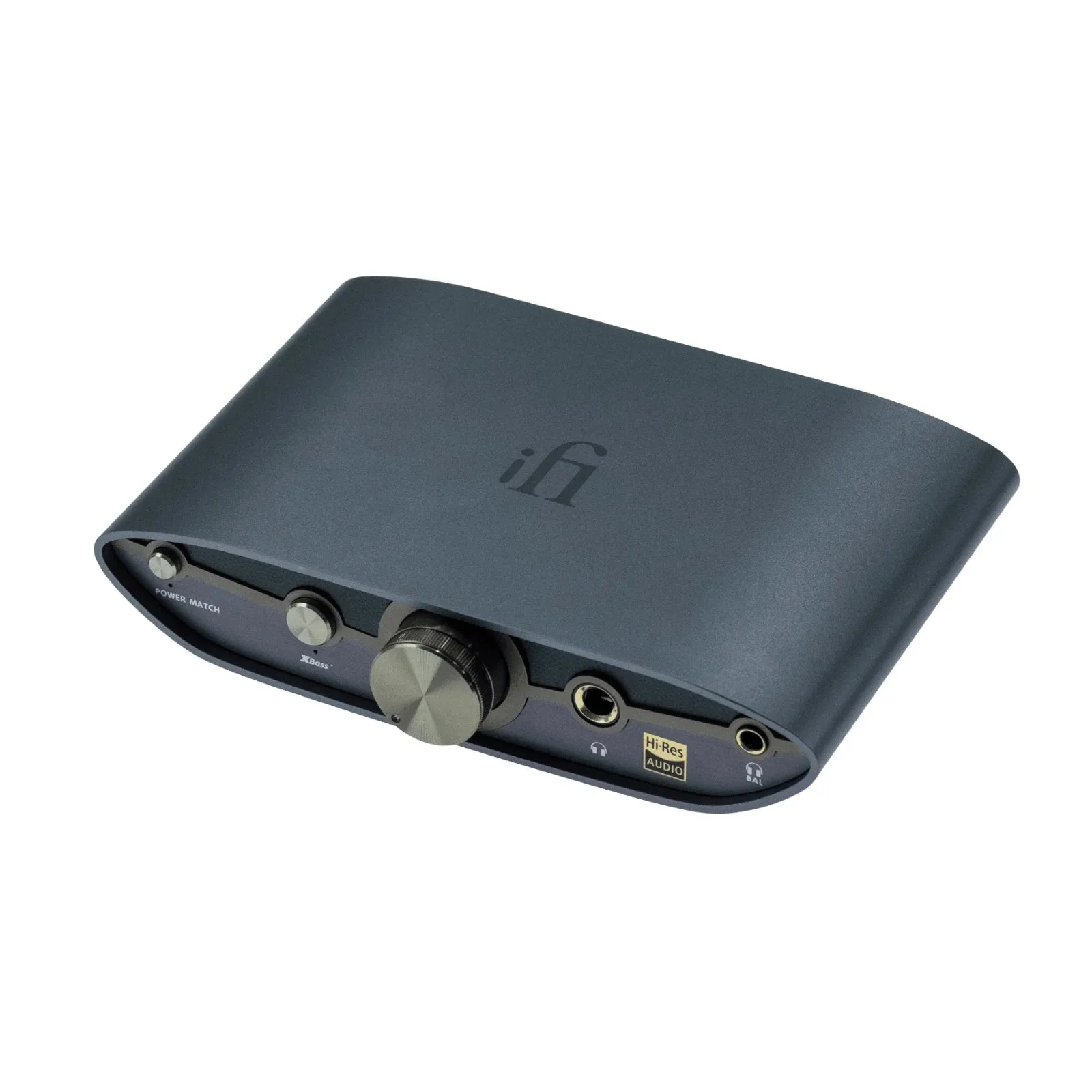
iFi Audio Zen DAC 3 Desktop USB Hi-Res Balanced Headphone Amp Pre Amplifier


