Quick answer
If your eufy Entry Sensor E20 stops working, start by checking the battery level in the eufy Security app, then inspect the sensor alignment and the bypass button position. Most issues are resolved without removing the sensor from the door.
Why sensors go offline unexpectedly
The Entry Sensor E20 uses a CR123A battery that can last up to five years, but extreme temperatures, frequent door openings, or a weak Wi-Fi signal from the HomeBase can cause intermittent offline periods. The sensor itself is robust, but the environment around it matters.
Another common cause is accidental activation of the bypass button on the sensor. This button temporarily deactivates the sensor so you can open the door without triggering an alarm. If pressed and left engaged, the sensor will appear offline or unresponsive.
When to re-pair vs. replace
Re-pairing the sensor with your HomeBase is a quick software reset that clears most connection glitches. You only need to replace the sensor if the battery compartment is damaged, the LED fails to light even with a fresh battery, or the sensor physically cracks.
The E20 supports both left and right-side installation, so if you recently moved it, double-check that the magnet and sensor are aligned within the recommended gap. Misalignment is a frequent cause of false 'not working' reports.
Diagnosis: Symptom, cause, and fix
- Symptom: Sensor shows as offline in the app: Open the eufy Security app, go to Devices, and tap the sensor. If the status says offline, the sensor may have lost connection to the HomeBase or the battery is critically low. If the app shows offline, proceed to the battery check before re-pairing.
- Likely cause: Low battery or bypass button engaged: Check the battery level in the app. If it shows 20% or less, replace the CR123A battery. If the battery is fine, inspect the sensor for a small button—press it once to disengage the bypass mode. The sensor LED should flash briefly. If the LED does not flash after pressing the bypass button, the battery may be dead. Replace it now.
- Corrective action: Re-pair the sensor: In the eufy Security app, remove the sensor from your system. Press and hold the sync button on the sensor (or the small button inside the battery compartment) until the LED blinks. Then follow the app prompts to add a new device. Place the sensor close to the HomeBase during pairing. If re-pairing fails after two attempts, the sensor may need a replacement. Contact eufy support.
Product details
-
eufy Entry Sensor E20: The eufy Entry Sensor E20 features a bypass button that temporarily deactivates the sensor so you can open the door without triggering an alarm, while other sensors remain active. If your sensor seems unresponsive, the bypass button may be engaged. Press it once to return the sensor to normal operation before troubleshooting further.
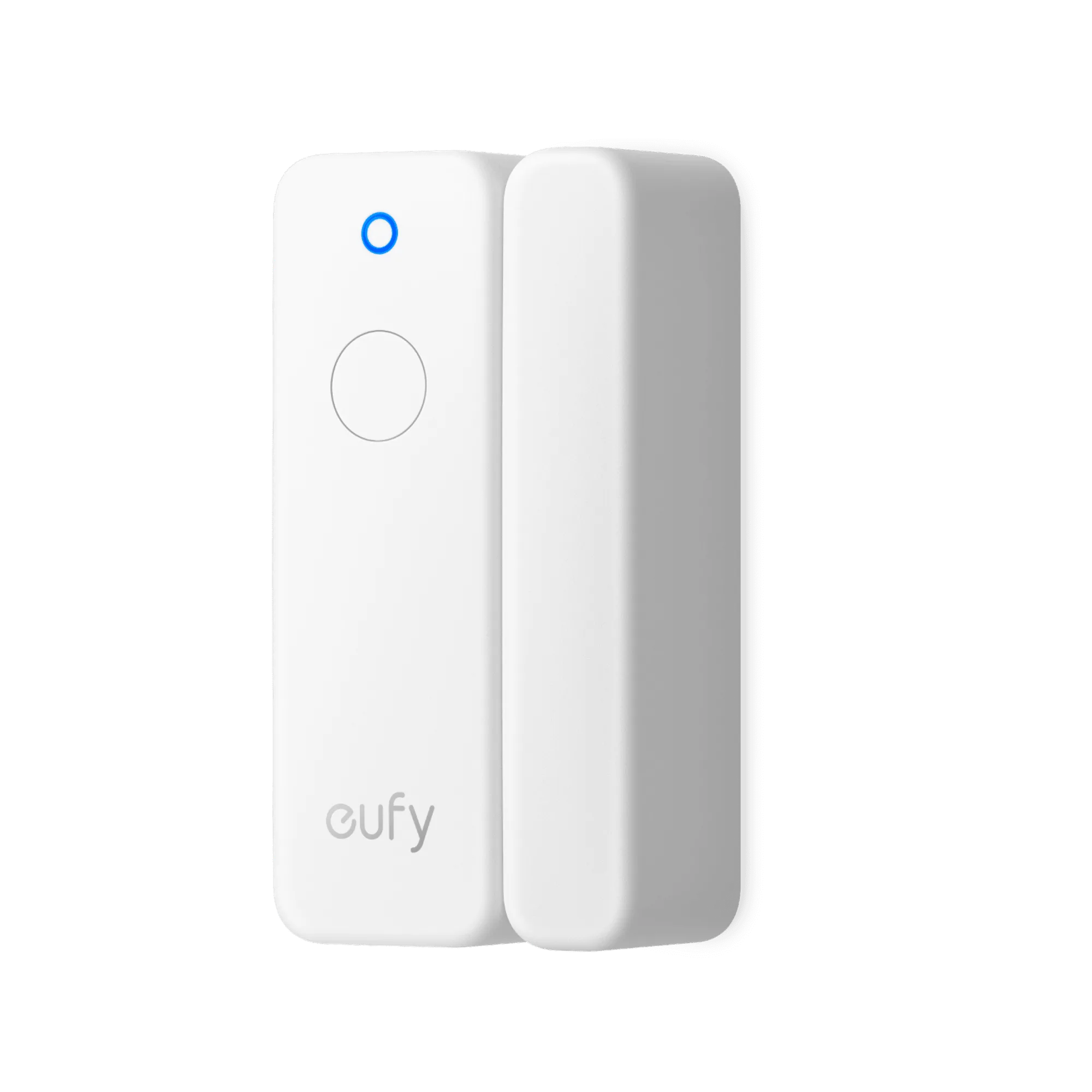
eufy Entry Sensor E20
-
eufy Entry Sensor E20: The sensor uses a CR123A battery with up to a 5-year lifespan, reducing maintenance frequency. A low battery is a primary cause of sensor offline issues. Check the app for battery status before assuming a hardware failure.