Quick Answer
You can fix harsh shadows in landscape photos by using side light editing in Photoshop, which selectively brightens shadow areas while preserving natural contrast.
Why Side Light Editing Works for Harsh Shadows
Harsh shadows often occur when the sun is low or directly overhead, creating deep, unnatural dark areas. Side light editing mimics the effect of light hitting the lens from outside the frame, adding a soft, faded haze that reduces shadow contrast without making the image look flat.
This technique is especially useful for landscape photos where you want to keep the scene's natural depth and drama while recovering detail in shadowed areas. Unlike global exposure adjustments, side light editing targets only the shadow regions, leaving highlights and midtones intact.
What to Watch Out For
Side light editing can introduce unwanted sun flares or color casts if overdone. The intensity of the effect is often subtle on the camera lens, so you need to apply it carefully in post-processing. Use a lens hood or block the sun when shooting to minimize flares, and in Photoshop, work with layers and masks to control the effect precisely.
How to Diagnose and Fix Harsh Shadows
- Symptom: Deep, unnatural dark areas in your landscape photo that lack detail and look disconnected from the rest of the scene.
- Likely Cause: The sun was at a harsh angle (e.g., midday or low side light) without enough fill, or the camera's dynamic range couldn't capture shadow detail.
- Corrective Action: In Photoshop, duplicate the background layer, apply a soft glow or side light effect using a curves adjustment with a mask, and paint over shadow areas to brighten them. Use a low opacity brush (20-30%) to build up the effect gradually. Check for unnatural halos or color shifts. If the effect looks artificial, reduce layer opacity or use a softer brush.
- Stop or Choose Another Option: If the shadows remain harsh after three passes, consider using a dedicated shadow recovery tool or re-shooting with a fill flash or reflector. Side light editing works best for subtle fixes, not complete shadow replacement.
Product That Helps
-
Photoshop Side Light Editing Tutorial: Max Rive's Photoshop Side Light Editing Tutorial teaches you to create an incredible side light effect that adds a faded haze to landscapes, visible when the sun is outside the frame but still hits the lens. This tutorial shows you exactly how to apply side light editing to fix harsh shadows, using techniques that avoid unwanted flares and keep the image natural.
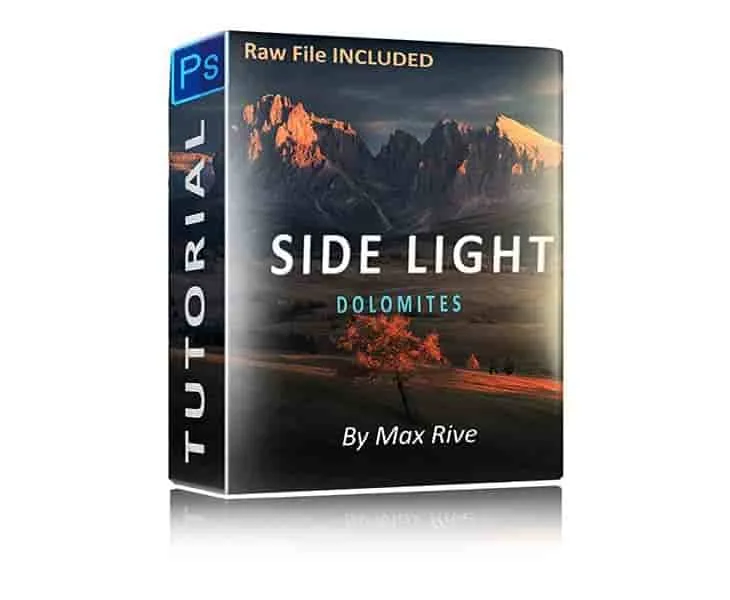
Photoshop Side Light Editing Tutorial


