Quick Answer
Most GALAGA Pocket Player Pro issues—blank screens, missing audio, or unresponsive buttons—are fixed with a simple reset or a careful check of the battery and volume controls. If the problem persists after these steps, contact My Arcade support for further help.
Before You Start: Check the Basics
Many problems with the GALAGA Pocket Player Pro have simple causes. Make sure the device is charged—a low battery can cause the screen to dim or the audio to cut out. Also, confirm the volume is turned up; the speaker is small, so it's easy to miss the sound if the volume is low.
When to Try a Reset vs. Contact Support
A reset clears temporary glitches that can cause screen freezes or unresponsive controls. If the device still doesn't respond after a reset, or if you see physical damage like a cracked screen, it's time to stop troubleshooting and reach out to My Arcade support. Trying to open the device yourself can void the warranty.
Diagnosis and Fixes for Common Issues
- Screen is blank or flickering: Likely cause: low battery or a temporary glitch. Corrective action: Connect the device to a charger and wait a few minutes. If the screen remains blank, perform a reset by holding down the power button for 10 seconds. If the screen still doesn't turn on, the device may need service. If a full charge and reset don't bring the screen back, stop and contact support.
- No sound or distorted audio: Likely cause: volume set too low or headphones plugged in. Corrective action: Press the volume up button repeatedly to ensure it's not muted. Check if headphones are inserted; if so, remove them. If you're using headphones and hear no sound, try a different pair. If the built-in speaker is silent but headphones work, the speaker may be faulty. If you've confirmed volume and headphone settings, and the speaker is still silent, contact support.
- Buttons not responding or stuck: Likely cause: debris or a temporary software freeze. Corrective action: Gently clean around the buttons with a dry, soft cloth. If buttons are still unresponsive, perform a reset by holding the power button for 10 seconds. If the issue persists, the button mechanism may be damaged. If cleaning and a reset don't restore button function, stop and seek support.
Product Facts
-
GALAGA Pocket Player Pro: The GALAGA Pocket Player Pro is a portable mini arcade that brings the timeless arcade classic GALAGA to your pocket. Its compact design means you can enjoy GALAGA anywhere, but also means the screen and speakers are small—so adjusting your expectations for display size and audio volume can help you trouble shoot perceived issues.
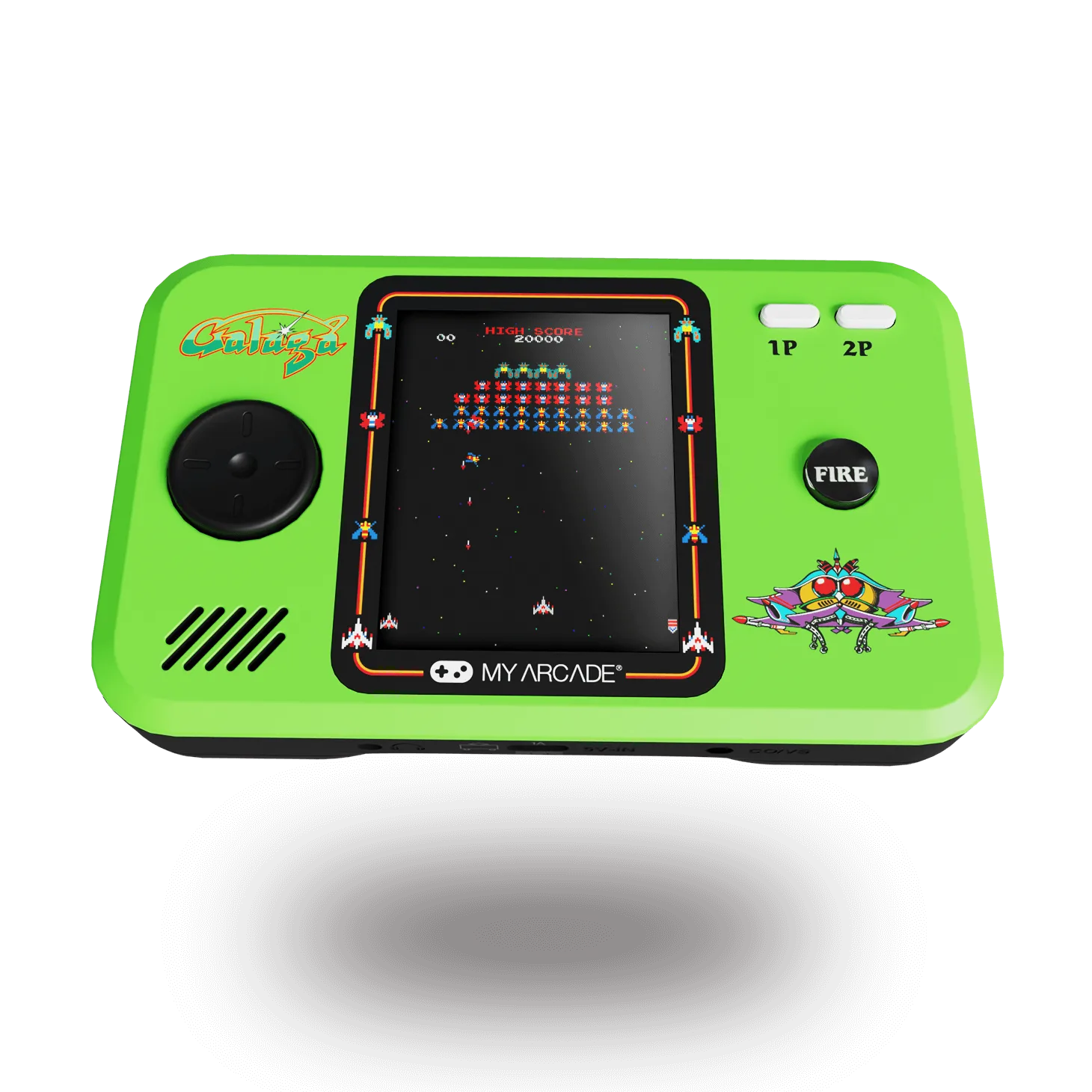
GALAGA Pocket Player Pro