Quick Answer
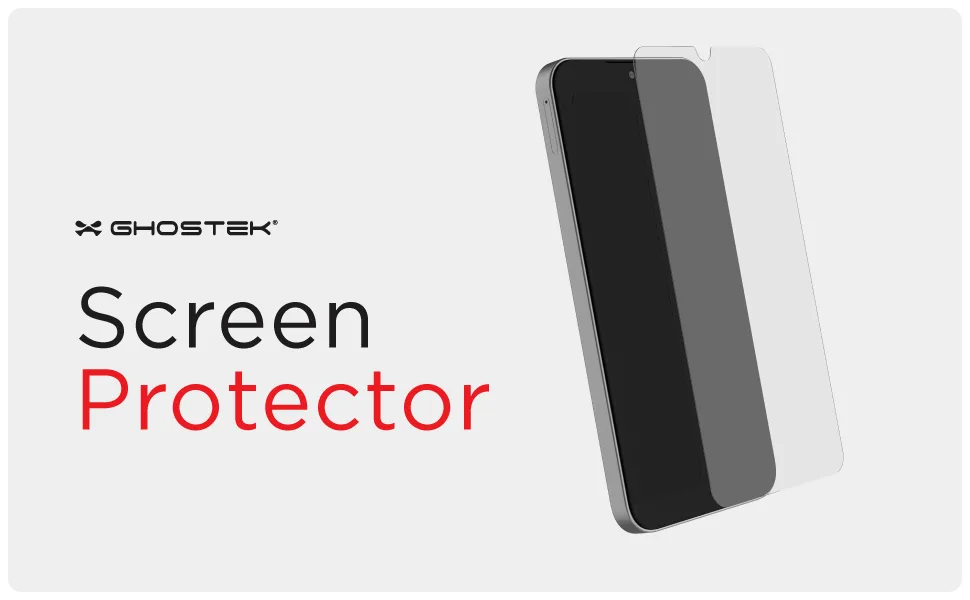
To apply a tempered glass screen protector on your Galaxy A35 without bubbles, clean the screen thoroughly, align the protector using the camera cutout and speaker grille as guides, and press from the center outward. Use the included GHOSTEK 2-pack for a spare in case of misalignment.
Why Alignment Matters More Than Speed
Tempered glass protectors are rigid, so once they touch the screen, you can't slide them into place. That's why alignment is the most important step. The Galaxy A35's screen has a small camera punch-hole at the top center and a speaker grille just above it. Using these as reference points helps you position the protector before it makes contact.
What If You Still Get Bubbles?
If a bubble appears, lift the nearest corner of the protector with a fingernail or a thin plastic card until the bubble is exposed, then re-press from the center outward. For stubborn dust specks, use the adhesive strip included in most kits to lift the dust off the screen before re-applying. The GHOSTEK 2-pack gives you a second protector if the first one becomes unusable.
Step-by-Step Installation
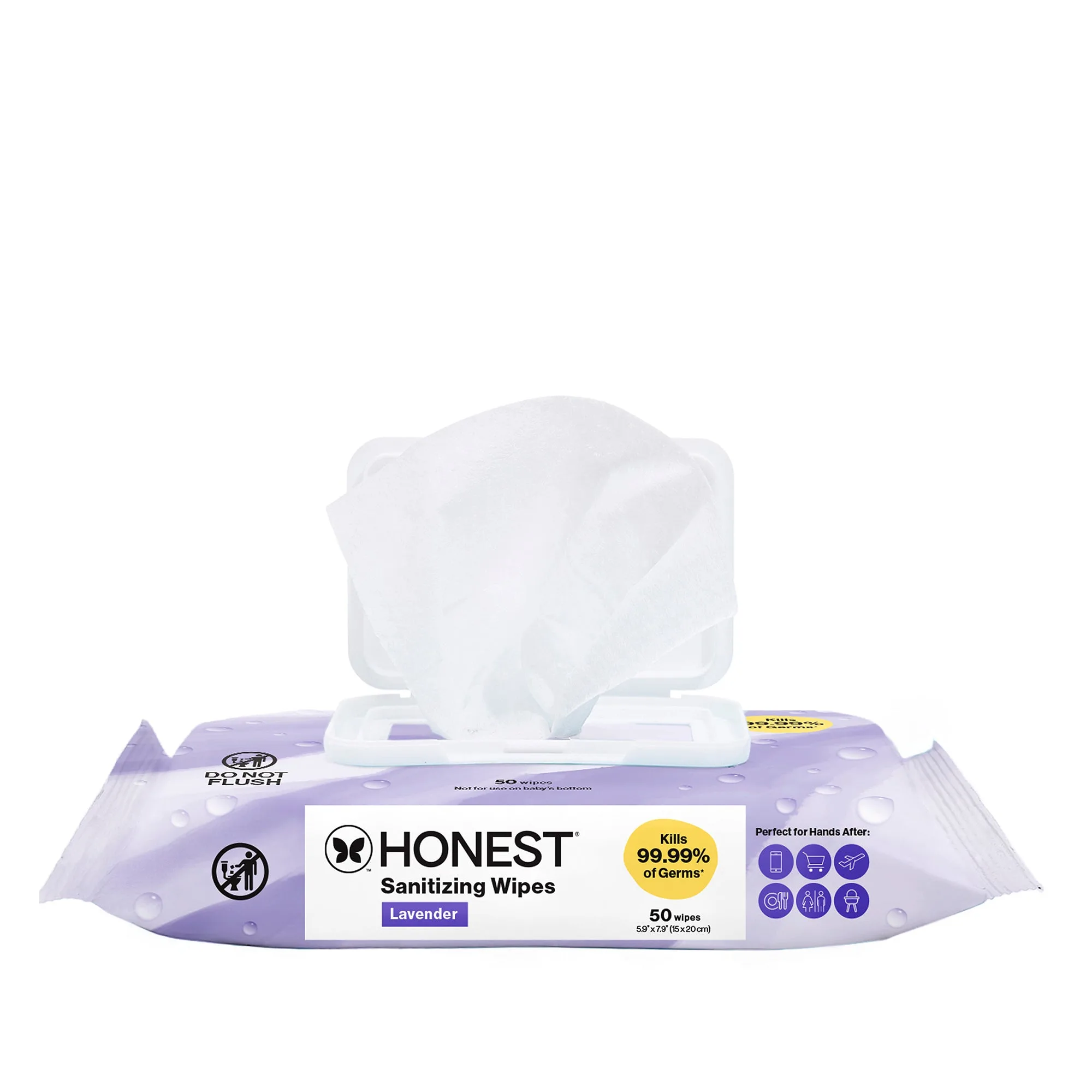
- Clean the screen: Wipe the screen with the included dry cloth to remove dust, then use the wet wipe to remove oils. Finish with the dry cloth again. Common mistake: skipping the wet wipe leaves oils that cause bubbles to form later. Check the screen at an angle under a bright light to spot any remaining dust or smudges.
- Peel the backing: Peel the protective film off the adhesive side of the tempered glass. Hold the protector by the edges to avoid fingerprints. Common mistake: touching the adhesive surface leaves oils that reduce adhesion.
- Align the protector: Position the protector above the screen, using the camera punch-hole and the speaker grille as guides. Lower it slowly from one side to the other. Common mistake: dropping it straight down can trap air. Before letting it touch, double-check that the cutouts line up with the camera and speaker.
- Press from the center: Use your thumb or a soft cloth to press firmly at the center of the screen, then push outward toward the edges. The adhesive will push air out naturally. Common mistake: pressing from the edges first can trap air in the center. If a bubble remains, lift the nearest corner and re-press.
- Smooth out small bubbles: For tiny bubbles near the edges, use a plastic card wrapped in a microfiber cloth to gently push them toward the edge. Common mistake: using a sharp object can scratch the glass or the protector. If bubbles persist after 24 hours, the protector may not be seated correctly; consider re-applying the spare.
- Check touch sensitivity: After installation, test the touchscreen by swiping and tapping. Tempered glass should not affect responsiveness. Common mistake: ignoring a raised edge that can cause touch issues or catch on cases. If the protector lifts at the edges, press it down firmly; if it still lifts, the screen may not be perfectly clean.
What to Use
-
Galaxy A35 Tempered Glass Screen Protectors (2-Pack) — Screen Protection: This 2-pack includes two tempered glass screen protectors designed for the Galaxy A35. Having a spare means you can redo the installation if the first attempt collects dust or misaligns.
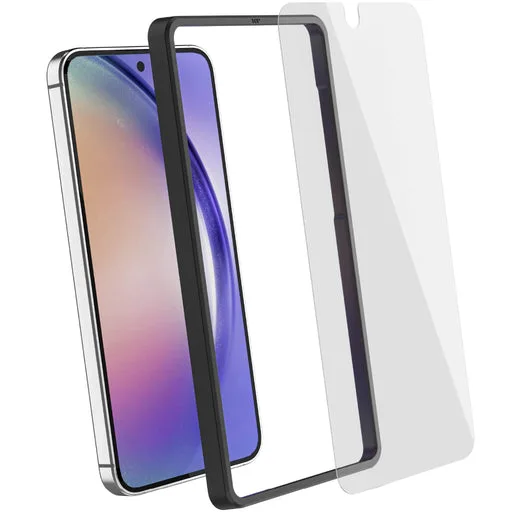
Galaxy A35 Tempered Glass Screen Protectors (2-Pack) — Screen Protection