Quick Answer
To set up your Logitech driving wheel and pedals, mount the wheel securely, connect the pedals and shifter, install the latest drivers, and calibrate each device in your sim racing software.
Why Proper Setup Matters for Sim Racing
A correctly set up wheel and pedal set makes the difference between a frustrating experience and an immersive one. Poor calibration can cause input lag, inconsistent braking, or missed shifts. Taking a few extra minutes during setup ensures your hardware performs as intended and lasts longer.
Step-by-Step Setup Process
- Mount the Wheel Base: Secure the wheel to a desk or sim rig using the built-in clamps or bolt holes. Make sure the base does not move during use. Tighten clamps firmly but avoid overtightening to prevent damage. A loose wheel base will cause inconsistent force feedback and can shift during hard corners.
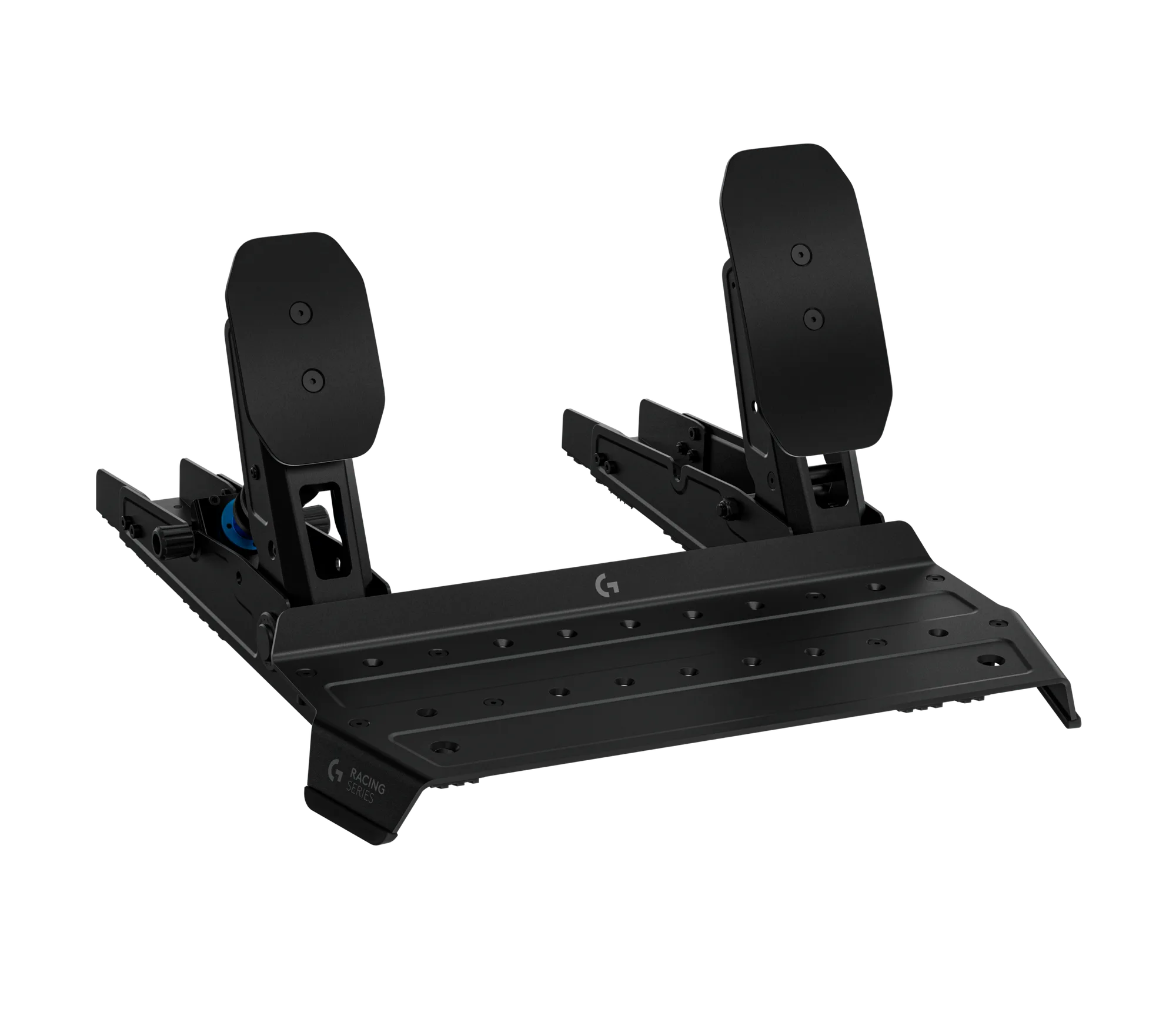
- Connect the Pedals: Plug the pedals into the wheel base using the provided cable. For RS Pedals (product ID 16770), ensure the cable is fully inserted and not pinched. Place the pedal set on a non-slip surface or mount it to a rig. If pedals slide during braking, your inputs will be unreliable. Use a mounting plate or rubber mat.
- Attach the Shifter: Connect the Logitech G Driving Force Shifter (product ID 16766) to the wheel base via the shifter port. Mount it on a stable surface within easy reach of your driving position. The shifter only works with G29 and G920 wheels. Do not force the shifter into a USB port; it must connect to the wheel base's dedicated port.
- Install Drivers and Software: Download the latest Logitech G HUB software from the official Logitech website. Run the installer and follow on-screen instructions. Restart your computer if prompted. Skipping driver updates can cause the wheel to be detected as a generic controller or not work at all.
- Calibrate the Wheel and Pedals in G HUB: Open Logitech G HUB and select your wheel. Use the calibration tool to center the wheel and set the rotation angle (typically 900 degrees for most sims). For pedals, press each pedal fully to set the endpoints. Adjust sensitivity curves if needed. If the wheel feels off-center or pedals register partial input, recalibrate in G HUB before adjusting in-game settings.
- Configure In-Game Settings: Launch your sim racing game (e.g., Assetto Corsa, iRacing, Forza). Go to the controller or wheel settings and select your Logitech wheel. Map steering, throttle, brake, clutch, and shifter buttons. Set force feedback strength to a comfortable level (start around 50-70%). Each game handles force feedback differently; start with low strength and increase gradually to avoid clipping or discomfort.
- Test and Fine-Tune: Drive a few laps on a familiar track. Check that the wheel centers properly, pedals respond linearly, and shifter gates are accurate. Adjust dead zones or sensitivity in G HUB if you notice any lag or missed inputs. If the shifter skips gears, check that the shifter is securely connected and not obstructed by cables or mounting brackets.
Products That Help with Your Setup
-
Logitech® G Driving Force™ Shifter for G29 and G920 - Black: The Logitech® G Driving Force™ Shifter is designed for use with the G29 and G920 driving wheels, offering a realistic and immersive gear-shifting experience. Adding the shifter gives you manual control over gears, which is essential for simulation games that require precise timing and clutch work.
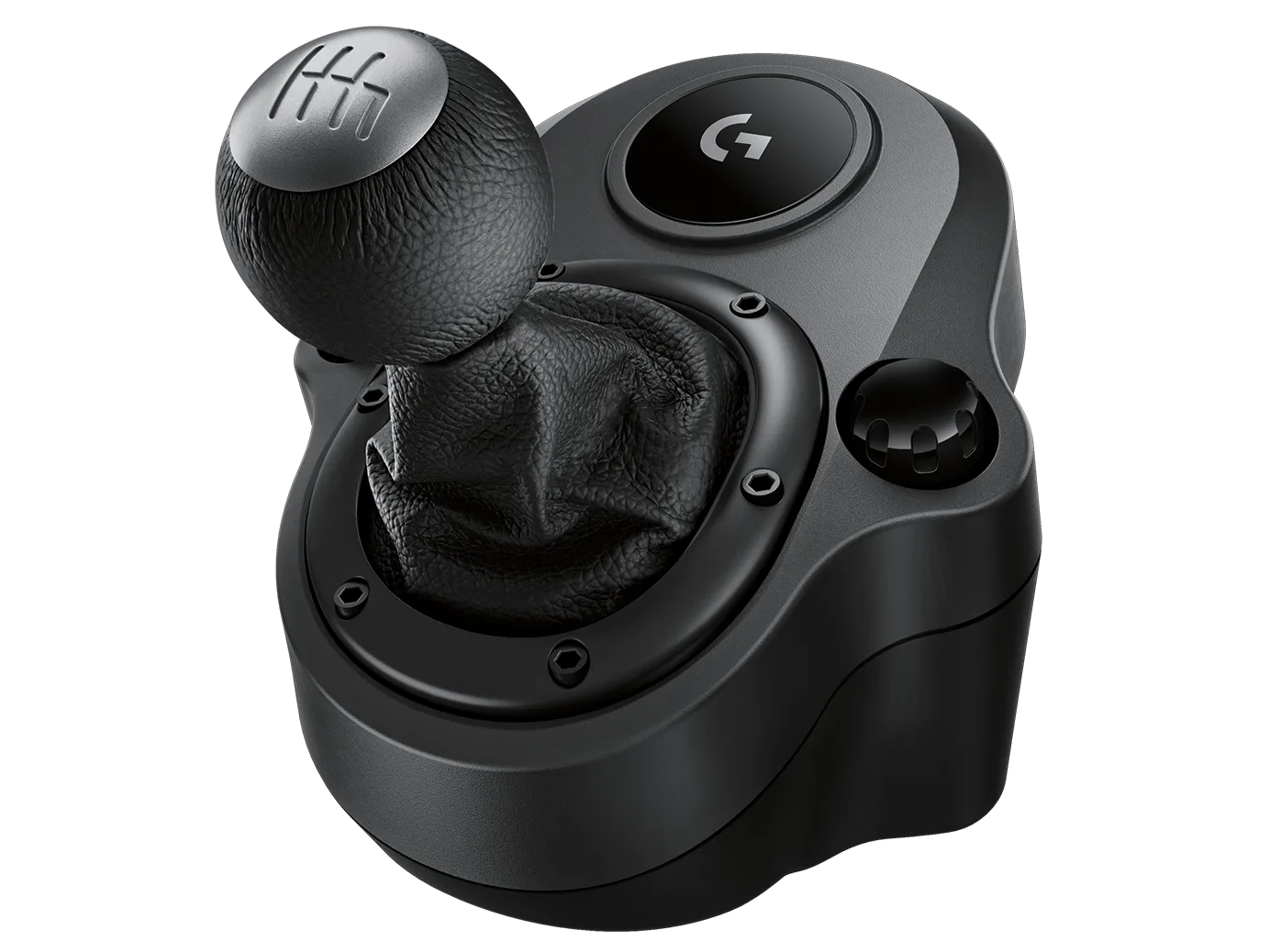
Logitech® G Driving Force™ Shifter for G29 and G920 - Black
-
RS Formula Wheel McLaren Racing Edition - Papaya/Black: The RS Formula Wheel McLaren Racing Edition in Papaya/Black is a driving accessory designed for enthusiasts, featuring a distinctive color scheme inspired by racing heritage. This wheel offers a different grip style and button layout compared to the standard Logitech wheel, making it a good option for Formula 1 or open-wheel sims.
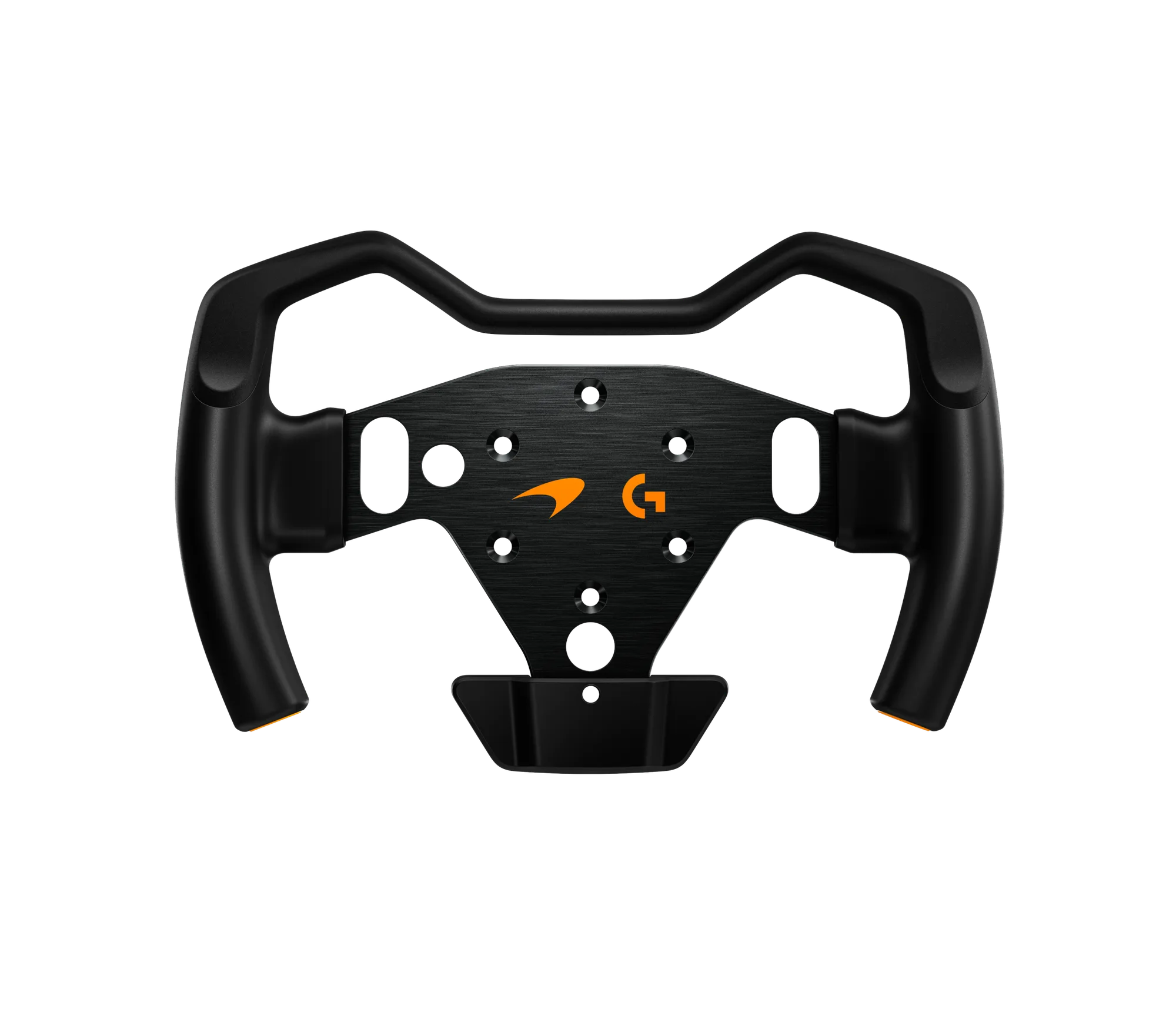
RS Formula Wheel McLaren Racing Edition - Papaya/Black
-
RS Pedals - Black: The RS Pedals in Black are designed for driving enthusiasts seeking reliable performance, with a solid build and a sleek black finish. Sturdy pedals with a consistent feel help you brake more accurately and modulate throttle inputs, which is critical for lap times.