Quick answer
Most vibrators that won't turn on have a charging problem, not a dead motor. Start by confirming the cable matches your device's connector, charge for a full cycle, then test. If it still doesn't respond, the issue is likely the battery or internal wiring, and you should stop and contact support rather than forcing it.
Check the charger connection first
Before assuming the worst, verify that your charging cable is the correct type for your vibrator. Magnetic connectors, Type-C, and DC barrel plugs are not interchangeable. A cable that fits physically may still not deliver the right charge if the pin alignment or voltage differs. Try a different USB power source (like a wall adapter instead of a laptop port) and inspect both the cable end and the charging port on the toy for lint, corrosion, or bent pins. If the port looks damaged, do not keep plugging it in.
Rule out battery and power-button issues
If the device charges but still won't turn on, the problem may be the battery or the control button. Many vibrators have a travel lock or a long-press power sequence. Check your manual for the exact press duration. If the button feels stuck or unresponsive, that's a hardware fault. Also, a battery that has been fully drained for months may not accept a charge at all. In that case, the vibrator needs replacement, not repair.
Decide when to stop troubleshooting
If you've tried a known-good cable, a different power source, and the correct power-on sequence, and the vibrator still shows no sign of life, stop. Continuing to charge a faulty device can be a safety risk. At this point, check your warranty or contact the retailer. Do not open the casing unless the manufacturer explicitly allows it. For waterproof toys, any breach of the seal ruins water resistance.
Diagnosis by symptom
- No light, no vibration when charging: The cable may be incompatible or the charging port may be damaged. Try a different cable that matches your model's connector type, and inspect the port for debris. If a known-good cable and power source produce no charging light, the fault is likely internal.
- Charges but won't turn on: The power button may require a long press, or the battery may be deeply discharged. Check your manual for the correct power-on sequence and charge for a full cycle. If it still won't power on after a full charge, the battery or switch has failed.
- Turns on briefly then dies: This usually points to a battery that no longer holds a charge or a loose internal connection. Stop using it and contact support. Do not continue charging a device that shuts off immediately; it may be a safety hazard.
Compatible charging cables
- Charger USB Cable: Mag-Connect (SKU CH-07-01) is suitable for Scioness and Crave; MagLink (SKU CH-22-01) is suitable for Lili, Joi Thrust 2, and Sky3; PowerDC (SKU CH-22-02) is suitable for Gale4; DC-Charge (SKU CH-07-02) is suitable for Roxy5; Mag-Cable (SKU CH-20-01) is suitable for KAI. Using the wrong cable is a common reason a vibrator won't charge. Match the SKU to your model before assuming the toy is dead.
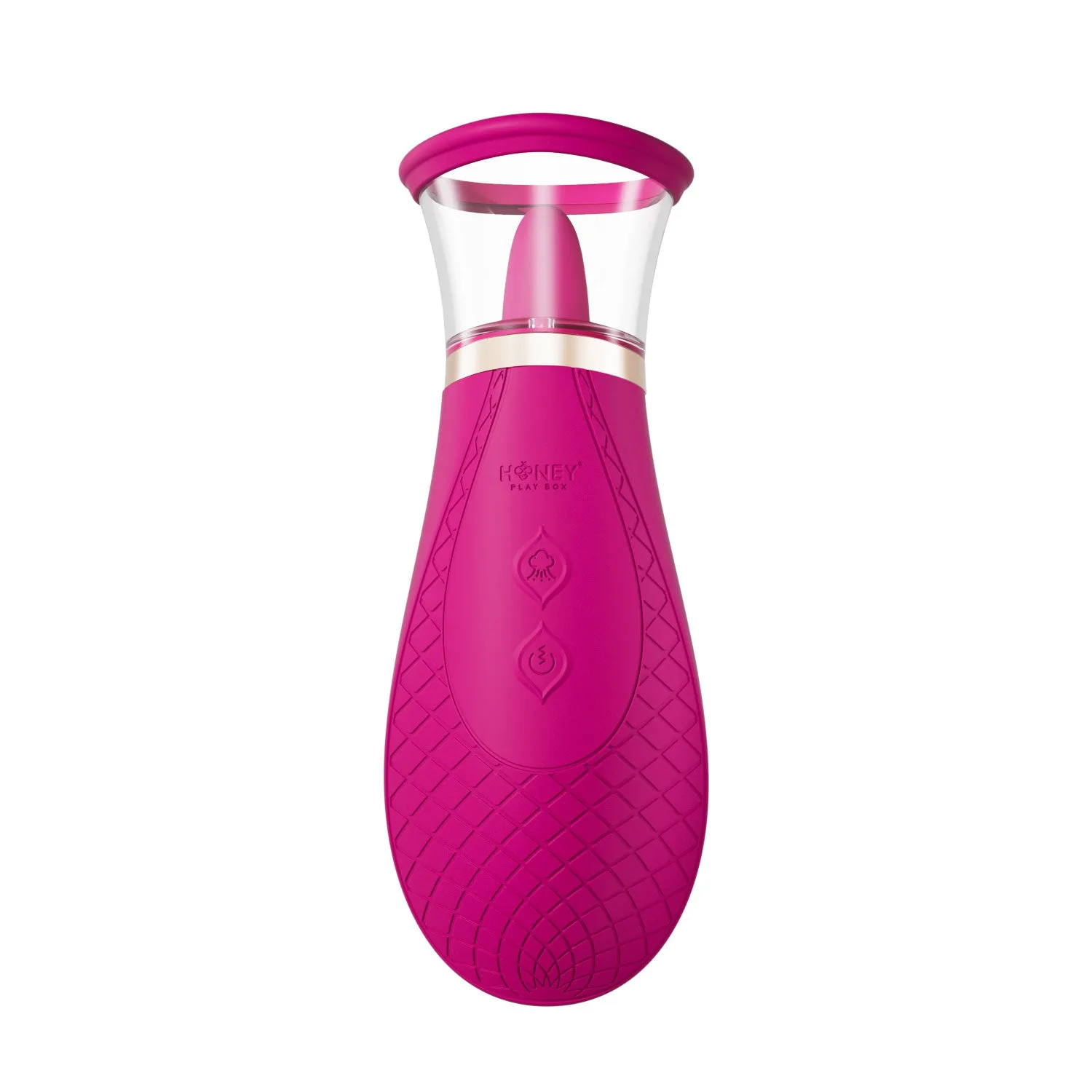
Scioness
- Charger Type-C Cable(CH-23-01): Type-C (SKU CH-23-01) is suitable for BLANCHE. The cable is made from durable materials and should be disconnected properly after use and stored in mild, dry conditions with good coiling. Proper storage prevents cable damage that can mimic a dead vibrator. If your Type-C cable is frayed, replace it before troubleshooting the toy.